Our Verdict
Razer Seiren V3 Mini Wins
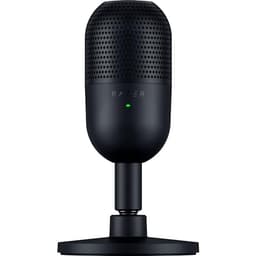
At $39.99, it offers a superior plug-and-play USB connection, integrated tap-to-mute with LED, and a built-in shock absorber, simplifying setup for streamers and remote workers. The Movo PC-M6, priced at $39.95, while delivering 48kHz/16-bit audio, necessitates an external XLR audio interface and phantom power, increasing setup complexity and overall cost. The Movo is the better pick for users who already possess an XLR interface and prioritize a traditional, expandable audio setup, willing to invest in additional equipment for future flexibility.
Bottom Line: Razer Seiren V3 Mini is the better choice. At $39.
In-Depth Analysis
How they compare in practice
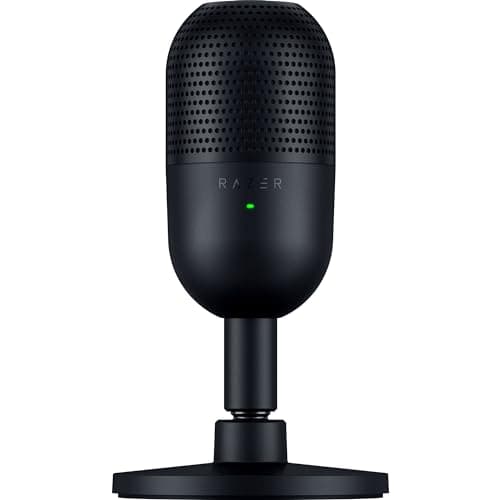
The Movo PC-M6 and Razer Seiren V3 Mini, both priced around $40, offer distinct approaches to budget-friendly audio capture. The most significant differentiator lies in their connectivity. The Razer Seiren V3 Mini champions simplicity with its plug-and-play USB connection. This makes it an ideal choice for users seeking instant setup on PC without needing additional hardware, effectively transforming any computer into a basic audio workstation. Its integrated tap-to-mute sensor with an LED indicator is a highly practical feature for live applications, preventing accidental audio broadcasts. The Razer also benefits from a built-in shock absorber, streamlining its compact design.
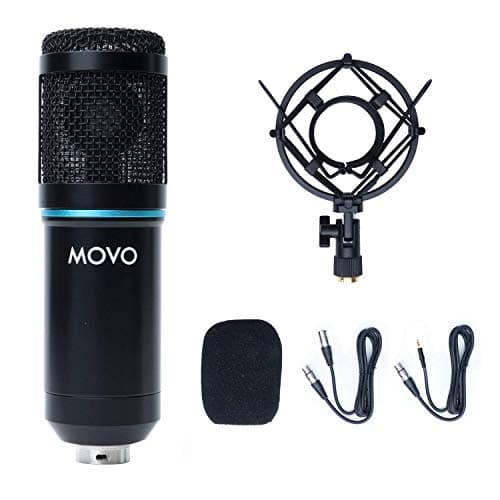
In contrast, the Movo PC-M6 adopts a more traditional, semi-professional route with its XLR connection. While it records excellent 48kHz/16-bit audio and boasts a 20Hz-20kHz frequency range, its requirement for an external audio interface and phantom power introduces an additional cost and setup complexity. This trade-off means the Movo is not a standalone solution, but rather a component of a larger audio system. For those already invested in or planning to build an XLR-based setup, the Movo offers a solid condenser microphone body for its price, complete with a separate shock mount and windscreen.
Both microphones feature a cardioid polar pattern, designed to pick up sound primarily from the front. The Razer's overall design is optimized for clear voice capture, making it quite effective at reducing incidental desk noise and focusing on the speaker, though its gain control is software-only via Razer Synapse. The Movo PC-M6, with its consistent 48kHz sample rate and 16-bit depth, provides reliable directional pickup, and its included accessories further enhance recording quality by minimizing handling noise and plosives. The choice between them often comes down to the user's existing setup and willingness to invest in additional gear.
Ultimately, the Razer provides an all-in-one, highly convenient solution for casual users or streamers on a budget who prioritize ease of use and focused voice capture. Its ultra-compact form factor further streamlines its appeal. The Movo, while requiring more initial investment in auxiliary equipment, offers a gateway into the more robust and flexible world of XLR audio, potentially appealing to aspiring podcasters or musicians who anticipate upgrading their setup over time and want a reliable microphone component. The choice hinges on whether immediate, effortless functionality or future expandability with traditional audio gear is the higher priority.
Which to Pick for Your Situation
Concrete scenarios with a clear recommendation
For hassle-free online meetings/gaming
RazerIts USB plug-and-play setup and tap-to-mute button make it incredibly convenient for quick communication without complex configurations.
For aspiring podcasters on a tight budget
MovoThe XLR connection allows for integration with professional audio interfaces, offering better long-term flexibility and control over sound quality as they upgrade their setup.
For content creators who need a compact, integrated solution
RazerThe Razer Seiren V3 Mini's ultra-compact USB design with a built-in shock absorber and tap-to-mute button reduces clutter and simplifies operation.
For users building an expandable audio system
MovoThe Movo PC-M6's XLR connection is standard for professional audio gear, allowing for seamless integration into larger, scalable setups with dedicated interfaces.
Who Should Buy Which?
Find the right product for your needs

Buy Movo if...
Movo PC-M6 Universal Cardioid
The ideal buyer for the Movo PC-M6 is an individual embarking on a journey into more professional audio production, such as an aspiring podcaster, musician recording vocals, or content creator who values sound fidelity and future system expandability. This user either already owns an XLR audio interface with phantom power, or is committed to purchasing one, understanding that the Movo PC-M6 is a component of a larger, more robust audio setup. They prioritize the granular control and superior signal integrity that an XLR connection_type offers, seeing it as a long-term investment rather than a quick fix. The Movo’s ability to record 48kHz sample_rate_khz and 16-bit_depth audio across a wide 20Hz-20kHz frequency_response_hz is paramount for them, ensuring rich, detailed sound capture. They appreciate the included physical accessories like a shock mount and pop filter, which are essential for minimizing unwanted noise and improving recording clarity. This buyer doesn't mind the added complexity of an external interface, viewing it as a gateway to higher-quality production and a more versatile setup. They are consciously choosing to forego the immediate, integrated convenience of a USB microphone for the traditional flexibility and potential for professional-grade results that an XLR system provides.

Buy Razer if...
Razer Seiren V3 Mini
This microphone is perfectly suited for the casual gamer, streamer, remote worker, or student who needs a reliable, no-fuss audio solution. Their primary concerns are ease of use, compact size, and effective voice capture without breaking the bank or dealing with complex setups. They value the instant gratification of a plug-and-play USB connection_type that requires no additional hardware or drivers. The Razer Seiren V3 Mini's cardioid polar_pattern, combined with its condenser element, is effective for isolating the voice, making it suitable for clear communication in typical home environments. The integrated tap-to-mute sensor with its LED indicator is a game-changer for quick privacy control during calls or streams, preventing embarrassing audio mishaps. They appreciate the ultra-compact design that fits seamlessly into any desk setup without adding clutter, and the built-in shock absorber, which protects against minor bumps and vibrations. This user prefers convenience and functionality right out of the box, even if it means relying on software like Razer Synapse for advanced adjustments. They are willing to sacrifice the advanced customization and expandability of an XLR setup for unparalleled simplicity and focused performance.
Spec Comparison
9 specs compared
| Specification |  |  |
|---|---|---|
| Price | $40 | $40 |
| Rating | 4.0(112) | 4.6(904) |
| Sample Rate | 48 kHz | 48 kHz |
| Bit Depth | 16 | — |
| Connection | XLR | USB |
| Polar Pattern | Cardioid | Cardioid |
| Model Number | PC-M6 | RZ19-05050100-R3U1 |
| Freq. Response | 20Hz - 20kHz | — |
| Mute Button | — | Yes |
| Gain Control | — | Yes |
| Software | — | Razer Synapse |
Swipe horizontally to see all columns
Pros & Cons
Quick overview of strengths and weaknesses
Movo PC-M6 Universal
- Records 48kHz/16-bit audio.
- 20Hz-20kHz frequency range.
- Cardioid polar pattern.
- Includes shock mount.
- Requires external audio interface.
- Needs phantom power.
- Lacks direct USB computer connection.
Razer Seiren V3
- Condenser mic captures clear, detailed voice.
- Supercardioid pattern reduces background room noise.
- Tap-to-mute with LED prevents audio mishaps easily.
- Plug-and-play USB setup requires no drivers.
- Requires Razer Synapse for full audio adjustments.
- No physical gain control knob on the device.
- USB connection type offers limited interface options.
Frequently Asked Questions
Common questions about this comparison
Does the Movo PC-M6 work directly with a computer?
No, the Movo PC-M6 uses an XLR connection, requiring an external audio interface with phantom power to connect to a computer. It lacks a direct USB connection.
What is the main benefit of the Razer Seiren V3 Mini's Cardioid pattern?
The cardioid pattern primarily picks up sound from the front, helping to isolate the speaker's voice and reduce some ambient background noise, making it suitable for focused vocal recording.
Can I control the gain on the Razer Seiren V3 Mini?
Yes, gain control is available through the Razer Synapse software suite. However, there is no physical gain control knob directly on the microphone device itself.
What is the audio quality of the Movo PC-M6?
The Movo PC-M6 records high-quality 48kHz/16-bit audio with a broad frequency response of 20Hz-20kHz. This ensures clear and detailed sound capture suitable for various applications.
Which microphone is better for beginners?
The Razer Seiren V3 Mini is generally better for beginners due to its plug-and-play USB connection and integrated features like tap-to-mute, simplifying setup and operation without additional hardware.
Related Comparisons
Similar products people compare
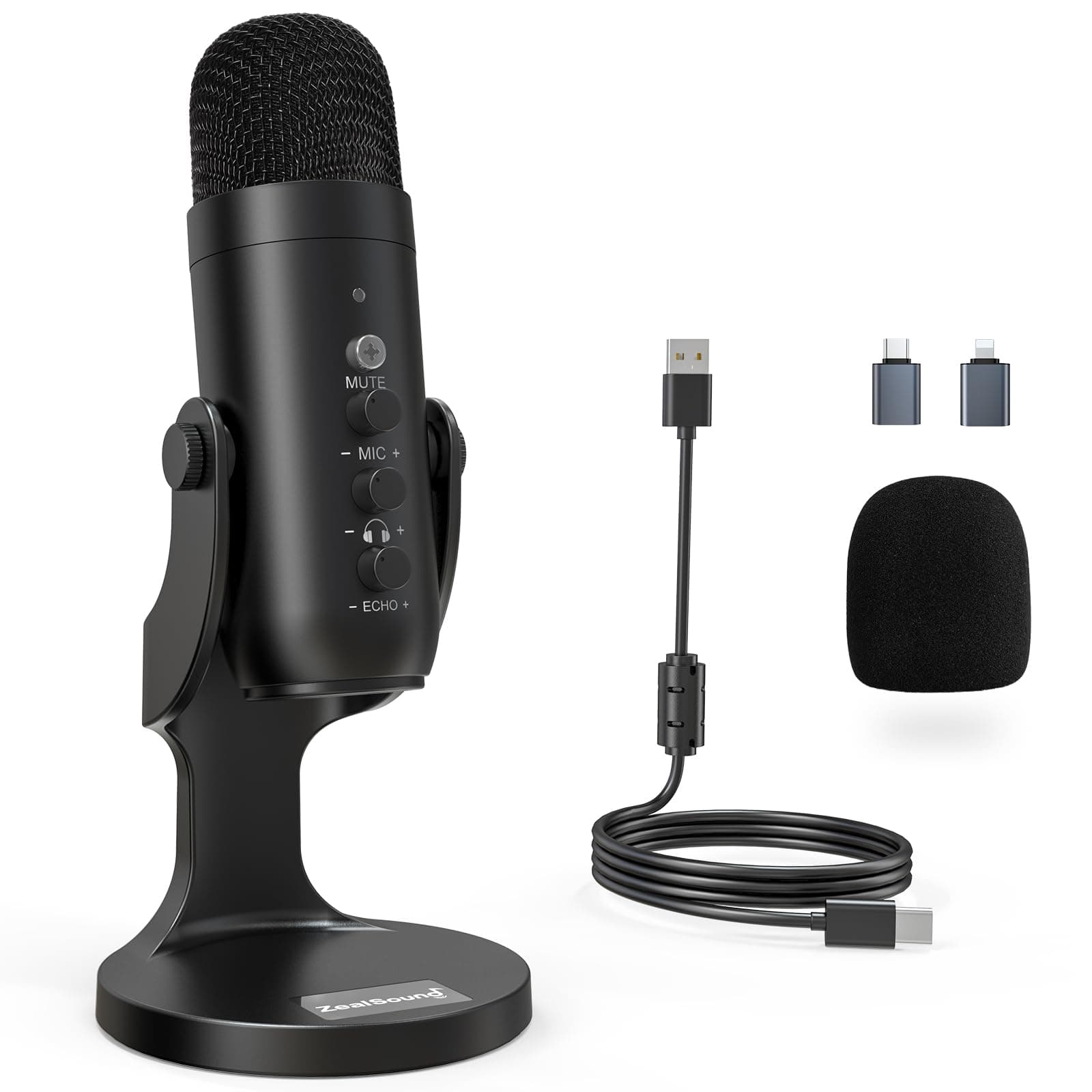
Movo vs ZealSound
$40 vs $35
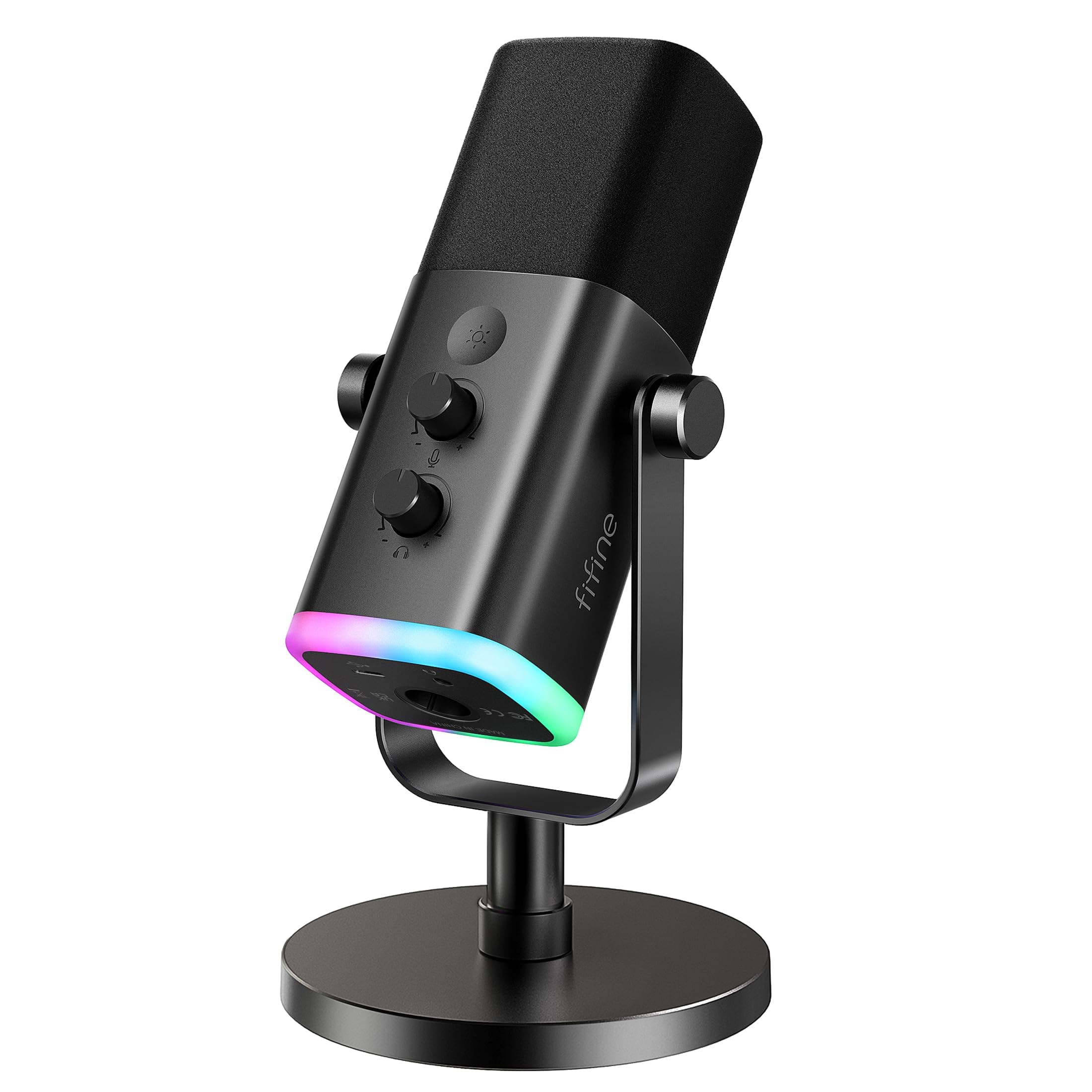
FIFINE vs Movo
$57 vs $40
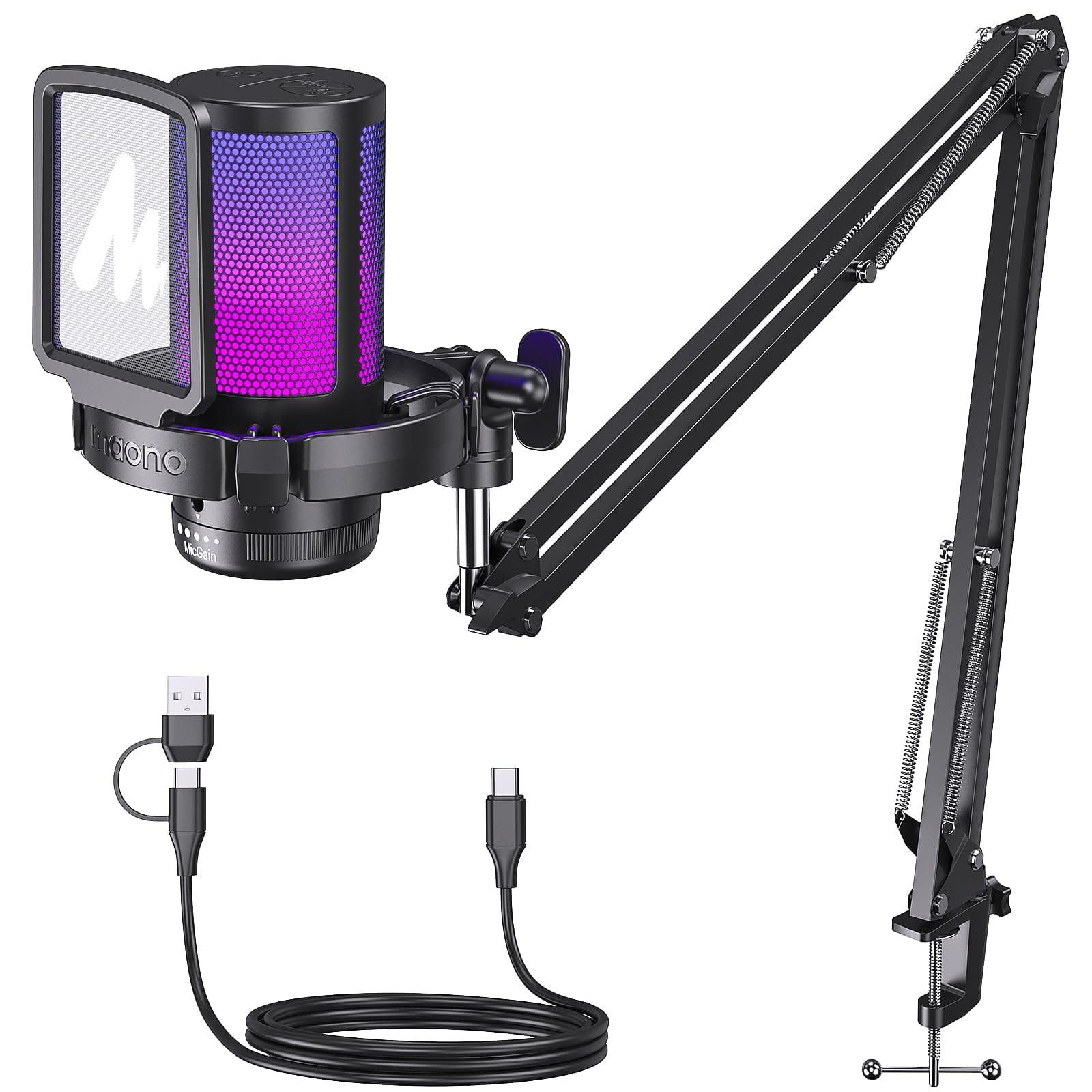
MAONO vs Movo
$42 vs $40
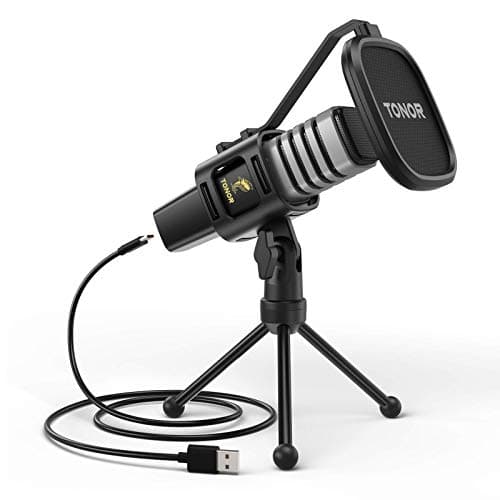
Movo vs TONOR
$40 vs $32
Amazon Basics vs Movo
$25 vs $40
FIFINE vs Movo
$30 vs $40
FIFINE vs Movo
$58 vs $40
FIFINE vs Movo
$26 vs $40
Movo vs MAONO
$40 vs $46
MAONO vs Razer
$42 vs $40
Razer vs TONOR
$40 vs $32
FIFINE vs Razer
$57 vs $40
FIFINE vs Razer
$26 vs $40
FIFINE vs Razer
$58 vs $40
AKG vs Movo
$40 vs $40
Explore Other Categories
Popular comparisons across the site


Ask AI
Get instant answers about specs
Get the Deets
Ask our AI assistant
Ask Deets anything!