Our Verdict
TONOR TC30 Wins
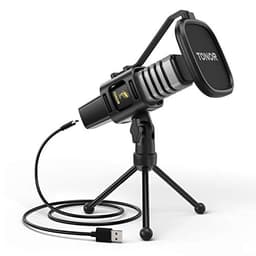
The TONOR TC30, priced at $31.99, is the clear winner for most users due to its convenient USB plug-and-play connectivity, eliminating the need for an external audio interface. It provides solid 48kHz cardioid audio and includes a tripod stand for immediate use, offering superior value and ease of setup compared to the Movo. The Movo PC-M6, with its XLR connection and 16-bit depth, is the better pick for users who already own an audio interface and phantom power, seeking professional flexibility and a slight edge in audio fidelity potential at its $39.95 price point.
Bottom Line: TONOR TC30 is the better choice. The TONOR TC30, priced at $31.
In-Depth Analysis
How they compare in practice
The fundamental distinction between the Movo PC-M6 and the TONOR TC30 lies in their connection types, which profoundly impacts their real-world usability and target audience. The TONOR TC30 offers a direct USB 2.0 plug-and-play experience, making it incredibly accessible for beginners or anyone prioritizing simplicity with Windows, macOS, or Linux. In contrast, the Movo PC-M6 utilizes an XLR connection, necessitating an external audio interface and phantom power, adding to the initial investment and setup complexity, though providing greater professional flexibility.
From an audio specification standpoint, both microphones deliver a 48kHz sample rate and employ a cardioid polar pattern, effectively minimizing off-axis background noise for clear voice capture. However, the Movo PC-M6 explicitly states a 16-bit depth and a broad 20Hz-20kHz frequency response, offering transparent details about its audio fidelity. While the TONOR TC30 captures clear 48kHz audio, its specifications are less detailed regarding bit depth or the full frequency range, suggesting a design focus on user convenience over granular technical transparency.
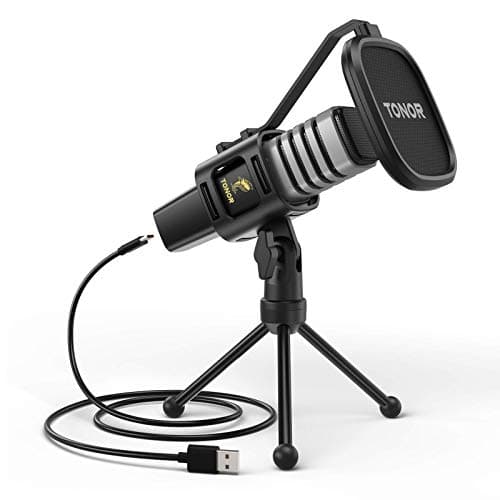
The value proposition also diverges significantly. The TONOR TC30, at $31.99, is not only more affordable but also comes equipped with essential accessories like a tripod stand, pop filter, and a concealed shock mount, providing an all-in-one solution for immediate use. The Movo PC-M6, at $39.95, includes a shock mount and windscreen, but its XLR nature means buyers must budget for an audio interface. This makes the TONOR a compelling choice for casual users, entry-level streamers, or remote workers who need an effective microphone without additional hardware hassle or cost.
Ultimately, the TONOR TC30 shines for users who desire immediate, hassle-free functionality and a complete package for basic recording needs. The Movo PC-M6, conversely, caters to more audio-conscious individuals or those already invested in an audio interface ecosystem, who value the upgrade potential and robust signal integrity that an XLR connection offers for more serious content creation or music recording.
Which to Pick for Your Situation
Concrete scenarios with a clear recommendation
For a new streamer or gamer on a budget
TONORThe TONOR TC30 offers USB plug-and-play convenience at $31.99, including a tripod stand, eliminating the need for extra purchases like an audio interface.
For aspiring podcasters with existing audio equipment
MovoThe Movo PC-M6's XLR connection and 16-bit depth integrate seamlessly with an existing audio interface, offering professional flexibility and potential for higher fidelity.
For remote work and online meetings
TONORThe TONOR TC30's simple USB connection ensures immediate setup and clear 48kHz cardioid audio, perfect for voice clarity without complex drivers.
For recording music demos
MovoThe Movo PC-M6, with its XLR connection and explicit 20Hz-20kHz frequency response, offers better compatibility with studio-grade interfaces for detailed instrument and vocal capture.
Who Should Buy Which?
Find the right product for your needs

Buy Movo if...
Movo PC-M6 Universal Cardioid
The Movo PC-M6 is ideal for the aspiring audio enthusiast, podcaster, or musician who is serious about sound quality and values professional-grade flexibility. This buyer likely already owns, or plans to invest in, an external audio interface that provides phantom power. They understand that while the microphone itself is affordably priced at $39.95, the additional hardware unlocks greater control over their audio and offers a more robust, low-noise signal path through its XLR connection. They prioritize the explicit 16-bit depth and a wide 20Hz-20kHz frequency response, which ensures a detailed and accurate sound capture for music demos, voice-overs, or professional streaming. This user is not deterred by a slightly more involved setup process, viewing it as an investment in a versatile, expandable audio ecosystem. They are willing to sacrifice the immediate plug-and-play convenience of a USB mic for the long-term benefits of an XLR setup and the potential for higher fidelity preamps.

Buy TONOR if...
TONOR USB Microphone for
The TONOR TC30 is the perfect fit for the casual user, remote worker, or entry-level content creator who prioritizes ease of use, affordability, and immediate functionality. This buyer wants a reliable microphone without any complex setup or additional purchases. They are looking for a simple, plug-and-play solution that connects directly to their Windows, macOS, or Linux computer via USB 2.0. At a budget-friendly price of $31.99, the TONOR TC30's appeal is amplified by the inclusion of a tripod stand, pop filter, and shock mount, providing a complete recording package right out of the box. They need clear, focused audio for online meetings, gaming communication, or starting a podcast, and the 48kHz sample rate and cardioid polar pattern efficiently serve these needs. This user is happy to forego the advanced flexibility of an XLR setup for the sheer convenience and value the TONOR TC30 offers, making it a hassle-free upgrade from a built-in laptop microphone.
Spec Comparison
7 specs compared
| Specification | 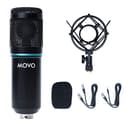 |  |
|---|---|---|
| Price | $40 | $32 |
| Rating | 4.0(112) | 4.5(22.4k) |
| Sample Rate | 48 kHz | 48 kHz |
| Bit Depth | 16 | — |
| Connection | XLR | USB |
| Polar Pattern | Cardioid | Cardioid |
| Model Number | PC-M6 | TC30 |
| Freq. Response | 20Hz - 20kHz | — |
| Software | — | None |
Swipe horizontally to see all columns
Pros & Cons
Quick overview of strengths and weaknesses
Movo PC-M6 Universal
- Records 48kHz/16-bit audio.
- 20Hz-20kHz frequency range.
- Cardioid polar pattern.
- Includes shock mount.
- Requires external audio interface.
- Needs phantom power.
- Lacks direct USB computer connection.
TONOR USB Microphone
- USB 2.0 plug and play on Windows, macOS, Linux
- Cardioid pattern reduces off-axis background noise
- Concealed shock mount dampens vibrations effectively
- Includes pop filter, tripod stand, and shock mount
- Incompatible with phones and Xbox consoles
- iPad connectivity requires a separate adapter
- No dedicated software suite for audio control
Frequently Asked Questions
Common questions about this comparison
Does the Movo PC-M6 require additional equipment?
Yes, the Movo PC-M6 requires an external audio interface with phantom power to connect to a computer, as it uses an XLR connection.
Can the TONOR TC30 be used with a laptop immediately?
Absolutely. The TONOR TC30 offers USB 2.0 plug-and-play compatibility with Windows, macOS, and Linux, making it ready for immediate use.
What audio quality can I expect from these microphones?
Both microphones capture audio at a 48kHz sample rate with a cardioid polar pattern. The Movo PC-M6 additionally specifies 16-bit depth and a 20Hz-20kHz frequency response.
Which microphone is more budget-friendly for a complete setup?
The TONOR TC30 is more budget-friendly at $31.99, as it includes a tripod stand and connects directly via USB, avoiding the cost of an audio interface.
Are these microphones suitable for reducing background noise?
Yes, both the Movo PC-M6 and TONOR TC30 feature a cardioid polar pattern, which helps in reducing off-axis background noise for clearer recordings.
Can the TONOR TC30 be used with phones or gaming consoles?
The TONOR TC30 is incompatible with phones and Xbox consoles. iPad connectivity requires a separate adapter, limiting mobile device use.
Related Comparisons
Similar products people compare
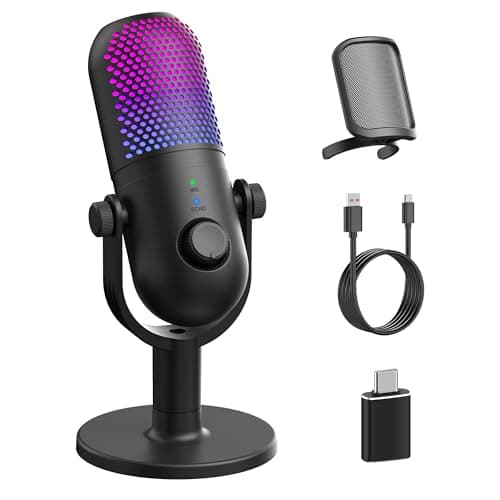
TONOR vs GUEVWES
$32 vs $23
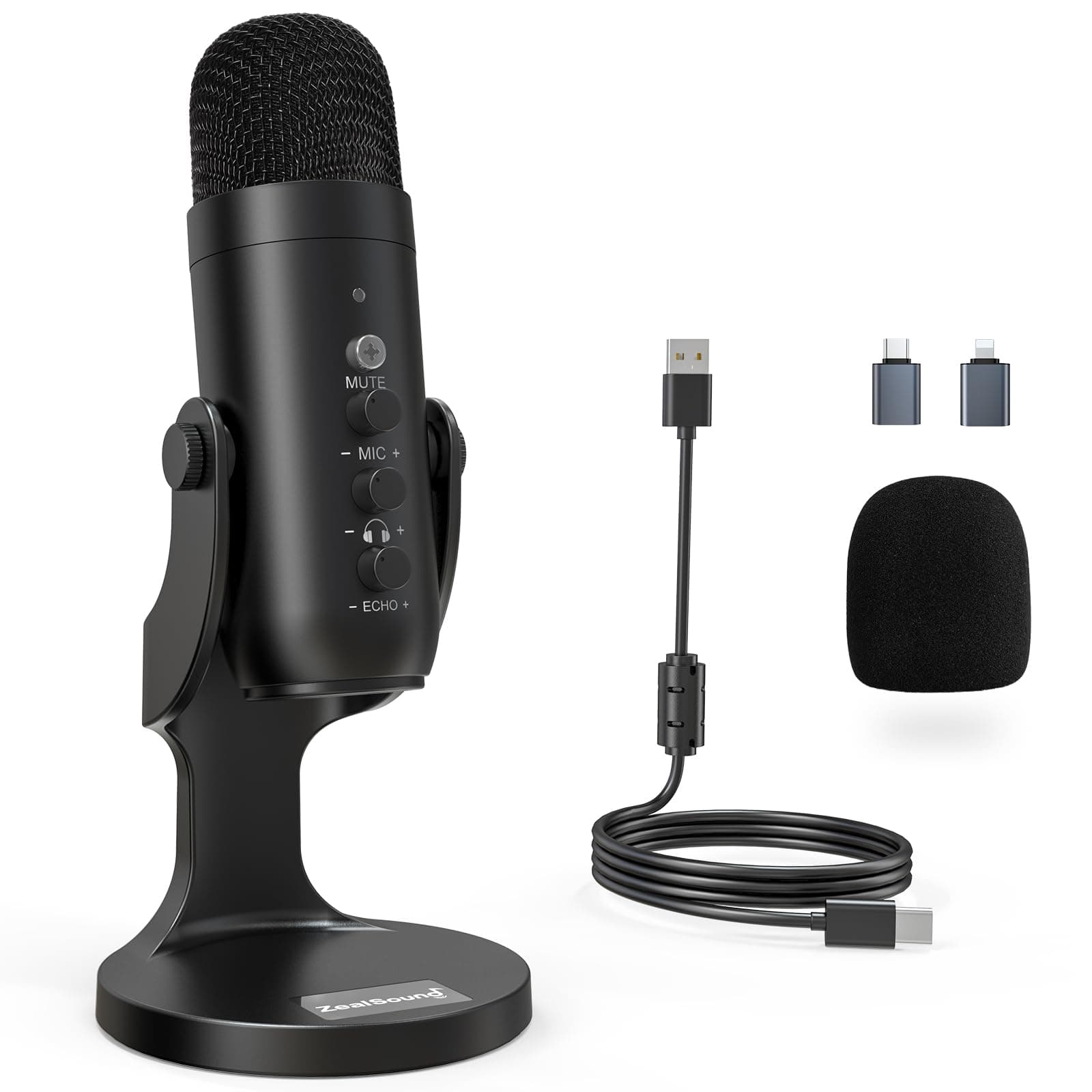
TONOR vs ZealSound
$32 vs $35
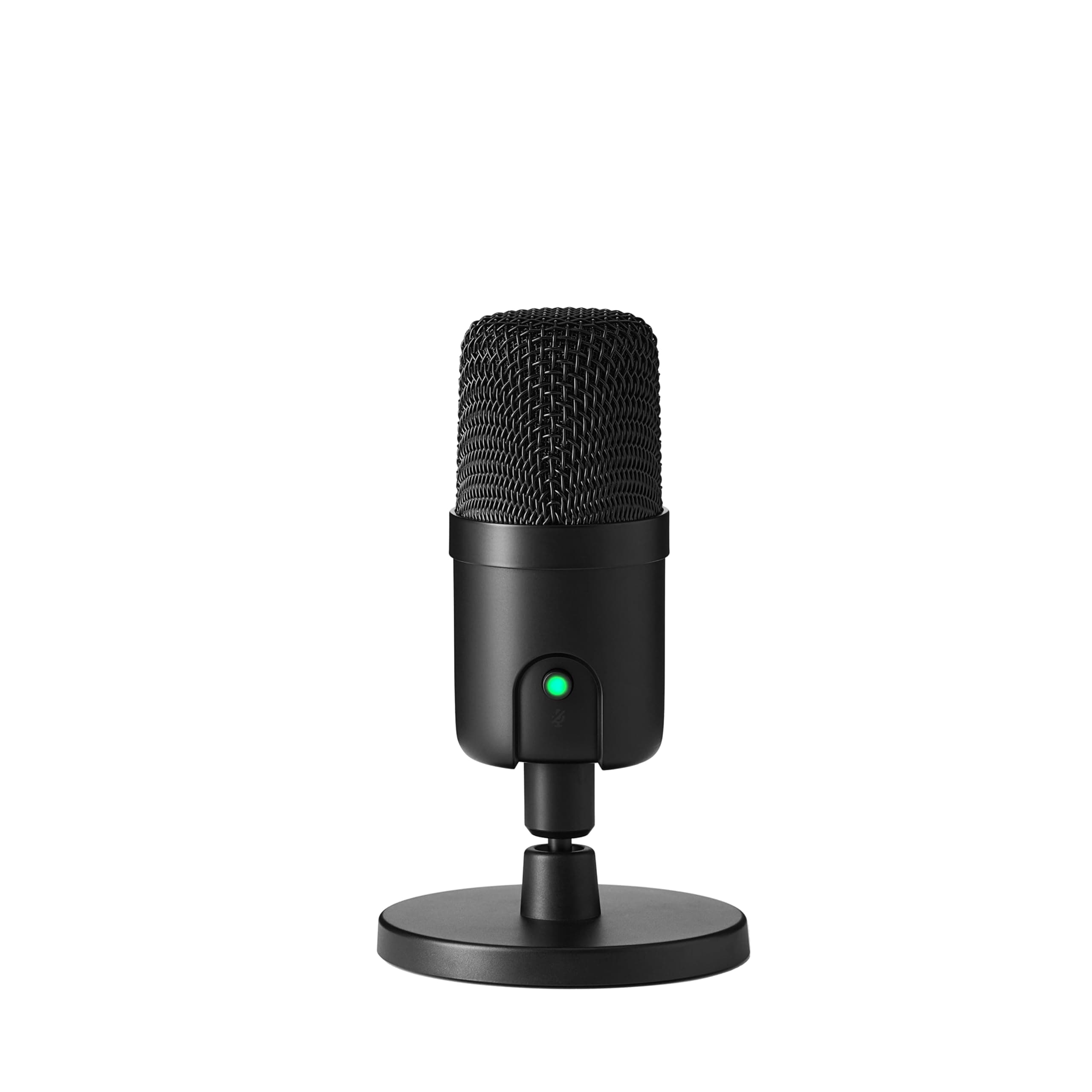
Amazon Basics vs TONOR
$25 vs $32
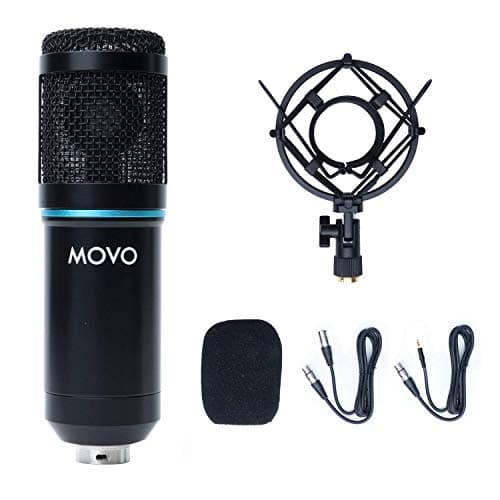
Movo vs ZealSound
$40 vs $35
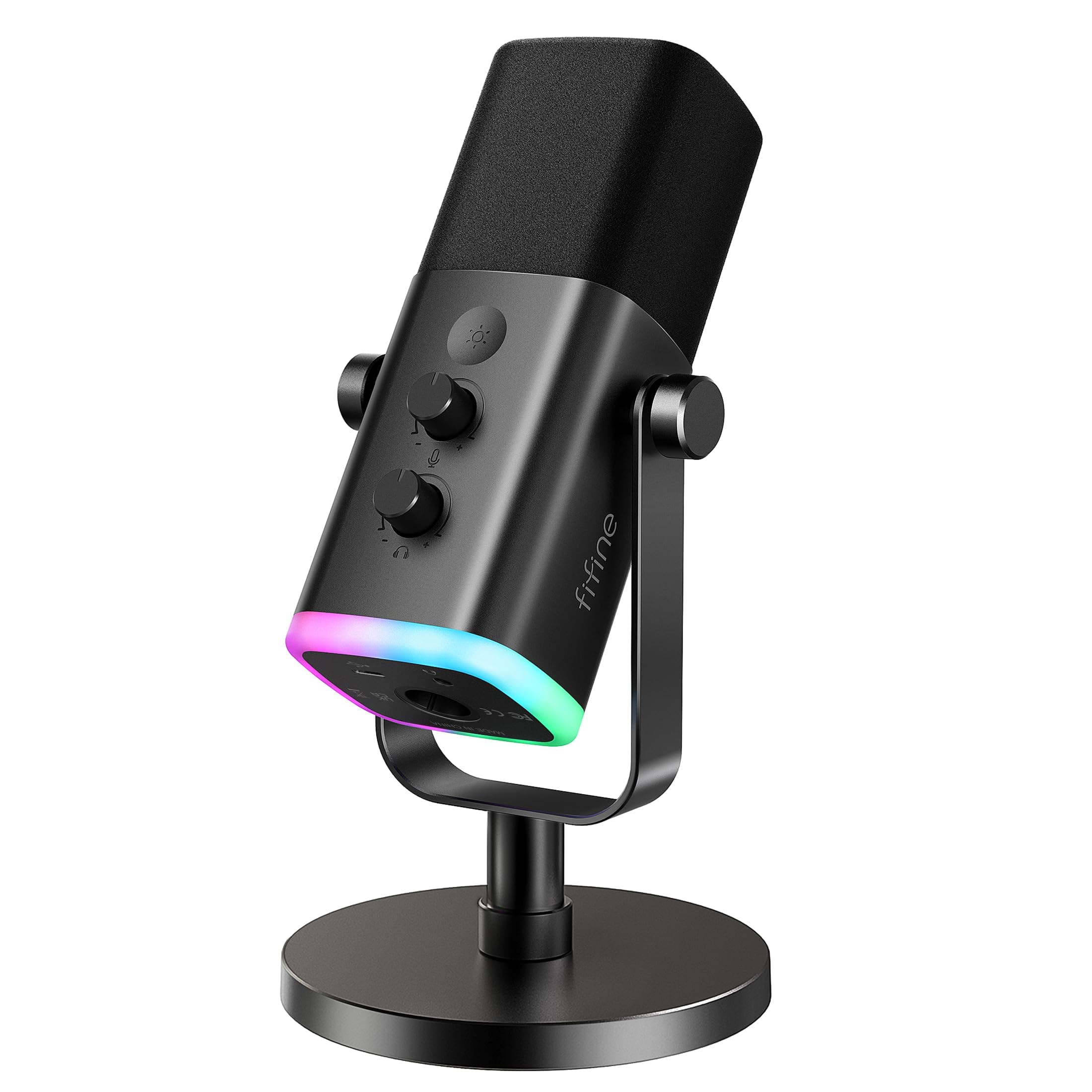
FIFINE vs Movo
$57 vs $40
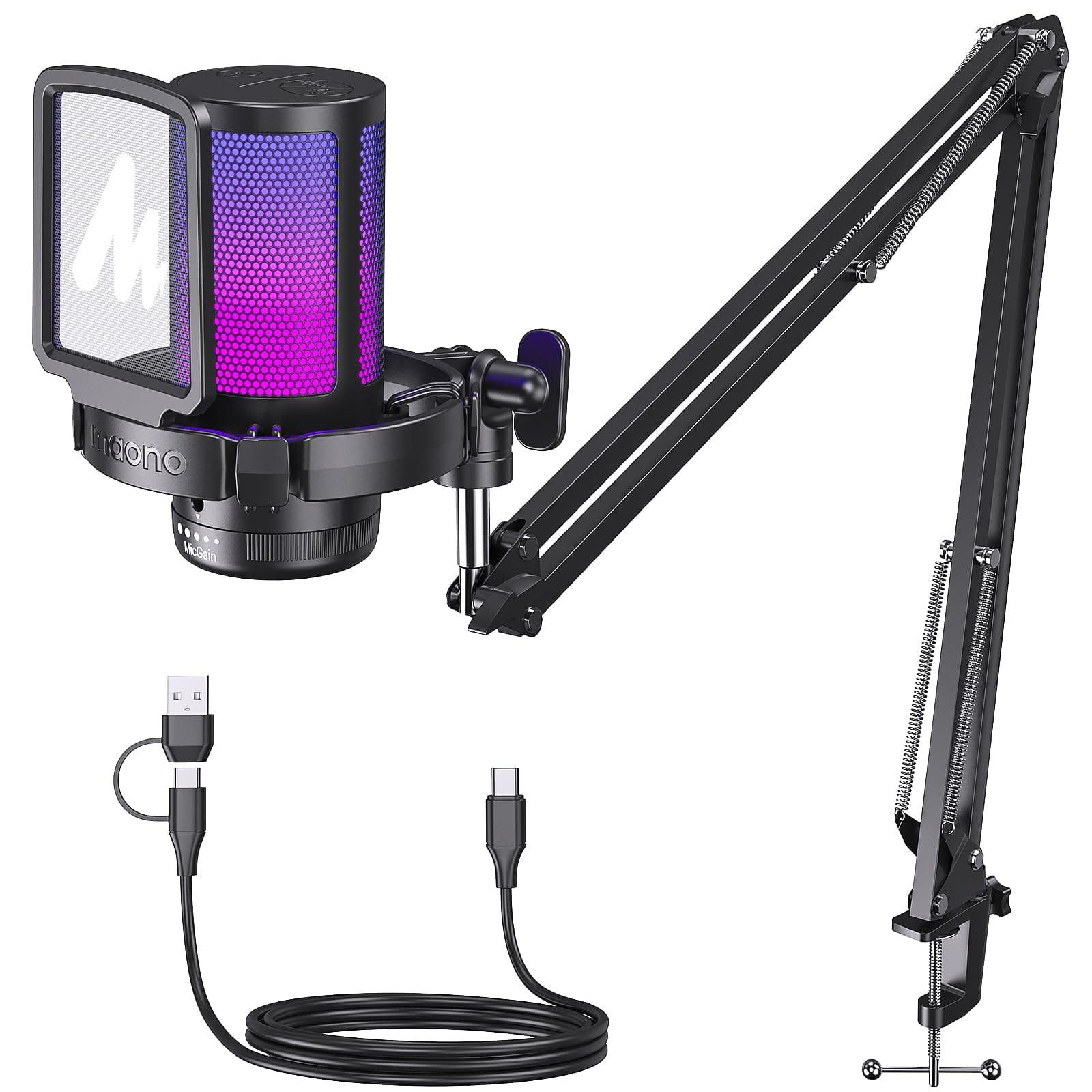
MAONO vs Movo
$42 vs $40
Amazon Basics vs Movo
$25 vs $40
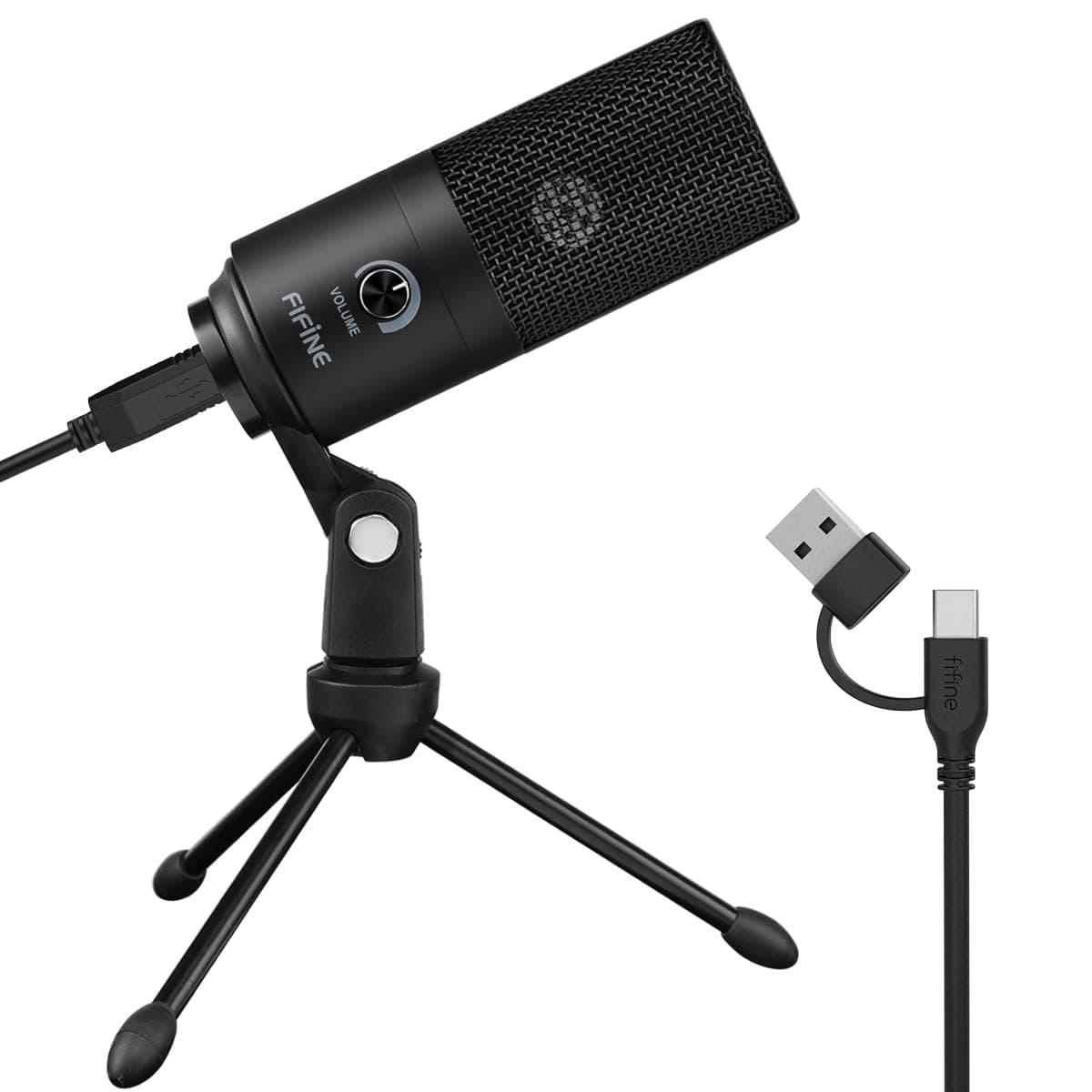
FIFINE vs Movo
$30 vs $40
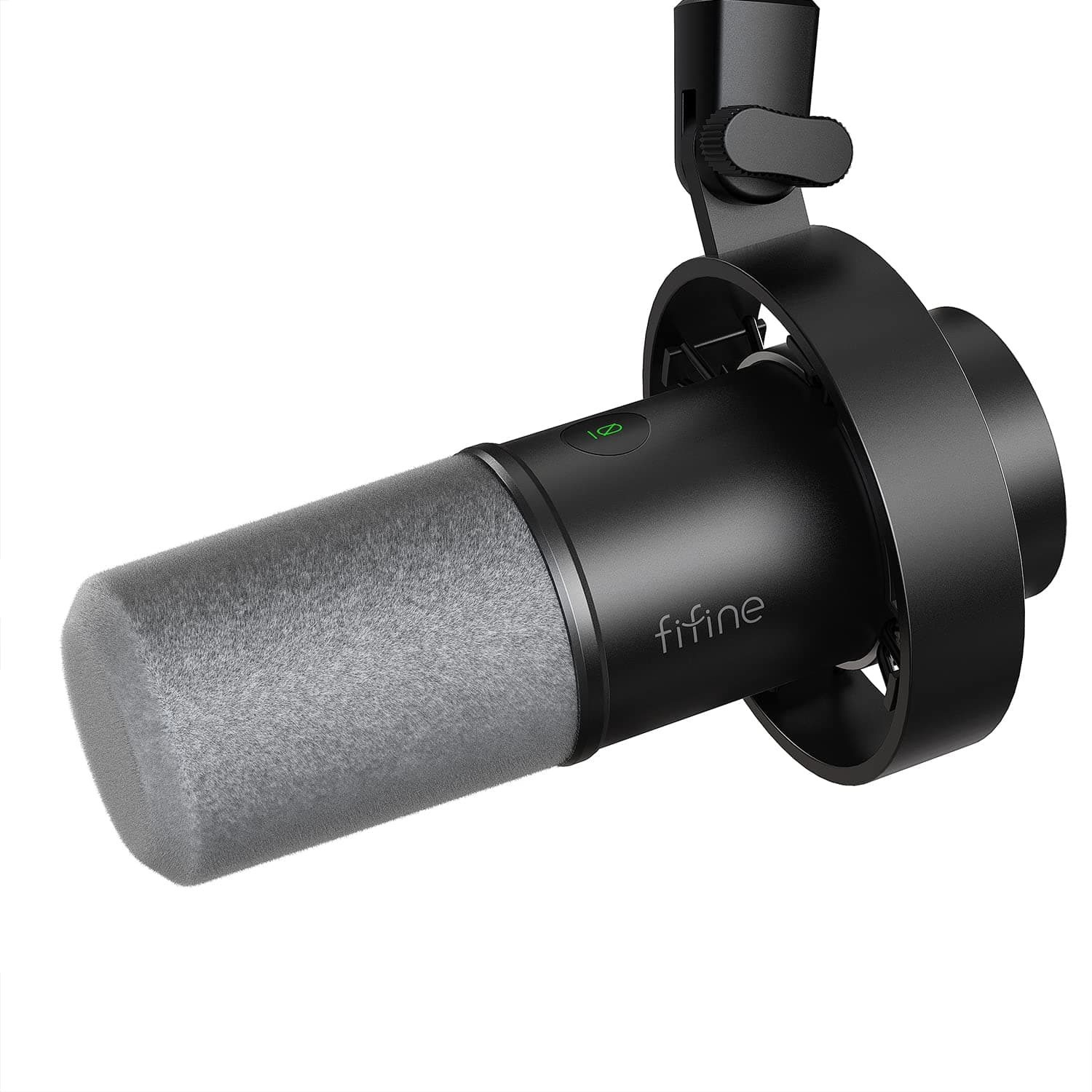
FIFINE vs Movo
$58 vs $40
MAONO vs TONOR
$42 vs $32
FIFINE vs Movo
$26 vs $40
FIFINE vs TONOR
$26 vs $32
Movo vs MAONO
$40 vs $46
Movo vs Razer
$40 vs $40
Razer vs TONOR
$40 vs $32
Explore Other Categories
Popular comparisons across the site


Ask AI
Get instant answers about specs
Get the Deets
Ask our AI assistant
Ask Deets anything!