Our Verdict
FLASHFORGE AD5M Pro Wins
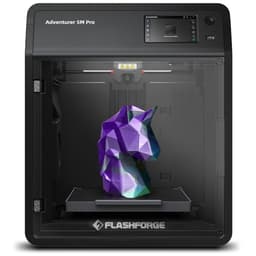
This printer takes the lead with its superior 600mm/s max print speed, outperforming the P1S's 500mm/s, all while being more affordable at $379 compared to $419. Both models offer essential auto bed leveling for consistent prints and enclosed chambers. The Flashforge's speed advantage is significant for users prioritizing rapid output. The Bambu Lab P1S becomes the better pick for users who absolutely require a larger build volume of 256x256x256mm, versus the AD5M Pro's 220x220x220mm, or those planning to invest in the optional AMS unit for multi-color capabilities down the line.
Bottom Line: FLASHFORGE AD5M Pro is the better choice. This printer takes the lead with its superior 600mm/s max print speed, outperforming the P1S's 500mm/s, all while being more affordable at $379 compared to $419.
In-Depth Analysis
How they compare in practice
The Flashforge AD5M Pro boasts a 600mm/s max print speed, a notable 100mm/s lead over the Bambu Lab P1S's 500mm/s. In real-world use, this translates to faster turnaround times for projects, particularly beneficial for users printing many small parts or larger models where speed is paramount. The P1S, however, offers a more generous build volume of 256x256x256mm, significantly larger than the AD5M Pro's 220x220x220mm. This 26% larger volume provides greater flexibility for printing bigger objects in one piece, reducing the need for splitting models and potentially improving model integrity.
Both printers are enclosed, a crucial feature for printing advanced filaments like ABS, PA, and PC, by maintaining a stable internal temperature and minimizing warping. The P1S explicitly lists support for these diverse filaments, indicating its readiness for a broader material palette, though it doesn't support carbon or glass fiber. The Flashforge AD5M Pro’s enclosure is complemented by dual air filtration, a significant advantage for indoor printing as it helps reduce VOCs and particulates, enhancing air quality – a practical health consideration often overlooked.
The Bambu Lab P1S, while not including an AMS unit, explicitly supports multi-color printing as an upgrade, offering a clear path to advanced aesthetics and functional multi-material prints. The AD5M Pro, conversely, does not support multi-color printing at all. This is a critical differentiator for users with creative aspirations beyond single-color prints. Additionally, the AD5M Pro includes built-in WiFi and a camera, features often appreciated for remote monitoring and print management, which the P1S lacks natively without additional accessories.
At $379, the Flashforge AD5M Pro presents strong value, delivering impressive speed and useful features like air filtration and WiFi connectivity. Its smaller build volume is a trade-off for its high speed and lower cost. The Bambu Lab P1S, at $419, commands a slightly higher price but offers a larger build volume and the potential for multi-color expansion, appealing to users prioritizing size and upgradeability. Both leverage CoreXY structures and auto bed leveling for reliability, ensuring good print quality regardless of choice.
Key Differences
The most significant spec differences at a glance
Max Print Speed Mm S
17% lessMulti Color Support
100% moreAdvantages
Where each product wins

BAMBULAB
- Multi Color Support: 100% higher (True vs False)

FLASHFORGE
- Max Print Speed Mm S: 17% higher (500.0 vs 600.0)
Which to Pick for Your Situation
Concrete scenarios with a clear recommendation
For Rapid Prototyping and Production
FLASHFORGEThe FLASHFORGE AD5M Pro's 600mm/s max print speed makes it ideal for quickly iterating designs or producing batches of parts efficiently.
For Printing Large Functional Parts
BAMBULABThe Bambu Lab P1S offers a generous 256x256x256mm build volume, accommodating larger models without requiring segmentation.
For Printing in a Shared Living Space
FLASHFORGEThe FLASHFORGE AD5M Pro's dual air filtration system and quiet operation (≤50 dB) help maintain better air quality and minimize disruption.
For a Budget-Conscious Buyer Prioritizing Speed
FLASHFORGEPriced at $379, the AD5M Pro delivers a class-leading 600mm/s print speed at a more accessible price point than the P1S.
Who Should Buy Which?
Find the right product for your needs

Buy BAMBULAB if...
Bambu Lab P1S 3D
The Bambu Lab P1S is the ideal choice for ambitious hobbyists, small design studios, or educators who prioritize a larger print capacity and future-proofing for advanced capabilities. This buyer frequently works on projects requiring bigger components or aims to print multiple parts simultaneously, where the 256x256x256mm build volume offers a distinct advantage over competitors. They appreciate the flexibility to print diverse filaments like PLA, ABS, PA, and PC thanks to its enclosed chamber and reliable auto bed leveling. While the P1S boasts a commendable 500mm/s print speed, this user might be willing to slightly compromise on absolute top speed if it means accommodating larger prints. Critically, this buyer sees the value in the P1S's multi-color support potential, understanding that while the AMS unit is a separate purchase, it offers an upgrade path for complex, visually striking multi-material prints down the line. They are less concerned with dual air filtration or native WiFi if it means securing a larger print canvas and an expandable system for their creative endeavors.

Buy FLASHFORGE if...
FLASHFORGE AD5M Pro 3D
The Flashforge AD5M Pro is perfectly suited for users who demand rapid prototyping, quick batch production, or simply want to minimize print times without breaking the bank. This buyer prioritizes efficiency and speed, leveraging the impressive 600mm/s max print speed for their projects. They might be working in a home office or shared space, making the dual air filtration system and ≤50 dB quiet operation a highly valued feature for a healthier and less disruptive environment. The full-auto calibration ensures a hassle-free printing experience, ideal for both beginners and experienced users who want to focus on design rather than setup. While its 220x220x220mm build volume is smaller than some, it's perfectly adequate for the majority of common 3D printing tasks and models. This user doesn't require multi-color capabilities or extremely large print dimensions; instead, they seek a reliable, fast, and feature-rich printer like the AD5M Pro, complete with WiFi and a camera for remote monitoring, offering exceptional value for its $379 price point.
Spec Comparison
9 specs compared
| Specification |  |  |
|---|---|---|
| Price | $419 | $379 |
| Rating | 4.6(442) | 4.4(372) |
| Build Volume mm | 256x256x256 | 220x220x220 |
| Max Print Speed mm S | 500 | 600 |
| Leveling Type | Auto | Auto |
| Enclosed | Yes | Yes |
| Weight | 38.9 lbs | — |
| Printer Type | FDM | FDM |
| Multi Color Support | Yes | No |
| WiFi | — | Yes |
| Nozzle Temp Max C | — | 280 |
Swipe horizontally to see all columns
Pros & Cons
Quick overview of strengths and weaknesses
BAMBULAB Bambu Lab
- 500mm/s max print speed for faster output.
- Enclosed build chamber handles advanced filaments.
- Auto bed leveling for consistent first layers.
- Quick setup: ready to print in 15 minutes.
- Multi-color printing needs separate AMS unit.
- Does not support carbon or glass fiber filaments.
FLASHFORGE AD5M Pro
- 600 mm/s print speed for rapid production.
- Fully automatic bed leveling ensures consistent first layers
- Enclosed chamber maintains stable print environment.
- Dual air filtration reduces VOCs and particulates.
- Limited build volume at 220x220x220mm.
- Does not support multi-color printing functionality.
- Only two nozzle sizes included in standard bundle.
Frequently Asked Questions
Common questions about this comparison
Which printer is faster for daily use?
The FLASHFORGE AD5M Pro is significantly faster with a max print speed of 600mm/s, compared to the Bambu Lab P1S's 500mm/s. This translates to quicker completion times for your prints.
Can either printer handle advanced filaments like ABS?
Yes, both printers are fully enclosed, which is crucial for printing high-temperature filaments like ABS, PA, and PC by maintaining a stable thermal environment and preventing warping.
Is multi-color printing possible with these models?
The Bambu Lab P1S supports multi-color printing when paired with a separately purchased AMS unit. The FLASHFORGE AD5M Pro does not offer multi-color printing capabilities.
Which printer has a larger build area?
The Bambu Lab P1S provides a larger build volume of 256x256x256mm. The FLASHFORGE AD5M Pro has a smaller, though still capable, build volume of 220x220x220mm.
What are the connectivity options?
The FLASHFORGE AD5M Pro comes with built-in WiFi and a camera for remote monitoring. The Bambu Lab P1S connects primarily via local network or SD card, with camera/WiFi potentially being add-ons.
Related Comparisons
Similar products people compare
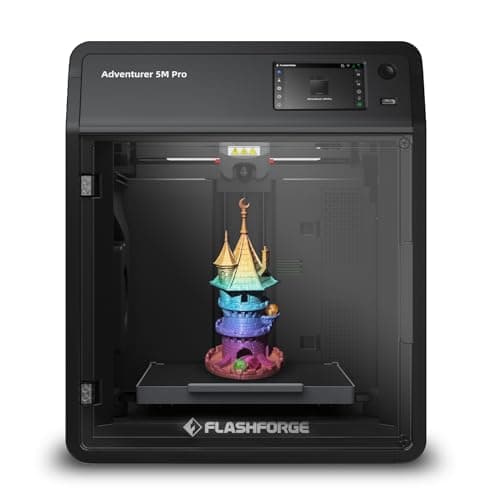
FLASHFORGE vs FLASHFORGE
$379 vs $379
Creality vs FLASHFORGE
$649 vs $379
Comgrow vs FLASHFORGE
$399 vs $379
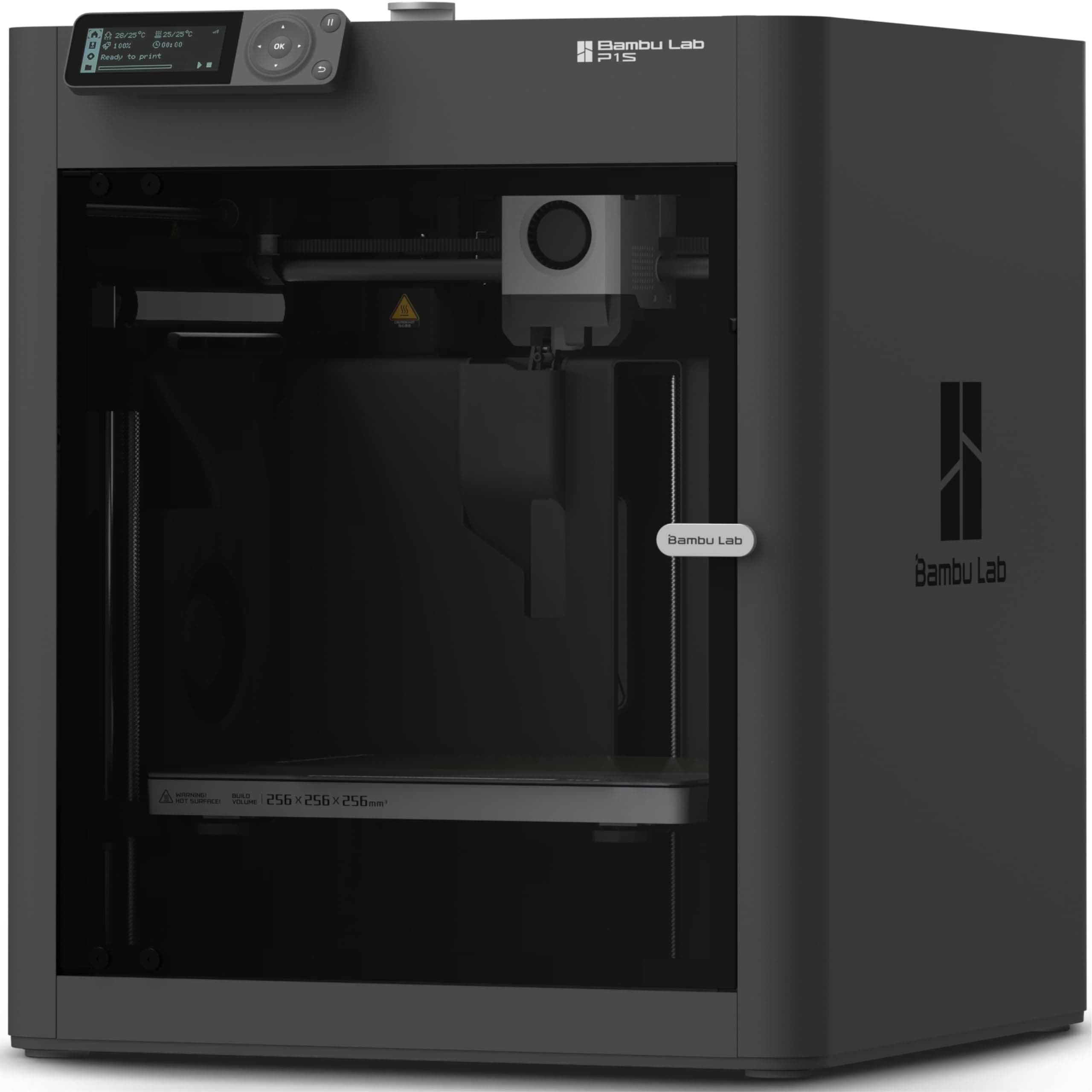
BAMBULAB vs Creality
$419 vs $399
Comgrow vs FLASHFORGE
$719 vs $379
BAMBULAB vs FLASHFORGE
$419 vs $339
FLASHFORGE vs FLASHFORGE
$379 vs $339
BAMBULAB vs ELEGOO
$419 vs $520
BAMBULAB vs ELEGOO
$419 vs $340
BAMBULAB vs ELEGOO
$419 vs $380
BAMBULAB vs FLASHFORGE
$419 vs $339
ANYCUBIC vs BAMBULAB
$670 vs $419
BAMBULAB vs ELEGOO
$419 vs $520
FLASHFORGE vs FLASHFORGE
$379 vs $339
BAMBULAB vs Comgrow
$419 vs $399
Explore Other Categories
Popular comparisons across the site


Ask AI
Get instant answers about specs
Get the Deets
Ask our AI assistant
Ask Deets anything!