Our Verdict
Comgrow Creality K1C Wins
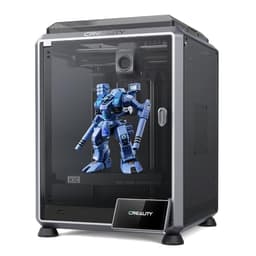
It delivers a higher theoretical max print speed of 600mm/s and crucial 300C nozzle temperature for carbon fiber filament support, all at a more accessible $399 price. Its integrated AI camera for failure detection enhances user experience. The Bambu Lab P1S, priced at $419 with a 500mm/s speed, becomes the superior choice for those who absolutely need a larger build volume of 256x256x256mm for bigger single-piece prints or plan to immediately invest in multi-color printing via the optional AMS system.
Bottom Line: Comgrow Creality K1C is the better choice. It delivers a higher theoretical max print speed of 600mm/s and crucial 300C nozzle temperature for carbon fiber filament support, all at a more accessible $399 price.
In-Depth Analysis
How they compare in practice
When comparing the Bambu Lab P1S and the Creality K1C, two high-speed FDM printers, their real-world utility diverges significantly based on user priorities. The Creality K1C immediately distinguishes itself with a slightly higher maximum print speed of 600mm/s and, more crucially, a 300C nozzle temperature that allows for printing with specialized engineering materials like carbon fiber filament. This capability makes the K1C an excellent choice for users focused on producing strong, functional prototypes or end-use parts where material properties are paramount. While the P1S offers a still-impressive 500mm/s speed, it lacks the direct carbon fiber support.
Conversely, the Bambu Lab P1S offers a distinct advantage in print size, boasting a generous 256x256x256mm build volume. This is notably larger than the K1C's approximate 220x220x250mm, providing about 20% more printing area. For hobbyists, designers, or educators needing to print larger single objects or multiple components in one go, the P1S's build volume is a tangible benefit. Both printers feature automatic bed leveling and enclosed chambers, ensuring consistent print quality and compatibility with temperature-sensitive filaments like ABS and ASA. However, the P1S also integrates seamlessly with Bambu Lab's optional AMS unit for effortless multi-color printing, offering an upgrade path the K1C doesn't inherently match.
The user experience further differentiates these machines. The K1C's integrated AI camera is a significant value-add, capable of detecting print failures and mitigating material waste, a feature not present in the P1S. This intelligent monitoring can save time and resources, especially when working with expensive filaments. At $399, the Creality K1C provides an aggressive value proposition for advanced material users and those who appreciate smart automation. The P1S, at $419, positions itself as a robust, larger-format printer with a clear, established ecosystem for future multi-color expansion, appealing to users prioritizing scale and versatility over niche material support.
Key Differences
The most significant spec differences at a glance
Max Print Speed Mm S
17% lessAdvantages
Where each product wins

Comgrow
- Max Print Speed Mm S: 17% higher (500.0 vs 600)
Which to Pick for Your Situation
Concrete scenarios with a clear recommendation
For printing strong, functional parts
ComgrowThe Creality K1C's 300C nozzle directly supports carbon fiber filaments, ideal for high-strength functional components.
For users who need to print larger single objects
BAMBULABThe Bambu Lab P1S offers a larger build volume of 256x256x256mm, providing more room for substantial prints than the K1C's 219.96x219.96x249.94mm.
For multi-color printing enthusiasts
BAMBULABThe Bambu Lab P1S is designed with multi-color support, allowing future integration with a separate AMS unit for vibrant, multi-material prints.
For budget-conscious buyers seeking advanced features
ComgrowPriced at $399, the Creality K1C offers 600mm/s speed, carbon fiber support, and an AI camera, providing excellent value.
Who Should Buy Which?
Find the right product for your needs

Buy BAMBULAB if...
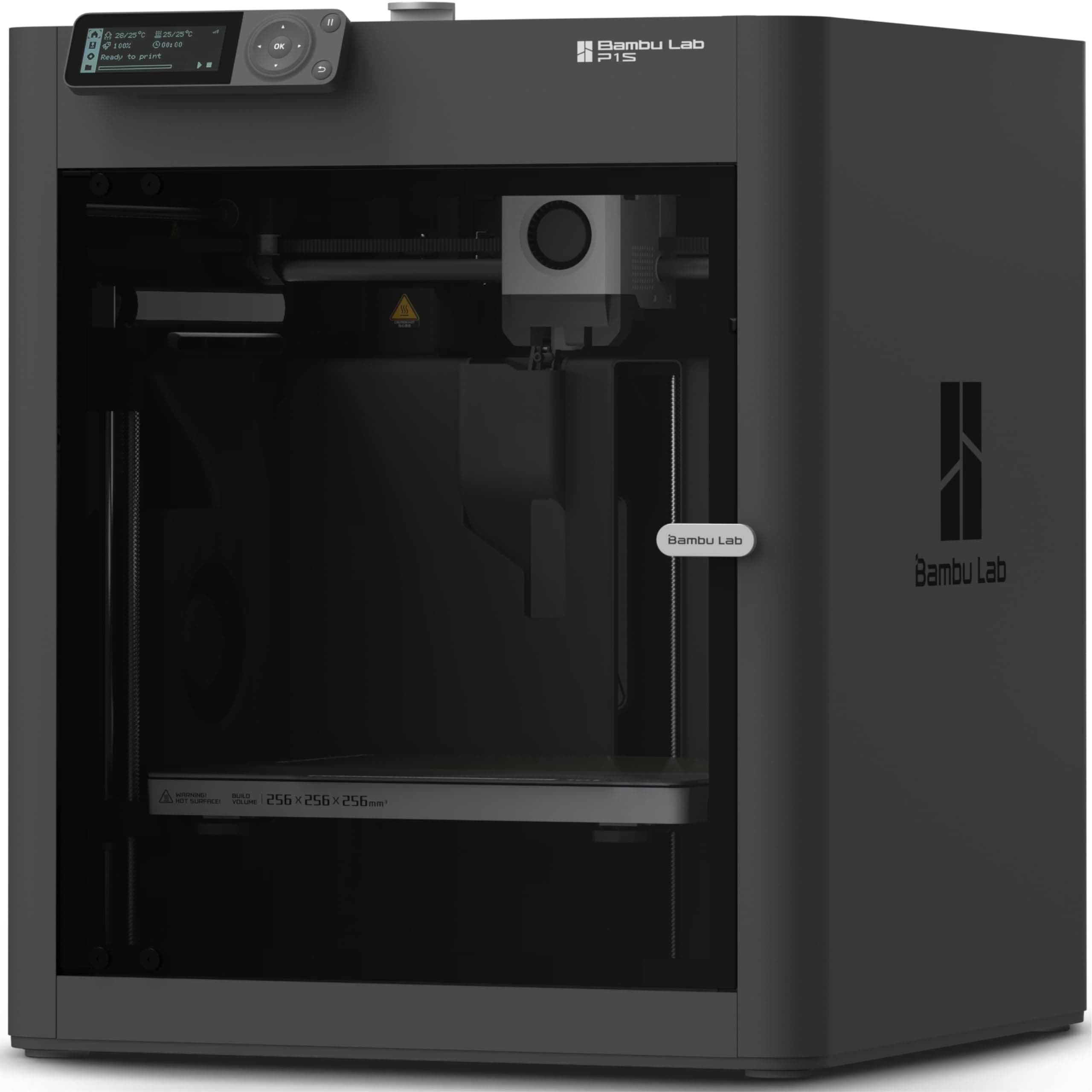
Bambu Lab P1S 3D
The Bambu Lab P1S is perfectly suited for a creative hobbyist, a small business owner, or an educational institution whose projects frequently demand a larger print canvas and value the potential for future multi-color capabilities. This ideal buyer prioritizes ample build volume for bigger models, such as large-scale cosplay props, architectural models, or printing multiple smaller parts in a single efficient batch, making the generous 256x256x256mm build volume a significant advantage. They might be working with standard PLA, PETG, or even more advanced filaments like ABS and PA, benefiting from the fully enclosed chamber that maintains stable temperatures. While they appreciate fast printing at 500mm/s and the undeniable reliability of auto bed leveling for consistent first layers, they aren't primarily focused on printing with highly specialized carbon or glass fiber filaments. The $419 price point is seen as a worthwhile investment for a high-performance, ready-to-use FDM printer that also offers a clear upgrade path for multi-color printing through the optional AMS unit. They are willing to forgo the Creality K1C's specific carbon fiber capabilities and integrated AI camera, prioritizing instead the P1S's superior build space and the renowned Bambu Lab ecosystem for a smoother, more expansive printing experience.

Buy Comgrow if...
Creality K1C 3D Printer,
The Comgrow Creality K1C is designed for the user who demands high performance, specialized material capabilities, and smart features within a tighter budget. This buyer is likely an engineer, product designer, or advanced hobbyist focused on creating strong, functional prototypes and end-use parts, making the 300C nozzle temperature and explicit carbon fiber filament support absolutely critical. They value the impressive 600mm/s maximum print speed for rapid iteration and production, even if real-world speeds vary slightly. The inclusion of an AI camera for intelligent print failure detection and monitoring is a significant draw, offering peace of mind and reducing material waste, which is especially beneficial when working with expensive engineering filaments. While the build volume of 219.96x219.96x249.94mm is sufficient for most of their functional components, they are willing to accept this slightly smaller size compared to the P1S for the K1C's specialized material handling and advanced monitoring. At $399, the K1C offers an unbeatable blend of speed, material versatility, and smart technology, providing robust capabilities without breaking the bank. They are willing to pass on the Bambu Lab P1S's larger build area and multi-color upgrade path to gain immediate access to industrial-grade material printing and integrated print intelligence.
Spec Comparison
9 specs compared
| Specification |  |  |
|---|---|---|
| Price | $419 | $399 |
| Rating | 4.6(442) | 4.2(10.1k) |
| Build Volume mm | 256x256x256 | 219.96x219.96x249.94 |
| Max Print Speed mm S | 500 | 600 |
| Leveling Type | Auto | Auto |
| Enclosed | Yes | Yes |
| Weight | 38.9 lbs | — |
| Printer Type | FDM | FDM |
| Multi Color Support | Yes | — |
| Model Number | — | K1C |
| Nozzle Temp Max C | — | 300 |
Swipe horizontally to see all columns
Pros & Cons
Quick overview of strengths and weaknesses
BAMBULAB Bambu Lab
- 500mm/s max print speed for faster output.
- Enclosed build chamber handles advanced filaments.
- Auto bed leveling for consistent first layers.
- Quick setup: ready to print in 15 minutes.
- Multi-color printing needs separate AMS unit.
- Does not support carbon or glass fiber filaments.
Comgrow Creality K1C
- Max 600mm/s print speed speeds up production
- Automatic leveling and Z-offset streamline setup
- 300C nozzle supports carbon fiber filaments
- AI camera detects print failures, saves material
- Build volume (220x220x250mm) restricts large prints
- Actual print speed can vary below 600mm/s peak
Frequently Asked Questions
Common questions about this comparison
Which printer is faster for typical projects?
The Creality K1C has a higher max print speed of 600mm/s compared to the Bambu Lab P1S's 500mm/s. However, real-world speeds can vary based on model complexity and settings.
Can either printer use advanced materials like carbon fiber?
Yes, the Creality K1C supports carbon fiber filaments thanks to its 300C high-temperature nozzle. The Bambu Lab P1S does not explicitly support carbon or glass fiber filaments.
Which printer has a larger build area?
The Bambu Lab P1S offers a larger build volume of 256x256x256mm. The Creality K1C has a build volume of approximately 219.96x219.96x249.94mm, which is about 20% smaller.
Do these printers require manual bed leveling?
No, both the Bambu Lab P1S and Creality K1C feature automatic bed leveling, simplifying the setup process and ensuring consistent first layers for reliable prints.
Is multi-color printing possible with these models?
The Bambu Lab P1S supports multi-color printing with the purchase of a separate AMS unit. The Creality K1C does not explicitly list multi-color capabilities.
What is the price difference between the two printers?
The Creality K1C is priced at $399.0, making it slightly more affordable than the Bambu Lab P1S, which is available for $419.0.
Related Comparisons
Similar products people compare
Comgrow vs ELEGOO
$399 vs $340
BAMBULAB vs FLASHFORGE
$419 vs $379
Comgrow vs FLASHFORGE
$399 vs $379
Comgrow vs FLASHFORGE
$399 vs $379
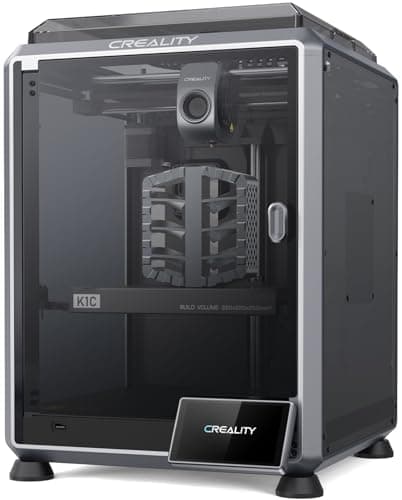
BAMBULAB vs Creality
$419 vs $399
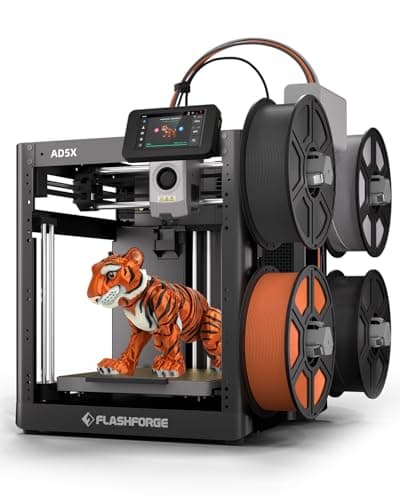
Comgrow vs FLASHFORGE
$399 vs $339
BAMBULAB vs FLASHFORGE
$419 vs $339
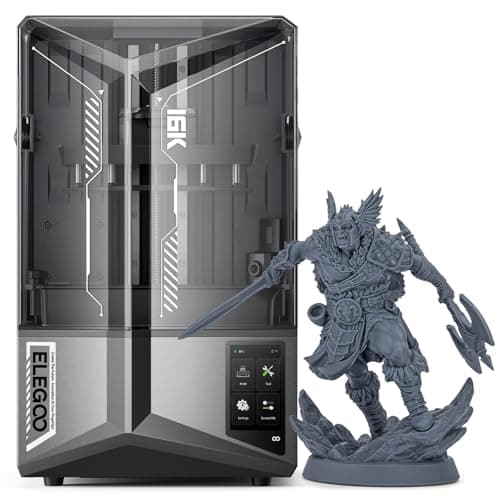
Comgrow vs ELEGOO
$399 vs $520
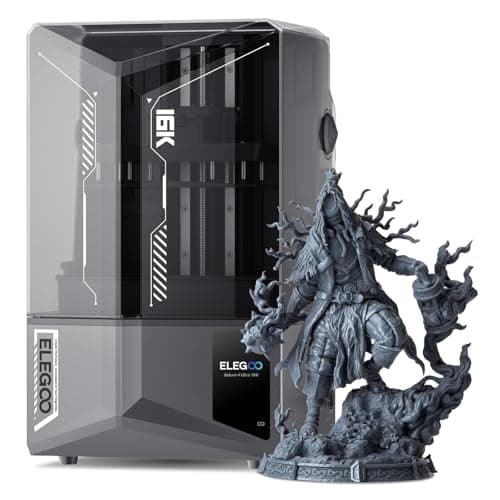
BAMBULAB vs ELEGOO
$419 vs $520
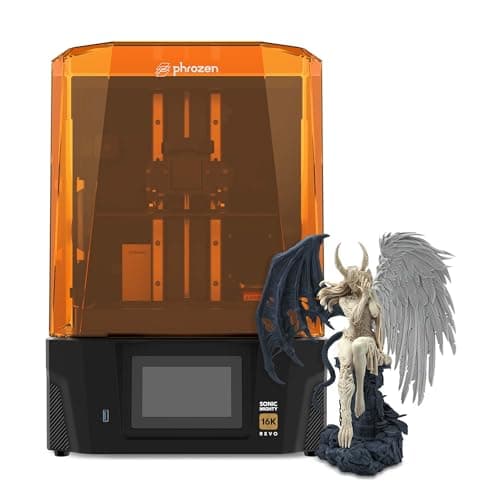
Comgrow vs phrozen
$399 vs $750
BAMBULAB vs ELEGOO
$419 vs $340
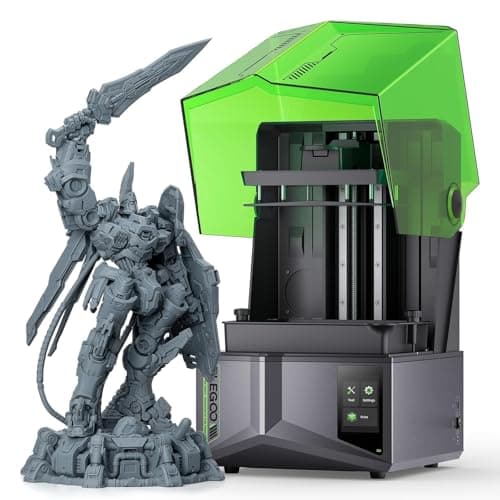
BAMBULAB vs ELEGOO
$419 vs $380
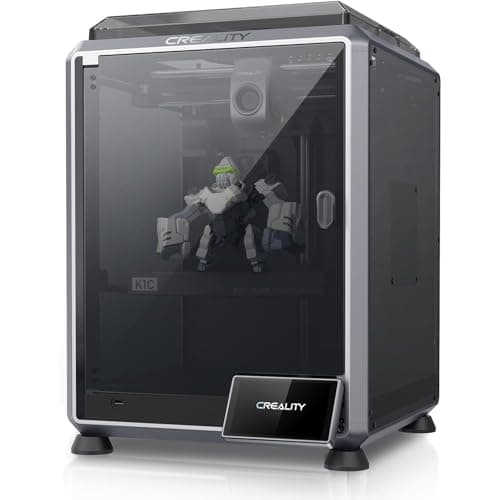
Creality vs Comgrow
$399 vs $399
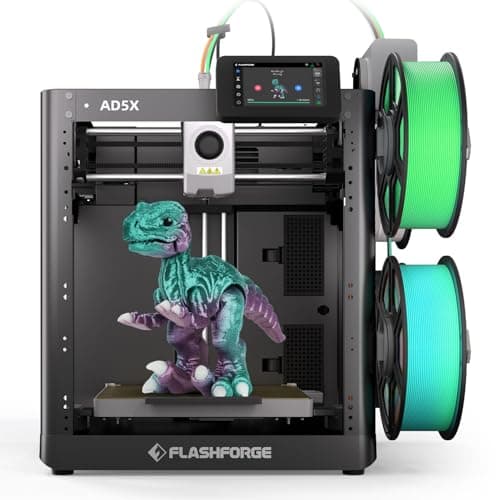
BAMBULAB vs FLASHFORGE
$419 vs $339
Comgrow vs ELEGOO
$399 vs $380
Explore Other Categories
Popular comparisons across the site


Ask AI
Get instant answers about specs
Get the Deets
Ask our AI assistant
Ask Deets anything!