Our Verdict
Comgrow Creality K1C Wins
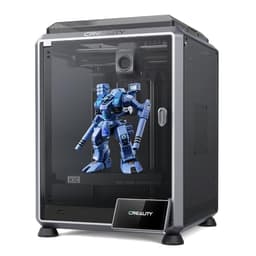
This printer offers superior material versatility with its 300C nozzle supporting carbon fiber filaments, alongside a slightly larger Z-axis build volume of 249.94mm compared to the AD5M Pro's 220mm, all for a mere $20 more. Both boast 600mm/s print speeds and automatic leveling for a streamlined workflow. The Flashforge AD5M Pro is the better pick for budget-conscious users prioritizing robust air filtration and quieter operation over advanced material capability.
Bottom Line: Comgrow Creality K1C is the better choice. This printer offers superior material versatility with its 300C nozzle supporting carbon fiber filaments, alongside a slightly larger Z-axis build volume of 249.
In-Depth Analysis
How they compare in practice
The Comgrow Creality K1C and Flashforge AD5M Pro stand out as high-speed FDM printers, both hitting an impressive 600mm/s max print speed and featuring full auto-leveling, ensuring quick and reliable first layers right out of the box. However, their real-world applications diverge based on key specifications.
The K1C's primary advantage lies in its thermal capabilities. With a 300C max nozzle temperature, it supports more advanced, engineering-grade filaments like carbon fiber, opening up possibilities for stronger, more durable functional parts. The AD5M Pro's 280C nozzle is excellent for most standard and performance filaments like ABS and ASA, but falls short for these high-temp composites. Furthermore, the K1C offers a slightly taller build volume at 249.94mm on the Z-axis, compared to the AD5M Pro's 220mm, which can be crucial for printing taller models without slicing them.
Conversely, the AD5M Pro emphasizes user comfort and print environment quality. Its explicit mention of CoreXY structure guarantees highly precise and stable movements, critical for maintaining quality at high speeds. While the K1C also uses a CoreXY-like system to achieve its speed, the AD5M Pro's inclusion of dual air filtration for VOCs and particulates, coupled with its ≤50 dB quiet printing, makes it a more suitable choice for home environments or shared workspaces where air quality and noise are concerns. The K1C counters with an AI camera for failure detection, a smart feature for reducing material waste and monitoring prints remotely. The price difference is marginal, with the AD5M Pro being $20 less at $379.0. Ultimately, the K1C prioritizes advanced material capability and print reliability, while the AD5M Pro focuses on a refined, quieter user experience with excellent print quality.
Key Differences
The most significant spec differences at a glance
Nozzle Temp Max C
7% moreAdvantages
Where each product wins

Comgrow
- Nozzle Temp Max C: 7% higher (300 vs 280.0)
Which to Pick for Your Situation
Concrete scenarios with a clear recommendation
For printing engineering-grade materials like Carbon Fiber PLA/PETG
ComgrowThe Comgrow K1C boasts a 300C nozzle, specifically designed to handle high-temperature and abrasive filaments like carbon fiber, which the AD5M Pro's 280C max temp cannot reliably achieve.
For a quiet home office or shared living space
FLASHFORGEThe Flashforge AD5M Pro features quiet printing at ≤50 dB and dual air filtration, significantly reducing noise and VOCs compared to the K1C, creating a more comfortable environment.
For printing tall decorative models or functional prototypes
ComgrowWith a Z-axis build volume of 249.94mm, the Comgrow K1C offers 29.94mm more vertical space than the AD5M Pro's 220mm, allowing for slightly taller prints.
For general-purpose high-speed printing on a tighter budget
FLASHFORGEThe Flashforge AD5M Pro offers the same 600mm/s print speed and full auto-calibration at a slightly lower price point of $379.0, providing excellent value for common filaments.
Who Should Buy Which?
Find the right product for your needs

Buy Comgrow if...
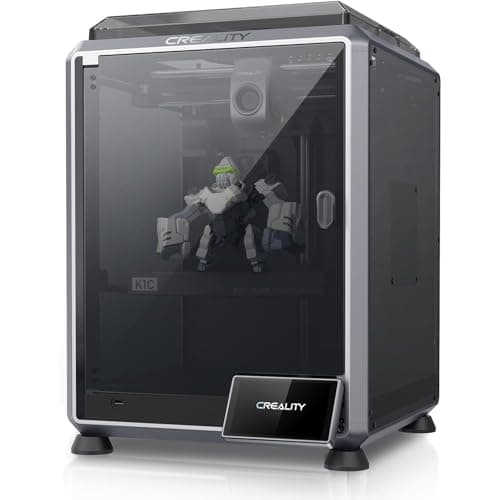
Creality K1C 3D Printer,
The Comgrow Creality K1C is ideal for advanced hobbyists, small businesses, or educational institutions that require versatility in materials and robust print monitoring. If your projects demand printing with high-performance, engineering-grade filaments like carbon fiber, the K1C's 300C max nozzle temperature is a non-negotiable feature. Users who appreciate smart technology will benefit from the integrated AI camera, which actively detects print failures, saving valuable material and time. The slightly taller 249.94mm Z-axis build volume is a subtle but significant advantage for those needing to print taller models in a single piece. This buyer prioritizes cutting-edge features and material flexibility, understanding that the slightly higher $399.0 price point is justified by the expanded capabilities and reliability, even if it means foregoing the AD5M Pro's specific quiet operation or dual air filtration, which might not be their primary concern in a workshop setting.

Buy FLASHFORGE if...
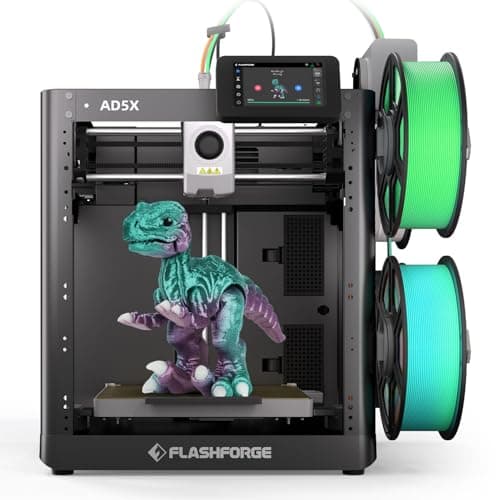
FLASHFORGE AD5M Pro 3D
The Flashforge AD5M Pro is perfectly suited for users who prioritize a refined printing experience, particularly for home use, small offices, or academic environments where noise and air quality are important considerations. Its explicit CoreXY structure ensures high precision and stability alongside the impressive 600mm/s speed. The dual air filtration system effectively reduces VOCs and particulates, while the ≤50 dB quiet printing makes it a less intrusive presence in shared spaces. This buyer typically works with common high-performance filaments such as PLA, PETG, ABS, and ASA, finding the 280C max nozzle temperature more than adequate for their needs. They value the streamlined full-auto calibration and the consistent print quality, all wrapped up in a slightly more budget-friendly package at $379.0. For them, the K1C's higher temperature capabilities for exotic filaments or its AI camera are less critical than a quiet, clean, and reliable printing environment.
Spec Comparison
9 specs compared
| Specification |  |  |
|---|---|---|
| Price | $399 | $379 |
| Rating | 4.2(10.1k) | 4.4(372) |
| Build Volume mm | 219.96x219.96x249.94 | 220x220x220 |
| Max Print Speed mm S | 600 | 600 |
| Leveling Type | Auto | Auto |
| Enclosed | Yes | Yes |
| Model Number | K1C | — |
| Printer Type | FDM | FDM |
| Nozzle Temp Max C | 300 | 280 |
| WiFi | — | Yes |
| Multi Color Support | — | No |
Swipe horizontally to see all columns
Pros & Cons
Quick overview of strengths and weaknesses
Comgrow Creality K1C
- Max 600mm/s print speed speeds up production
- Automatic leveling and Z-offset streamline setup
- 300C nozzle supports carbon fiber filaments
- AI camera detects print failures, saves material
- Build volume (220x220x250mm) restricts large prints
- Actual print speed can vary below 600mm/s peak
FLASHFORGE AD5M Pro
- 600 mm/s print speed for rapid production.
- Fully automatic bed leveling ensures consistent first layers
- Enclosed chamber maintains stable print environment.
- Dual air filtration reduces VOCs and particulates.
- Limited build volume at 220x220x220mm.
- Does not support multi-color printing functionality.
- Only two nozzle sizes included in standard bundle.
Frequently Asked Questions
Common questions about this comparison
What is the maximum print speed for both printers?
Both the Comgrow Creality K1C and the Flashforge AD5M Pro offer an impressive maximum print speed of 600mm/s, enabling rapid production of 3D models.
Can either printer handle carbon fiber filaments?
Yes, the Comgrow Creality K1C can print carbon fiber filaments due to its 300C max nozzle temperature. The Flashforge AD5M Pro's 280C nozzle is generally not sufficient for optimal carbon fiber printing.
How do their build volumes compare?
The Comgrow K1C has a build volume of 219.96x219.96x249.94mm. The Flashforge AD5M Pro offers 220x220x220mm. The K1C provides a slightly taller Z-axis.
Which printer is quieter during operation?
The Flashforge AD5M Pro explicitly states it offers quiet printing at ≤50 dB, making it the quieter option for environments where noise is a concern.
Do these printers feature automatic bed leveling?
Yes, both the Comgrow Creality K1C and the Flashforge AD5M Pro come equipped with full automatic bed leveling, simplifying the setup and ensuring consistent first layers.
Related Comparisons
Similar products people compare
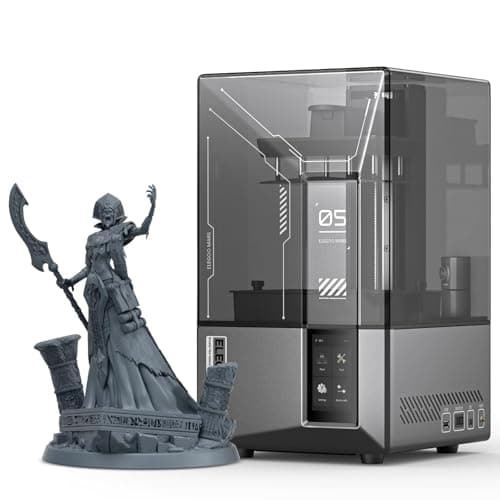
Comgrow vs ELEGOO
$399 vs $340
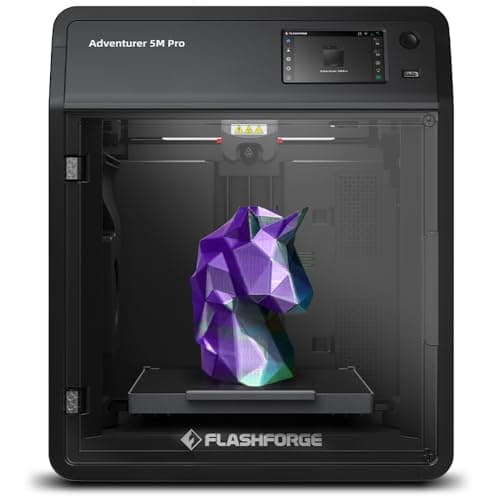
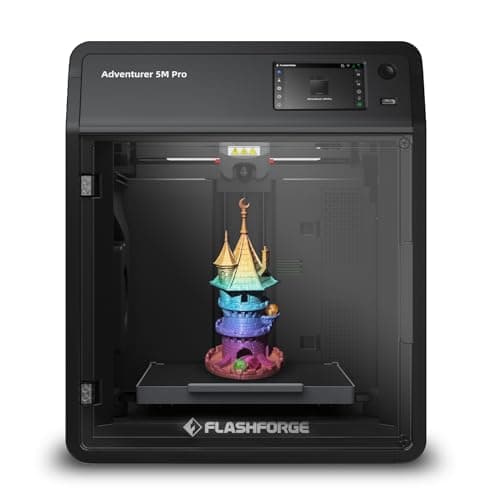
FLASHFORGE vs FLASHFORGE
$379 vs $379
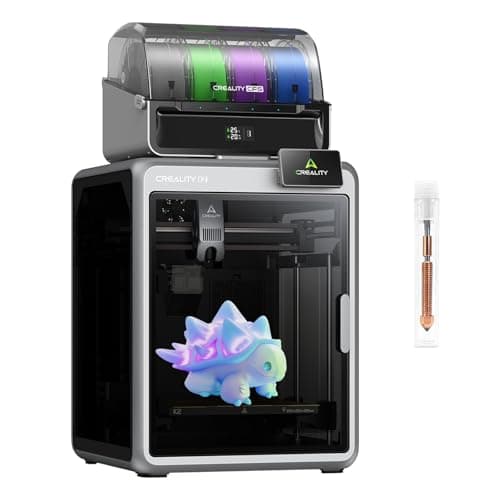
Creality vs FLASHFORGE
$649 vs $379
BAMBULAB vs FLASHFORGE
$419 vs $379
Comgrow vs FLASHFORGE
$399 vs $379
Comgrow vs FLASHFORGE
$399 vs $339
Comgrow vs FLASHFORGE
$719 vs $379
FLASHFORGE vs FLASHFORGE
$379 vs $339
Comgrow vs ELEGOO
$399 vs $520
Comgrow vs phrozen
$399 vs $750
Creality vs Comgrow
$399 vs $399
Comgrow vs ELEGOO
$399 vs $380
Comgrow vs Comgrow
$719 vs $399
FLASHFORGE vs FLASHFORGE
$379 vs $339
Comgrow vs ELEGOO
$399 vs $520
Explore Other Categories
Popular comparisons across the site


Ask AI
Get instant answers about specs
Get the Deets
Ask our AI assistant
Ask Deets anything!