Our Verdict
FLASHFORGE AD5X Wins
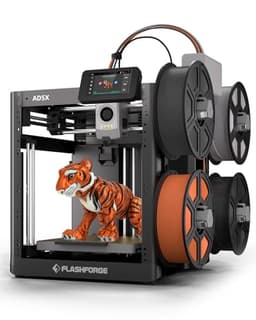
It offers a higher max print speed of 600mm/s compared to the P1S's 500mm/s and is significantly more affordable at $339 versus $419, while providing integrated multi-color printing. The Bambu Lab P1S is the better pick for users requiring an enclosed build chamber for advanced, temperature-sensitive filaments like ABS or PC, or for those needing its larger 256x256x256mm build volume for bigger projects.
Bottom Line: FLASHFORGE AD5X is the better choice. It offers a higher max print speed of 600mm/s compared to the P1S's 500mm/s and is significantly more affordable at $339 versus $419, while providing integrated multi-color printing.
In-Depth Analysis
How they compare in practice
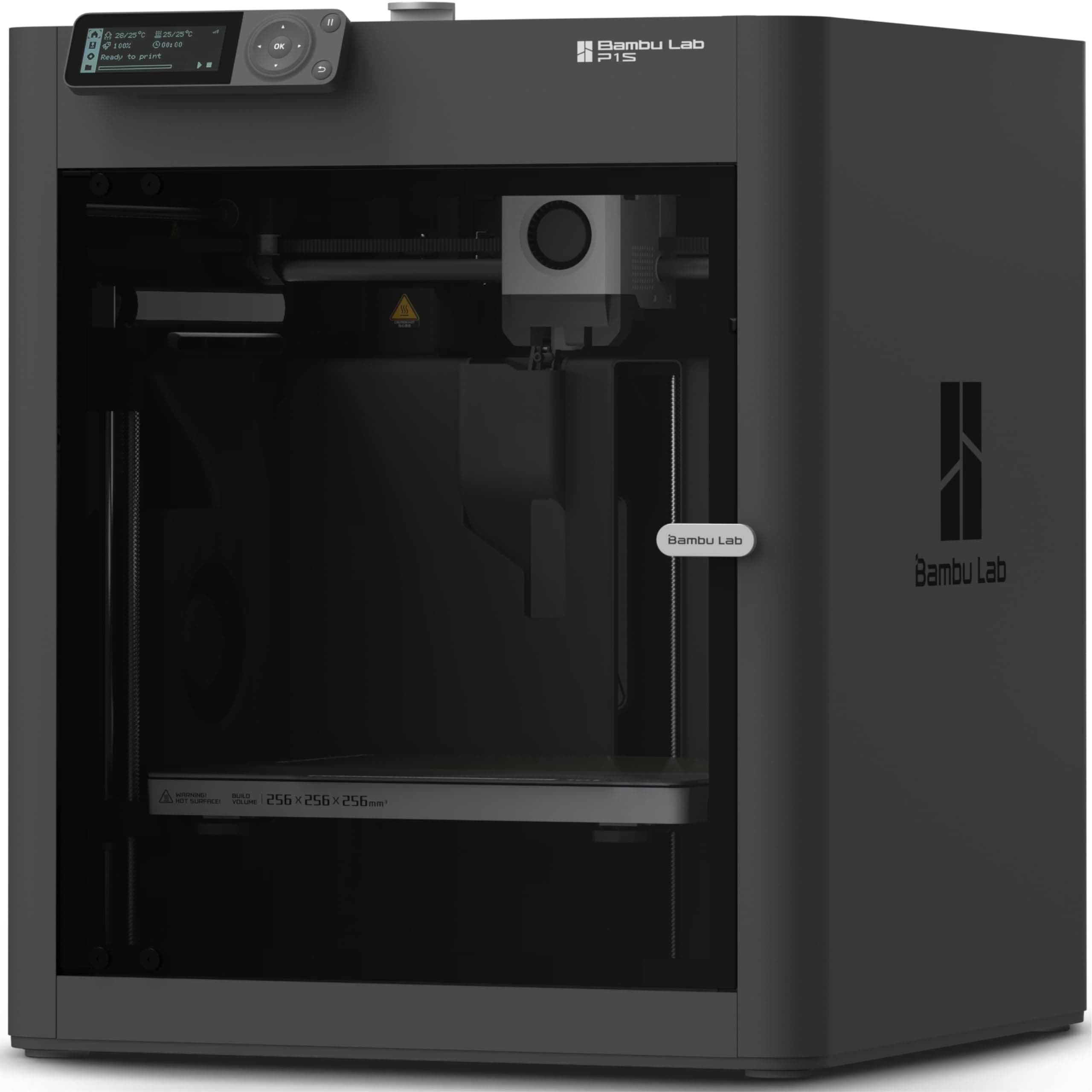
The Bambu Lab P1S and Flashforge AD5X represent compelling choices for FDM 3D printing, each with distinct advantages. The most significant divergence lies in their build environment and material handling. The P1S features a fully enclosed build chamber, a crucial advantage for printing engineering-grade filaments such as ABS, ASA, Nylon, or PC. This enclosure maintains a stable temperature, significantly reducing warping and cracking, leading to more successful and durable prints with these materials. In contrast, the AD5X lacks an enclosure, making it less ideal for such demanding materials, although its 300°C direct drive extruder theoretically handles them. For everyday PLA or PETG, this difference is less pronounced.
Speed is another key battleground. The AD5X boasts a max print speed of 600mm/s, marginally faster than the P1S's 500mm/s. While both are considered high-speed, the AD5X may shave off a few more minutes on very large or complex prints. However, the P1S counters with a larger build volume of 256x256x256mm, providing considerably more space than the AD5X's 220x220x220mm. This extra volume translates to printing larger single objects or fitting more parts onto the build plate for batch production, enhancing efficiency.
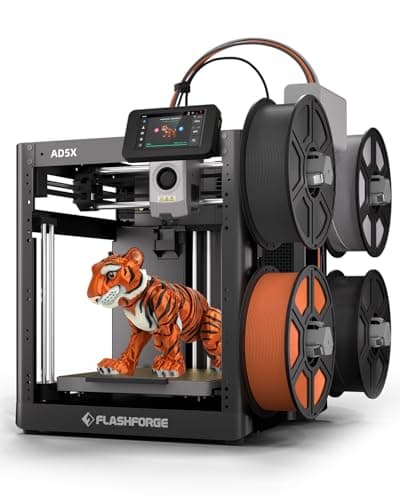
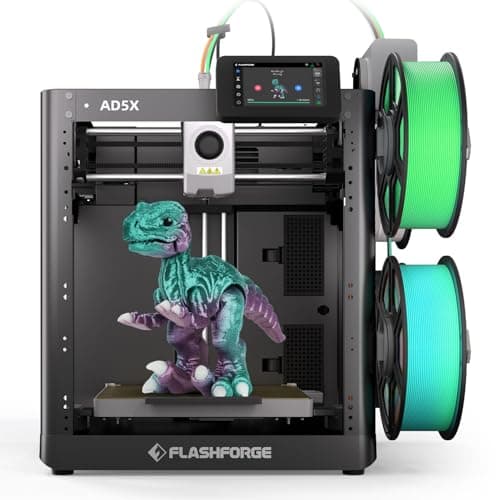
Multi-color capabilities also differentiate them. The Flashforge AD5X supports up to 4-color simultaneous printing directly out of the box, offering an immediate avenue for vibrant, multi-material aesthetic models. The Bambu Lab P1S supports multi-color/material but necessitates the separate purchase of an AMS (Automatic Material System) unit, adding to the initial cost and setup complexity. Finally, the price point plays a major role; the AD5X is $80 cheaper at $339, presenting a more accessible entry point for high-speed, multi-color printing. The P1S, at $419, justifies its higher cost with the enclosed chamber and larger build volume, appealing to users with more industrial or advanced material requirements.
Key Differences
The most significant spec differences at a glance
Max Print Speed Mm S
17% lessAdvantages
Where each product wins

FLASHFORGE
- Max Print Speed Mm S: 17% higher (500.0 vs 600)
Which to Pick for Your Situation
Concrete scenarios with a clear recommendation
For a hobbyist on a tight budget wanting fast prints
FLASHFORGEThe Flashforge AD5X is significantly cheaper at $339 and offers a higher 600mm/s max print speed.
Printing large, functional engineering parts
BAMBULABThe Bambu Lab P1S has a larger 256x256x256mm build volume and an enclosed chamber for warp-free advanced filament printing.
Experimenting with multi-color aesthetic models
FLASHFORGEThe Flashforge AD5X supports up to 4-color simultaneous printing directly, whereas the P1S requires a separate AMS unit.
Regularly printing temperature-sensitive filaments like ABS or PC
BAMBULABThe Bambu Lab P1S's fully enclosed chamber is essential for maintaining consistent temperatures, preventing warping and cracking with these materials.
Who Should Buy Which?
Find the right product for your needs

Buy BAMBULAB if...
Bambu Lab P1S 3D
The Bambu Lab P1S is the ideal choice for serious hobbyists, small businesses, or educational institutions that prioritize printing high-quality, durable functional parts and occasionally larger objects. This buyer is likely to experiment with a variety of advanced filaments like ABS, ASA, PC, or PA, and understands the critical role an enclosed chamber plays in achieving successful, warp-free prints with these materials. They need the ample 256x256x256mm build volume for printing larger components or batching multiple parts. While they appreciate the rapid 500mm/s print speed, their primary focus is on material versatility and print reliability for demanding applications. They are willing to invest $419 for a robust, ready-to-use FDM 3D printer that provides a consistent and controlled printing environment, even if multi-color capability requires an additional purchase.
Buy FLASHFORGE if...
FLASHFORGE AD5X Multi-Color 3D
The Flashforge AD5X is perfectly suited for creative hobbyists, educators, or individuals seeking a highly efficient and user-friendly 3D printer for aesthetic and general-purpose models. This buyer values speed and immediate multi-color capabilities without additional purchases. They prioritize rapid prototyping and turning ideas into tangible objects quickly, leveraging the impressive 600mm/s max print speed. The integrated 4-color printing is a major draw for producing vibrant, visually appealing designs right out of the box, making it excellent for artistic projects or educational demonstrations. With a budget-friendly price of $339 and convenient 1-click auto-leveling, this printer offers an accessible entry into advanced 3D printing. While they might occasionally print PETG, their primary focus isn't on industrial-grade, temperature-sensitive materials, and they are comfortable with the slightly smaller 220x220x220mm build volume for most of their projects.
Spec Comparison
11 specs compared
| Specification |  |  |
|---|---|---|
| Price | $419 | $339 |
| Rating | 4.6(442) | 4.1(582) |
| Build Volume mm | 256x256x256 | 220x220x220 |
| Max Print Speed mm S | 500 | 600 |
| Leveling Type | Auto | Auto |
| Enclosed | Yes | — |
| Weight | 38.9 lbs | — |
| Printer Type | FDM | FDM |
| Multi Color Support | Yes | Yes |
| Model Number | — | AD5X |
| Resume Print | — | Yes |
| WiFi | — | Yes |
| Nozzle Temp Max C | — | 300 |
Swipe horizontally to see all columns
Pros & Cons
Quick overview of strengths and weaknesses
BAMBULAB Bambu Lab
- 500mm/s max print speed for faster output.
- Enclosed build chamber handles advanced filaments.
- Auto bed leveling for consistent first layers.
- Quick setup: ready to print in 15 minutes.
- Multi-color printing needs separate AMS unit.
- Does not support carbon or glass fiber filaments.
FLASHFORGE AD5X Multi-Color
- Supports up to 4-color simultaneous printing
- 600mm/s print speed for rapid production
- 300C direct drive extruder handles diverse materials
- Automated bed leveling, 1-click operation
- 220x220x220mm build volume limits large prints
- Lacks enclosed chamber for high-temp materials
Frequently Asked Questions
Common questions about this comparison
Does the Bambu Lab P1S include multi-color printing out of the box?
No, the Bambu Lab P1S (without AMS) requires a separate Automatic Material System (AMS) unit to support multi-color or multi-material printing. The base unit supports single-color prints.
Which printer has a larger print volume?
The Bambu Lab P1S has a larger build volume of 256x256x256mm. The Flashforge AD5X offers a 220x220x220mm build volume, which is slightly smaller.
What is the maximum printing speed for each printer?
The Flashforge AD5X boasts a maximum print speed of 600mm/s. The Bambu Lab P1S offers a very fast 500mm/s max print speed.
Are both printers equipped with automatic bed leveling?
Yes, both the Bambu Lab P1S and Flashforge AD5X feature automatic bed leveling, ensuring consistent and hassle-free first layers for successful prints.
Can the Flashforge AD5X handle advanced filaments like ABS?
While the AD5X has a 300°C direct drive extruder, it lacks an enclosed chamber. Printing ABS and similar temperature-sensitive materials may be possible but could be more prone to warping without a stable environment.
Related Comparisons
Similar products people compare
BAMBULAB vs FLASHFORGE
$419 vs $379
BAMBULAB vs Creality
$419 vs $399
Comgrow vs FLASHFORGE
$399 vs $339
FLASHFORGE vs FLASHFORGE
$339 vs $379
FLASHFORGE vs FLASHFORGE
$379 vs $339
FLASHFORGE vs FLASHFORGE
$339 vs $339
BAMBULAB vs ELEGOO
$419 vs $520
ELEGOO vs FLASHFORGE
$300 vs $339
ELEGOO vs FLASHFORGE
$340 vs $339
BAMBULAB vs ELEGOO
$419 vs $340
BAMBULAB vs ELEGOO
$419 vs $380
ELEGOO vs FLASHFORGE
$380 vs $339
BAMBULAB vs FLASHFORGE
$419 vs $339
ANYCUBIC vs BAMBULAB
$670 vs $419
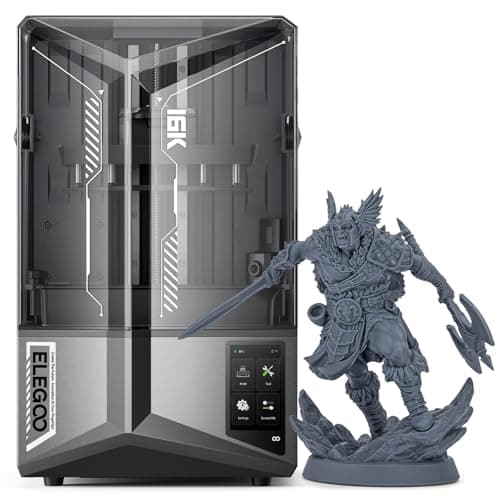
BAMBULAB vs ELEGOO
$419 vs $520
Explore Other Categories
Popular comparisons across the site


Ask AI
Get instant answers about specs
Get the Deets
Ask our AI assistant
Ask Deets anything!