Our Verdict
Logitech MX Brio Ultra HD 4K Wins
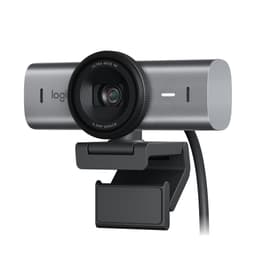
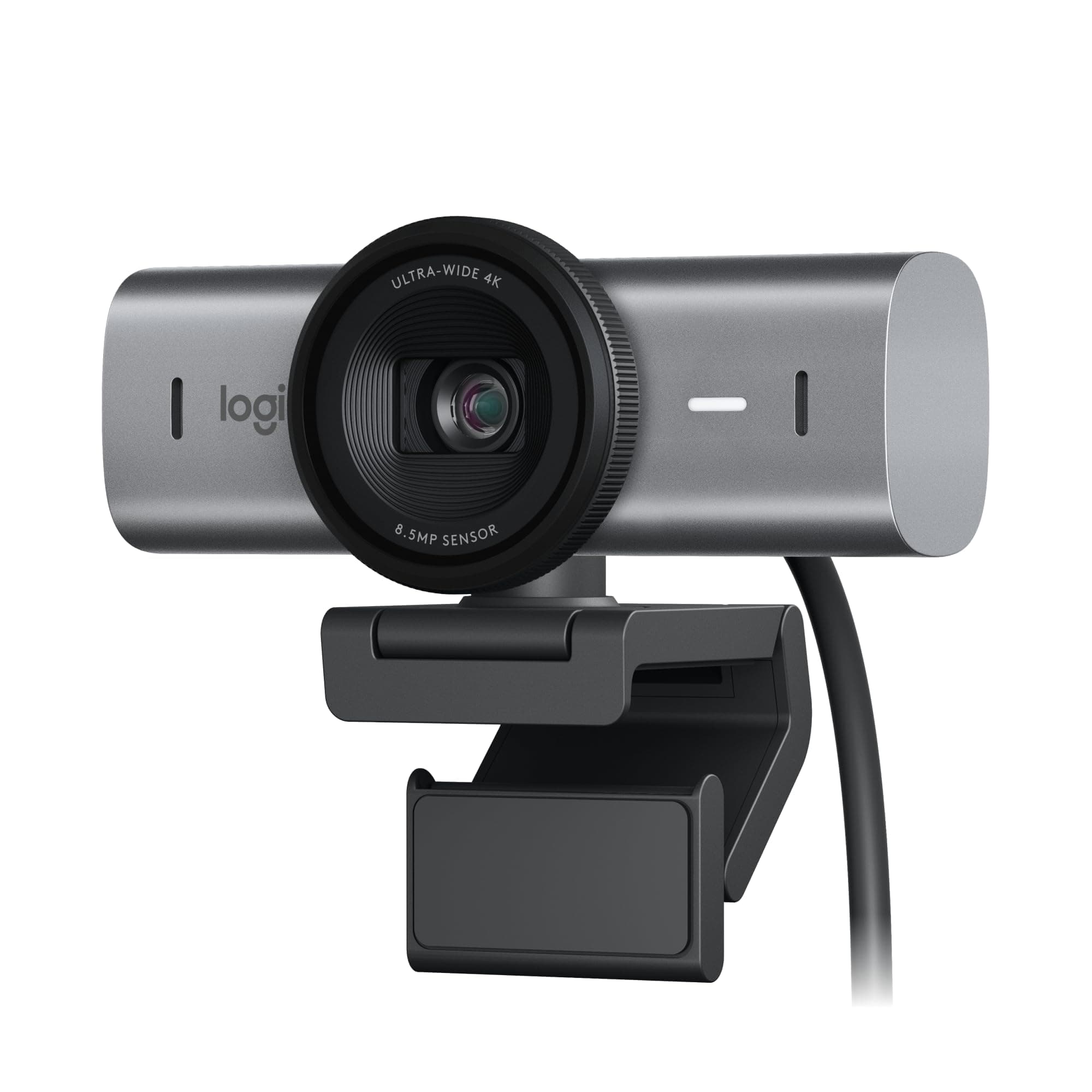
It offers superior video performance with 1080p at 60fps for smoother motion and significantly enhanced low-light image quality thanks to 70% larger sensor pixels and AI technology, justifying its $196 price. These advanced features make it the stronger choice for demanding users. The original Logitech Brio 4K, priced at $169.99, is the better pick for users who prioritize an adjustable field of view up to 90 degrees and Windows Hello facial recognition for secure logins, where 60fps or advanced sensor technology aren't critical requirements.
Bottom Line: Logitech MX Brio Ultra HD 4K is the better choice. It offers superior video performance with 1080p at 60fps for smoother motion and significantly enhanced low-light image quality thanks to 70% larger sensor pixels and AI technology, justifying its $196 price.
In-Depth Analysis
How they compare in practice
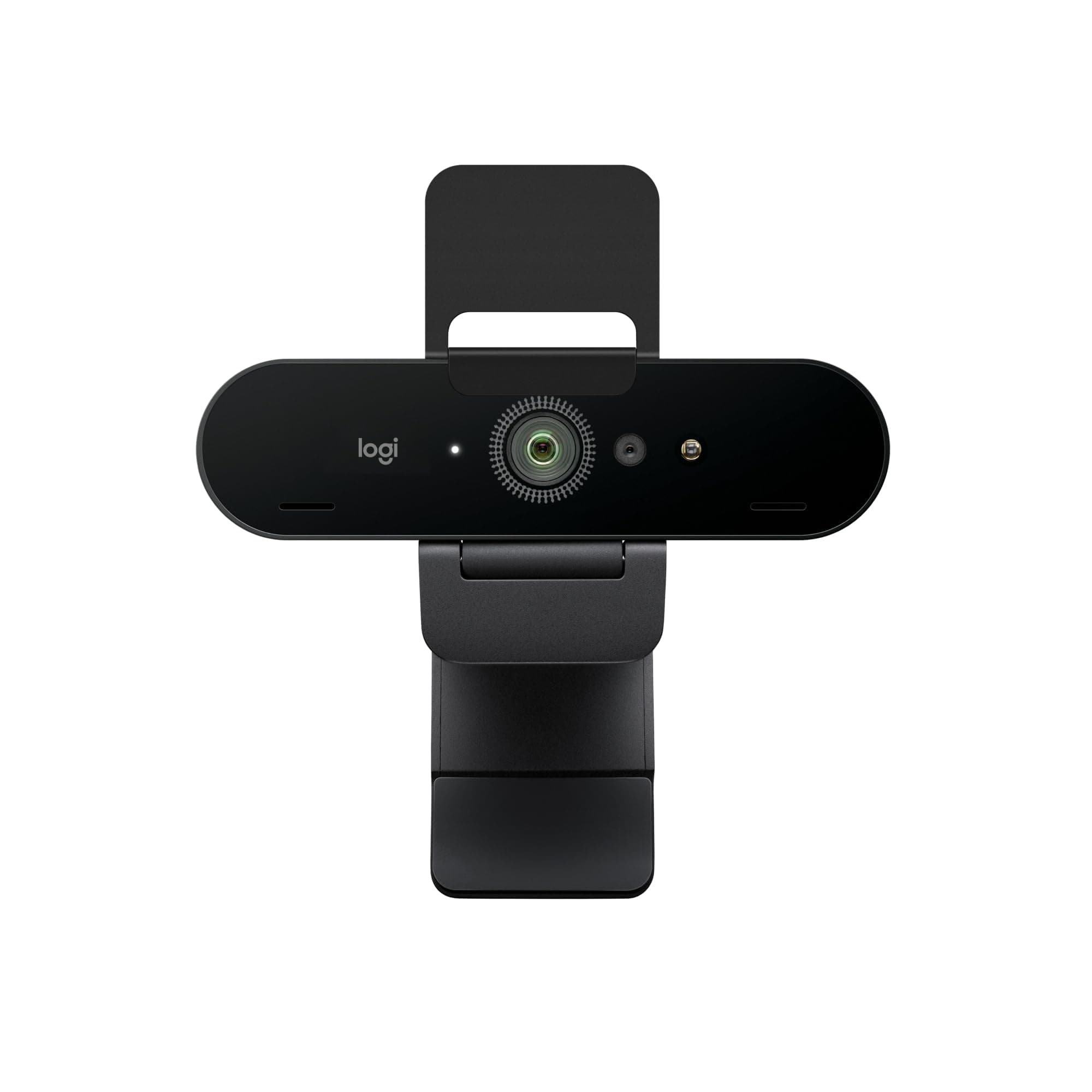
While both Logitech webcams deliver crisp 4K resolution, their real-world performance diverges significantly for specific use cases. The Logitech MX Brio distinguishes itself with its ability to output 1080p at a fluid 60 frames per second, a crucial advantage for streamers, gamers, or professionals needing ultra-smooth motion during presentations. In contrast, the standard Logitech Brio 4K is capped at 30fps for all resolutions, which is perfectly adequate for general video calls but less ideal for dynamic content.
Image quality in challenging lighting conditions is another major differentiator. The MX Brio incorporates a 70% larger sensor and advanced AI algorithms that improve face visibility by 2x in low light, offering a noticeably clearer and more vibrant image than its predecessor. This means fewer fuzzy or dark video feeds, providing a more professional appearance even in suboptimal environments. The standard Brio 4K does feature auto light correction, but lacks the sophisticated sensor and AI enhancements of the MX model.
In terms of specific features, the Brio 4K provides an adjustable field of view (65, 78, or 90 degrees), giving users more control over their framing for individual calls or small group meetings. It also includes Windows Hello facial recognition for convenient and secure logins. The MX Brio, however, introduces 'Show Mode,' a unique feature allowing users to easily share their desk space or physical documents, making it a powerful tool for collaborative remote work. Its robust build, reflected in its 0.79 lbs weight compared to the Brio 4K's 0.14 lbs, suggests a more premium construction. Ultimately, the MX Brio, at $196, offers a compelling value proposition for users prioritizing top-tier performance and innovative collaboration tools, whereas the $169.99 Brio 4K remains an excellent choice for high-quality video conferencing with added flexibility and security features.
Key Differences
The most significant spec differences at a glance
Max Frame Rate Fps
50% lessWeight
82% lessAdvantages
Where each product wins

Logitech
- Weight: 82% lower (0.13875 vs 0.7875)

Logitech
- Max Frame Rate Fps: 50% higher (30 vs 60)
Which to Pick for Your Situation
Concrete scenarios with a clear recommendation
For professional streaming or content creation
LogitechThe MX Brio offers 1080p at 60fps, providing significantly smoother motion capture compared to the standard Brio's fixed 30fps at 4K.
For video conferencing in a dimly lit home office
LogitechThe MX Brio features 70% larger sensor pixels and AI-driven low light improvement, making faces 2x more visible in poor lighting conditions.
For users needing flexible framing options for different group sizes
LogitechThe Logitech Brio 4K offers an adjustable field of view at 65, 78, and 90 degrees, adapting easily to various participant numbers.
For a user prioritizing secure and fast Windows login
LogitechThe Logitech Brio 4K includes Windows Hello facial recognition for quick and secure device access.
Who Should Buy Which?
Find the right product for your needs

Buy Logitech if...
Logitech Brio 4K Webcam,
The Logitech Brio 4K is the ideal choice for professionals and remote workers who need reliable, high-quality 4K video conferencing without breaking the bank. This buyer prioritizes clear video and audio for daily virtual meetings and values flexibility in their setup. They will appreciate the adjustable 65, 78, and 90-degree field of view, allowing them to precisely frame themselves or include a small group in their shot. The integrated noise-canceling dual microphones ensure their voice comes through clearly in busy environments. Furthermore, those who leverage Windows Hello facial recognition for quick and secure logins will find this feature invaluable. While they might forego the ultra-smooth 60fps at 1080p and advanced low-light capabilities of the MX Brio, the Brio 4K's $169.99 price point combined with its robust feature set makes it an excellent value for a premium webcam experience.

Buy Logitech if...
Logitech MX Brio Ultra
The Logitech MX Brio Ultra HD 4K is designed for the discerning professional, streamer, or content creator who demands top-tier performance and innovative features. This buyer prioritizes superior image fidelity, especially in challenging lighting, and requires the smoothest possible video for dynamic presentations or broadcasts. They will greatly benefit from the MX Brio's ability to output 1080p at 60 frames per second, providing buttery-smooth motion that elevates their professional output. The 70% larger sensor pixels and AI-driven low-light correction, which doubles face visibility in dim settings, are critical for maintaining a polished appearance regardless of environment. Additionally, collaborative professionals will find the unique 'Show Mode' invaluable for effortlessly sharing physical documents or objects during virtual meetings. While it comes with a slightly higher price tag of $196 and a heavier build at 0.79 lbs, the MX Brio's advanced sensor, AI enhancements, and collaboration tools offer unmatched value for users where performance and clarity are non-negotiable.
Spec Comparison
10 specs compared
| Specification |  |  |
|---|---|---|
| Price | $170 | $195 |
| Rating | 4.5(1.1k) | 4.4(851) |
| Resolution | 4K | 4K |
| Autofocus | Yes | Yes |
| Weight | 0.14 lbs | 0.79 lbs |
| Autofocus Type | AF | AF |
| Connection | both | USB-C |
| Microphone Type | noise-canceling | noise-canceling |
| Privacy Shutter | Yes | Yes |
| Max Frame Rate Fps | 30 | 60 |
| Low Light Correction | Yes | Yes |
| Field Of View Degrees | 90 | — |
Swipe horizontally to see all columns
Pros & Cons
Quick overview of strengths and weaknesses
Logitech Logitech Brio
- 4K 30fps video output
- Autofocus with auto light correction
- Adjustable 65, 78, 90 degree field of view
- Noise-canceling dual microphones
- Attachable privacy shutter can be misplaced
- Requires Logi Options+ software for full control
- 4K resolution fixed at 30 frames per second
Logitech MX Brio
- Outputs 4K at 30fps or 1080p at 60fps video
- 70% larger sensor pixels improve image clarity
- AI improves face visibility in low light by 2x
- Dual AI mics reduce background audio noise
- 0.79 lbs unit weight may impact portability
- Specific features require Logitech software install
Frequently Asked Questions
Common questions about this comparison
What is the maximum frame rate difference between the two Brio webcams?
The Logitech Brio 4K has a maximum frame rate of 30fps at 4K resolution. The MX Brio offers 30fps at 4K, but can achieve a smoother 60fps when recording at 1080p resolution.
Which webcam performs better in low-light conditions?
The Logitech MX Brio excels in low light due to its 70% larger sensor pixels and AI-powered light correction, which improves face visibility by 2x compared to standard low-light correction.
Does either webcam offer an adjustable field of view?
Yes, the Logitech Brio 4K offers an adjustable field of view at 65, 78, or 90 degrees, allowing users to select the best framing for their environment.
Is there a significant price difference between the two models?
Yes, the Logitech Brio 4K is priced at $169.99, while the Logitech MX Brio is $196.00, making the MX Brio approximately $26 more expensive.
Which webcam is better for secure login?
The original Logitech Brio 4K features Windows Hello facial recognition, offering a quick and secure method for logging into Windows 10/11 devices, a feature not explicitly listed for the MX Brio.
Related Comparisons
Similar products people compare
EMEET vs Logitech
$48 vs $170
Logitech vs acer
$195 vs $60
AOC vs Logitech
$26 vs $170
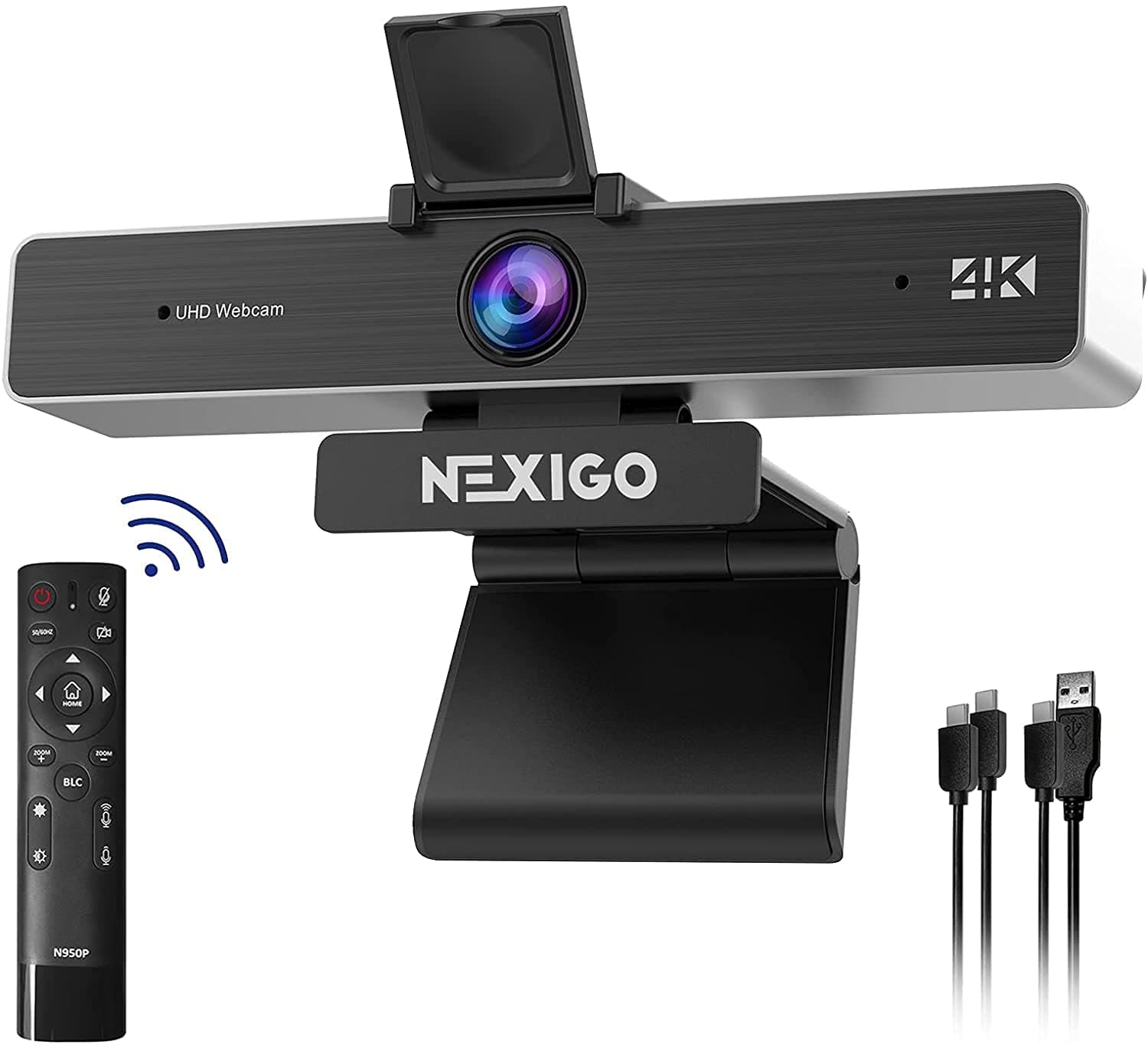
Logitech vs NexiGo
$170 vs $120
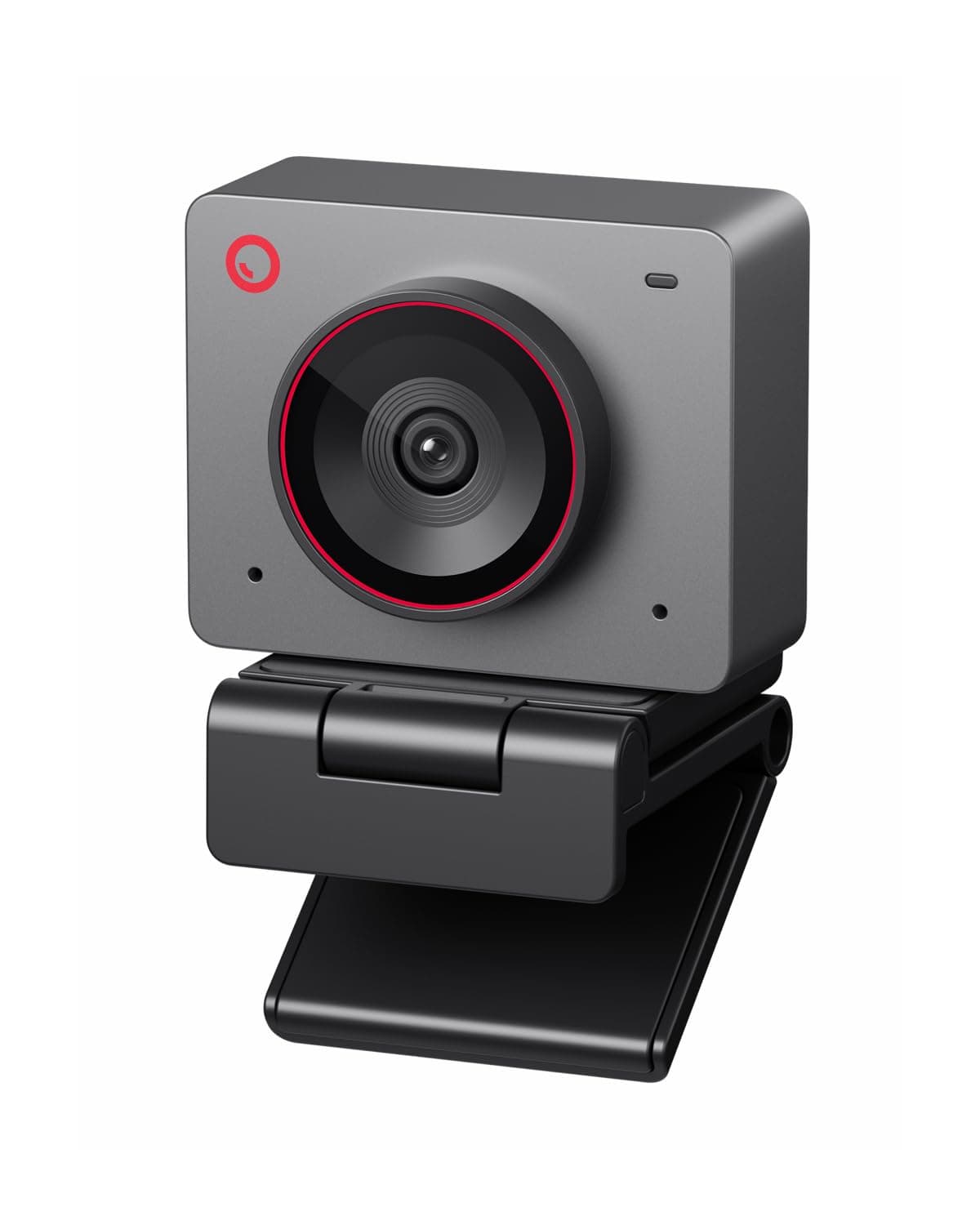
Logitech vs OBSBOT
$170 vs $129
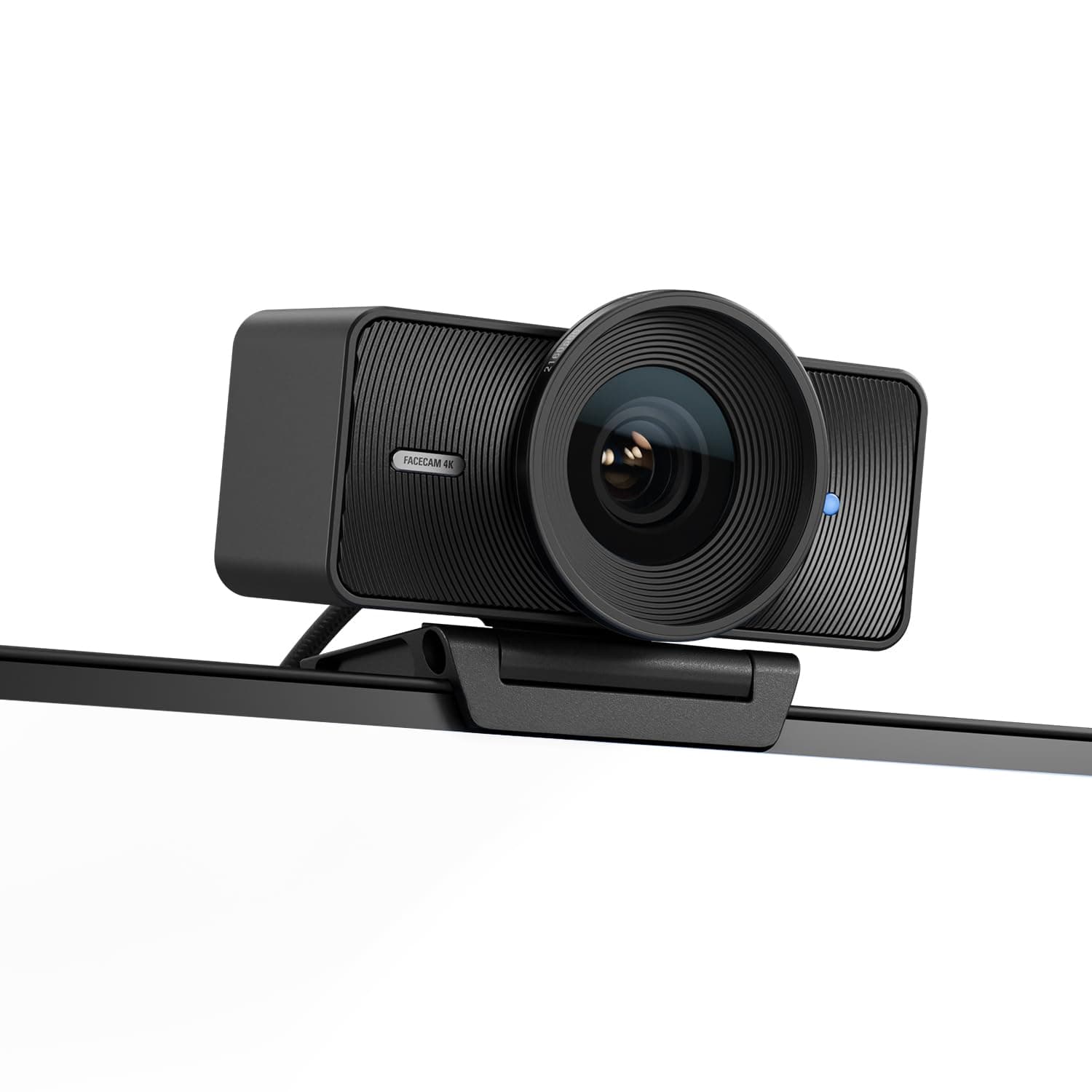
Elgato vs Logitech
$200 vs $195
Elgato vs Logitech
$200 vs $170
Logitech vs OBSBOT
$195 vs $129
Logitech vs acer
$170 vs $60
EMEET vs Logitech
$48 vs $195
AOC vs Logitech
$26 vs $195
Explore Other Categories
Popular comparisons across the site




Ask AI
Get instant answers about specs
Get the Deets
Ask our AI assistant
Ask Deets anything!