Our Verdict
OBSBOT Meet 2 Wins
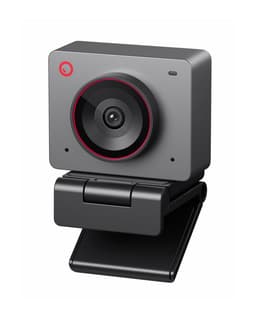
It offers superior video performance with 4K resolution at a buttery 60 FPS, outperforming the Logitech MX Brio's 4K at 30 FPS or 1080p at 60 FPS, all while being significantly more affordable at $129 versus $196. Its larger 1/2" sensor also promises better low-light performance. The Logitech MX Brio is a better pick for users prioritizing specialized features like a physical privacy shutter, AI-enhanced low-light face visibility, and its unique Show Mode for document sharing.
Bottom Line: OBSBOT Meet 2 is the better choice. It offers superior video performance with 4K resolution at a buttery 60 FPS, outperforming the Logitech MX Brio's 4K at 30 FPS or 1080p at 60 FPS, all while being significantly more affordable at $129 versus $196.
In-Depth Analysis
How they compare in practice
The OBSBOT Meet 2's standout feature is its ability to deliver 4K resolution at a smooth 60 FPS, a combination that offers unparalleled clarity and fluidity for streaming, gaming, or professional video calls. The Logitech MX Brio, while also 4K, caps at 30 FPS for that resolution, meaning motion will appear less fluid compared to the OBSBOT. For 60 FPS, the Logitech drops to 1080p. This is a critical distinction for content creators, gamers, or anyone requiring crisp, high-motion video, where the OBSBOT provides a significant edge in raw output.
Both webcams boast impressive low-light capabilities. The OBSBOT Meet 2 features a large 1/2" sensor and HDR support, a significant hardware advantage that captures more light, enhancing image quality in dim environments. The Logitech MX Brio counters with 70% larger sensor pixels and AI-driven low-light correction that claims to improve face visibility by 2x. In real-world use, the OBSBOT's larger sensor might provide a more natural, less processed low-light image, while Logitech's AI could be superior for isolating and brightening the subject's face specifically.
The Logitech MX Brio sets itself apart with its physical privacy shutter, a tangible security feature many users appreciate. Its innovative "Show Mode" allows for quick desk sharing, which is incredibly useful for presenting documents or physical objects in a professional setting. However, it weighs 0.7875 lbs, making it less portable than the featherlight OBSBOT Meet 2 at just 0.089375 lbs. The OBSBOT, on the other hand, excels in user interaction with AI framing, autofocus that keeps you perfectly centered, and gesture control for hands-free adjustments. This makes it highly intuitive for dynamic presenters or those who move around during calls.
The OBSBOT Meet 2 comes in at a highly competitive $129, offering top-tier video specs (4K@60FPS, large sensor) that often cost significantly more. The Logitech MX Brio, priced at $196, justifies its higher cost with robust software integrations, advanced AI features for specific scenarios like Show Mode and enhanced face visibility, and the added peace of mind of a physical privacy shutter. The choice boils down to whether raw video performance and portability at a lower price outweigh specialized features and integrated security.
Key Differences
The most significant spec differences at a glance
Weight
781% moreAdvantages
Where each product wins

OBSBOT
- Weight: 781% lower (0.7875 vs 0.089375)
Which to Pick for Your Situation
Concrete scenarios with a clear recommendation
For a professional streamer or content creator needing high frame rates
OBSBOTThe OBSBOT Meet 2 offers 4K resolution at a full 60 FPS, providing superior fluidity and detail for fast-paced content, unlike the MX Brio which caps 4K at 30 FPS.
For an office worker frequently sharing physical documents or prototypes
LogitechThe Logitech MX Brio's unique "Show Mode" feature allows for effortless desk sharing, simplifying the process of presenting physical items during virtual meetings.
For a traveler or digital nomad prioritizing lightweight gear
OBSBOTAt just 0.089375 lbs, the OBSBOT Meet 2 is exceptionally lightweight, making it far more portable than the Logitech MX Brio, which weighs 0.7875 lbs.
For a budget-conscious buyer seeking best video quality for the price
OBSBOTFor $129, the OBSBOT Meet 2 delivers 4K@60FPS and a large 1/2" sensor, offering superior performance specs compared to the MX Brio's $196 price point.
Who Should Buy Which?
Find the right product for your needs

Buy Logitech if...
Logitech MX Brio Ultra
The ideal buyer for the Logitech MX Brio is a professional user or content creator who values advanced, integrated features for a streamlined workflow and robust privacy. This person often participates in high-stakes virtual meetings, online presentations, or tutorials where sharing physical objects is common. They appreciate the peace of mind offered by a physical privacy shutter, a feature absent on many competitors. The MX Brio's unique "Show Mode" is a game-changer for them, allowing effortless sharing of documents or physical products on their desk during calls, rather than fumbling with camera angles. While they might not get 4K at 60 FPS like the OBSBOT, the MX Brio's 4K at 30 FPS or 1080p at 60 FPS is perfectly adequate for their collaborative needs, especially with its 70% larger sensor pixels and AI that improves face visibility by 2x in low light, ensuring they always look their best. They are willing to pay the $196 premium for Logitech's ecosystem, reliability, and these specialized productivity features, accepting its heavier 0.7875 lbs weight for a desktop-centric setup. They are less concerned with extreme portability or gesture controls, prioritizing solid, feature-rich performance with strong privacy controls.
Buy OBSBOT if...
OBSBOT Meet 2-4K Webcam
The OBSBOT Meet 2 is perfectly suited for the tech-savvy streamer, gamer, or remote worker who prioritizes bleeding-edge video performance and dynamic user interaction without breaking the bank. This buyer is keen on delivering crisp, fluid visuals for their audience or colleagues, making the OBSBOT's ability to output 4K resolution at a full 60 FPS a non-negotiable advantage over the Logitech MX Brio. They frequently move during presentations or streams and benefit immensely from the AI framing and autofocus that intelligently keeps them centered, alongside convenient gesture control for hands-free adjustments. For them, low-light performance is crucial, and the large 1/2" sensor, coupled with HDR support, ensures a bright, natural image even in less-than-ideal lighting. At a compelling price point of $129, they get premium features often found in much more expensive models. The featherlight 0.089375 lbs design also appeals to those who need to easily transport their webcam. While they forgo a physical privacy shutter, they value the superior raw video output and advanced AI-driven framing that truly enhances their on-screen presence, accepting the minor trade-off of the device potentially getting warm during extended use.
Spec Comparison
10 specs compared
| Specification |  |  |
|---|---|---|
| Price | $195 | $129 |
| Rating | 4.4(851) | 4.5(1.6k) |
| Resolution | 4K | 4K |
| Autofocus | Yes | Yes |
| Weight | 0.79 lbs | 0.09 lbs |
| Autofocus Type | AF | AF |
| Connection | USB-C | USB-C |
| Microphone Type | noise-canceling | noise-canceling |
| Privacy Shutter | Yes | — |
| Max Frame Rate Fps | 60 | 60 |
| Low Light Correction | Yes | — |
| Hdr Support | — | Yes |
Swipe horizontally to see all columns
Pros & Cons
Quick overview of strengths and weaknesses
Logitech MX Brio
- Outputs 4K at 30fps or 1080p at 60fps video
- 70% larger sensor pixels improve image clarity
- AI improves face visibility in low light by 2x
- Dual AI mics reduce background audio noise
- 0.79 lbs unit weight may impact portability
- Specific features require Logitech software install
OBSBOT OBSBOT Meet
- 4K resolution at 60 FPS delivers sharp, fluid video.
- Large 1/2" sensor improves performance in low light.
- AI framing and autofocus ensure subject clarity.
- Gesture control allows hands-free camera adjustments.
- Device may get hot during prolonged operation.
- Requires USB-C connection, not universal for all PCs.
- No physical privacy shutter for camera lens.
Frequently Asked Questions
Common questions about this comparison
Which webcam offers better raw video resolution and frame rate?
The OBSBOT Meet 2 outputs 4K video at 60 FPS. The Logitech MX Brio delivers 4K at 30 FPS or 1080p at 60 FPS, making the OBSBOT superior for simultaneous high resolution and frame rate.
Does either webcam have a physical privacy shutter?
Yes, the Logitech MX Brio includes a physical privacy shutter for enhanced security and peace of mind. The OBSBOT Meet 2 does not have a physical shutter.
How do these webcams compare in low-light conditions?
The OBSBOT Meet 2 features a large 1/2" sensor and HDR for improved low-light. The Logitech MX Brio boasts 70% larger sensor pixels and AI to double face visibility in dim settings.
What is the primary difference in portability between the two?
The OBSBOT Meet 2 is significantly lighter at 0.089375 lbs, making it highly portable. The Logitech MX Brio is heavier at 0.7875 lbs, potentially limiting its grab-and-go convenience.
Which webcam is better for interactive presentations?
The Logitech MX Brio's "Show Mode" is excellent for presenting physical documents. The OBSBOT Meet 2's AI framing and gesture control offer dynamic, hands-free interaction for personal presentations.
Related Comparisons
Similar products people compare
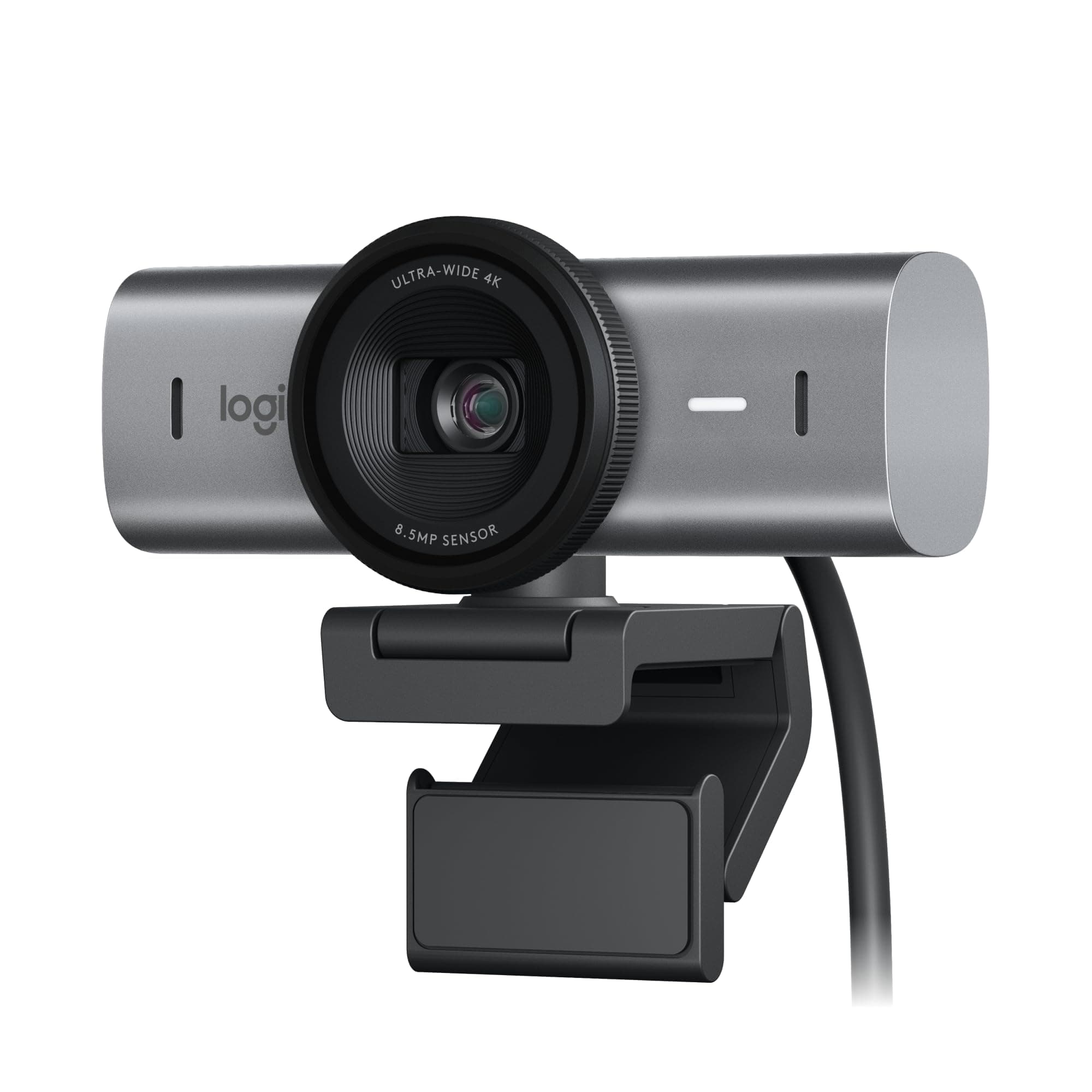
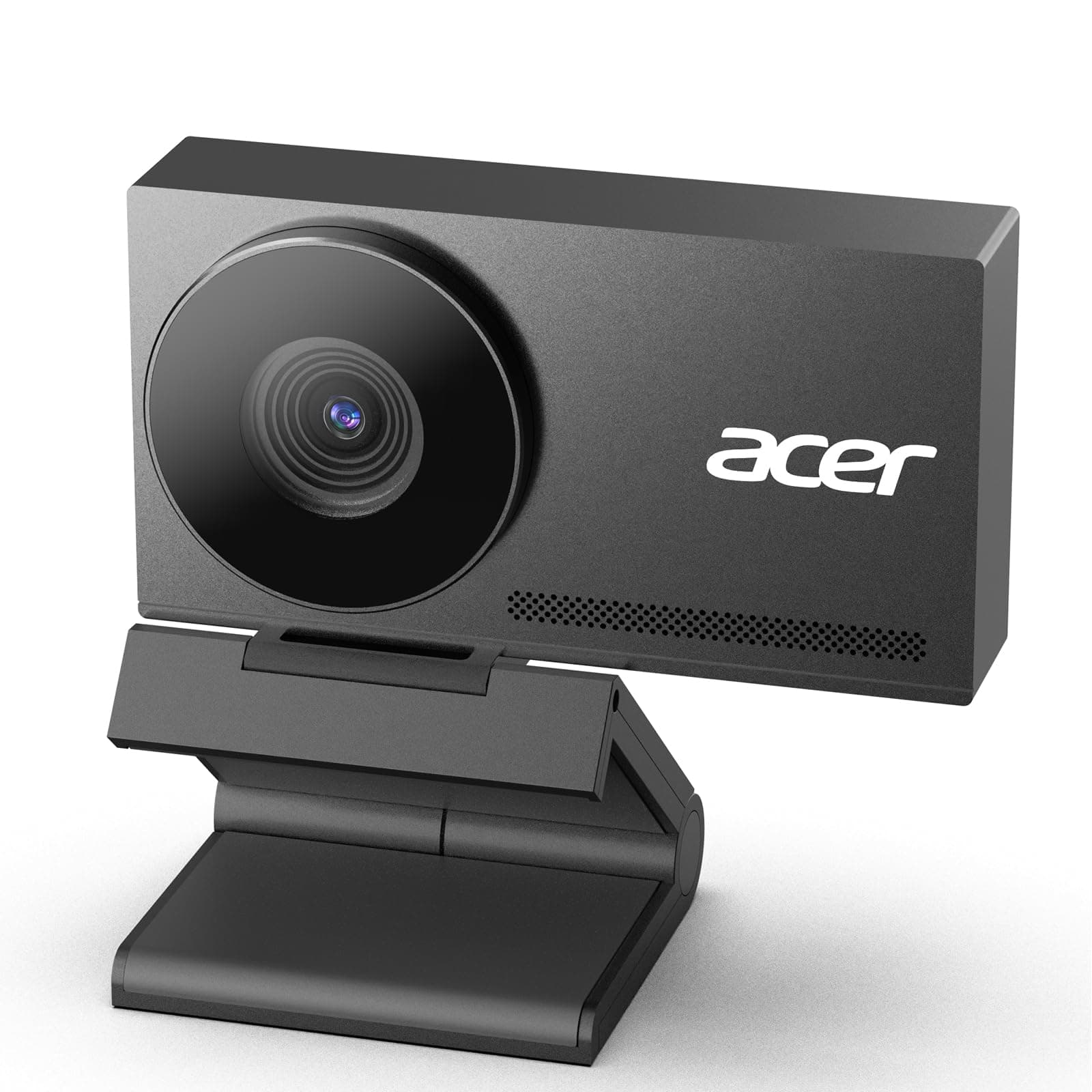
Logitech vs acer
$195 vs $60
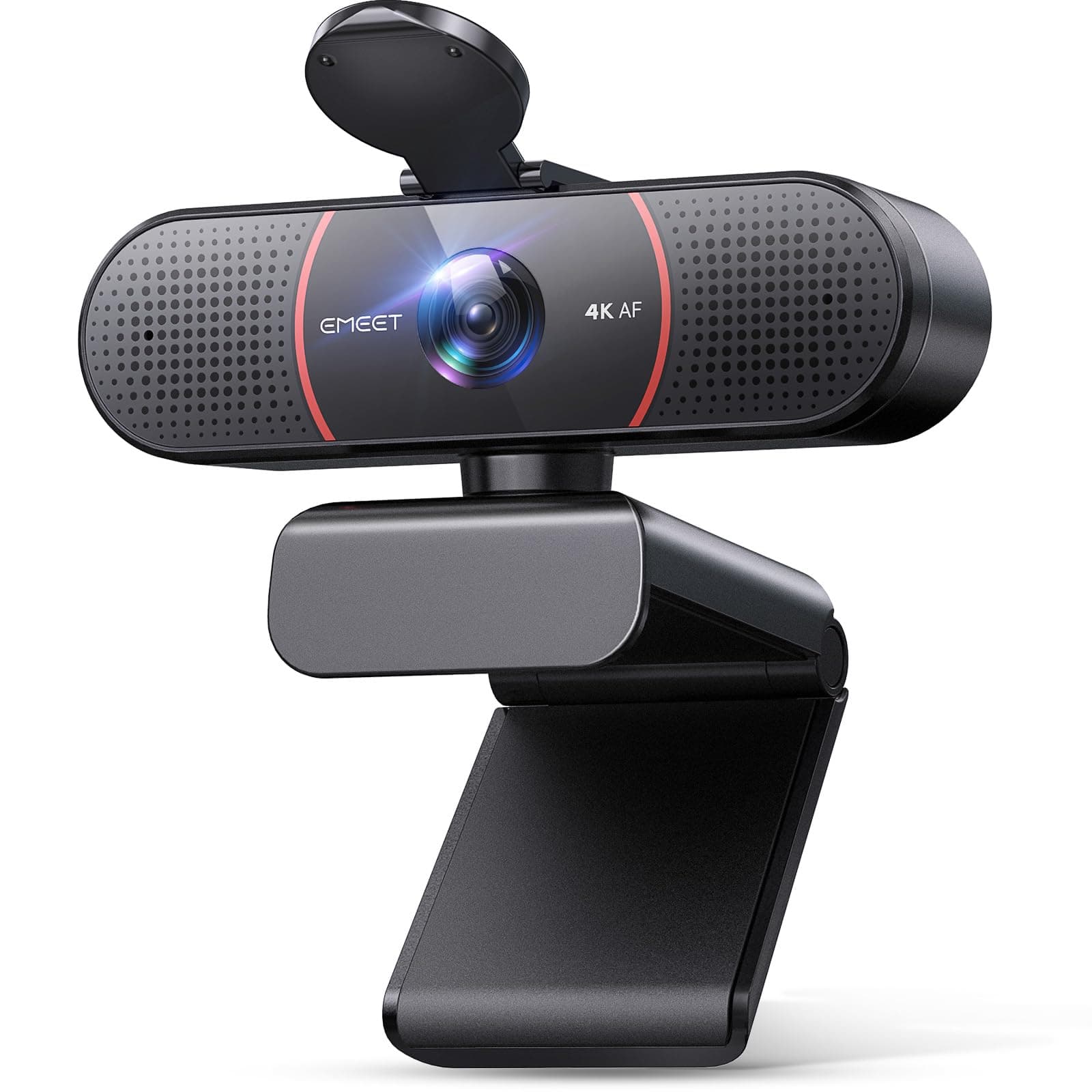
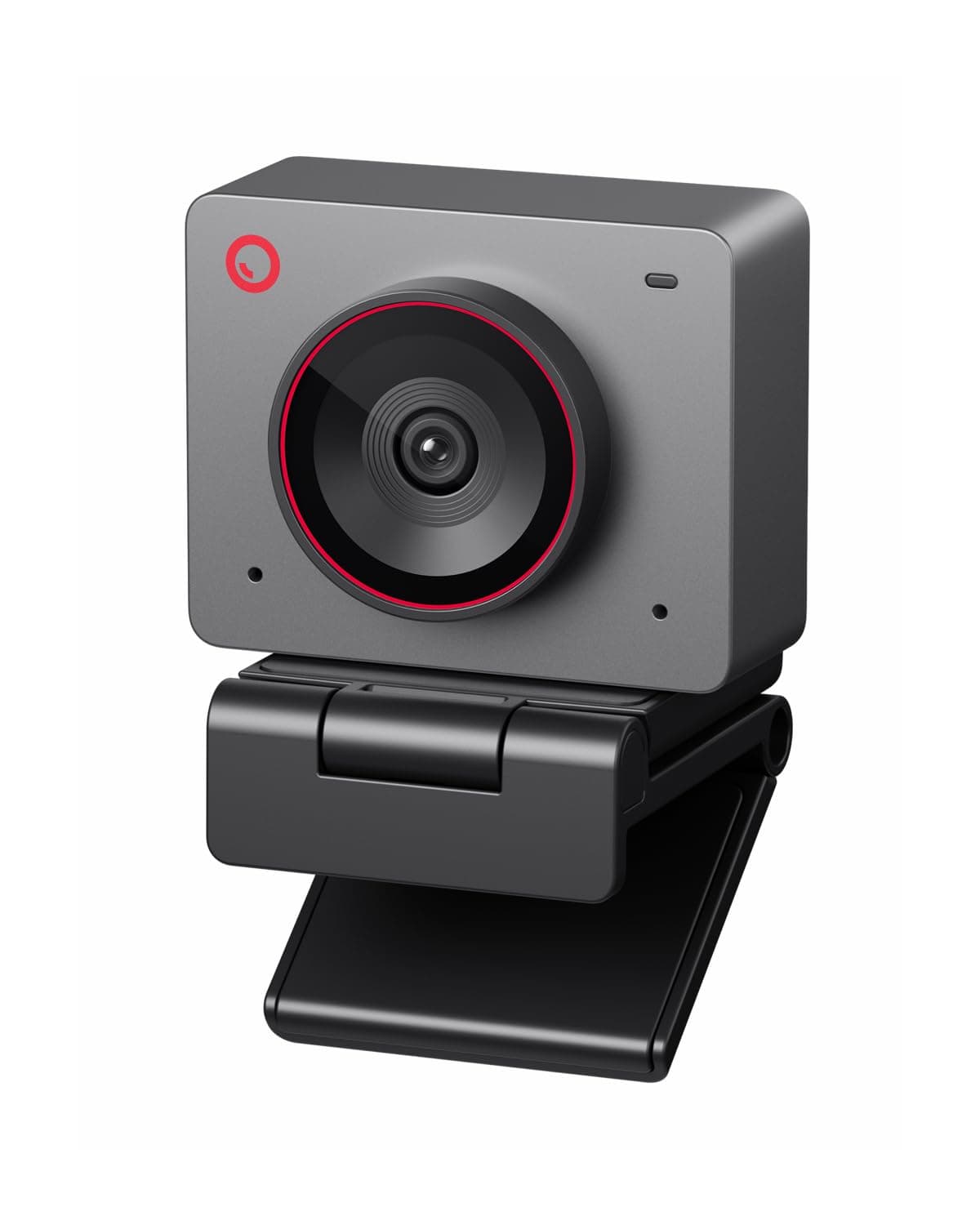
EMEET vs OBSBOT
$48 vs $129
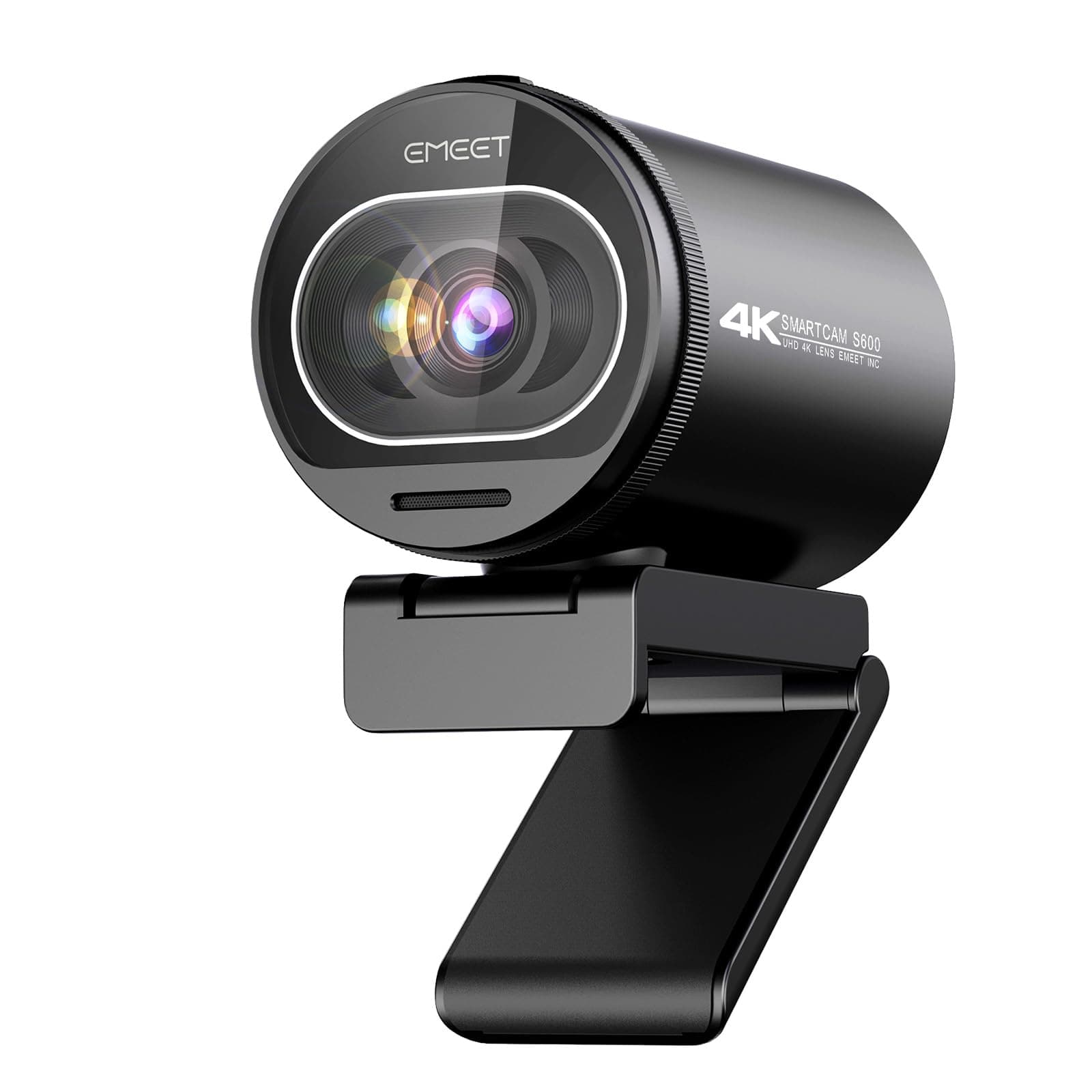
EMEET vs OBSBOT
$59 vs $129
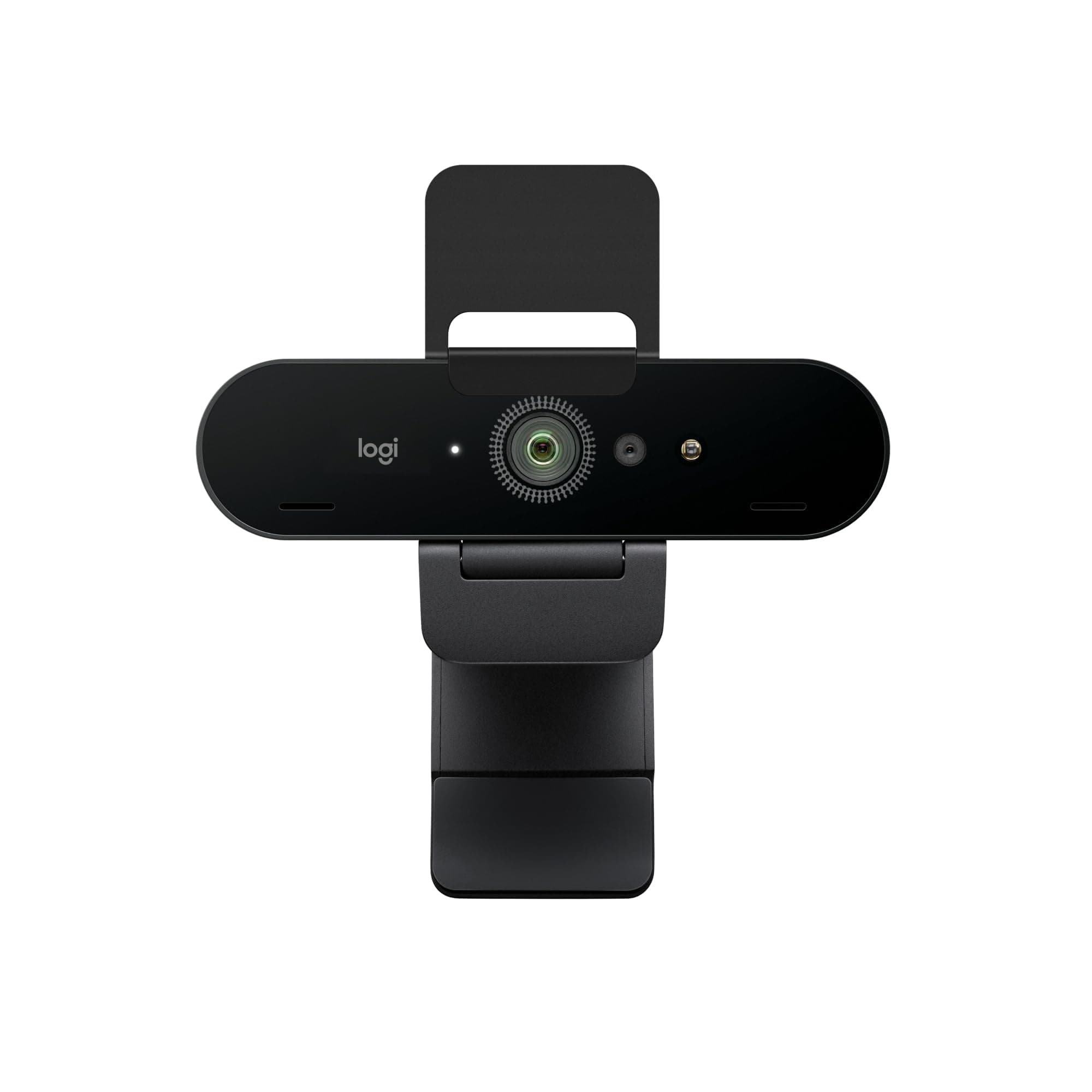
Logitech vs OBSBOT
$170 vs $129
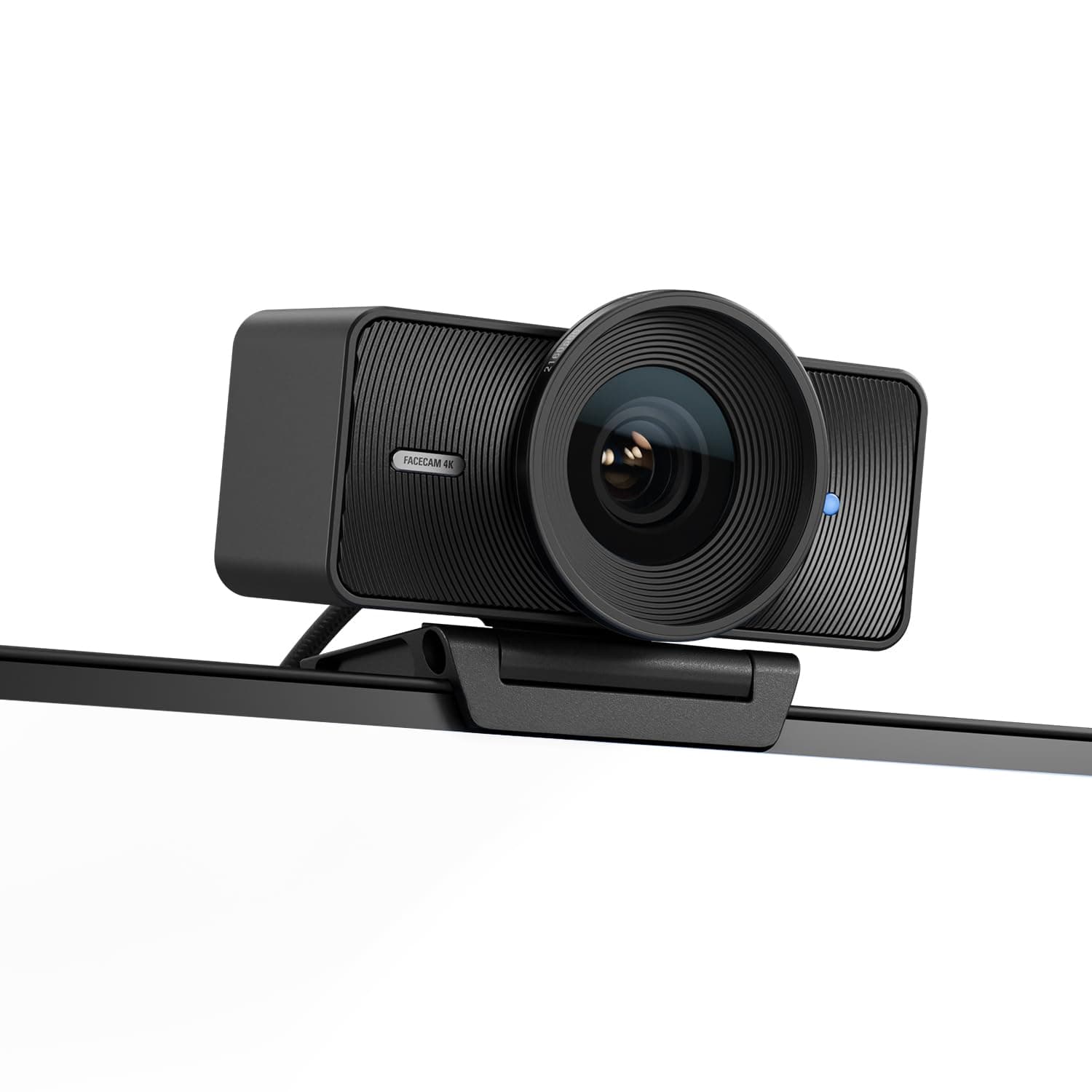
Elgato vs Logitech
$200 vs $195
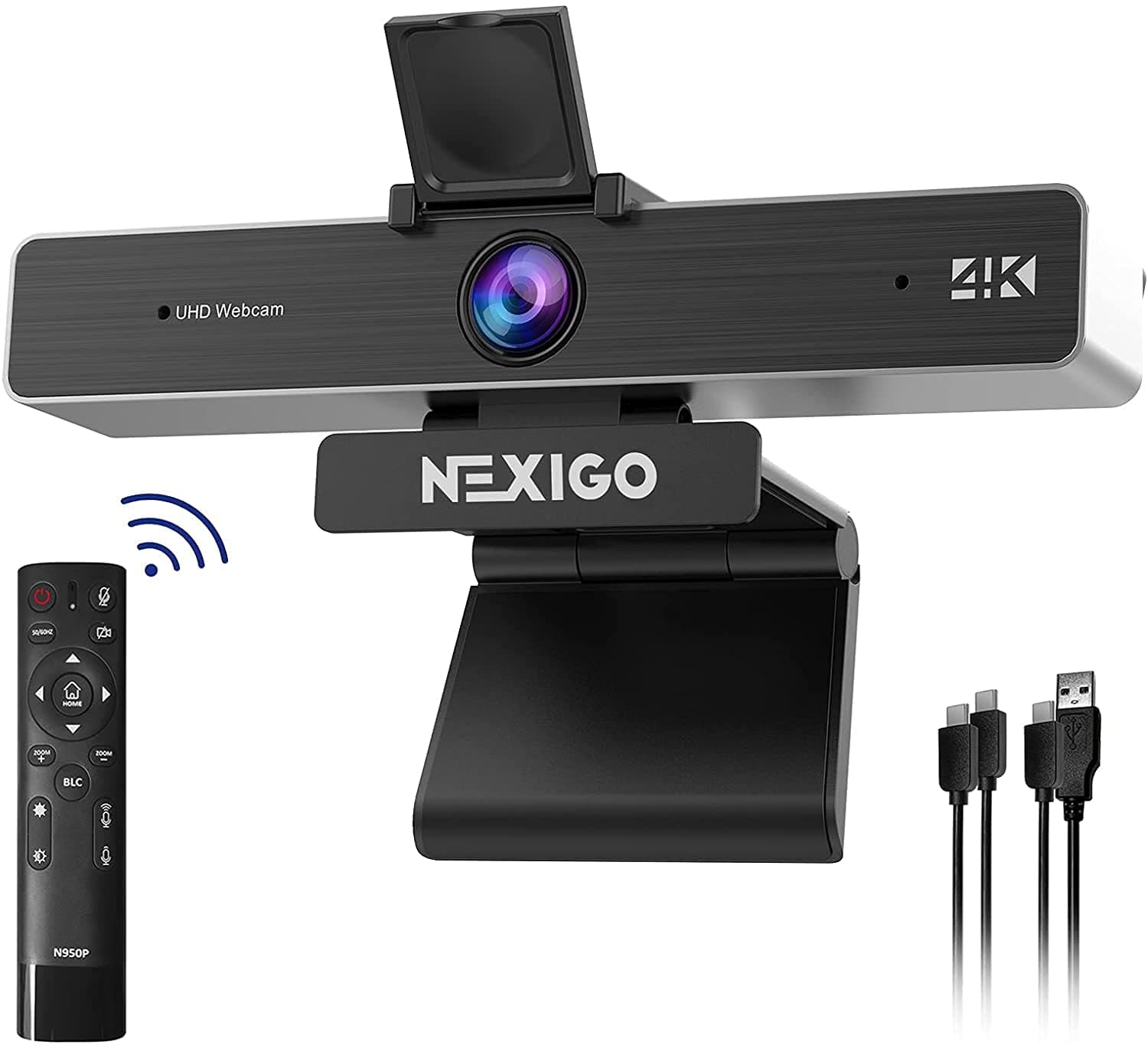
NexiGo vs OBSBOT
$120 vs $129
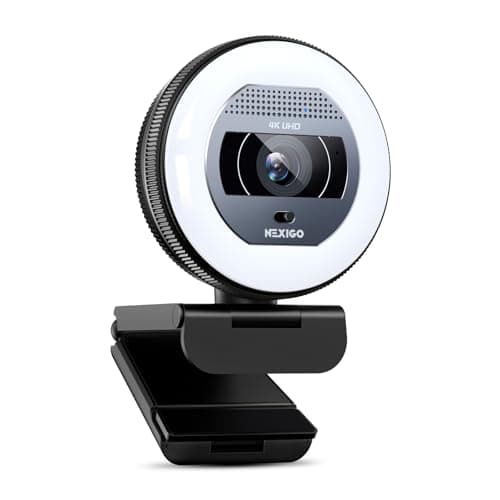
NexiGo vs OBSBOT
$100 vs $129
Logitech vs Logitech
$170 vs $195
OBSBOT vs acer
$129 vs $60
EMEET vs Logitech
$48 vs $195
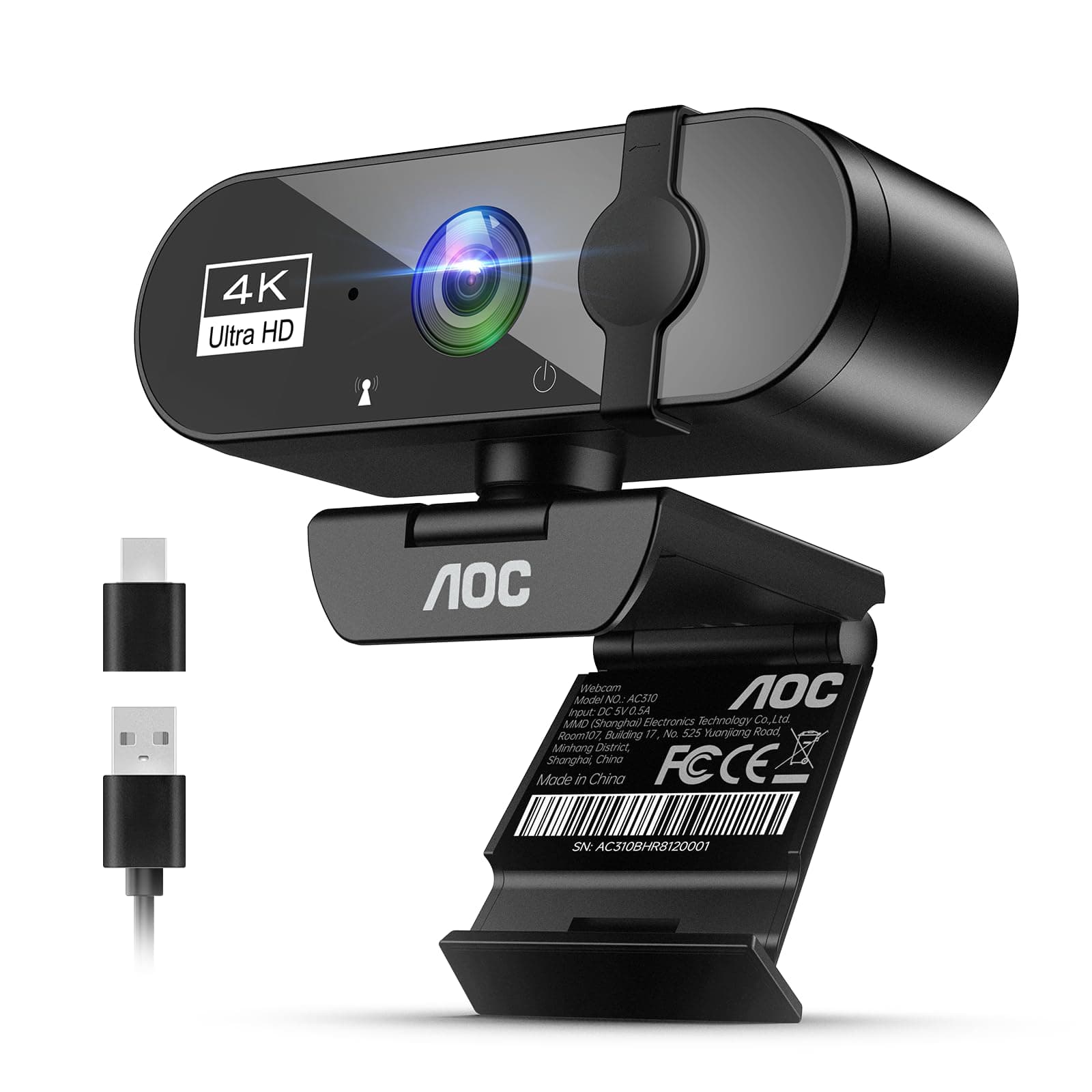
AOC vs Logitech
$26 vs $195
Explore Other Categories
Popular comparisons across the site


Ask AI
Get instant answers about specs
Get the Deets
Ask our AI assistant
Ask Deets anything!