Our Verdict
Elgato Facecam 4K Wins
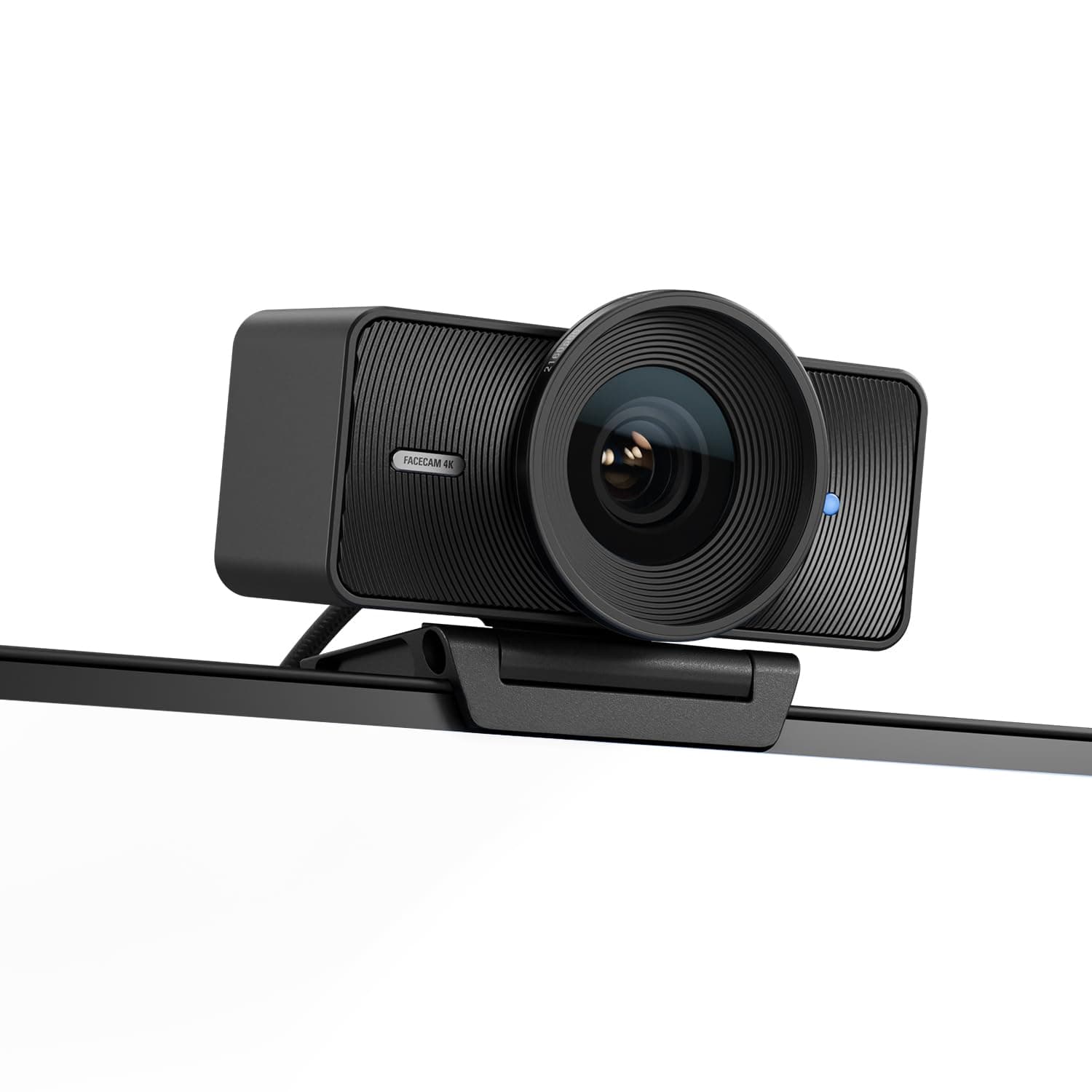
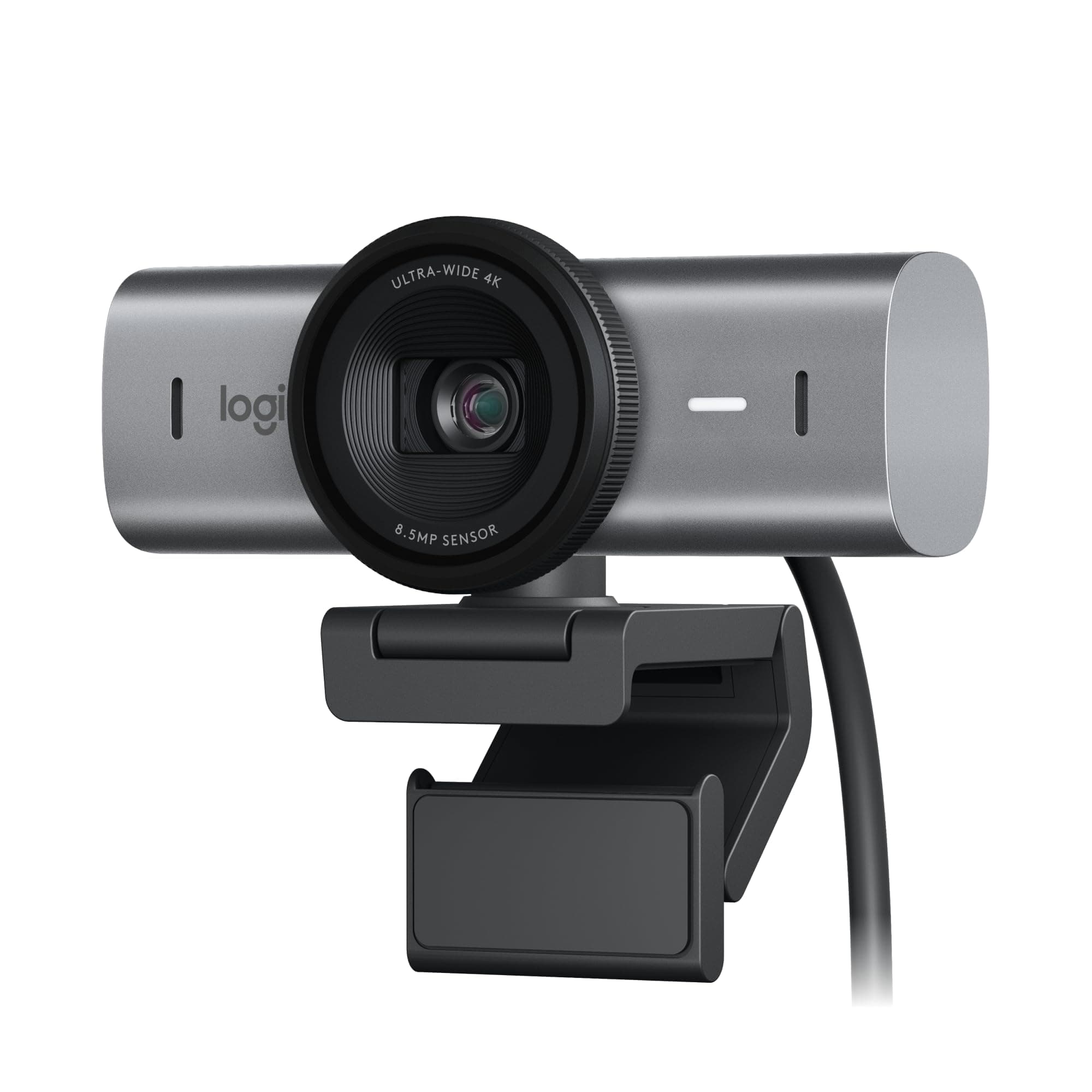
It secures the win for content creators prioritizing raw video quality, delivering true 4K resolution at a smooth 60 frames per second. This unmatched 4K60 capture, coupled with a Sony STARVIS 2 sensor and uncompressed video output, positions it ahead for superior image fidelity. The Logitech MX Brio is the better pick for users who prioritize convenience, integrated audio, and advanced features like autofocus and AI-powered low-light correction, even if it means sacrificing 4K at 60fps.
Bottom Line: Elgato Facecam 4K is the better choice. It secures the win for content creators prioritizing raw video quality, delivering true 4K resolution at a smooth 60 frames per second.
In-Depth Analysis
How they compare in practice
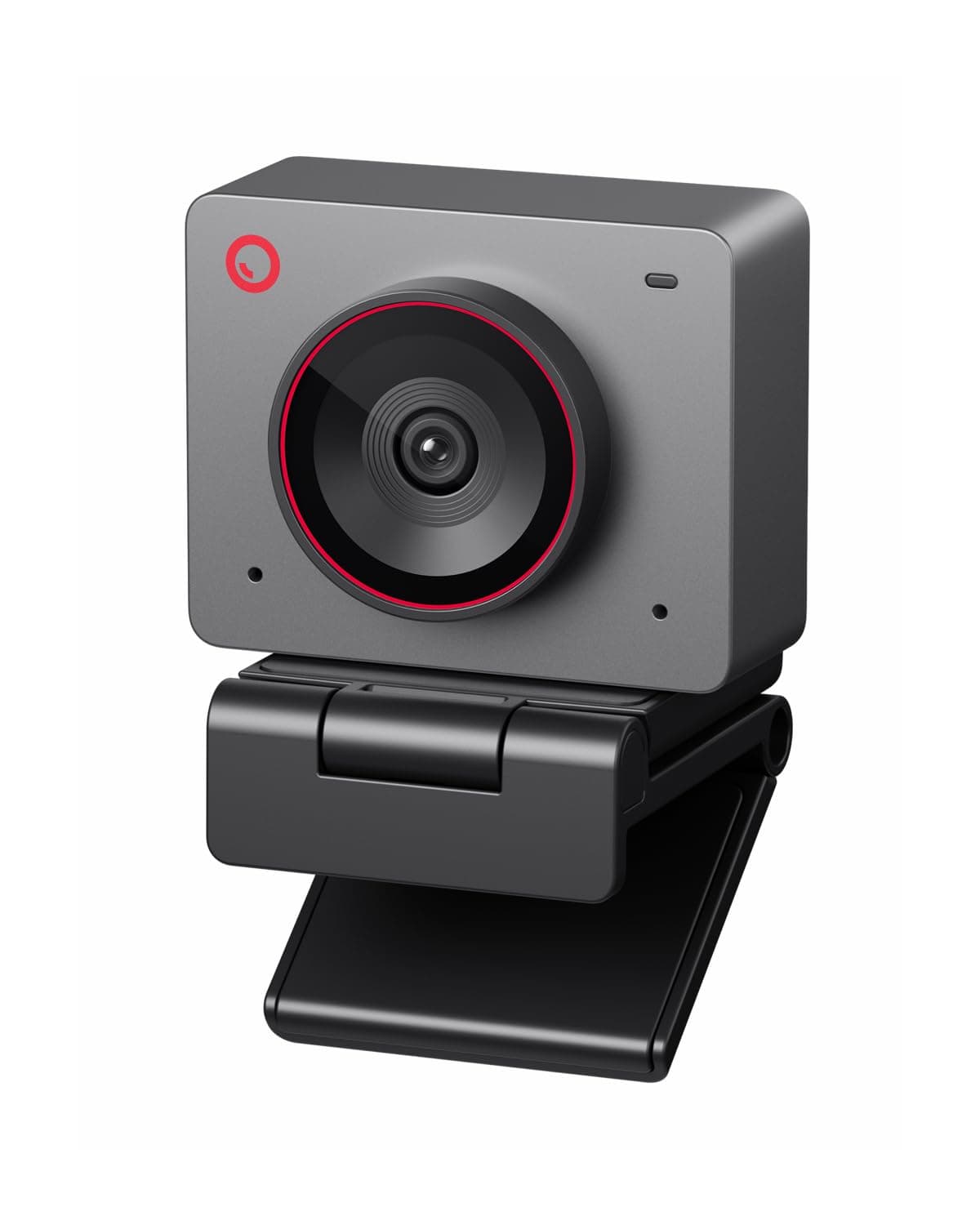
The Elgato Facecam 4K and Logitech MX Brio cater to distinct user profiles, despite their near-identical price points. The Elgato is a purebred studio webcam, designed for users who demand the highest possible uncompressed video quality. Its standout feature is native 4K at 60 frames per second, a capability the MX Brio cannot match, as it tops out at 4K30fps or 1080p60fps. This means Elgato provides smoother, more detailed high-resolution footage, crucial for professional streaming, recording, or high-fidelity virtual backgrounds. The inclusion of a Sony STARVIS 2 sensor and HDR support further solidifies its imaging prowess, allowing it to adapt better to challenging lighting and produce richer, more accurate colors.
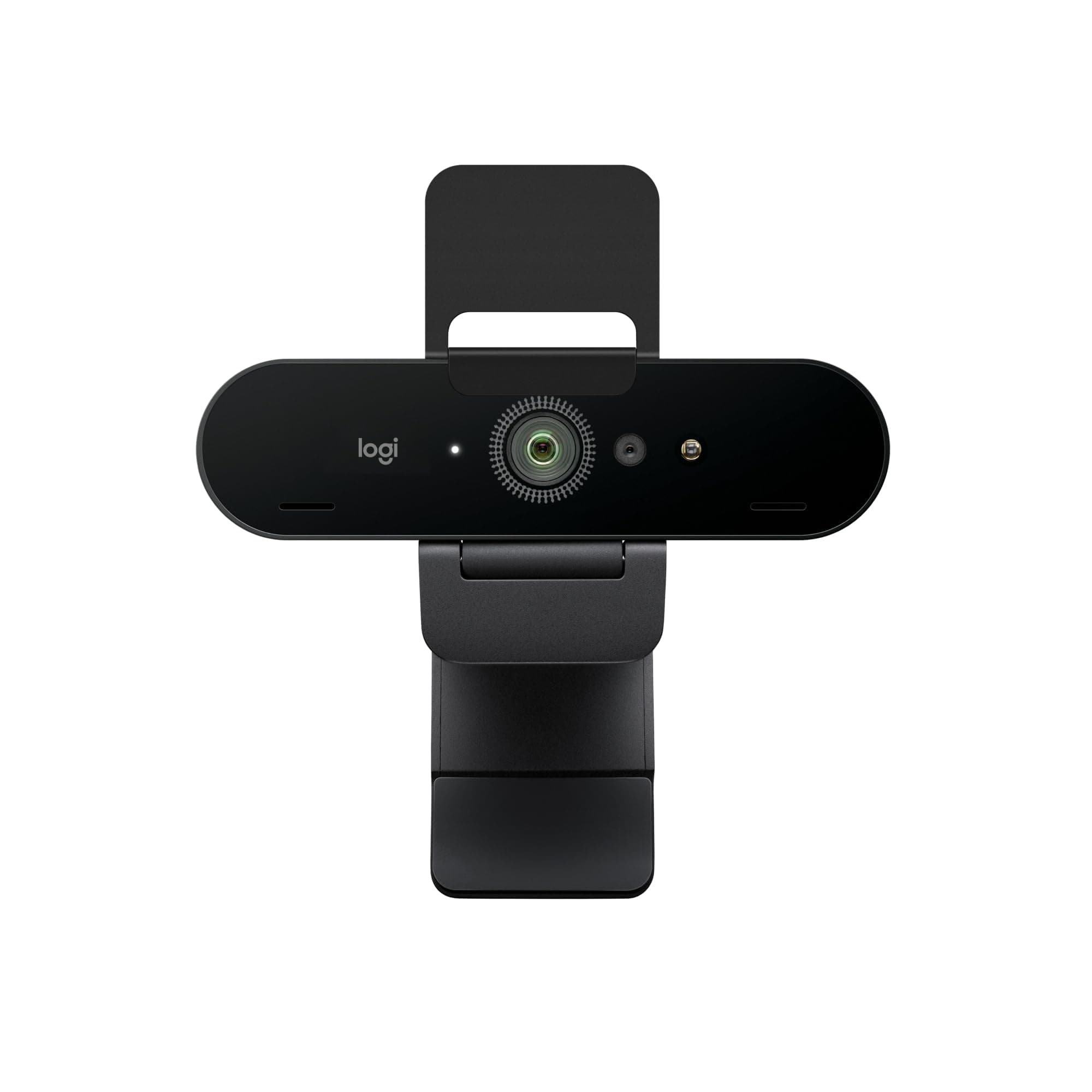
Conversely, the Logitech MX Brio emphasizes a comprehensive, user-friendly experience, making it a stellar choice for hybrid work, collaboration, and everyday streaming. While it doesn't offer 4K60, its integrated autofocus and dual AI noise-canceling microphones provide significant convenience that the Elgato lacks (Elgato requires a separate microphone). The MX Brio’s 70% larger sensor pixels and AI low-light correction, which claims to improve face visibility by 2x, make it exceptionally good in less-than-ideal lighting conditions, a common scenario in home offices. Its 'Show Mode' for desk sharing also adds practical utility for professionals.
The trade-offs are clear: the Elgato offers superior raw video performance and control for those willing to invest in external audio and manage settings via Camera Hub. The MX Brio provides a more 'plug-and-play' premium experience with intelligent features, ideal for those who value convenience and a complete package for calls and presentations. The Elgato's lighter weight (0.25 lbs vs 0.7875 lbs) might appeal to some for portability, but the MX Brio's robust feature set often outweighs this for its target audience.
Key Differences
The most significant spec differences at a glance
Weight
68% lessAdvantages
Where each product wins

Elgato
- Weight: 68% lower (0.25 vs 0.7875)
Which to Pick for Your Situation
Concrete scenarios with a clear recommendation
For a professional content creator needing ultimate video fidelity
ElgatoThe Elgato Facecam 4K offers true 4K at 60 FPS and uncompressed video output, crucial for high-quality production.
For hybrid workers requiring an all-in-one collaboration tool
LogitechThe Logitech MX Brio features autofocus, dual AI noise-canceling mics, and AI low-light correction for convenient, clear communication.
For users frequently in variable or dim lighting conditions
LogitechLogitech MX Brio's 70% larger sensor pixels and AI low-light correction significantly enhance image clarity in challenging environments.
For enthusiasts wanting to customize their lens setup
ElgatoThe Elgato Facecam 4K supports standard 49mm lens filters, allowing for creative and specialized visual effects.
Who Should Buy Which?
Find the right product for your needs

Buy Elgato if...
Elgato Facecam 4K -
The Elgato Facecam 4K is ideally suited for the dedicated streamer, YouTuber, or content creator who views their webcam as a crucial piece of studio equipment. This buyer prioritizes uncompromising video quality, seeking to deliver the sharpest, smoothest visuals possible to their audience. They are likely already invested in a high-quality external microphone, negating the Elgato's lack of integrated audio. Their workflow often involves manual control over camera settings via the Camera Hub software, valuing the ability to fine-tune exposure, white balance, and cinematic effects. Specs like true 4K at 60 FPS, the Sony STARVIS 2 sensor, and uncompressed video output are paramount to them, ensuring their footage has maximum detail and flexibility for post-production. They are willing to put in the effort to achieve a professional aesthetic and see the slightly higher price as an investment in their craft, even if it means sacrificing convenient features like autofocus.

Buy Logitech if...
Logitech MX Brio Ultra
The Logitech MX Brio is the perfect companion for the modern professional navigating a hybrid work environment, the educator conducting virtual classes, or the casual streamer who values convenience and robust features over absolute cinematic fidelity. This buyer needs a reliable, easy-to-use webcam that performs consistently well across various applications like Zoom, Teams, or Google Meet. Their priorities include clear audio, consistent image quality even in less-than-ideal lighting, and practical features that enhance collaboration. The MX Brio's autofocus ensures they always remain sharp, its dual AI noise-canceling microphones provide clear communication without needing extra gear, and its AI low-light correction maintains visibility in dimmer rooms. Features like the privacy shutter and 'Show Mode' for desk sharing are added bonuses for their daily use. They are happy with 4K at 30fps or 1080p at 60fps for their needs and appreciate an all-in-one solution that integrates seamlessly into their existing setup.
Spec Comparison
11 specs compared
| Specification |  | 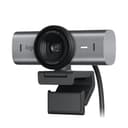 |
|---|---|---|
| Price | $200 | $195 |
| Rating | 4.3(1.3k) | 4.4(851) |
| Resolution | 4K | 4K |
| Autofocus | — | Yes |
| Weight | 0.25 lbs | 0.79 lbs |
| Hdr Support | Yes | — |
| Sensor Brand | Sony | — |
| Max Frame Rate Fps | 60 | 60 |
| Autofocus Type | — | AF |
| Connection | — | USB-C |
| Microphone Type | — | noise-canceling |
| Privacy Shutter | — | Yes |
| Low Light Correction | — | Yes |
Swipe horizontally to see all columns
Pros & Cons
Quick overview of strengths and weaknesses
Elgato Elgato Facecam
- 4K at 60 FPS for clear, smooth video capture
- Sony STARVIS 2 sensor delivers sharp image detail
- Supports standard 49mm lens filters
- HDR support handles varied lighting conditions
- Requires separate microphone for audio
- Complex settings require Camera Hub software
- Focus area optimized, may limit flexibility
Logitech MX Brio
- Outputs 4K at 30fps or 1080p at 60fps video
- 70% larger sensor pixels improve image clarity
- AI improves face visibility in low light by 2x
- Dual AI mics reduce background audio noise
- 0.79 lbs unit weight may impact portability
- Specific features require Logitech software install
Frequently Asked Questions
Common questions about this comparison
What is the maximum resolution and frame rate for each webcam?
The Elgato Facecam 4K delivers 4K at 60 FPS. The Logitech MX Brio outputs 4K at 30 FPS or 1080p at 60 FPS, offering a slightly less smooth 4K experience.
Do either of these webcams include a built-in microphone?
The Logitech MX Brio features dual AI noise-canceling microphones. The Elgato Facecam 4K does not include an integrated microphone, requiring a separate audio solution.
Which webcam performs better in low-light conditions?
The Logitech MX Brio excels in low light due to its 70% larger sensor pixels and AI that improves face visibility by 2x, outperforming the Elgato in this specific area.
Does either webcam support autofocus?
Yes, the Logitech MX Brio features autofocus for crisp images. The Elgato Facecam 4K has an optimized focus area, implying a fixed or limited focus rather than dynamic autofocus.
Can I attach lens filters to either webcam?
Yes, the Elgato Facecam 4K supports standard 49mm lens filters, allowing for greater creative control over your video output. The Logitech MX Brio does not.
What is 'Show Mode' on the Logitech MX Brio?
Show Mode on the Logitech MX Brio allows users to easily tilt the camera down to share documents, sketches, or objects on their desk during calls or presentations, enhancing collaboration.
Related Comparisons
Similar products people compare
Explore Other Categories
Popular comparisons across the site





Ask AI
Get instant answers about specs
Get the Deets
Ask our AI assistant
Ask Deets anything!