Logitech
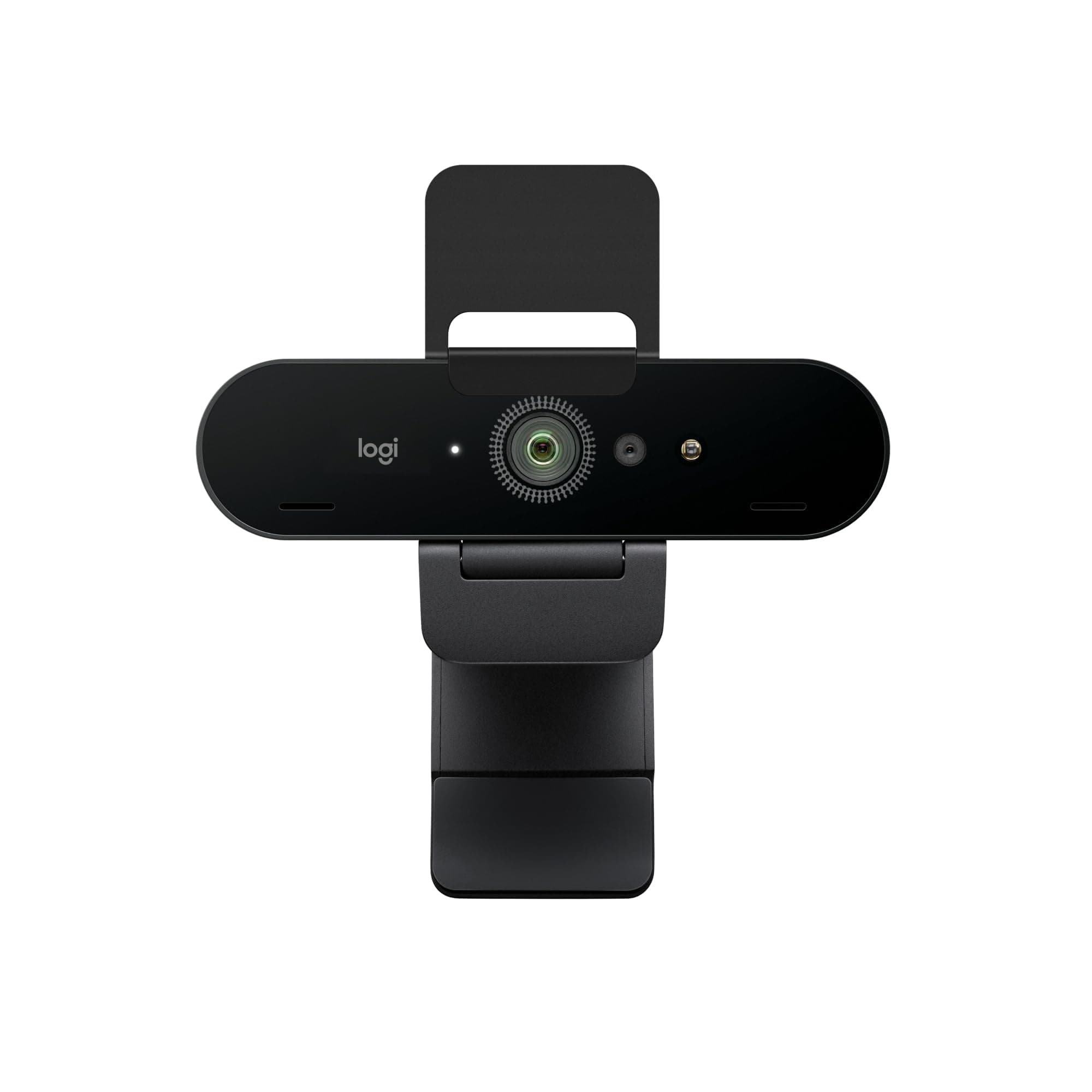
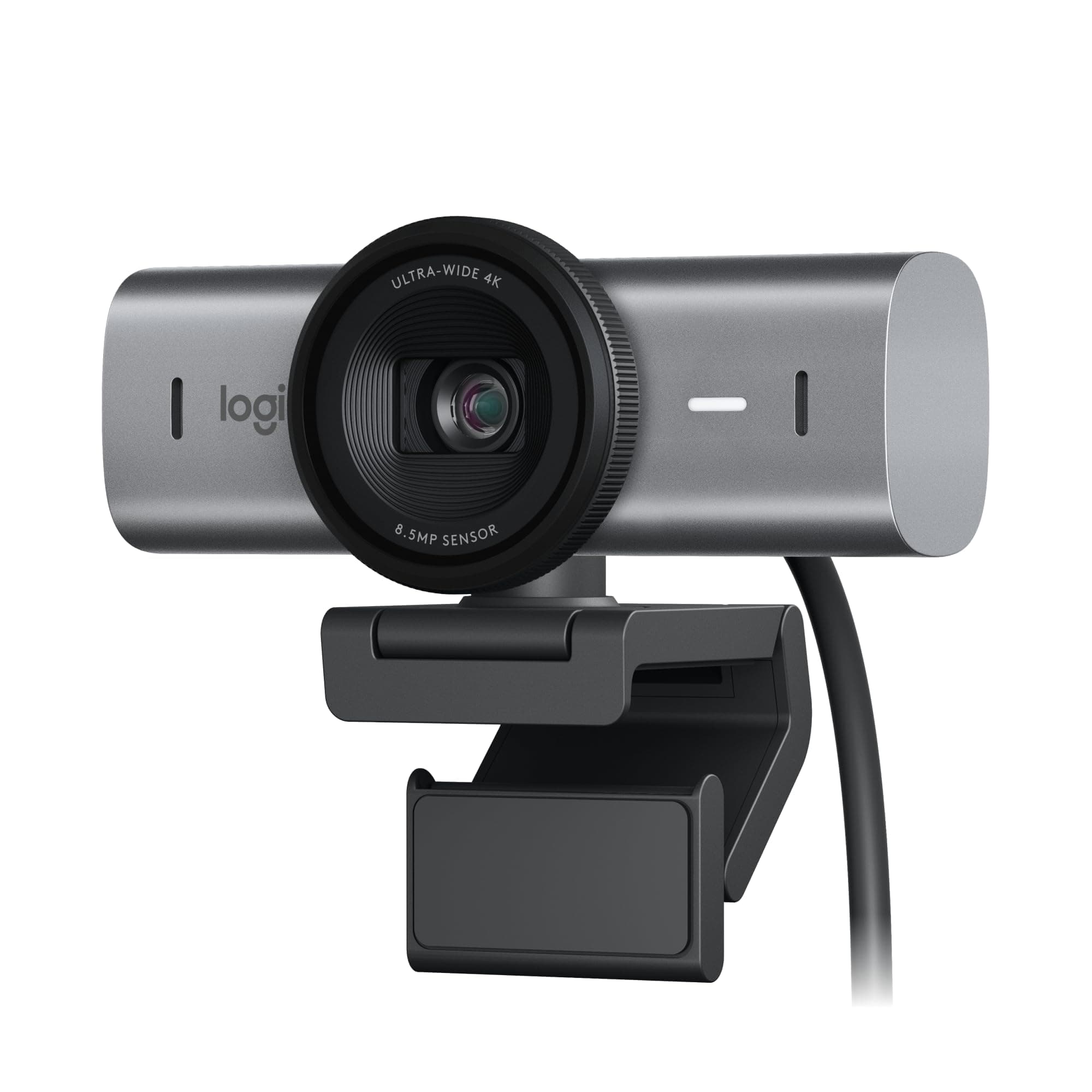
Logitech Brio 4K Video
Pros & Cons
Pros
- 4K 30fps video output
- Autofocus with auto light correction
- Adjustable 65, 78, 90 degree field of view
- Noise-canceling dual microphones
- Windows Hello facial recognition
Cons
- Attachable privacy shutter can be misplaced
- Requires Logi Options+ software for full control
- 4K resolution fixed at 30 frames per second
Cheaper Alternatives
Similar products at a lower price point
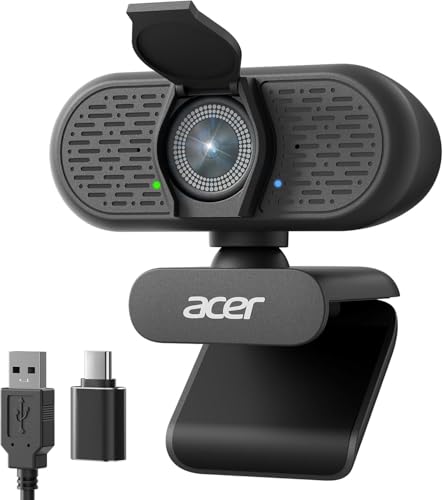
Acer
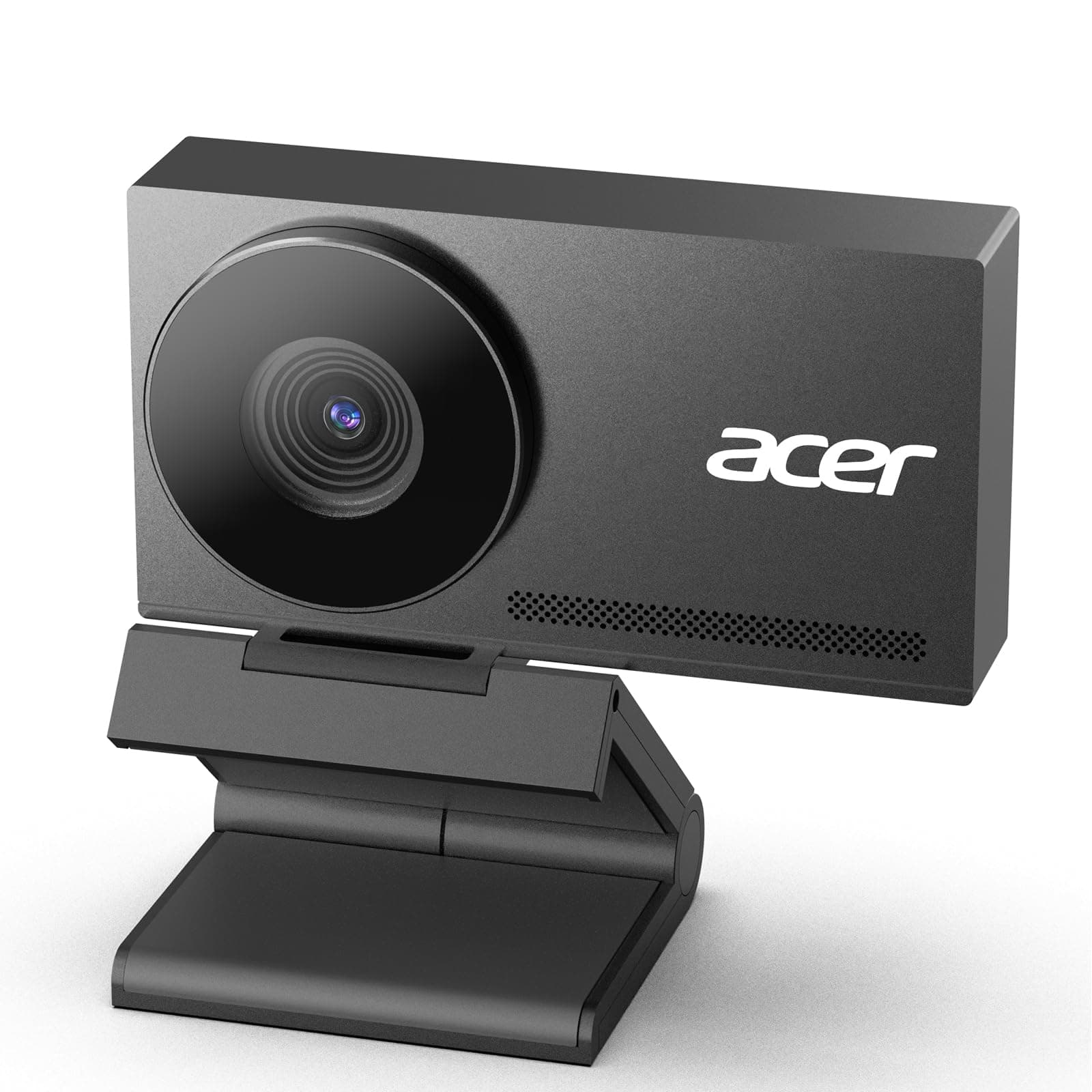
Acer A640 4K Webcam for PC with Sony Sen...

AOC
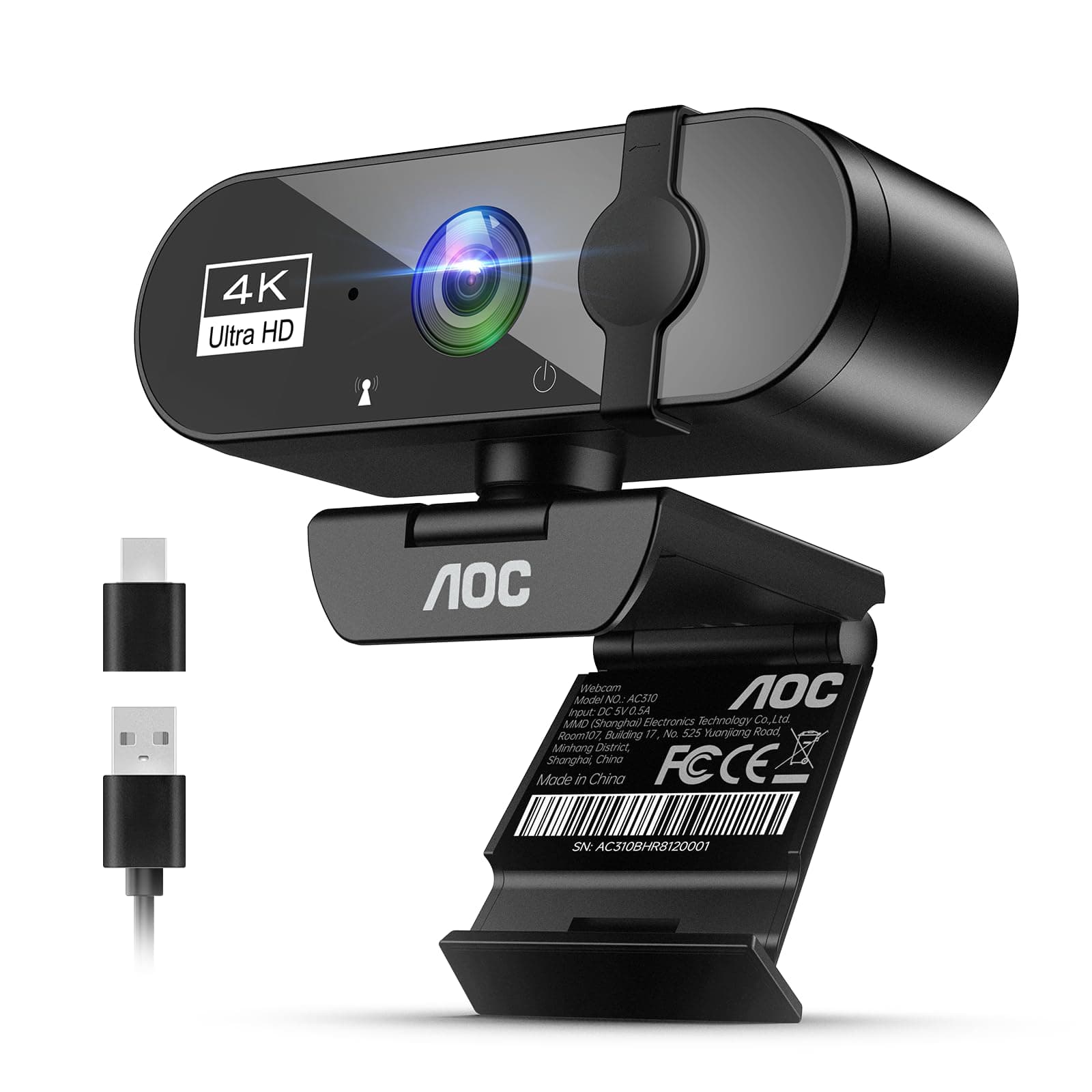
AOC 4k Webcam for PC with Microphone, Co...

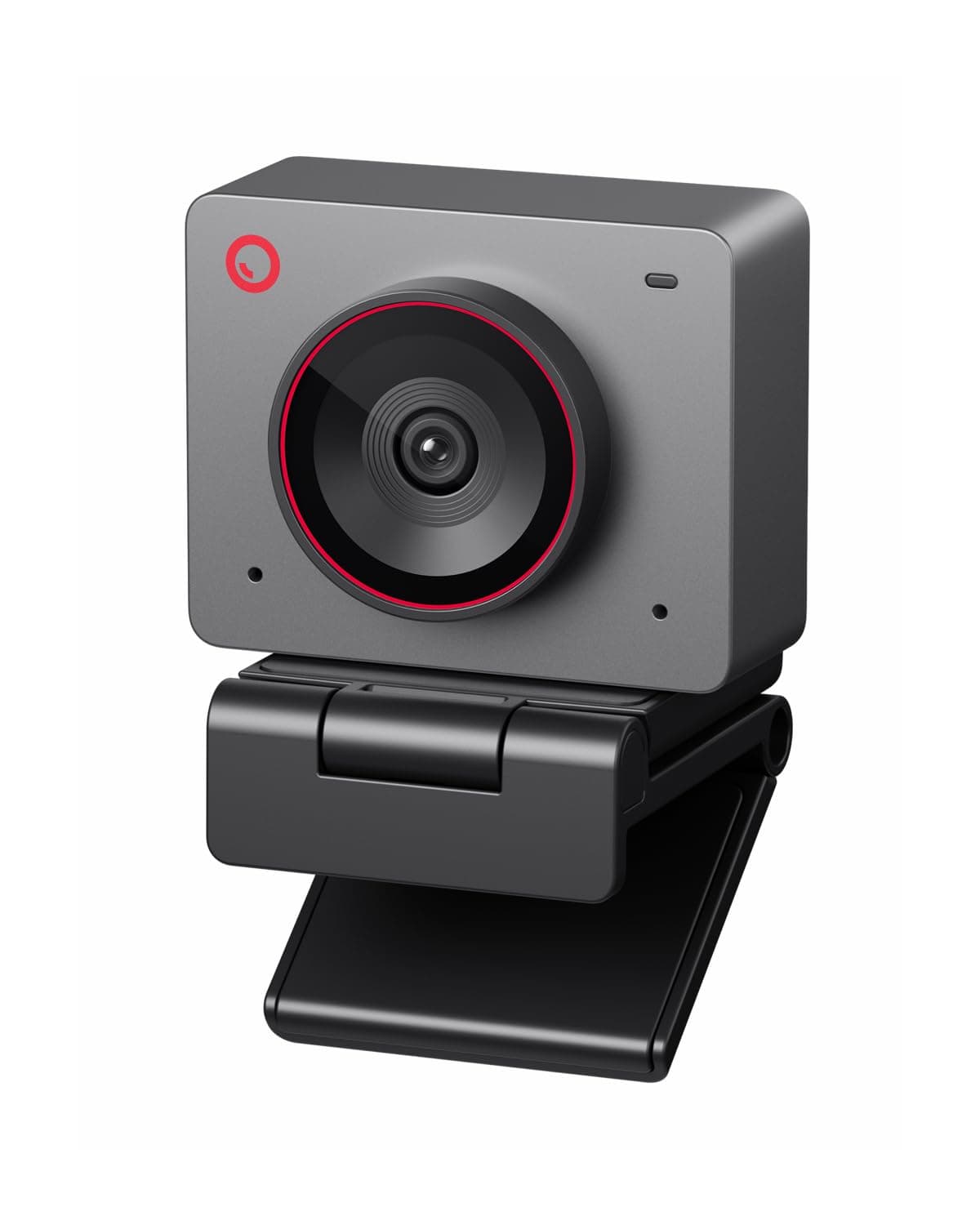
OBSBOT
OBSBOT Meet 2-4K Webcam for PC with 1/2"...

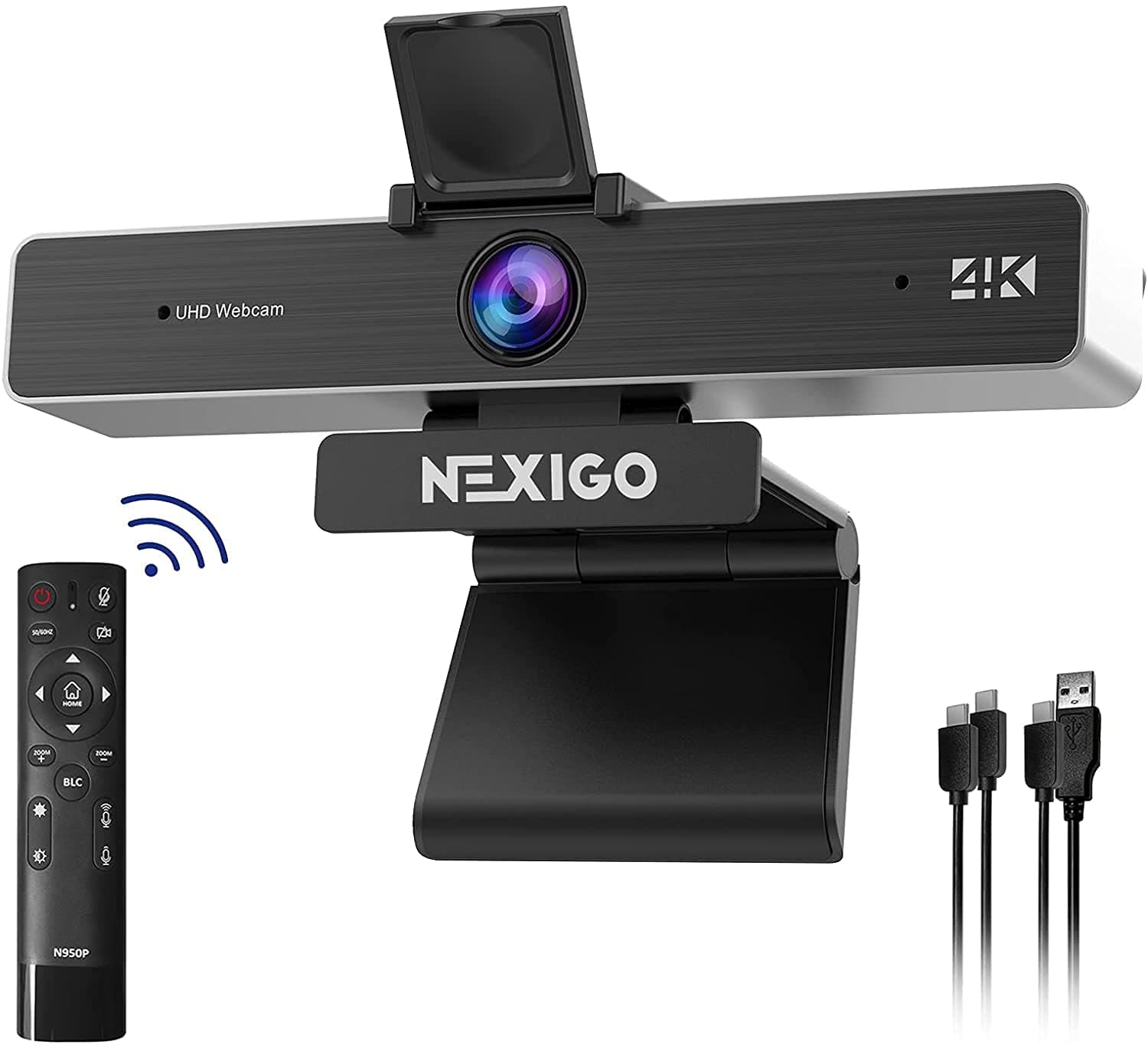
NexiGo
NexiGo N660P Pro 4K Webcam with Distorti...

EMEET
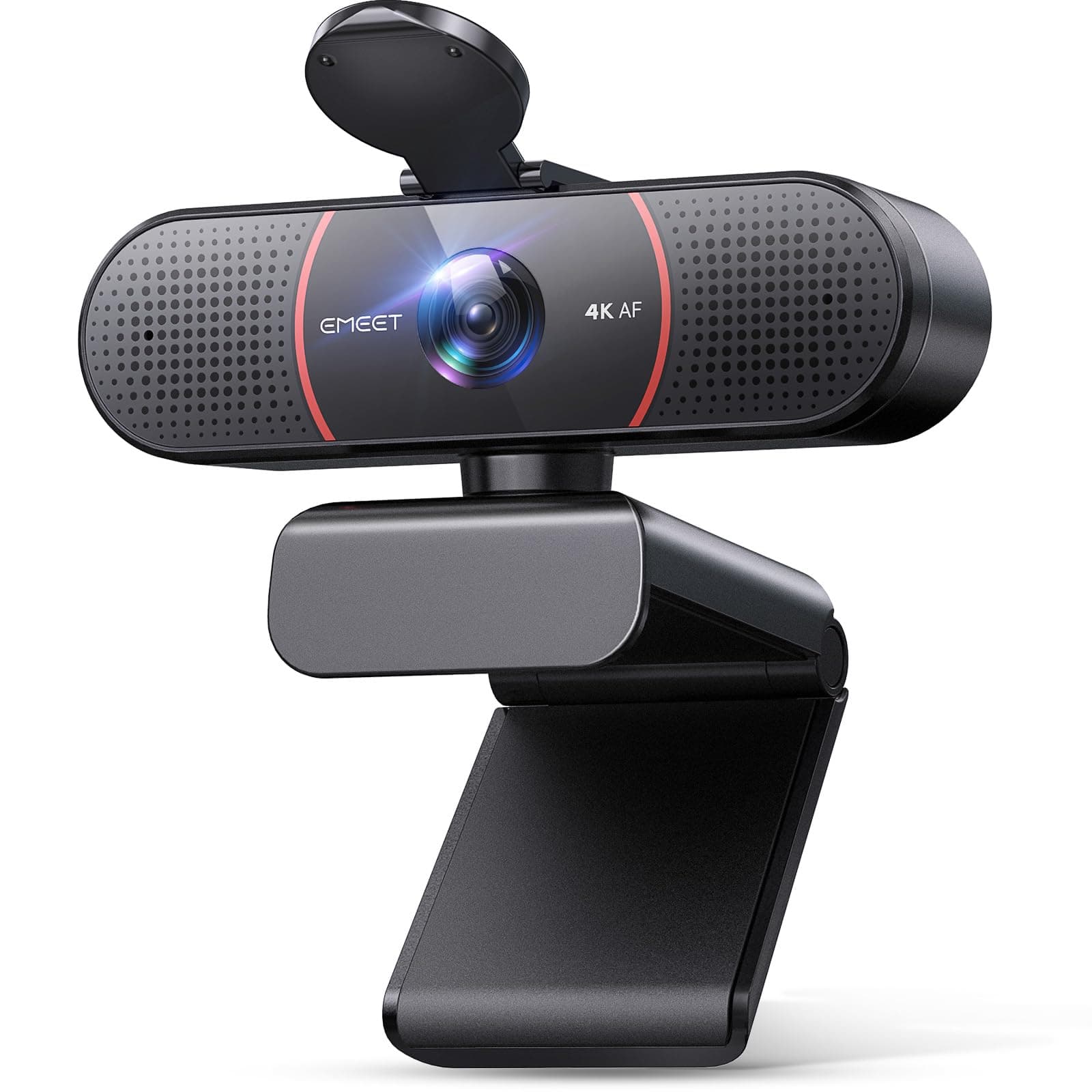
EMEET C60E Dual-Camera 4K Webcam for Str...

NexiGo
NexiGo N930E Pro, 4K Webcam with Ring Li...
Specifications
10 specs
Customer Reviews
Frequently Asked Questions
Common questions about Logitech
Is the Logitech Brio suitable for professional video conferencing and streaming?
Yes, the Logitech Brio is ideal for professional video conferencing and streaming. It features 4K resolution at 30fps, noise-canceling dual microphones, and an adjustable field of view up to 90 degrees, ensuring clear audio and video quality for your calls and broadcasts.
What does the adjustable field of view mean for the Logitech Brio 4K Webcam?
The Logitech Brio 4K Webcam offers an adjustable field of view, allowing you to choose between 65, 78, or 90 degrees. This flexibility lets you frame yourself perfectly, whether it's a tight headshot for a professional call or a wider view to include more of your surroundings.
Does the Logitech Brio have a privacy feature, and are there any considerations for it?
Yes, the Logitech Brio 4K Webcam includes a privacy shutter for peace of mind. While effective, it's an attachable component, so there is a possibility it could be misplaced if not stored carefully when not in use.
What software is required to use the Logitech Brio 4K Webcam to its full potential?
While the Logitech Brio works with most video calling apps out of the box, full control over its advanced features, like detailed customization and settings, requires installing the Logi Options+ software. This software helps unlock its full potential.
What is the value proposition of the Logitech Brio 4K Webcam at its price point?
At $169.99, the Logitech Brio offers significant value with its 4K resolution, autofocus, noise-canceling microphone, and Windows Hello facial recognition. These features enhance video calls, justifying its position as a premium webcam for a superior experience.
Comparisons
See how Logitech Brio 4K Webcam Video compares to similar products
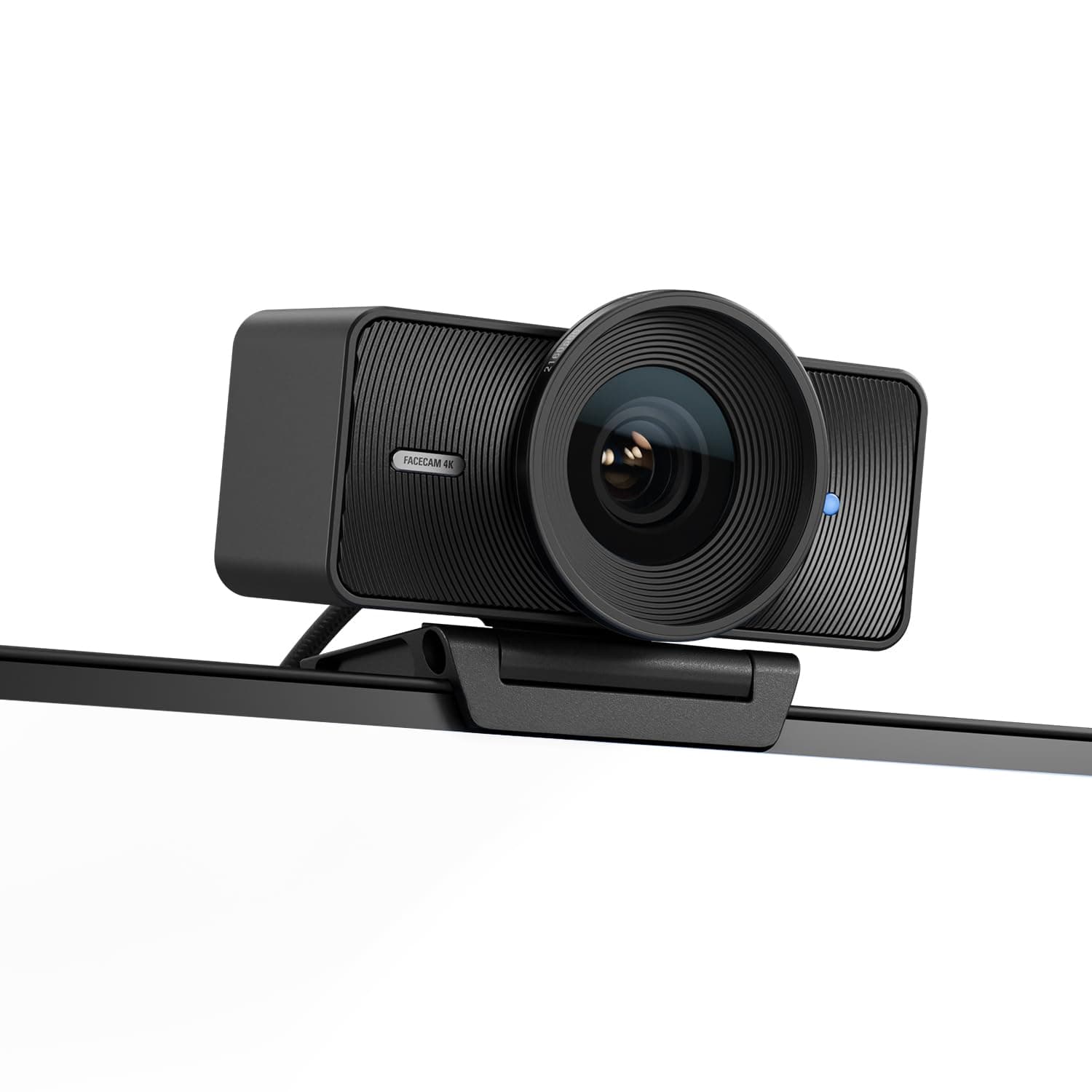
Prices may vary. As an Amazon Associate, we earn from qualifying purchases.
Similar Products
Acer
Acer A640 4K Webcam for PC with Sony Sensor PDAF Autofocus AI Noise Canceling Mic 2K 1080P/60fps USB A to C Adapter Computer Camera for Gaming Streaming Meetings Switch 2 Camera Teams Zoom Facetime
AOC
AOC 4k Webcam for PC with Microphone, Computer Camera with Noise Cancellation, Privacy Cover, 99° FOV, Plug & Play USB Webcam for Streaming, Conferencing, Zoom, Skype, Facetime, Laptop, PC, Skype Black
OBSBOT
OBSBOT Meet 2-4K Webcam for PC with 1/2" Sensor, AI Framing & Autofocus, Beauty Mode, Lightweight, Gesture Control, HDR, Dual Microphone, 60 FPS, Web Cam for Streaming, Meeting, Gaming. (Space Grey) Meet 2 Grey
NexiGo
NexiGo N660P Pro 4K Webcam with Distortion-Free Lens, 1080p 60 fps Autofocus USB Streaming Camera, 3DNR, Noise-Canceling Mics & Privacy Cover, Web Cam for Gaming/Live Streaming/PC/Mac/Switch 2, White