Logitech
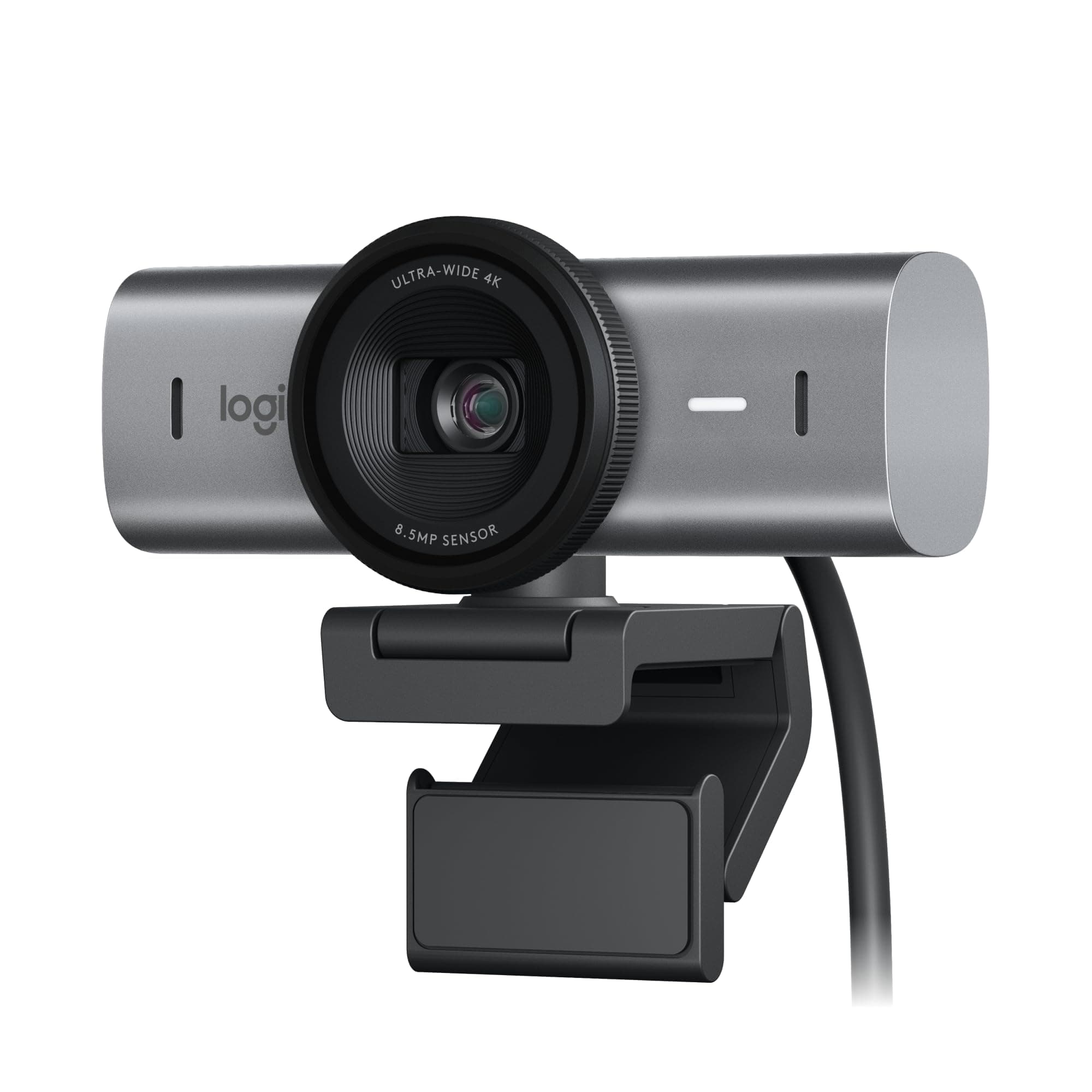
Logitech MX Brio Ultra
Pros & Cons
Pros
- Outputs 4K at 30fps or 1080p at 60fps video
- 70% larger sensor pixels improve image clarity
- AI improves face visibility in low light by 2x
- Dual AI mics reduce background audio noise
- Show Mode allows desk sharing for documents
Cons
- 0.79 lbs unit weight may impact portability
- Specific features require Logitech software install
Cheaper Alternatives
Similar products at a lower price point

AOC
AOC 4k Webcam for PC with Microphone, Co...
Acer
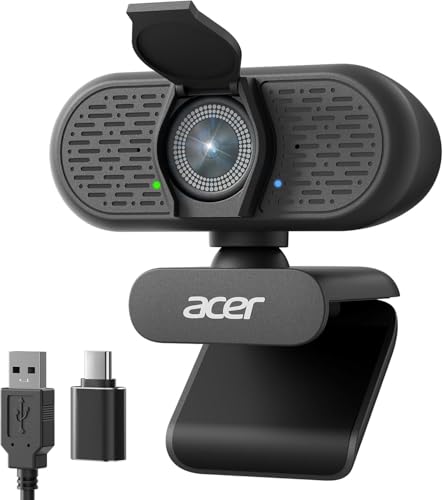
Acer A640 4K Webcam for PC with Sony Sen...

EMEET
EMEET C60E Dual-Camera 4K Webcam for Str...

Logitech
Logitech Brio 4K Webcam, Video Calling, ...

NexiGo
NexiGo N660P Pro 4K Webcam with Distorti...

OBSBOT
OBSBOT Meet 2-4K Webcam for PC with 1/2"...
Specifications
9 specs
Customer Reviews
Frequently Asked Questions
Common questions about Logitech
Is the Logitech MX Brio suitable for professional video conferencing and presentations?
Yes, the Logitech MX Brio is ideal for professional collaboration and streaming. It offers Ultra HD 4K resolution and features a unique Show Mode for easily sharing your desk view during presentations. Its dual AI noise-canceling microphones also ensure clear communication by reducing background audio.
What is the price of the Logitech MX Brio and what features justify it?
The Logitech MX Brio is priced at $169.99. This reflects its premium features such as Ultra HD 4K resolution at 30fps (or 1080p at 60fps), a 70% larger sensor for improved image clarity, AI-powered low-light correction, and dual AI noise-canceling microphones for superior audio.
What are the compatibility requirements for the Logitech MX Brio?
The Logitech MX Brio connects via USB-C and is designed to work seamlessly with major platforms including Microsoft Teams, Zoom, and Google Meet. Note that specific features like Show Mode may require installing Logitech's proprietary software for full functionality.
How does the Logitech MX Brio perform in low-light conditions?
The Logitech MX Brio excels in low light due to its 70% larger sensor pixels, which enhance image clarity. It also features AI-powered low-light correction, which is designed to improve face visibility by 2x, ensuring a bright and clear image even in dim environments.
Is the Logitech MX Brio considered portable?
The Logitech MX Brio weighs 0.7875 lbs. While it's a compact device, this unit weight might be slightly higher compared to some lighter webcams, which could potentially impact its portability for users who frequently travel or relocate their setup.
Comparisons
See how Logitech MX Brio Ultra HD compares to similar products
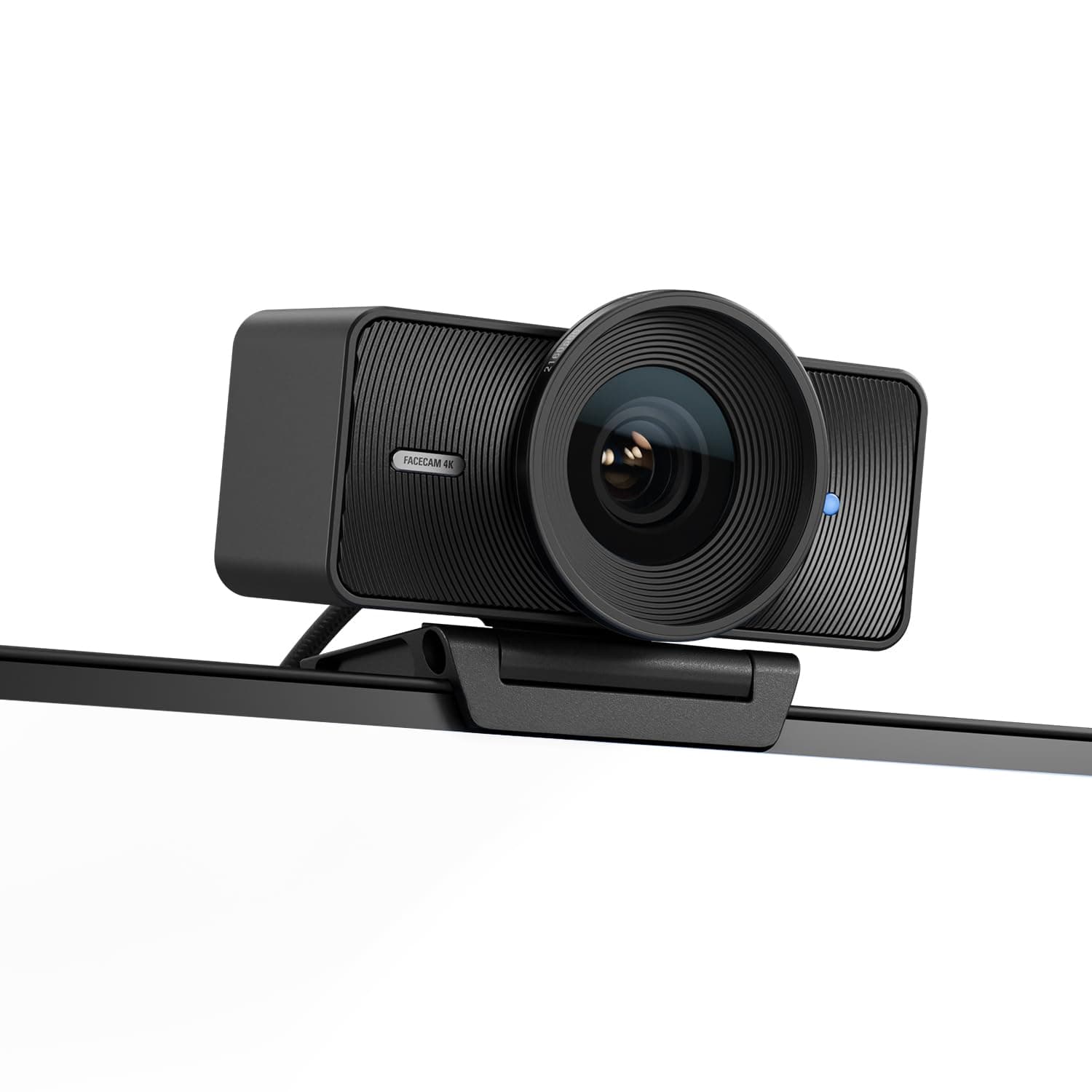
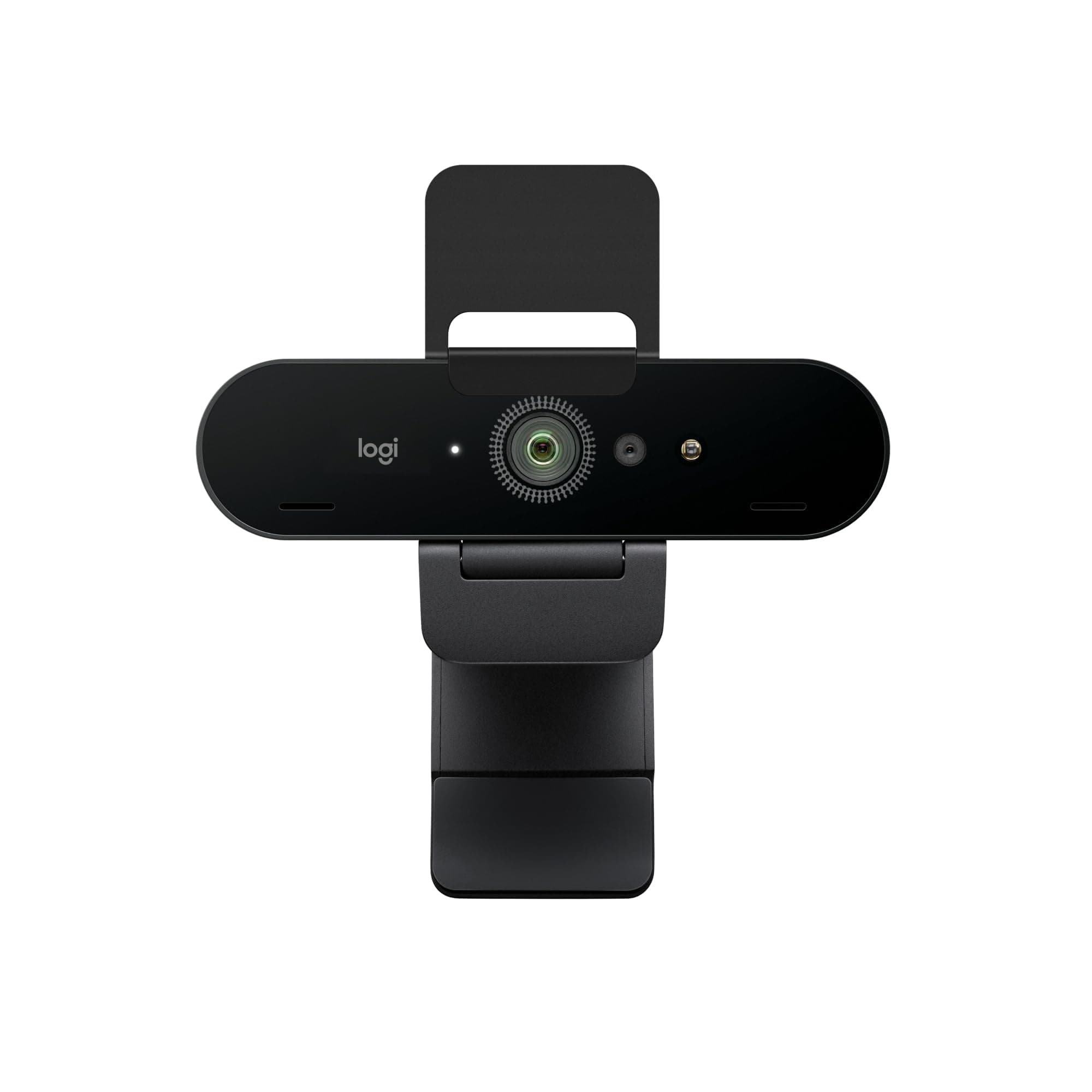
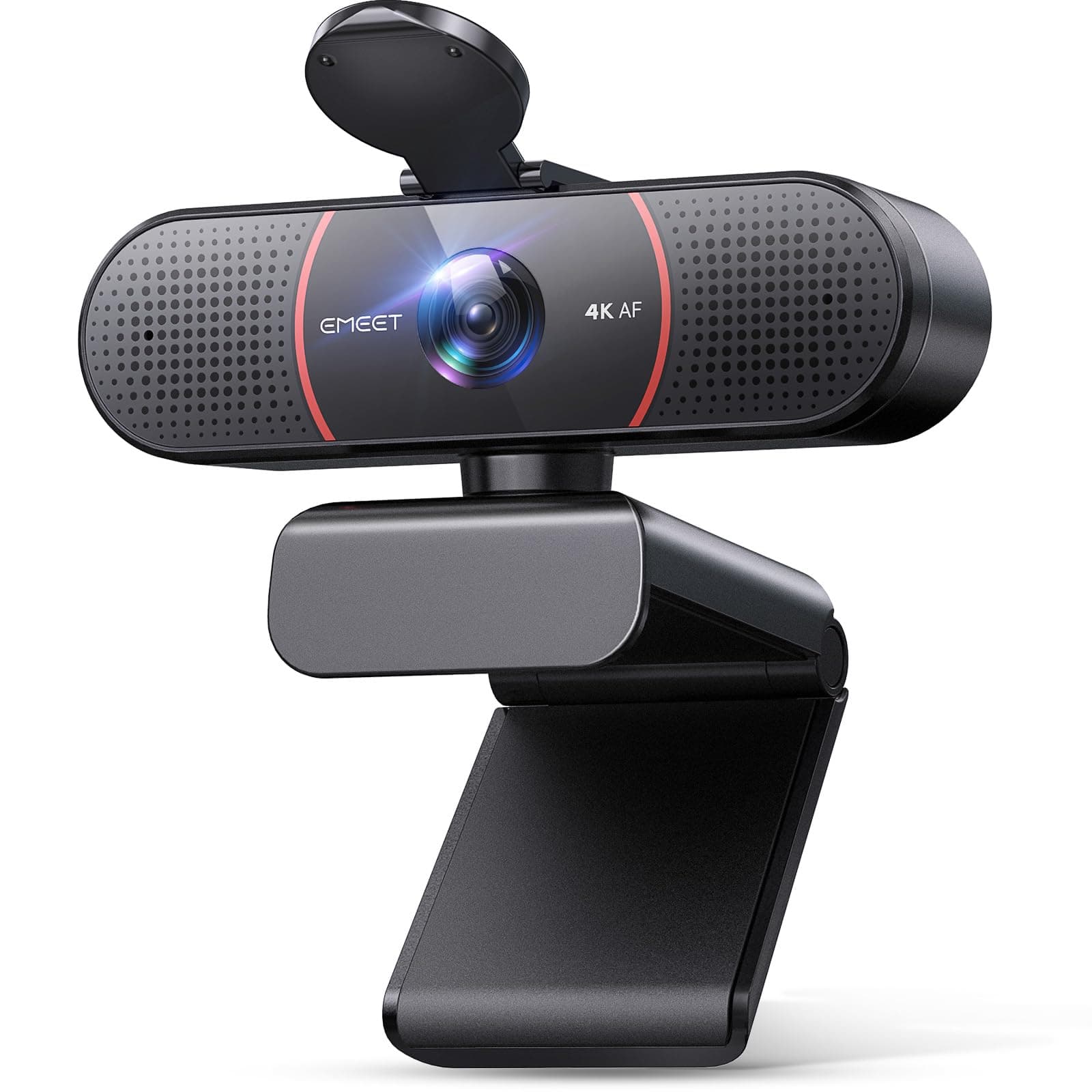
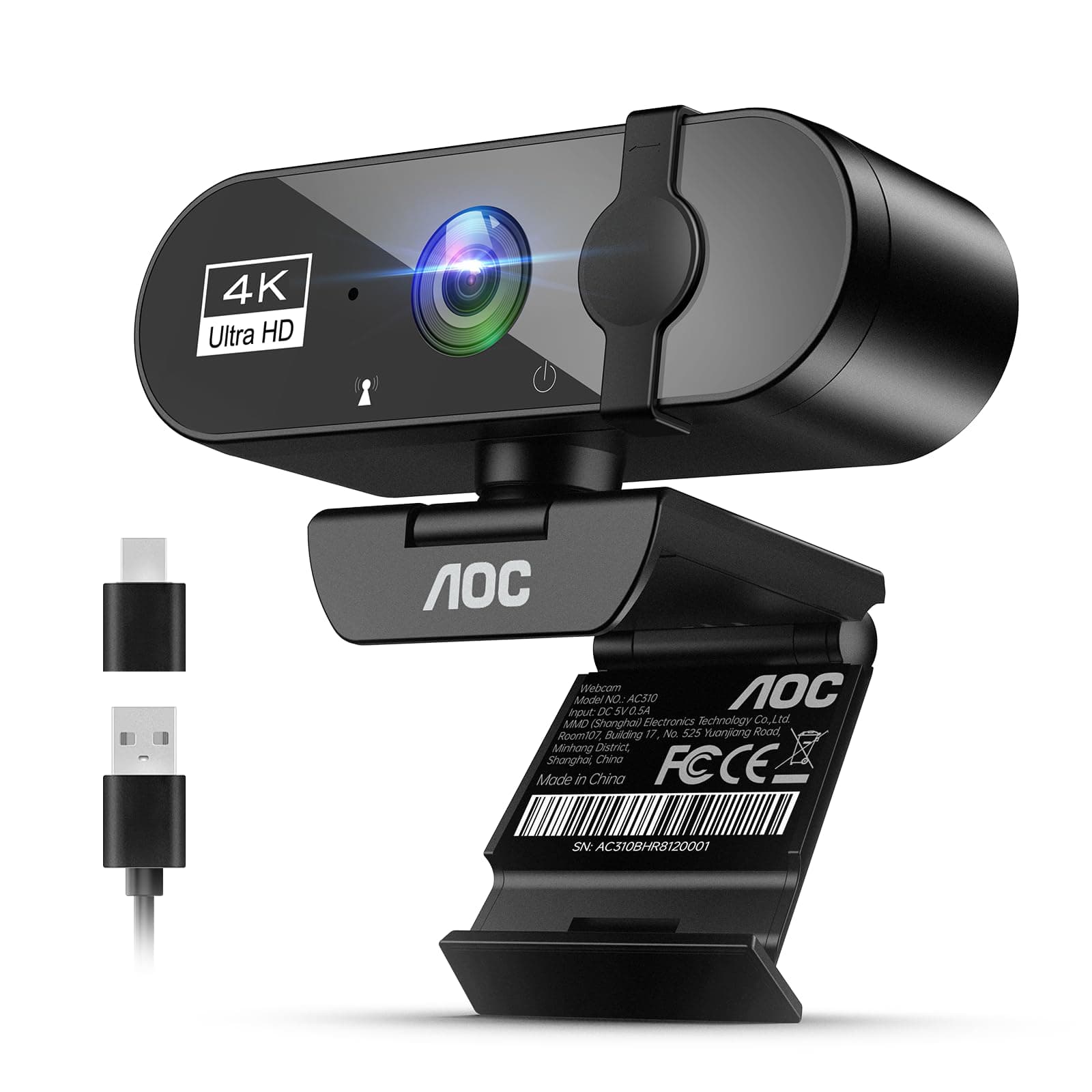
Prices may vary. As an Amazon Associate, we earn from qualifying purchases.
Similar Products
AOC
AOC 4k Webcam for PC with Microphone, Computer Camera with Noise Cancellation, Privacy Cover, 99° FOV, Plug & Play USB Webcam for Streaming, Conferencing, Zoom, Skype, Facetime, Laptop, PC, Skype Black
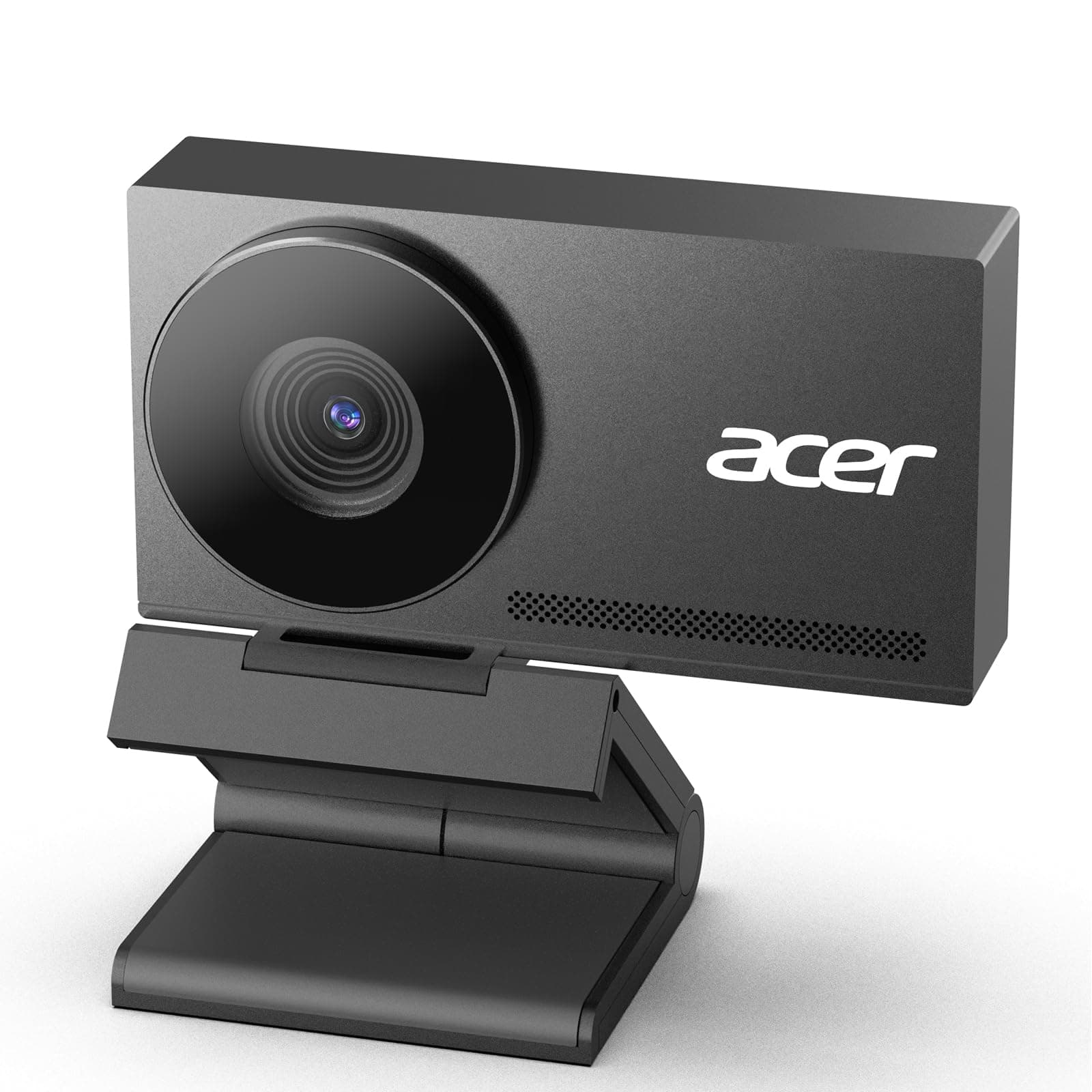
Acer
Acer A640 4K Webcam for PC with Sony Sensor PDAF Autofocus AI Noise Canceling Mic 2K 1080P/60fps USB A to C Adapter Computer Camera for Gaming Streaming Meetings Switch 2 Camera Teams Zoom Facetime
EMEET
EMEET C60E Dual-Camera 4K Webcam for Streaming, Wide-Angle and Telephoto Cameras, Max 11X Hybrid Zoom & PDAF Autofocus, Remote Control, RGB Lighting, 2 Mics, Ideal for Livestreaming and Online Meeting
Logitech
Logitech Brio 4K Webcam, Video Calling, Noise-Cancelling mic, HD Auto Light Correction, Wide Field of View, Windows Hello Works with Microsoft Teams, Zoom, Google Meet, PC/Mac/Laptop/MacBook/Tablet