Our Verdict
HyperX SoloCast 2 Wins
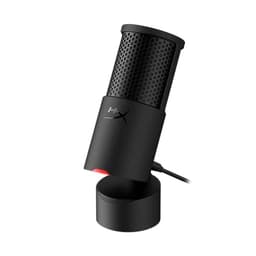
This microphone delivers superior audio fidelity with 24-bit/96kHz recording, double the bit depth and sample rate of the TONOR TC310+ which is likely 16-bit/48kHz. Its integrated pop filter and internal shock mount also enhance sound quality and reduce unwanted noise, justifying its slightly higher price of $44.98 compared to the TONOR's $29.99. The TONOR TC310+ is the better pick for budget-conscious users who prioritize an all-in-one solution with an included boom arm right out of the box, rather than raw audio performance.
Bottom Line: HyperX SoloCast 2 is the better choice. This microphone delivers superior audio fidelity with 24-bit/96kHz recording, double the bit depth and sample rate of the TONOR TC310+ which is likely 16-bit/48kHz.
In-Depth Analysis
How they compare in practice
The HyperX SoloCast 2 and TONOR Gaming Microphone Set TC310+ cater to slightly different segments of the USB microphone market, primarily distinguished by their audio capabilities and included accessories. The HyperX SoloCast 2, priced at $44.98, stands out with its superior audio capture, offering a 24-bit depth and a 96kHz sample rate. This significantly higher fidelity means more detailed, richer sound, providing greater headroom for post-processing in streams, podcasts, or voiceovers. For content creators, this translates to a more professional sound profile, capturing subtle nuances that a 16-bit/48kHz microphone like the TONOR might miss. Furthermore, the HyperX benefits from an integrated pop filter and internal shock mount, proactively tackling plosives and handling noise, common issues that can degrade audio quality.
In contrast, the TONOR TC310+, at a more accessible $29.99, focuses on immediate usability and value. Its most compelling feature is the included boom arm and desk clamp, providing a complete mounting solution that the HyperX lacks in its base package. While its 48kHz sample rate is adequate for clear voice communication in gaming or online meetings, it doesn't offer the advanced audio fidelity of the SoloCast 2. The TONOR also includes on-mic gain control, a useful feature for quick volume adjustments, which HyperX typically manages via its NGENUITY software. However, the absence of dedicated software for the TONOR means users cannot leverage advanced filters or fine-tune audio characteristics as they can with HyperX's suite.
From a real-world perspective, the HyperX SoloCast 2 offers a more refined audio experience for users who prioritize sound quality above all else and are willing to invest in a separate boom arm if needed. Its sound isolating features are built-in, simplifying setup while ensuring cleaner audio. The TONOR TC310+ provides an excellent entry point for new streamers or gamers on a tight budget who need a functional, complete microphone setup without extra purchases, accepting a trade-off in raw audio prowess for convenience and cost-effectiveness. The HyperX is a better choice for those demanding higher-resolution audio and software control, while the TONOR excels as a plug-and-play value package.
Key Differences
The most significant spec differences at a glance
Sample Rate
100% moreAdvantages
Where each product wins

HyperX
- Sample Rate: 100% higher (96.0 vs 48.0)
Which to Pick for Your Situation
Concrete scenarios with a clear recommendation
For aspiring streamers on a tight budget needing a complete setup
TONORThe TONOR TC310+ includes a boom arm and desk clamp for $29.99, offering a full mounting solution immediately, whereas the HyperX requires a separate purchase.
For podcasters or voice-over artists prioritizing audio quality
HyperXThe HyperX SoloCast 2 records in 24-bit/96kHz, providing superior detail and clarity for professional-grade audio content compared to the TONOR's 48kHz.
For competitive gamers needing clear comms without distractions
HyperXThe HyperX SoloCast 2 features an internal shock mount and built-in pop filter, actively reducing handling noise and plosives for consistently clear voice communication.
For everyday online meetings and casual gaming
TONORThe TONOR TC310+ delivers clear audio at 48kHz for basic communication needs at a lower price, and its on-mic gain control offers convenient volume adjustments.
Who Should Buy Which?
Find the right product for your needs

Buy HyperX if...
HyperX SoloCast 2 –
The HyperX SoloCast 2 is ideal for the aspiring content creator, serious gamer, or podcaster who prioritizes pristine audio quality and flexibility in sound design. This buyer is keen on delivering crystal-clear voiceovers, engaging streams, or professional-sounding podcasts. They understand the value of higher fidelity audio, appreciating the HyperX's 24-bit/96kHz sample rate that captures greater detail and offers more headroom for editing. While they might be on a budget, they are willing to spend slightly more ($44.98) to ensure their voice sounds its best, even if it means purchasing a separate boom arm later. The internal shock mount and built-in pop filter are crucial for them, as they want to minimize environmental noise and plosives without needing additional accessories. The HyperX NGENUITY software is a bonus, allowing them to fine-tune their sound with high-pass and low-pass filters, a level of control that less expensive mics often lack. This user is focused on the raw audio performance and potential for growth, valuing sound integrity above an all-in-one, budget-friendly package.

Buy TONOR if...
TONOR Gaming Microphone Set
The TONOR Gaming Microphone Set TC310+ is perfectly suited for the budget-conscious gamer, casual streamer, or student needing a reliable, ready-to-use microphone for everyday voice communication. This buyer's primary needs revolve around affordability and convenience, desiring a complete microphone solution without any hidden costs or complicated setups. At $29.99, the TONOR's value proposition is strong, especially with its integrated boom arm and desk clamp, which means they can set up and start using the mic immediately without additional purchases for mounting. They appreciate the on-mic gain control for quick volume adjustments during gaming sessions or online meetings and the one-tap mute button for instant privacy. While a 48kHz sample rate might not be top-tier, it's more than sufficient for clear voice chats on Discord, Twitch, or Zoom, meeting their practical needs without overspending. This user is looking for maximum bang for their buck, prioritizing an all-inclusive, functional setup that gets them communicating effectively right away, rather than advanced audio processing features or high-resolution recording capabilities.
Spec Comparison
8 specs compared
| Specification |  | 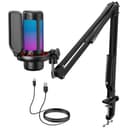 |
|---|---|---|
| Price | $45 | $30 |
| Rating | 4.7(554) | 4.5(2.0k) |
| Sample Rate | 96 kHz | 48 kHz |
| Bit Depth | 24 | — |
| Connection | USB | USB |
| Polar Pattern | Cardioid | — |
| Mute Button | Yes | Yes |
| Model Number | AR0A0AA | TC310+ |
| Software | HyperX NGENUITY | None |
| Gain Control | — | Yes |
Swipe horizontally to see all columns
Pros & Cons
Quick overview of strengths and weaknesses
HyperX SoloCast 2
- Records high-res 24-bit/96kHz audio.
- Tap-to-mute with LED status indicator.
- Integrated pop filter minimizes plosives.
- Internal shock mount reduces handling noise.
- Single cardioid polar pattern limits use cases.
- USB connection restricts pro audio interface use.
- Included stand has limited height adjustment.
TONOR Gaming Microphone
- Delivers clear audio for voice communication.
- Integrated boom arm and desk clamp included.
- Features one-tap mute button for quick control.
- On-mic gain adjustment allows volume fine-tuning.
- Lacks dedicated software for advanced audio control.
- Desk clamp limited to 2.36'' maximum thickness.
Frequently Asked Questions
Common questions about this comparison
What is the primary difference in audio quality between these microphones?
The HyperX SoloCast 2 offers 24-bit/96kHz recording, providing higher fidelity and detail. The TONOR TC310+ records at 48kHz, which is suitable for clear voice but lacks the nuanced detail of the HyperX.
Do either of these microphones come with a boom arm?
The TONOR Gaming Microphone Set TC310+ includes an integrated boom arm and desk clamp in its package. The HyperX SoloCast 2 comes with a compact tiltable stand only.
Can I control the microphone's volume directly on the device?
Yes, the TONOR TC310+ features on-mic gain adjustment for direct volume control. The HyperX SoloCast 2 typically relies on software control via HyperX NGENUITY for advanced adjustments.
Which microphone is better for reducing unwanted background noise?
The HyperX SoloCast 2 has an internal shock mount and built-in pop filter, which effectively reduce handling noise and plosives, contributing to cleaner audio capture.
Do both microphones have a mute button?
Yes, both the HyperX SoloCast 2 and the TONOR TC310+ feature a convenient one-tap mute button for quick audio control during use.
Does the HyperX SoloCast 2 have any software for audio customization?
Yes, the HyperX SoloCast 2 utilizes the HyperX NGENUITY software suite, which allows users to apply high-pass and low-pass filters for further audio refinement.
Related Comparisons
Similar products people compare
HyperX vs MAONO
$45 vs $40
HyperX vs Movo
$45 vs $40
HyperX vs Razer
$45 vs $40
HyperX vs TONOR
$45 vs $40
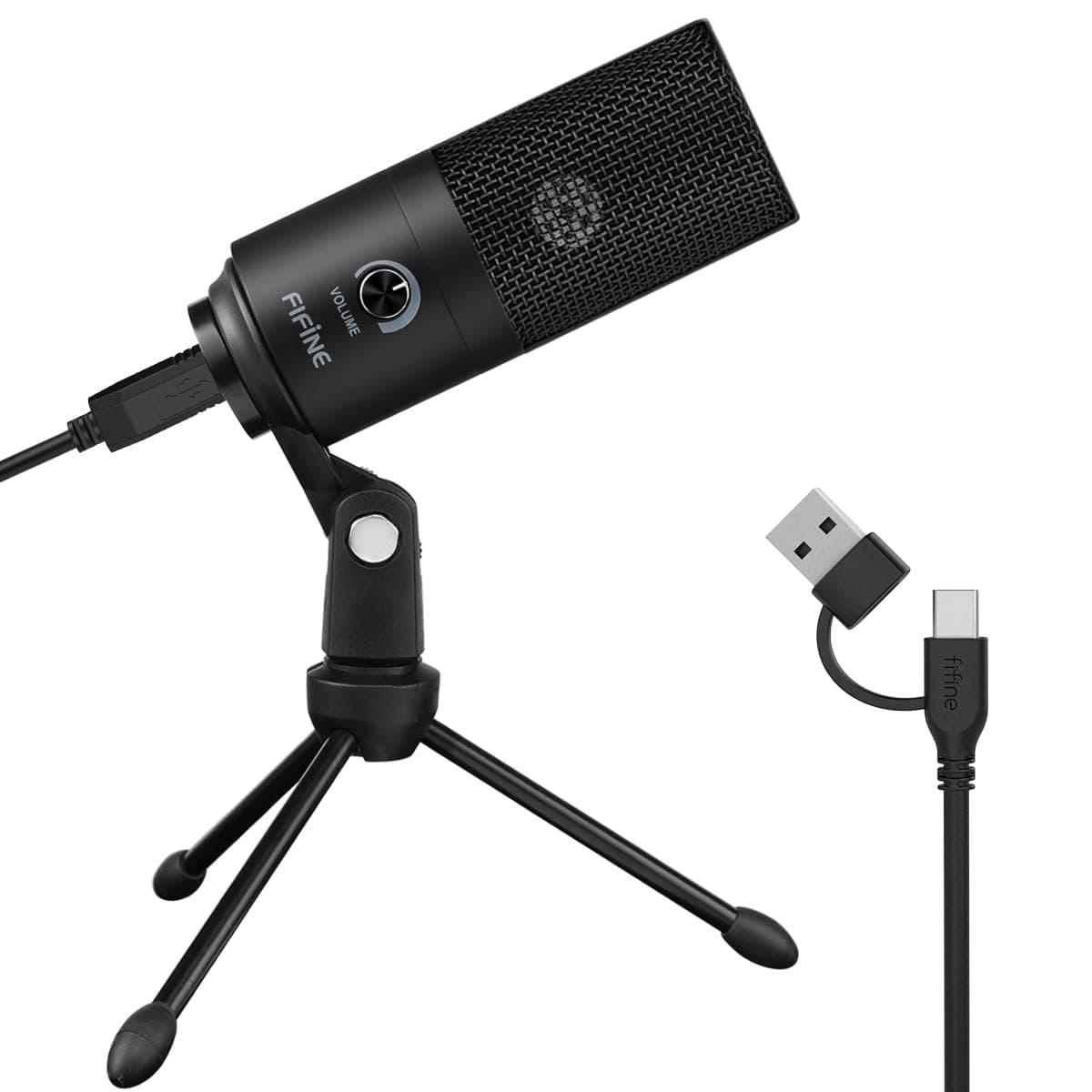
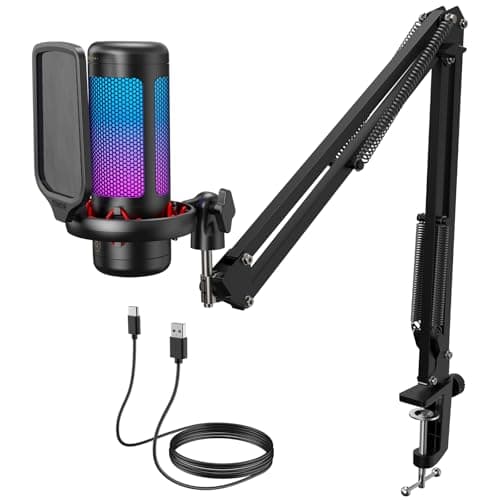
FIFINE vs TONOR
$30 vs $30
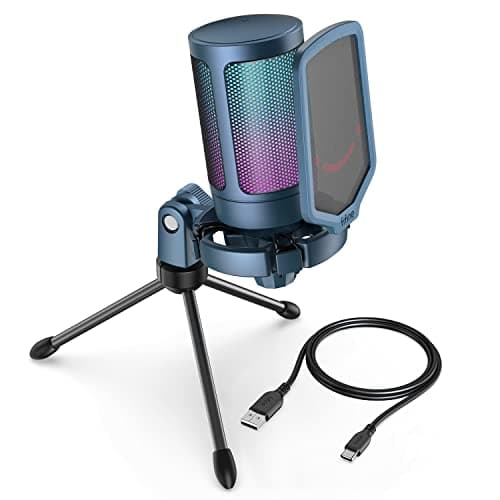
FIFINE vs TONOR
$26 vs $30
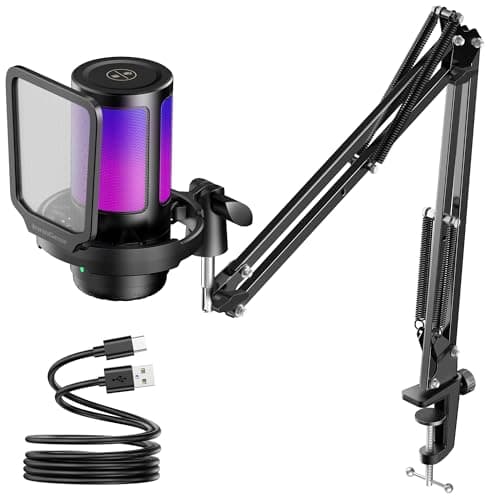
InnoGear vs TONOR
$27 vs $30
TONOR vs ZealSound
$30 vs $35
HyperX vs TONOR
$45 vs $32
FIFINE vs HyperX
$57 vs $45
MAONO vs TONOR
$40 vs $30
Movo vs TONOR
$40 vs $30
TONOR vs GUEVWES
$30 vs $23
TONOR vs TONOR
$30 vs $32
AKG vs TONOR
$40 vs $30
Explore Other Categories
Popular comparisons across the site


Ask AI
Get instant answers about specs
Get the Deets
Ask our AI assistant
Ask Deets anything!