Our Verdict
iFamily 70A-2 Wins
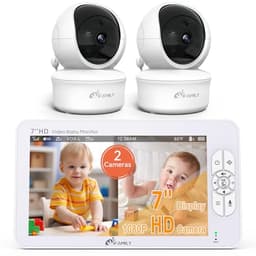
This monitor offers superior value and functionality for most families, including two 1080P pan-tilt-zoom cameras and a larger 7-inch split screen, all for $50 less than the Momcozy. Its local RF connection ensures privacy and hack-proof monitoring, making it ideal for those prioritizing security over remote access. The Momcozy BM04 is the better pick for parents who absolutely require off-site monitoring via a smartphone app, as its hybrid connection is its primary differentiator.
Bottom Line: iFamily 70A-2 is the better choice. This monitor offers superior value and functionality for most families, including two 1080P pan-tilt-zoom cameras and a larger 7-inch split screen, all for $50 less than the Momcozy.
In-Depth Analysis
How they compare in practice
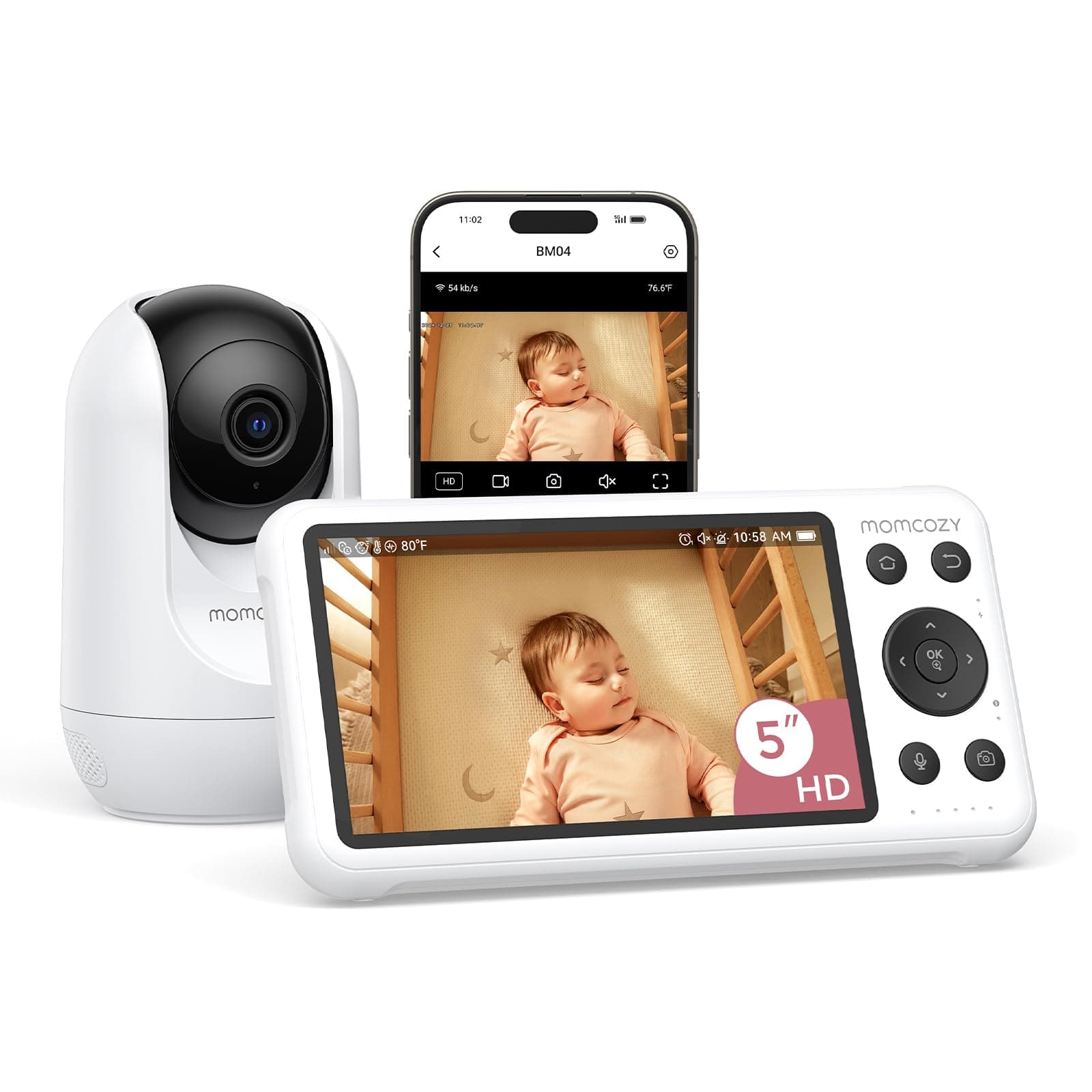
The Momcozy BM04 and iFamily 70A-2 cater to slightly different parental monitoring philosophies, primarily centered around connectivity and camera flexibility. The Momcozy offers a hybrid connection, allowing parents to monitor via a dedicated 5-inch 1080P parent unit locally or through a smartphone app remotely. This flexibility is a significant advantage for parents who travel or want to check in from work, though app-based motion alerts are its sole notification method for certain events. Conversely, the iFamily 70A-2 is strictly a local RF connection, completely foregoing internet access for a 'hack-proof' setup, a major draw for privacy-conscious families. It compensates for the lack of remote access with an impressive hardware package.
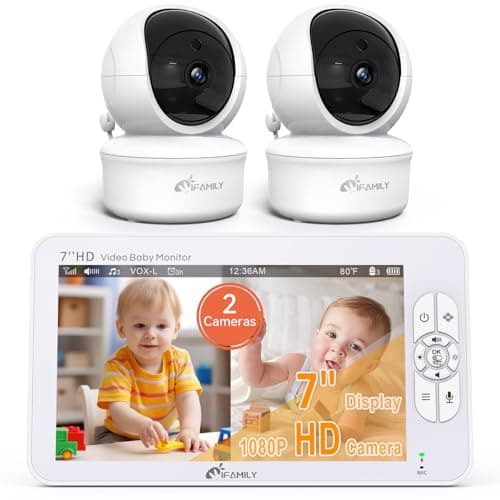
In terms of camera setup, the iFamily 70A-2 clearly outshines the Momcozy. It includes two 1080P pan-tilt-zoom (PTZ) cameras, enabling parents to adjust the view remotely from the parent unit, crucial for active toddlers or multiple children. Its 7-inch screen also supports a split-screen view, a game-changer for monitoring two rooms simultaneously. The Momcozy, in contrast, comes with a single fixed 1080P camera, which, while offering clear vision, lacks the versatility of PTZ and the ability to monitor dual locations without purchasing additional cameras.
Sensor suites also present a difference. The Momcozy features motion and cry detection, useful for activity alerts, although motion alerts are app-dependent. The iFamily includes sound and cry detection, alongside a temperature sensor, providing environmental awareness of the nursery. Both offer two-way audio. The significant price disparity—Momcozy at $169.99 versus iFamily at $119.99—further tips the scales. For $50 less, the iFamily provides a larger display, two PTZ cameras, split-screen functionality, and a temperature sensor, making it a stronger value proposition for families needing comprehensive local monitoring.
Key Differences
The most significant spec differences at a glance
Pan Tilt Zoom
100% lessAdvantages
Where each product wins

iFamily
- Pan Tilt Zoom: 100% higher (False vs True)
Which to Pick for Your Situation
Concrete scenarios with a clear recommendation
Monitoring multiple children in different rooms
iFamilyThe iFamily 70A-2 includes two 1080p pan-tilt-zoom cameras and a 7-inch split screen, allowing simultaneous monitoring of two rooms.
Monitoring from work or outside the home
MomcozyThe Momcozy BM04 offers a hybrid connection, providing a local parent unit and remote monitoring via a smartphone app.
Budget-conscious family seeking maximum features
iFamilyAt $119.99, the iFamily 70A-2 provides two PTZ cameras, a larger 7-inch screen, and a temperature sensor, offering excellent value compared to the $169.99 Momcozy.
Prioritizing privacy and hack-proof monitoring
iFamilyThe iFamily 70A-2 uses a secure 2.4GHz local RF connection with no WiFi, ensuring it is hack-proof and not accessible via the internet.
Who Should Buy Which?
Find the right product for your needs

Buy Momcozy if...
Momcozy Smart WiFi Baby
The Momcozy BM04 is best suited for tech-savvy parents who value flexibility and continuous connection, even when away from home. Its hybrid connection type is a key feature, allowing monitoring both on the included 5-inch 1080P parent unit and remotely via a smartphone app. This is ideal for working parents or those who frequently travel but still want to check on their baby. They prioritize receiving alerts for specific events like motion and cry detection directly to their phone, understanding that these notifications are primarily app-driven. This buyer likely has a single baby or only needs to monitor one designated area, as the monitor comes with one fixed camera and lacks pan-tilt-zoom. They are willing to invest a bit more ($169.99) for the convenience of dual monitoring access and comprehensive sensor alerts, accepting the trade-off of a non-PTZ camera and slightly smaller screen, as remote connectivity is their top priority.

Buy iFamily if...
iFamily 7" Large Split
The iFamily 70A-2 is the perfect choice for families seeking extensive local monitoring capabilities and robust security without the need for internet connectivity. This buyer typically has multiple children or requires surveillance of two distinct rooms, as the monitor includes two 1080P pan-tilt-zoom cameras and a 7-inch split screen. They highly value the ability to remotely adjust camera angles from the parent unit to ensure their little ones are always in view. Privacy is a paramount concern, making the secure local (RF) connection, which is hack-proof, a major draw. At $119.99, this buyer is budget-conscious but unwilling to compromise on essential features like multi-room monitoring, a larger display, and environmental sensors (temperature sensor included). They don't need smartphone access for off-site monitoring and appreciate the simplicity and security of a dedicated, non-WiFi system, foregoing remote app features for enhanced local control and value.
Spec Comparison
12 specs compared
| Specification |  |  |
|---|---|---|
| Price | $170 | $120 |
| Rating | 4.2(366) | 4.4(10.0k) |
| Connection | Hybrid | Local (RF) |
| Sensor Suite | motion, cry | sound, temperature |
| Weight | 2.53 lbs | — |
| Night Vision | Yes | — |
| Cry Detection | Yes | Yes |
| Pan Tilt Zoom | No | Yes |
| Two Way Audio | Yes | Yes |
| Video Resolution P | 1080 | 1080 |
| Range Ft | — | 150 |
| Model Number | — | 70A-2 |
| Temperature Sensor | — | Yes |
| Subscription Required | — | No |
Swipe horizontally to see all columns
Pros & Cons
Quick overview of strengths and weaknesses
Momcozy Smart WiFi
- Dual connection: local parent unit or remote app.
- 1080P resolution on 5-inch screen.
- Motion and cry detection alerts.
- Designated safe zone breach alerts.
- App required for motion alert notifications.
- Fixed camera view; no pan, tilt, or zoom.
- Night vision range limited to 16 feet from crib.
- Camera requires 24-inch minimum height above baby.
iFamily 7" Large
- 7-inch 1080p display provides clear video feed.
- Includes two 1080p remote pan-tilt-zoom cameras.
- Split screen monitors two rooms simultaneously.
- Secure 2.4GHz connection; no WiFi, hack-proof.
- No smartphone app for off-site monitoring.
- Indoor range limited to 150 feet.
- Not accessible via internet or mobile device.
Frequently Asked Questions
Common questions about this comparison
Does the Momcozy BM04 allow remote viewing via a smartphone?
Yes, the Momcozy BM04 features a hybrid connection, enabling monitoring both on its dedicated 5-inch parent unit and remotely through a smartphone app.
How many cameras does the iFamily 70A-2 come with?
The iFamily 70A-2 comes with two 1080p HD cameras, both offering pan-tilt-zoom functionality, allowing you to monitor multiple angles or rooms.
Does the iFamily monitor require a WiFi connection?
No, the iFamily 70A-2 uses a secure 2.4GHz local RF connection exclusively, meaning it does not require WiFi and is not internet accessible.
Can I pan and tilt the camera on the Momcozy BM04?
No, the Momcozy BM04 camera has a fixed view. It does not offer pan, tilt, or zoom capabilities, unlike the iFamily model.
What are the screen sizes of these two monitors?
The Momcozy BM04 features a 5-inch 1080p screen, while the iFamily 70A-2 boasts a larger 7-inch 1080p display, which also supports split-screen viewing.
Related Comparisons
Similar products people compare
Momcozy vs iFamily
$170 vs $80
Momcozy vs VTech
$170 vs $190
Babysense vs Momcozy
$160 vs $170
Momcozy vs VTech
$170 vs $130
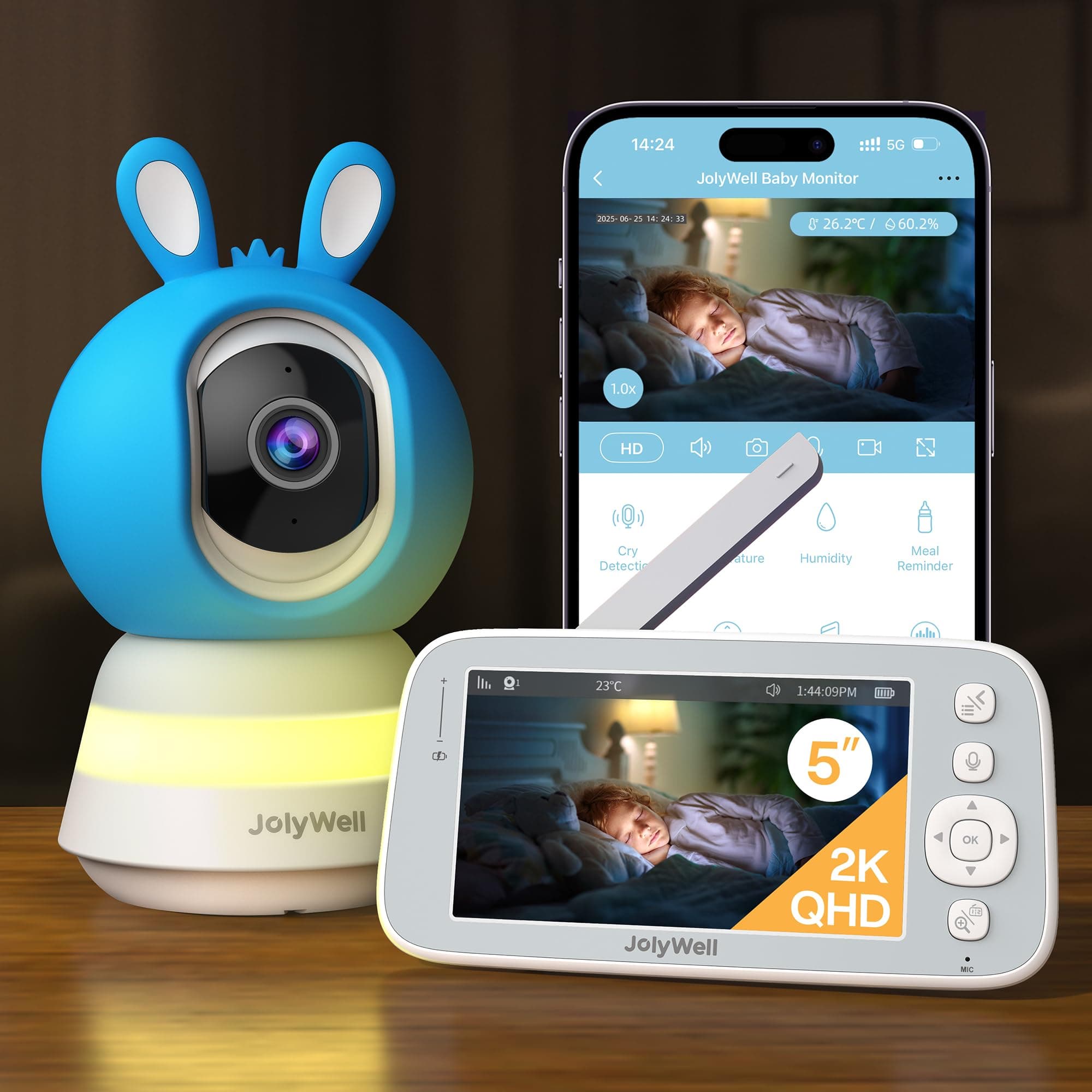
JolyWell vs Momcozy
$150 vs $170
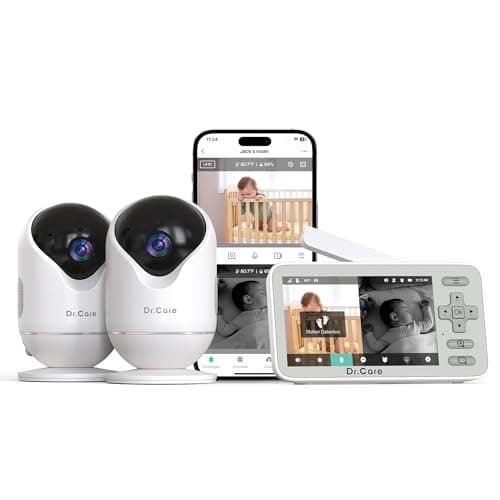
Dr.Care vs iFamily
$130 vs $120
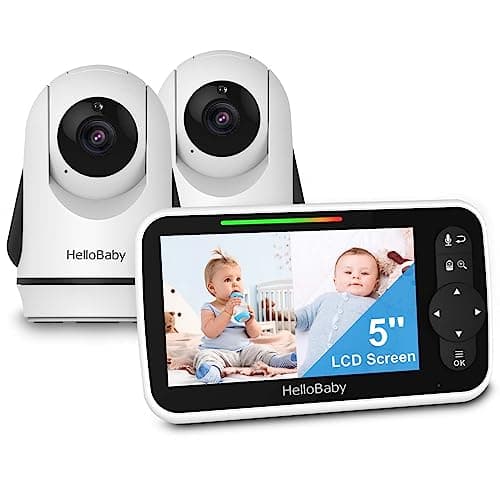
HelloBaby vs iFamily
$90 vs $120
Comfyer vs iFamily
$130 vs $120
Momcozy vs VTech
$170 vs $150
Babysense vs Momcozy
$180 vs $170
iFamily vs ieGeek
$120 vs $130
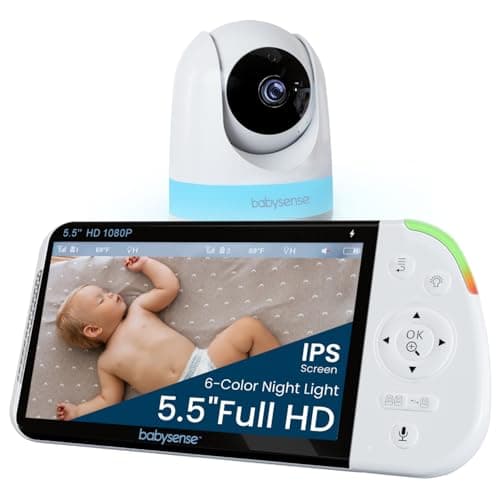
Babysense vs iFamily
$110 vs $120
Babysense vs iFamily
$160 vs $120
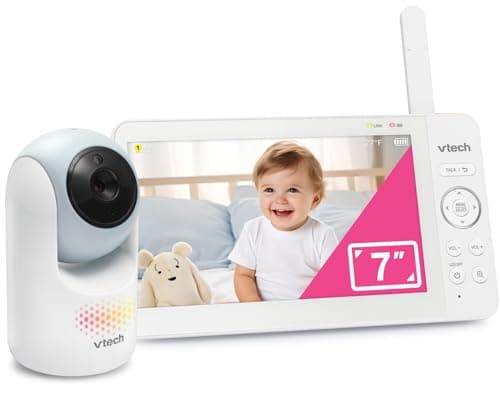
VTech vs iFamily
$93 vs $120
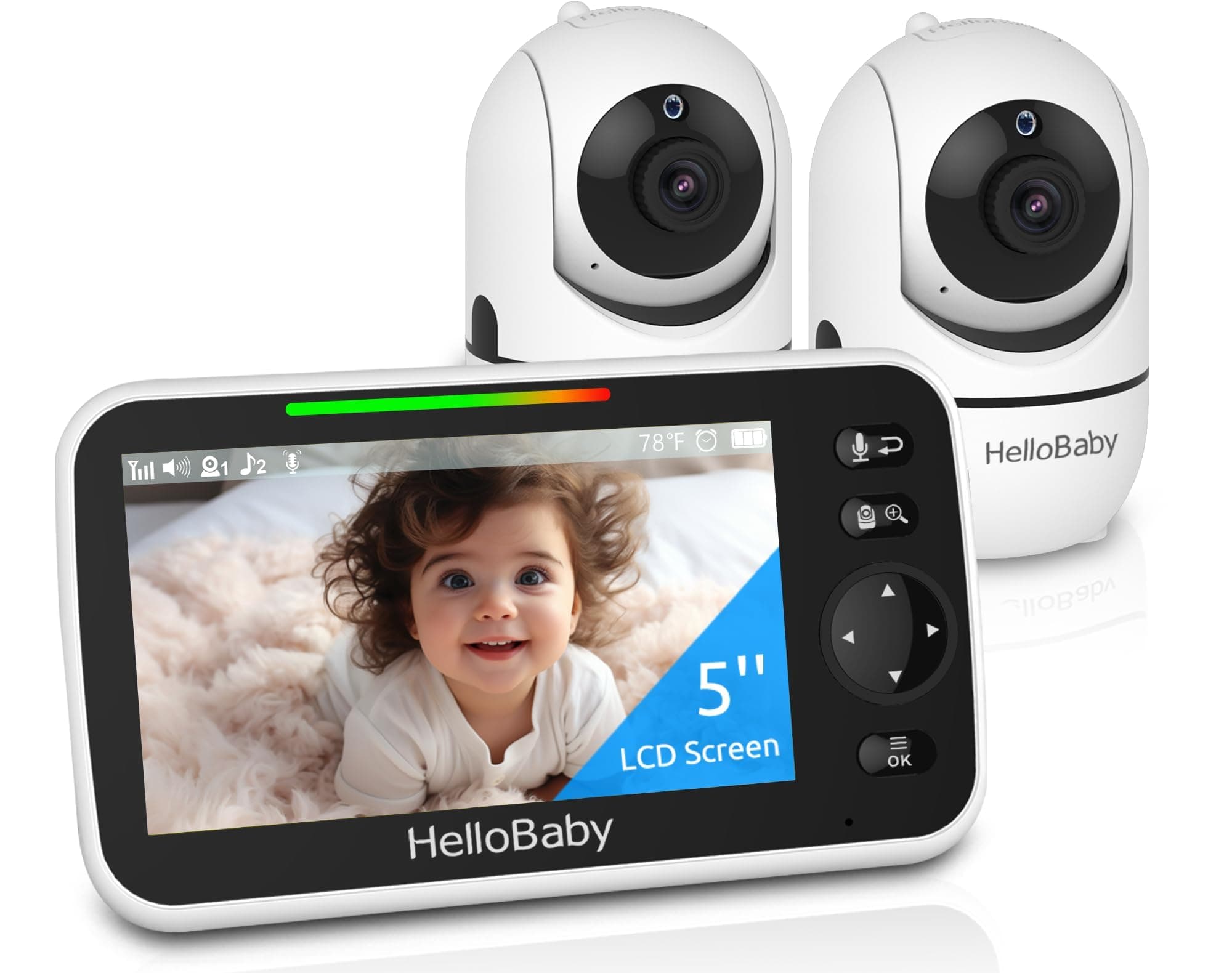
HelloBaby vs iFamily
$100 vs $120
Explore Other Categories
Popular comparisons across the site
Ask AI
Get instant answers about specs
Get the Deets
Ask our AI assistant
Ask Deets anything!