Our Verdict
ieGeek 2K Split-Screen Baby Monitor Wins
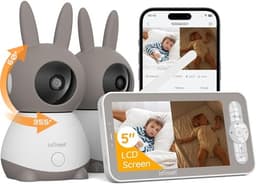
It offers superior 1440p video resolution, a significantly extended 1000ft local range, and a versatile Hybrid connection for secure local monitoring plus remote access via an app, all for a slightly higher price of $139.99. The ieGeek also boasts a more comprehensive sensor suite, including motion and humidity detection. The iFamily 7" is the better pick for those who strictly prioritize a 100% local, no-WiFi connection for ultimate hack-proof security and prefer a lower initial cost of $119.99, understanding its limitations in range and remote accessibility.
Bottom Line: ieGeek 2K Split-Screen Baby Monitor is the better choice. It offers superior 1440p video resolution, a significantly extended 1000ft local range, and a versatile Hybrid connection for secure local monitoring plus remote access via an app, all for a slightly higher price of $139.
In-Depth Analysis
How they compare in practice
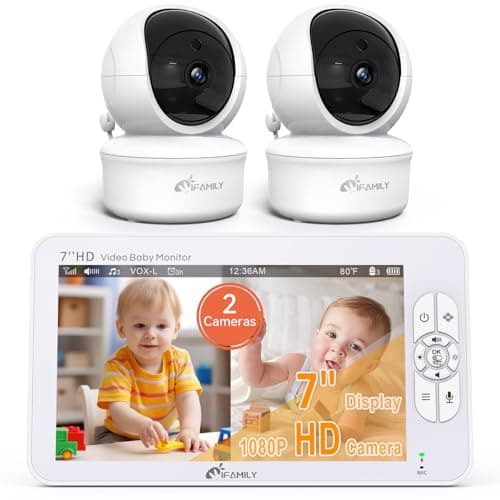
The iFamily 7" and ieGeek 2K baby monitors present distinct approaches to childcare surveillance, with their core differences rooted in connectivity and feature sets. The iFamily 7" operates purely on a Local (RF) 2.4GHz connection, making it inherently 'hack-proof' as it never touches the internet. This provides peace of mind for parents deeply concerned about online security, though it limits its operational range to 150 feet indoors. In contrast, the ieGeek 2K utilizes a Hybrid connection, offering a robust 1000ft local range alongside a smartphone app for remote monitoring via 2.4 GHz Wi-Fi. This dual functionality is a game-changer for parents who need to check in on their child from work, while traveling, or even from another part of a large property.
Video quality sees an upgrade with the ieGeek 2K, delivering 1440p resolution compared to the iFamily's 1080p. While both offer clear HD visuals, the 2K resolution of the ieGeek provides sharper details, which can be crucial when digitally zooming in on a sleeping baby or identifying subtle movements. Both models include pan-tilt-zoom functionality, but the ieGeek adds an auto-tracking feature, which can be incredibly useful for an active toddler. The sensor suites also diverge, with the ieGeek 2K expanding beyond the iFamily’s sound, temperature, and cry detection to include motion and humidity sensors, offering a more complete environmental picture of the nursery. This added data helps parents ensure optimal comfort conditions for their baby.
The price difference of $20 reflects these enhanced capabilities. For $139.99, the ieGeek 2K offers superior range, resolution, advanced sensing, and invaluable remote access. The iFamily, at $119.99, serves a niche market of users who value simplicity, a larger 7-inch display, and absolute network isolation above all else. The trade-off is clear: ultimate security and a straightforward local experience with the iFamily versus comprehensive monitoring, greater flexibility, and remote access with the ieGeek. The choice hinges on whether robust connectivity and feature depth outweigh the desire for a completely offline system.
Key Differences
The most significant spec differences at a glance
Range
85% lessVideo Resolution
25% lessAdvantages
Where each product wins

ieGeek
- Range: 85% higher (150 vs 1000.0)
- Video Resolution: 25% higher (1080 vs 1440)
Which to Pick for Your Situation
Concrete scenarios with a clear recommendation
For parents prioritizing absolute hack-proof security
iFamilyThe iFamily 7" uses a Local (RF) connection with no WiFi, ensuring it remains offline and 'hack-proof'.
For monitoring from a large house or remotely
ieGeekThe ieGeek 2K offers a 1000ft local range and a Hybrid connection, enabling remote viewing via a smartphone app from anywhere.
For detailed environmental monitoring beyond basic sounds and temperature
ieGeekThe ieGeek 2K includes motion, cry, noise, temperature, and humidity sensors, providing a more comprehensive overview of the nursery.
For monitoring two children in different rooms
TieBoth monitors include two HD cameras and offer a split-screen display to view both feeds simultaneously.
Who Should Buy Which?
Find the right product for your needs

Buy iFamily if...
iFamily 7" Large Split
The iFamily 7" Large Split Baby Monitor is ideal for parents whose top priority is absolute security and privacy, free from any internet connectivity risks. This buyer is wary of smart home devices that connect to Wi-Fi and values a completely isolated, local monitoring system. They likely live in a smaller home or apartment, where the 150ft indoor range is perfectly adequate, and they don't foresee a need to check in on their baby from outside the house. They appreciate the simplicity of a dedicated monitor and its large 7-inch display for clear 1080p visuals without needing to use a smartphone app. This buyer is also budget-conscious, finding the $119.99 price point attractive for a dual-camera system with pan-tilt-zoom, two-way audio, and integrated lullabies. They are comfortable foregoing remote access and advanced environmental sensors in favor of peace of mind regarding data security and a straightforward user experience.

Buy ieGeek if...
ieGeek 2K Split-Screen Baby
The ieGeek 2K Split-Screen Baby Monitor is perfectly suited for parents who seek comprehensive monitoring capabilities, extended reach, and the flexibility of remote access. This buyer might live in a larger home or frequently needs to monitor their child from different parts of their property, making the impressive 1000ft local range indispensable. Furthermore, they appreciate the convenience of checking in on their baby while at work or traveling, utilizing the smartphone app for remote viewing via Wi-Fi. They value higher fidelity, benefiting from the 1440p (2K) video resolution for sharper images and digital zoom, along with the added security of night vision and auto-tracking pan-tilt-zoom. This buyer is willing to invest slightly more at $139.99 for a broader sensor suite that includes motion and humidity detection, offering a more detailed understanding of the nursery environment. They prioritize advanced features and connectivity over the absolute offline security of a local-only system, understanding the trade-offs involved with an internet-connected device.
Spec Comparison
11 specs compared
| Specification |  |  |
|---|---|---|
| Price | $120 | $130 |
| Rating | 4.4(10.0k) | 4.2(1.4k) |
| Connection | Local (RF) | Hybrid |
| Sensor Suite | sound, temperature | motion, sound, temperature, cry |
| Range Ft | 150 | 1000 |
| Model Number | 70A-2 | baby 1T |
| Cry Detection | Yes | Yes |
| Pan Tilt Zoom | Yes | Yes |
| Two Way Audio | Yes | Yes |
| Temperature Sensor | Yes | Yes |
| Video Resolution P | 1080 | 1440 |
| Subscription Required | No | — |
| Night Vision | — | Yes |
Swipe horizontally to see all columns
Pros & Cons
Quick overview of strengths and weaknesses
iFamily 7" Large
- 7-inch 1080p display provides clear video feed.
- Includes two 1080p remote pan-tilt-zoom cameras.
- Split screen monitors two rooms simultaneously.
- Secure 2.4GHz connection; no WiFi, hack-proof.
- No smartphone app for off-site monitoring.
- Indoor range limited to 150 feet.
- Not accessible via internet or mobile device.
ieGeek 2K Split-Screen
- Dual camera split-screen display
- 2K HD video, 4x zoom, and night vision
- 1000ft local range; remote access via app
- Remote 355H/60V camera pan/tilt/auto-track
- Cameras require constant power connection
- Memory cards for storage are not included
- App connection uses only 2.4 GHz Wi-Fi
Frequently Asked Questions
Common questions about this comparison
Does the iFamily 7" baby monitor offer remote viewing via a smartphone app?
No, the iFamily 7" operates on a Local (RF) 2.4GHz connection only and does not offer a smartphone app or internet access for remote viewing.
What is the maximum local range for each baby monitor?
The iFamily 7" has an indoor local range of 150 feet, while the ieGeek 2K offers a significantly longer local range of 1000 feet.
Which monitor provides higher video resolution?
The ieGeek 2K provides 1440p (2K) HD video resolution, which is higher than the iFamily 7"'s 1080p HD video resolution.
Do I need a subscription to use either baby monitor?
Neither the iFamily 7" nor the ieGeek 2K baby monitor requires a subscription for their features and functionality.
Beyond sound and temperature, what additional sensors does the ieGeek 2K have?
The ieGeek 2K includes motion, cry, noise, temperature, and humidity sensors, offering a more complete monitoring suite.
Related Comparisons
Similar products people compare
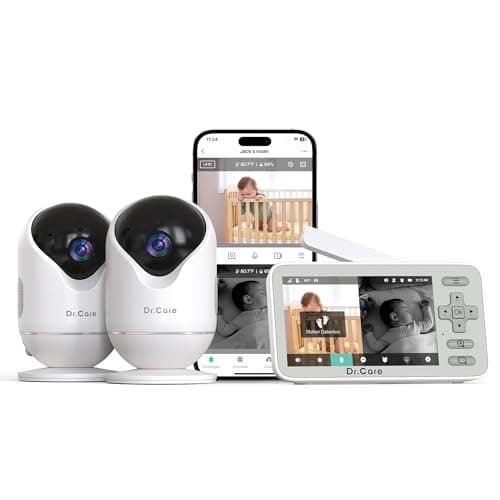
Dr.Care vs iFamily
$130 vs $120
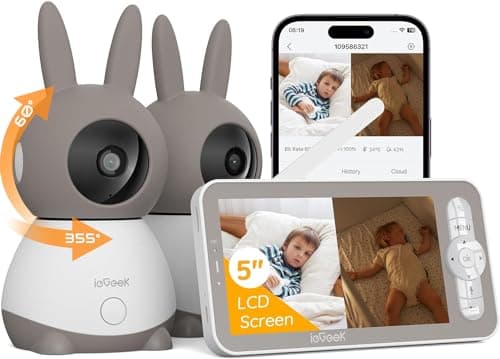
Dr.Care vs ieGeek
$130 vs $130
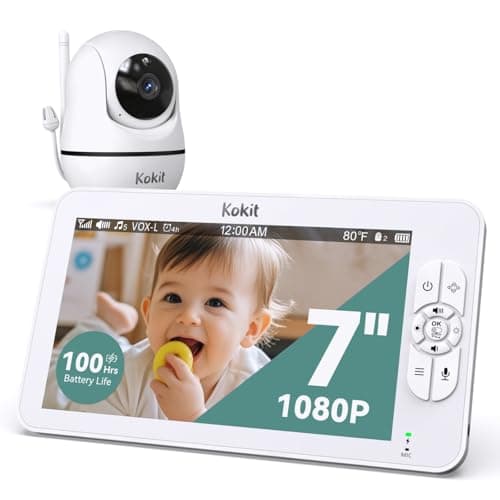
ieGeek vs kokit
$130 vs $150
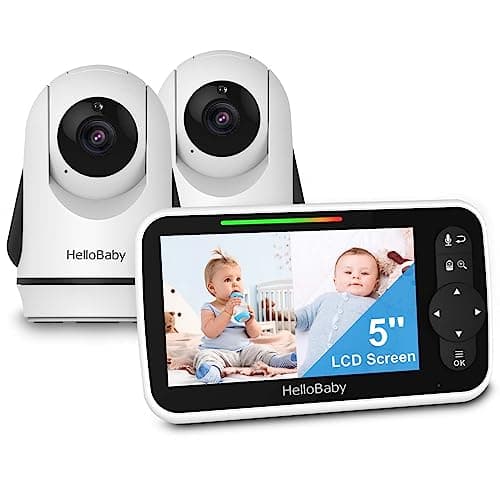
HelloBaby vs iFamily
$90 vs $120
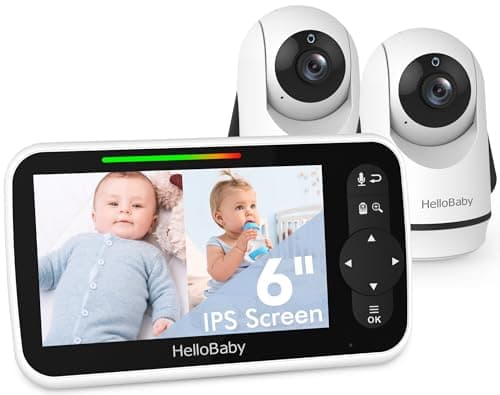
HelloBaby vs ieGeek
$120 vs $130
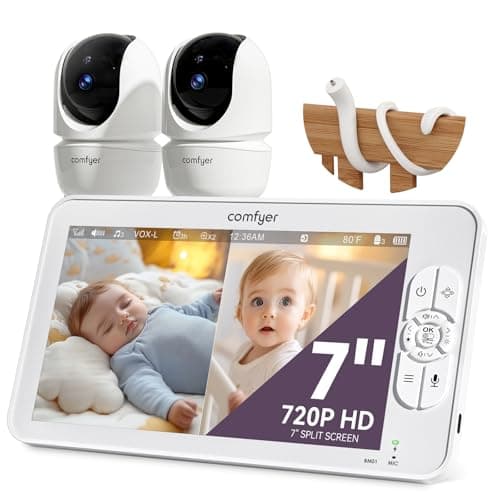
Comfyer vs iFamily
$117 vs $120
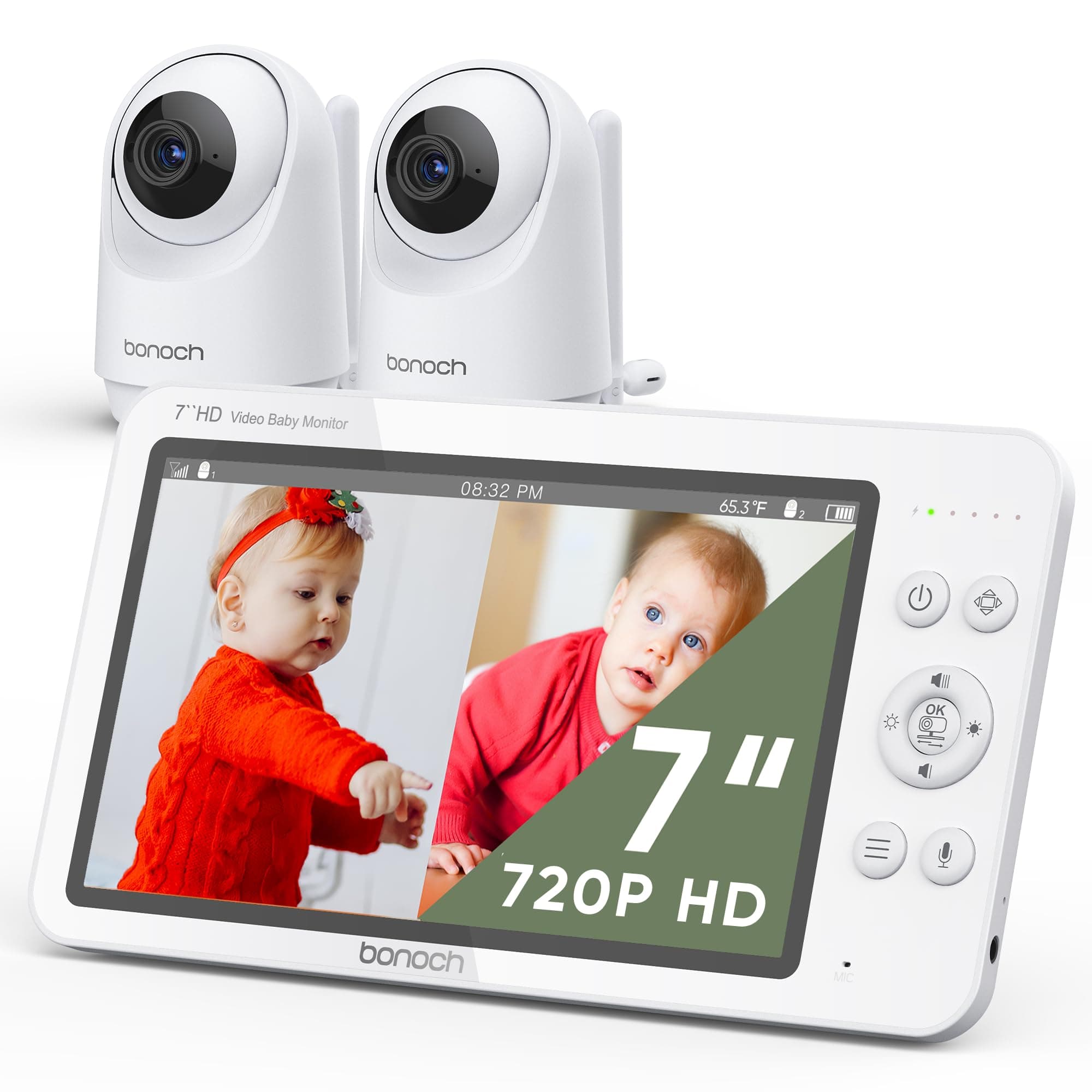
bonoch vs ieGeek
$170 vs $130
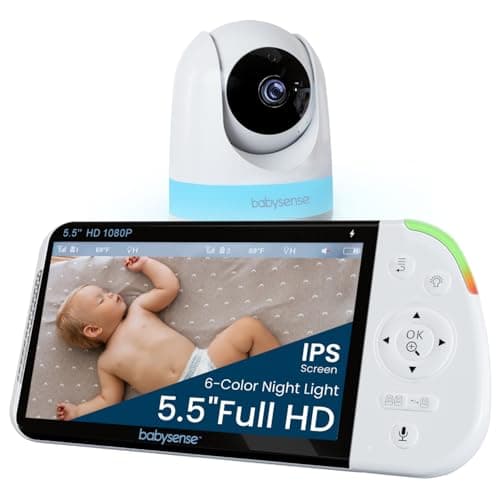
Babysense vs iFamily
$128 vs $120
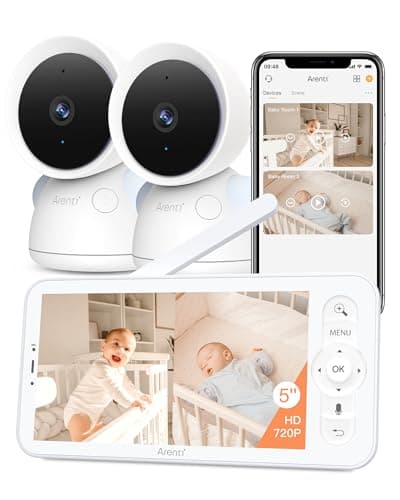
ARENTI vs ieGeek
$130 vs $130
VTech vs ieGeek
$130 vs $130
Babysense vs iFamily
$160 vs $120
VTech vs iFamily
$93 vs $120
Babysense vs ieGeek
$160 vs $130
HelloBaby vs iFamily
$100 vs $120
Babysense vs ieGeek
$128 vs $130
Explore Other Categories
Popular comparisons across the site
Ask AI
Get instant answers about specs
Get the Deets
Ask our AI assistant
Ask Deets anything!