Our Verdict
Dr Wins
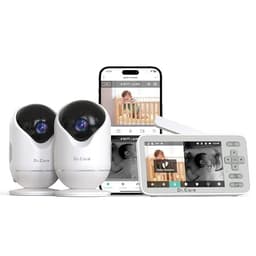
Care VistaView Lite. This monitor offers versatile hybrid connectivity, combining a local parent unit with remote smartphone app control, alongside a broader sensor suite including motion alerts and sleep tracking. While slightly pricier at $129.99 compared to iFamily's $119.99, its enhanced flexibility for monitoring makes it a superior choice for many modern parents. The iFamily 7" Large Split is the better pick for those who prioritize a larger, dedicated 7-inch 1080p local display and a strictly 'hack-proof' 2.4GHz connection without any Wi-Fi dependence.
Bottom Line: Dr is the better choice. Care VistaView Lite.
In-Depth Analysis
How they compare in practice
The Dr.Care VistaView Lite and iFamily 7" Large Split offer distinct approaches to baby monitoring, primarily differentiated by their connection types and monitoring flexibility. Dr.Care adopts a 'Hybrid' approach, featuring both a traditional local parent unit and a smartphone app for remote monitoring via Wi-Fi. This versatility is a significant advantage for parents who need to check in on their baby while at work, traveling, or simply from another room outside the local unit's range. In contrast, the iFamily monitor relies solely on a 'Local (RF)' 2.4GHz connection, boasting a 'hack-proof' security promise and explicitly no Wi-Fi, app, or internet access. This makes it ideal for privacy-conscious users or those with inconsistent home Wi-Fi.
From a display perspective, iFamily holds an edge with its larger 7-inch 1080p parent unit, providing a clearer and more expansive direct view compared to Dr.Care's 4-inch 720p split-screen display (though Dr.Care's cameras are 1080p). Both systems include two 1080p pan-tilt-zoom cameras, ensuring comprehensive room coverage. However, Dr.Care's sensor suite is more extensive, featuring not only cry detection and a temperature sensor but also motion alerts and sleep tracking, offering parents more data points and peace of mind regarding their baby's activities and patterns. iFamily's sensor suite focuses on sound and temperature, augmented by integrated lullabies and white noise, a feature not explicitly listed for Dr.Care.
The real-world trade-off comes down to connectivity versus local security and display size. Dr.Care, priced at $129.99, offers unparalleled flexibility for parents needing to monitor from anywhere, albeit with the reliance on Wi-Fi for remote features and the potential for additional cloud storage costs. The iFamily, at $119.99, provides a highly secure, large-screen, dedicated monitoring solution for in-home use, free from internet vulnerabilities but restricted by its 150-foot indoor range and lack of off-site access. Ultimately, the choice hinges on whether remote accessibility and advanced sensor data outweigh the desire for a larger local screen and absolute network independence.
Which to Pick for Your Situation
Concrete scenarios with a clear recommendation
For parents needing remote monitoring on-the-go
Dr.CareThe Dr.Care VistaView Lite offers a hybrid connection with a smartphone app, enabling off-site monitoring via Wi-Fi.
Prioritizing a large, clear local display
iFamilyThe iFamily 7" Large Split features a 7-inch 1080p parent unit, providing a significantly larger and higher resolution view than Dr.Care's 4-inch display.
For utmost privacy and no Wi-Fi vulnerability concerns
iFamilyThe iFamily monitor uses a secure 2.4GHz local (RF) connection, making it 'hack-proof' with no internet access, unlike the Wi-Fi dependent remote features of Dr.Care.
For comprehensive baby activity and sleep tracking
Dr.CareThe Dr.Care VistaView Lite includes sleep tracking and motion alerts, in addition to cry detection and a temperature sensor, offering more detailed insights.
Who Should Buy Which?
Find the right product for your needs

Buy Dr.Care if...
Dr.Care VistaView Lite Smart
The Dr.Care VistaView Lite is perfect for the modern, connected parent who values flexibility and comprehensive monitoring. This buyer might frequently travel, work away from home, or simply appreciate the convenience of checking on their child from anywhere using their smartphone app. They prioritize the 'Hybrid' connection type, which offers the best of both worlds: a reliable local parent unit for use at home and remote access via Wi-Fi for peace of mind when away. Features like motion alerts and sleep tracking are crucial for them, providing valuable insights beyond just audio and temperature. While the $129.99 price is a factor, they see the value in the advanced capabilities and extensive sensor suite. They are comfortable with relying on Wi-Fi for remote access and understand that the 4-inch local split-screen display is 720P, prioritizing the 1080P camera resolution and remote monitoring over a larger local screen. This buyer isn't afraid of potentially needing to purchase an SD card or opt for cloud storage for video recording.

Buy iFamily if...
iFamily 7" Large Split
The iFamily 7" Large Split is ideal for the privacy-focused parent who prioritizes a dedicated, secure, and clear local monitoring experience above all else. This buyer is likely wary of Wi-Fi vulnerabilities and prefers a system that is entirely self-contained and 'hack-proof,' relying on a local (RF) connection. Their daily use involves monitoring from within the home, where the impressive 7-inch 1080p display on the parent unit offers a superior visual experience compared to smaller screens. They value the simplicity and directness of a non-Wi-Fi system, forsaking remote smartphone access for uncompromised security and a robust local feed. The $119.99 price point is appealing for a system with two 1080p PTZ cameras and integrated lullabies, making it a complete package for in-home use. They don't need or want off-site monitoring capabilities, and the 150-foot indoor range is sufficient for their needs, ensuring constant, reliable local connection without external dependencies.
Spec Comparison
12 specs compared
| Specification |  | 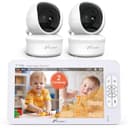 |
|---|---|---|
| Price | $130 | $120 |
| Rating | 4.6(170) | 4.4(10.0k) |
| Connection | Hybrid | Local (RF) |
| Sensor Suite | — | sound, temperature |
| Night Vision | Yes | — |
| Cry Detection | Yes | Yes |
| Pan Tilt Zoom | Yes | Yes |
| Two Way Audio | Yes | Yes |
| Sleep Tracking | Yes | — |
| Temperature Sensor | Yes | Yes |
| Video Resolution P | 1080 | 1080 |
| Subscription Required | No | No |
| Range Ft | — | 150 |
| Model Number | — | 70A-2 |
Swipe horizontally to see all columns
Pros & Cons
Quick overview of strengths and weaknesses
Dr.Care VistaView Lite
- Local monitor and remote app control modes.
- Dual 720P split-screen for two cameras.
- 1080P video, HD night vision, 4x zoom.
- 300° pan, 75° tilt covers wide room area.
- SD card storage for video is sold separately.
- Cloud storage option may incur additional cost.
- Split-screen resolution is 720P, not 1080P.
- Remote app features require a Wi-Fi connection.
iFamily 7" Large
- 7-inch 1080p display provides clear video feed.
- Includes two 1080p remote pan-tilt-zoom cameras.
- Split screen monitors two rooms simultaneously.
- Secure 2.4GHz connection; no WiFi, hack-proof.
- No smartphone app for off-site monitoring.
- Indoor range limited to 150 feet.
- Not accessible via internet or mobile device.
Frequently Asked Questions
Common questions about this comparison
Does the Dr.Care monitor offer remote access?
Yes, the Dr.Care VistaView Lite provides a hybrid connection, allowing monitoring via a local unit and a smartphone app when connected to Wi-Fi for remote viewing.
What is the display size and resolution of the iFamily monitor?
The iFamily monitor comes with a large 7-inch parent unit that displays video in 1080p HD, offering a clear and detailed view of your baby directly on the screen.
Is a subscription required for either monitor?
No, neither the Dr.Care VistaView Lite nor the iFamily 7" Large Split requires a subscription for basic functionality. Cloud storage for Dr.Care may incur additional costs.
Can I monitor two rooms simultaneously with these products?
Yes, both monitors include two 1080p cameras and offer a split-screen feature to display feeds from two rooms concurrently on their respective parent units.
Does the iFamily monitor have a smartphone app?
No, the iFamily 7" Large Split uses a secure local (RF) connection and does not offer a smartphone app or internet accessibility, ensuring a hack-proof experience.
What is the camera video resolution for both monitors?
Both the Dr.Care VistaView Lite and the iFamily 7" Large Split feature cameras that record in 1080p HD resolution, providing clear video quality.
Related Comparisons
Similar products people compare
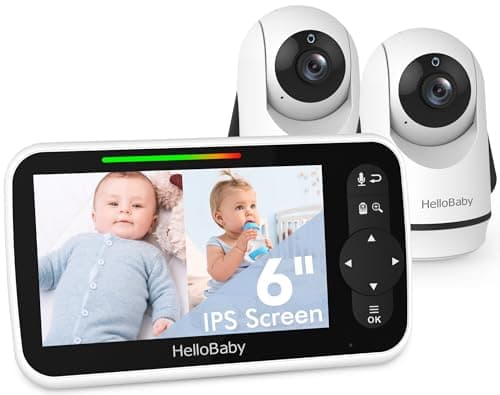
Dr.Care vs HelloBaby
$130 vs $120
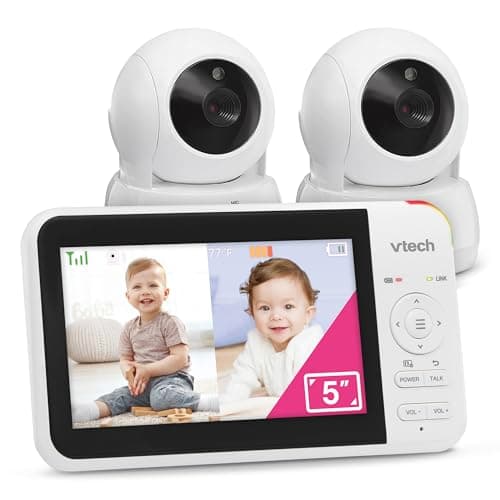
Dr.Care vs VTech
$130 vs $130
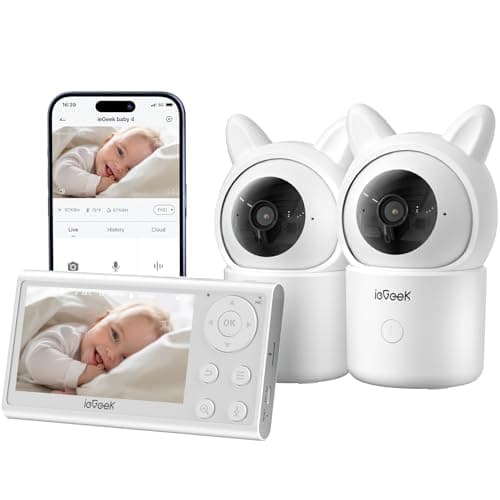
Dr.Care vs ieGeek
$130 vs $110
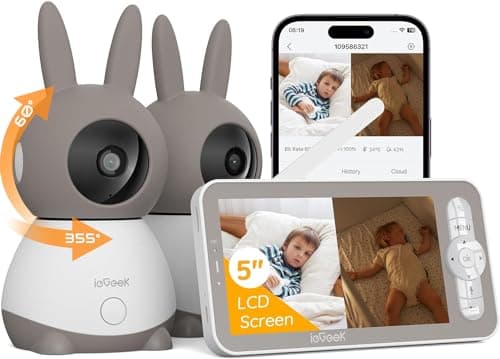
Dr.Care vs ieGeek
$130 vs $130
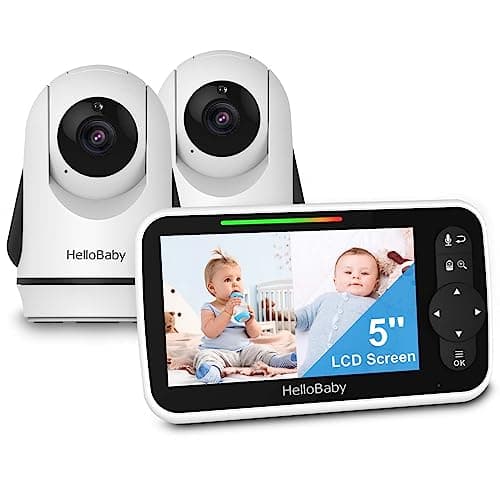
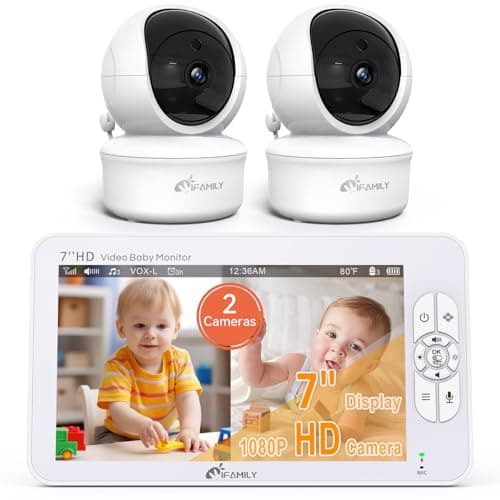
HelloBaby vs iFamily
$90 vs $120
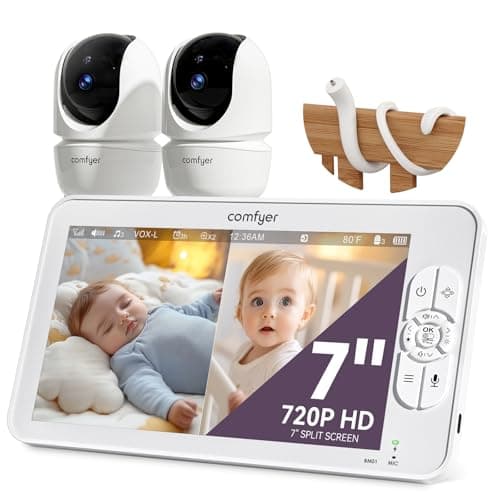
Comfyer vs iFamily
$117 vs $120
iFamily vs ieGeek
$120 vs $130
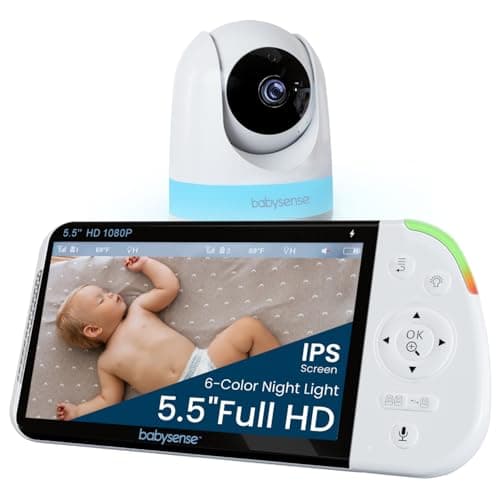
Babysense vs iFamily
$128 vs $120
Babysense vs iFamily
$160 vs $120
Dr.Care vs kokit
$130 vs $150
VTech vs iFamily
$93 vs $120
HelloBaby vs iFamily
$100 vs $120
iFamily vs kokit
$120 vs $150
Dr.Care vs Momcozy
$130 vs $153
Dr.Care vs VTech
$130 vs $93
Explore Other Categories
Popular comparisons across the site
Ask AI
Get instant answers about specs
Get the Deets
Ask our AI assistant
Ask Deets anything!