Our Verdict
ieGeek 2K Split-Screen Baby Monitor Wins
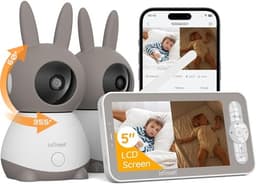
At $104.48, it offers superior value for its enhanced sensor suite, including humidity detection, and crucially, features a dual-camera setup with split-screen viewing – a significant advantage over iFamily for monitoring multiple areas or children. While the iFamily at $79.99 provides excellent 2K (1440p) video resolution and essential monitoring with motion, sound, temperature, and cry detection, its single camera and lack of humidity sensing make it less versatile. The iFamily remains a strong contender for those needing a single-camera solution and prioritizing a lower initial cost, especially with its WiFi disable option for privacy.
Bottom Line: ieGeek 2K Split-Screen Baby Monitor is the better choice. At $104.
In-Depth Analysis
How they compare in practice
The iFamily and ieGeek 2K baby monitors both offer robust 2K (1440p) video resolution and a hybrid connection, allowing both local parent-unit viewing and remote smartphone access. However, their real-world utility diverges significantly, primarily due to ieGeek's dual-camera capability and more comprehensive sensor array. For parents needing to monitor two children or distinct areas like a nursery and a playpen simultaneously, the ieGeek’s split-screen display is an invaluable feature that the iFamily simply cannot match. This eliminates the need for purchasing a second monitor or constantly re-positioning a single camera, streamlining the monitoring process considerably. Beyond the number of cameras, the ieGeek also integrates a humidity sensor into its suite, alongside motion, sound, temperature, and cry detection. This extra data point allows parents to ensure optimal environmental conditions in the nursery, which can be critical for infant comfort and health, especially for babies prone to respiratory issues. The iFamily, while robust with its core sensor suite (motion, sound, temperature, cry), lacks this specific environmental detail. Both units feature pan, tilt, and zoom (PTZ) functionality, enabling users to adjust the camera's view remotely, ensuring a full perspective of the room. From a value perspective, the iFamily, priced at $79.99, is a compelling option for single-room monitoring. Its 'option to disable WiFi' feature offers an added layer of privacy for those wary of internet-connected devices, a peace of mind not explicitly highlighted by ieGeek. However, the ieGeek, at $104.48, justifies its higher price point by offering the practical advantage of monitoring two spaces simultaneously without compromise, alongside its 1000ft local range for its parent unit and expanded sensor data. The trade-off for iFamily buyers is the inability to monitor multiple points, while ieGeek users gain versatility but must contend with cameras requiring constant power.
Which to Pick for Your Situation
Concrete scenarios with a clear recommendation
For monitoring twins or multiple children
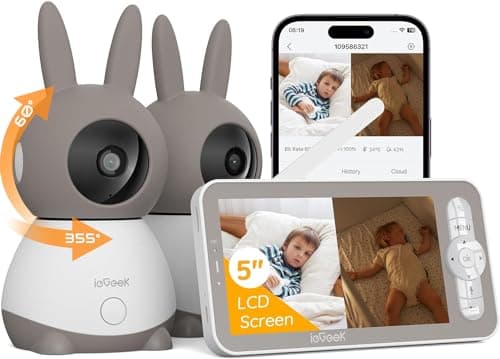
ieGeekThe ieGeek monitor includes two cameras and a split-screen display, making it ideal for simultaneously monitoring different cribs or rooms.
For a single nursery with privacy as a top concern
iFamilyThe iFamily offers an explicit option to disable WiFi, providing an enhanced sense of privacy for local-only monitoring.
For ensuring optimal room climate beyond just temperature
ieGeekThe ieGeek features an additional humidity sensor alongside temperature, offering more comprehensive environmental monitoring for sensitive infants.
For budget-conscious buyers needing high video quality
iFamilyThe iFamily provides excellent 2K (1440p) video resolution and essential features at a more affordable price point of $79.99.
Who Should Buy Which?
Find the right product for your needs
Buy iFamily if...
iFamily WiFi Baby Monitor
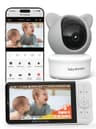
The iFamily WiFi Baby Monitor is the ideal choice for parents seeking high-definition monitoring and essential smart features without breaking the bank. This buyer prioritizes clear visual monitoring of a single child or space and values privacy, making the explicit option to disable WiFi a significant advantage, ensuring local-only use when desired. They might be setting up a nursery for their first child or simply need to upgrade an older, lower-resolution monitor. With its 2K (1440p) video resolution and remote pan, tilt, zoom capabilities, they get excellent image quality and full room coverage at an accessible price of $79.99. They appreciate core functionalities like two-way talk, night vision, and motion/cry alerts, but don't necessarily require advanced environmental sensing beyond temperature, nor do they need to monitor multiple locations simultaneously. While they forgo the convenience of dual cameras and additional humidity data found in more expensive models, they gain a reliable, privacy-conscious monitor that excels at its primary task: providing a clear, secure view of their baby. They are comfortable with purchasing a separate microSD card if local recording is desired, as they are not looking for an all-inclusive, premium package, rather a cost-effective solution.

Buy ieGeek if...
ieGeek 2K Split-Screen Baby
The ieGeek 2K Split-Screen Baby Monitor is perfectly suited for growing families or those with larger homes that require comprehensive, multi-point monitoring. This buyer's priorities include simultaneous monitoring of two children or distinct areas, such as a nursery and a play area, without needing multiple parent units. The inclusion of two cameras with a split-screen display is the standout feature that directly addresses this need, offering unparalleled convenience for parents of twins or siblings sharing nearby spaces. Beyond the dual-camera setup, they value a more robust sensor suite; the addition of a humidity sensor alongside motion, sound, temperature, and cry detection provides a holistic view of the nursery environment, which can be crucial for babies with sensitivities. They are willing to invest a bit more at $104.48 for these significant upgrades in functionality and convenience. While they acknowledge the cameras require constant power and the app uses 2.4 GHz WiFi, the benefits of 1000ft local range and the advanced monitoring capabilities for multiple children or areas far outweigh these minor compromises, making the ieGeek an indispensable tool for their specific family dynamics.
Spec Comparison
12 specs compared
| Specification |  |  |
|---|---|---|
| Price | $80 | $104 |
| Rating | 4.3(10.0k) | 4.2(1.4k) |
| Connection | Hybrid | Hybrid |
| Sensor Suite | motion, sound, temperature | motion, sound, temperature, cry |
| Weight | 1.48 lbs | — |
| Night Vision | Yes | Yes |
| Cry Detection | Yes | Yes |
| Pan Tilt Zoom | Yes | Yes |
| Two Way Audio | Yes | Yes |
| Temperature Sensor | Yes | Yes |
| Video Resolution P | 1440 | 1440 |
| Subscription Required | No | — |
| Range Ft | — | 1000 |
| Model Number | — | baby 1T |
Swipe horizontally to see all columns
Pros & Cons
Quick overview of strengths and weaknesses
iFamily WiFi Baby
- 2K video resolution provides clear image quality.
- Remote pan, tilt, zoom via app for full room view.
- Infrared night vision offers clear monitoring in dark.
- Motion tracking and alerts notify of movement.
- MicroSD card for local storage not included.
- Cloud storage feature requires extra subscription.
ieGeek 2K Split-Screen
- Dual camera split-screen display
- 2K HD video, 4x zoom, and night vision
- 1000ft local range; remote access via app
- Remote 355H/60V camera pan/tilt/auto-track
- Cameras require constant power connection
- Memory cards for storage are not included
- App connection uses only 2.4 GHz Wi-Fi
Frequently Asked Questions
Common questions about this comparison
Do both monitors offer 2K video quality?
Yes, both the iFamily and ieGeek monitors feature a video resolution of 1440p, providing clear 2K HD video for detailed viewing of your baby.
Which monitor is better for monitoring two rooms at once?
The ieGeek monitor is specifically designed for this, featuring two cameras and a split-screen display to allow simultaneous viewing of different areas.
Is a subscription required for cloud storage with either product?
The iFamily states cloud storage requires an extra subscription. The ieGeek doesn't specify, but local storage (memory cards) is not included for either.
What unique sensors does the ieGeek monitor offer?
Beyond motion, sound, temperature, and cry detection, the ieGeek includes a humidity sensor, providing a more complete environmental overview of the nursery.
Can I use these monitors without an internet connection?
Both are hybrid monitors, offering local parent-unit viewing. The iFamily specifically highlights the option to disable WiFi for privacy during local use.
Related Comparisons
Similar products people compare
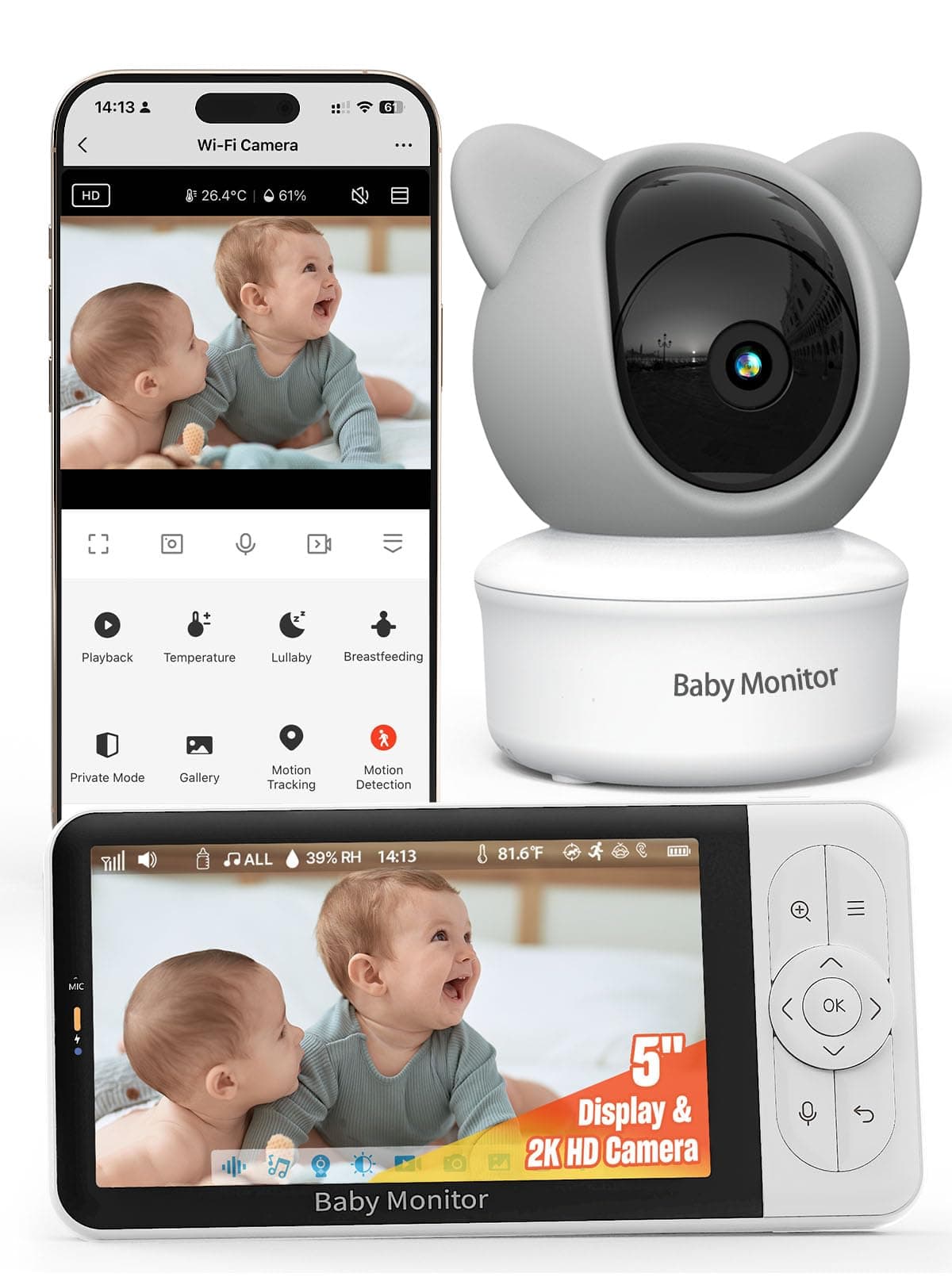
ARENTI vs iFamily
$80 vs $80
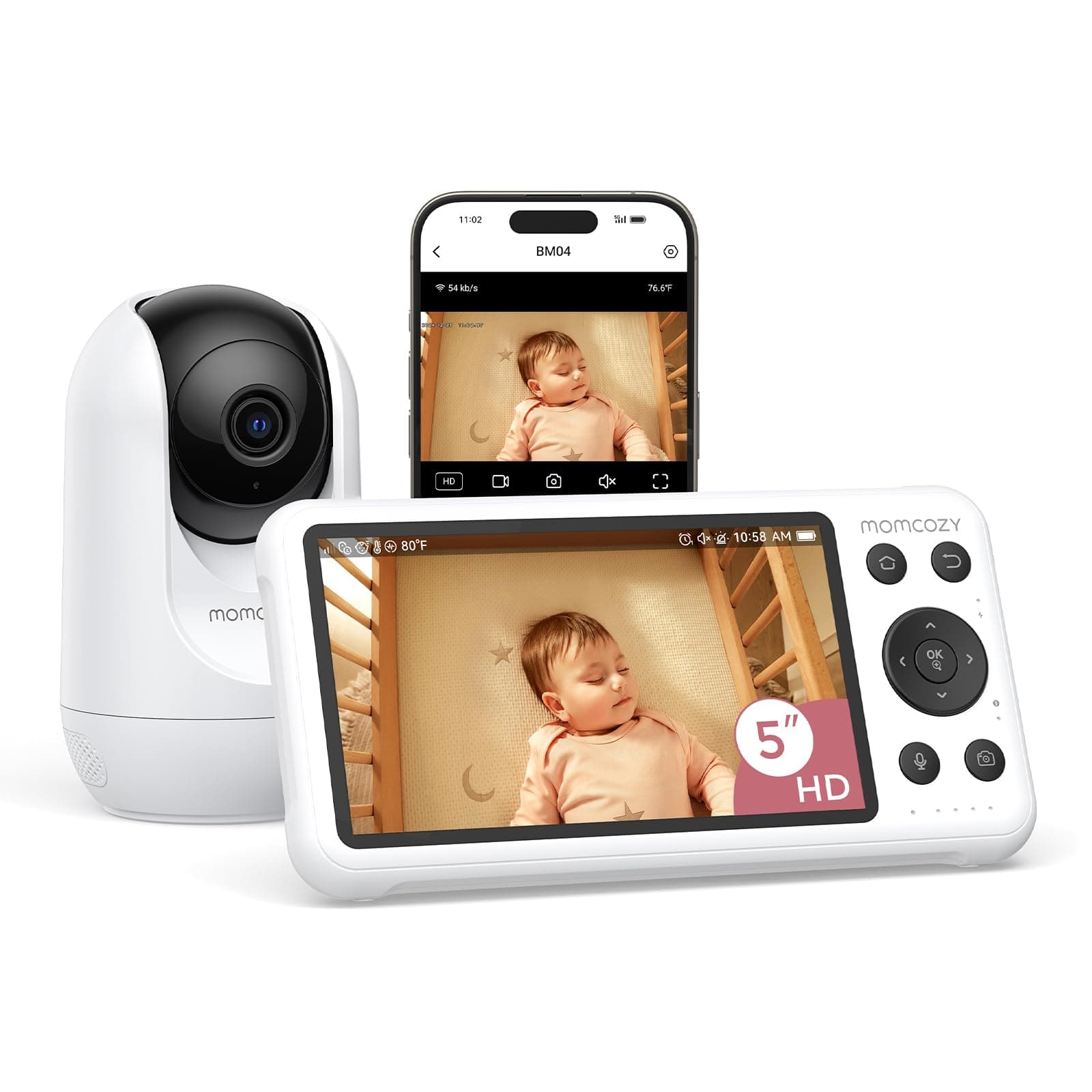
Momcozy vs iFamily
$170 vs $80
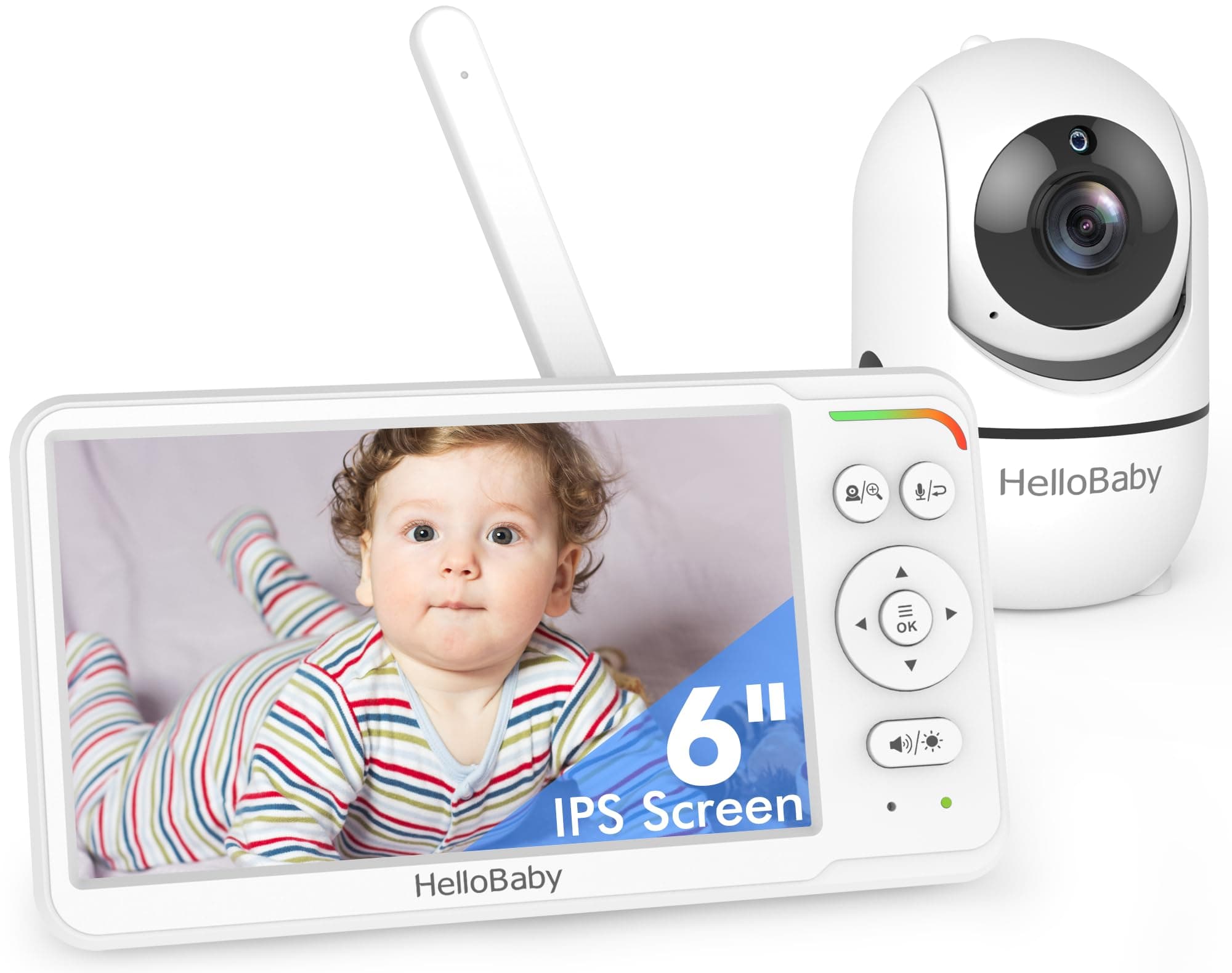
HelloBaby vs iFamily
$54 vs $80
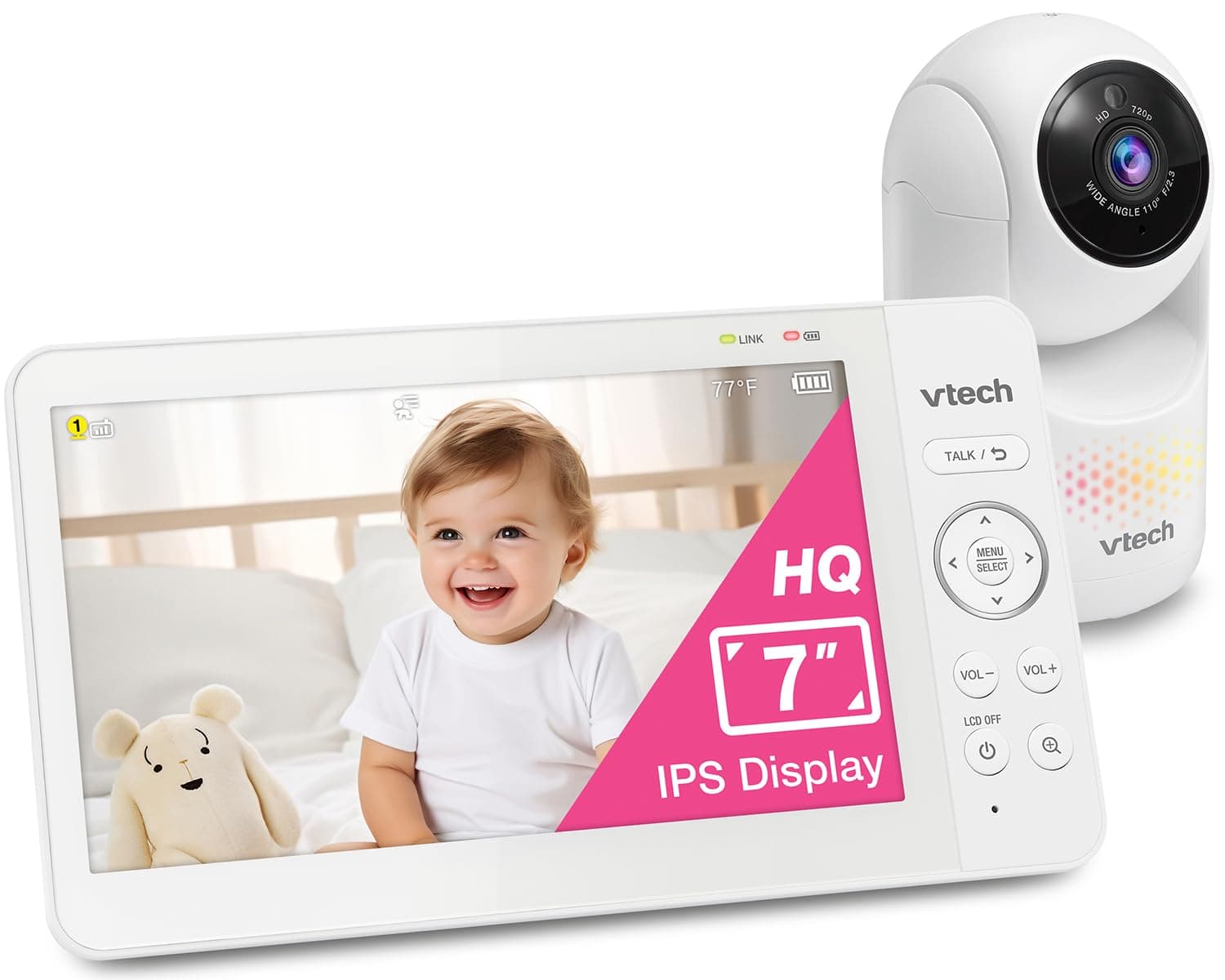
VTech vs iFamily
$70 vs $80
Dr.Care vs ieGeek
$130 vs $104
ieGeek vs kokit
$104 vs $150
HelloBaby vs ieGeek
$120 vs $104
HelloBaby vs iFamily
$63 vs $80
iFamily vs nooie
$80 vs $48
VTech vs iFamily
$106 vs $80
VTech vs iFamily
$63 vs $80
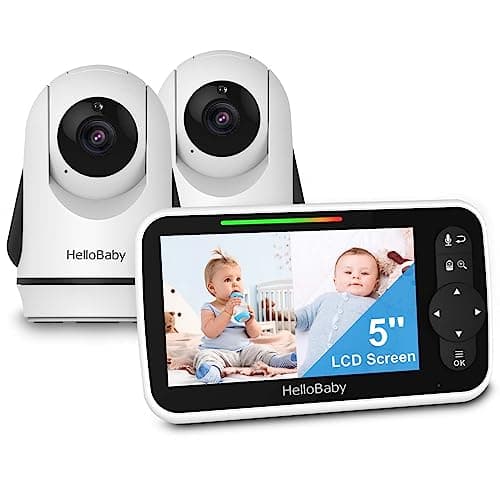
HelloBaby vs iFamily
$90 vs $80
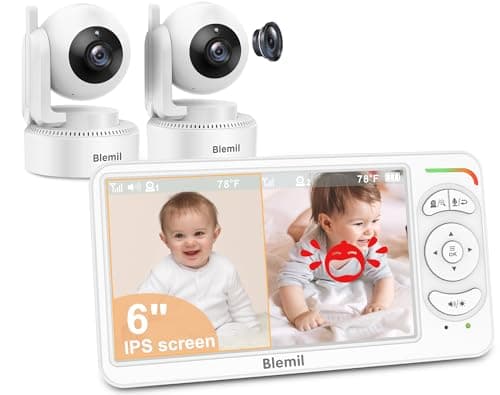
Blemil vs iFamily
$80 vs $80
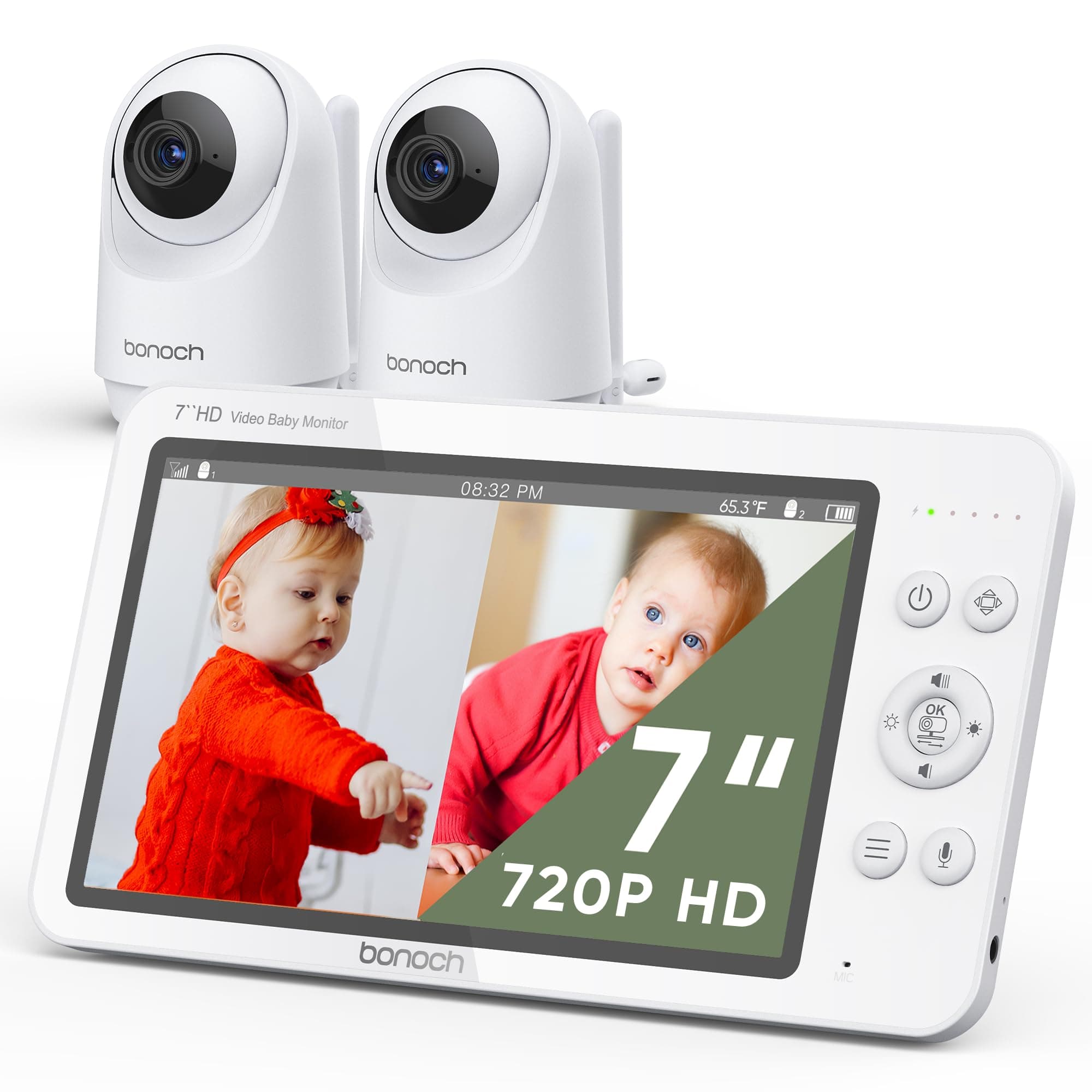
bonoch vs ieGeek
$170 vs $104
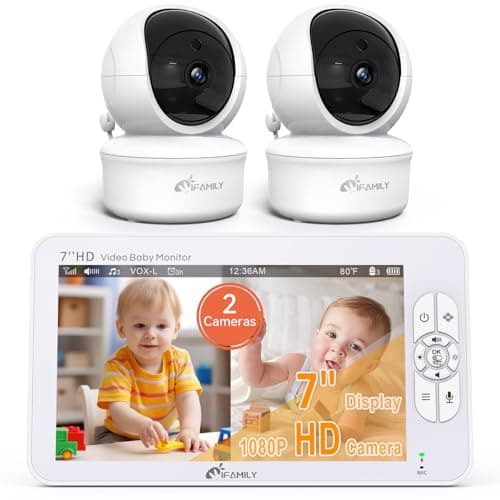
iFamily vs ieGeek
$120 vs $104
Explore Other Categories
Popular comparisons across the site

Ask AI
Get instant answers about specs
Get the Deets
Ask our AI assistant
Ask Deets anything!