Our Verdict
ieGeek 2K Split-Screen Baby Monitor Wins
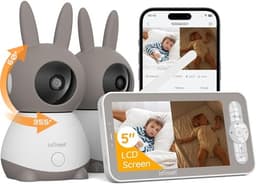
This monitor provides a superior 1440p video resolution and versatile hybrid connectivity for both local and remote viewing, all at a more affordable $139.99 price point. While the bonoch MegaView boasts an impressive 23-hour battery life and a larger 7-inch display, the ieGeek's advanced features and value are more compelling for most users. The bonoch MegaView is the better pick for those prioritizing extended portability and a larger display over remote access and higher resolution.
Bottom Line: ieGeek 2K Split-Screen Baby Monitor is the better choice. This monitor provides a superior 1440p video resolution and versatile hybrid connectivity for both local and remote viewing, all at a more affordable $139.
In-Depth Analysis
How they compare in practice
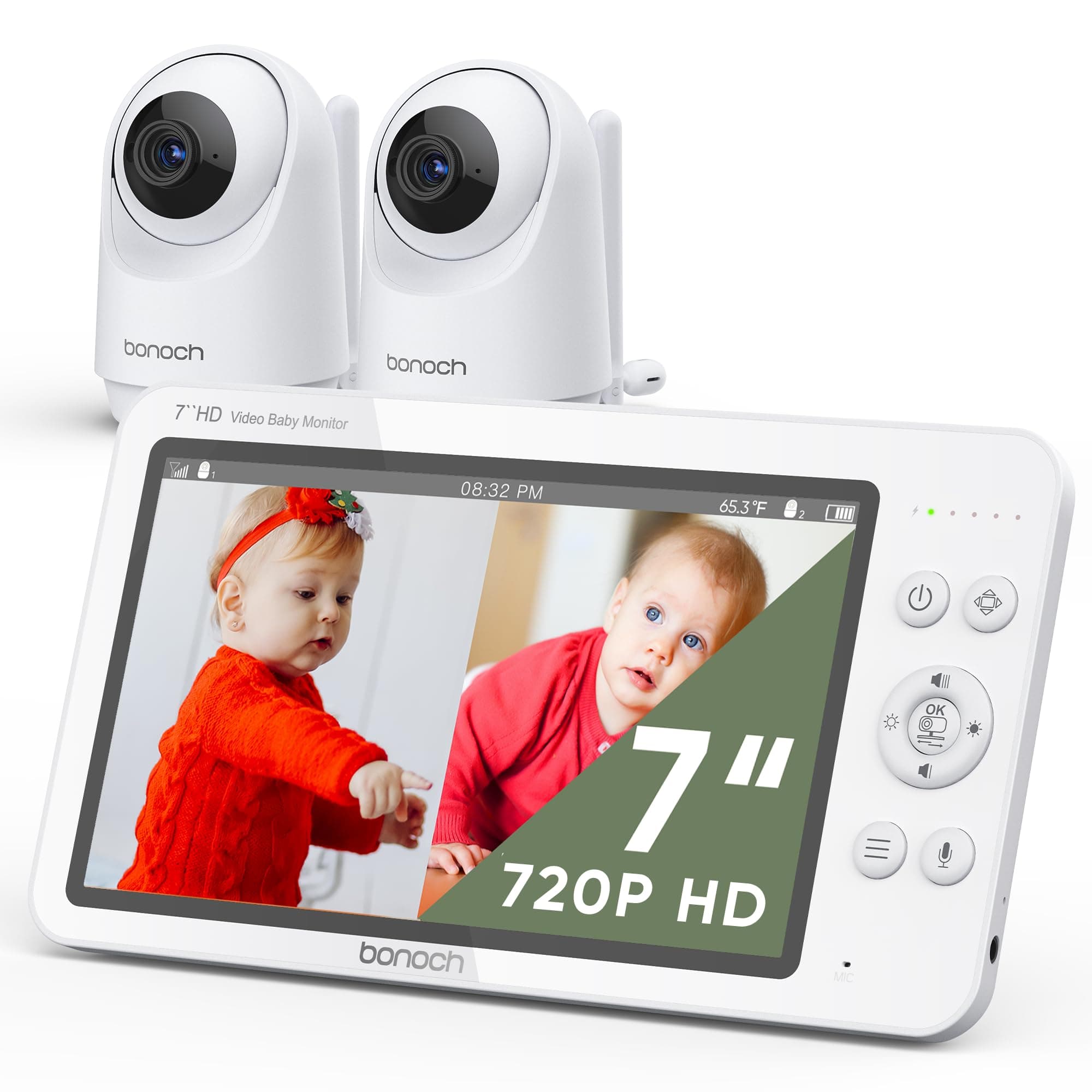
The bonoch MegaView and ieGeek 2K baby monitors present distinct propositions for parents, primarily diverging in video quality, connectivity options, and battery performance. The ieGeek 2K immediately stands out with its 1440p resolution, offering significantly sharper and more detailed imagery compared to the bonoch's 720p display. In practical terms, this means clearer facial features and finer details in the nursery, which can be invaluable for discerning subtle movements or expressions, particularly when utilizing the 4x zoom function. While the bonoch counters with a larger 7-inch screen versus ieGeek's 5-inch, the resolution difference often provides a more impactful upgrade to the viewing experience. Connectivity is another critical differentiator. The bonoch MegaView operates purely on a local RF connection, offering robust security and reliability without reliance on Wi-Fi, making it ideal for those deeply concerned about privacy or internet stability. Conversely, the ieGeek 2K employs a hybrid system, combining local monitoring with Wi-Fi-enabled smartphone access. This allows parents to check in on their baby from anywhere via an app, a convenience that modern, busy lifestyles often demand, despite the potential security considerations of any Wi-Fi connected device. However, it's worth noting the ieGeek's cameras require constant power, lacking the built-in portability of the bonoch's long-lasting monitor. The bonoch MegaView excels in portability and power independence, boasting an exceptional 23 hours of battery life in VOX mode. This feature is a game-changer for parents who move frequently between rooms, travel, or experience occasional power outages, ensuring continuous monitoring without being tethered to an outlet. The ieGeek's monitor battery life isn't specified, but its cameras' constant power requirement limits placement flexibility. Both monitors offer pan, tilt, and zoom capabilities with dual cameras, though bonoch notes a limitation where zoom and split screen are mutually exclusive, a constraint not mentioned for ieGeek which even includes auto-tracking. Considering the price, the ieGeek 2K, at $139.99, presents a compelling value proposition, offering higher resolution, hybrid connectivity, and a comprehensive sensor suite including humidity, for $30 less than the bonoch MegaView ($169.99). While the bonoch's extended battery life and larger screen are undeniable assets, the ieGeek's blend of advanced monitoring features and remote access capabilities at a lower cost makes it a more feature-rich choice for the average tech-savvy parent, provided they are comfortable with Wi-Fi integration and continuous camera power. The choice ultimately hinges on whether maximum portability and a pure local connection (bonoch) outweigh superior video
Key Differences
The most significant spec differences at a glance
Video Resolution
50% lessAdvantages
Where each product wins

ieGeek
- Video Resolution: 50% higher (720 vs 1440)
Which to Pick for Your Situation
Concrete scenarios with a clear recommendation
For parents prioritizing maximum privacy
bonochThe bonoch MegaView uses a local RF connection with no Wi-Fi, eliminating internet security concerns.
For parents who travel or need remote access
ieGeekThe ieGeek 2K offers hybrid connectivity, allowing parents to view their baby via a smartphone app from anywhere.
For all-day monitoring away from power outlets
bonochThe bonoch MegaView boasts an impressive 23 hours of battery life in VOX mode, offering unmatched portability.
For those seeking the clearest video detail
ieGeekThe ieGeek 2K delivers 1440p resolution, providing significantly sharper images compared to bonoch's 720p.
Who Should Buy Which?
Find the right product for your needs

Buy bonoch if...
bonoch MegaView Baby Monitor
The bonoch MegaView baby monitor is the ideal choice for parents who prioritize privacy, portability, and a reliable local connection above all else. This buyer is often wary of Wi-Fi vulnerabilities and seeks a truly secure, closed-circuit monitoring system that doesn't depend on internet connectivity for its core functions. They likely have a larger home where consistent local signal range is important, or frequently move the monitor between different rooms, valuing the freedom from power outlets. With an exceptional 23-hour battery life in VOX mode, this monitor caters perfectly to those who need all-day monitoring without constant recharging, perhaps for overnight stays elsewhere or simply to carry the monitor around the house freely. They appreciate the larger 7-inch display for a more expansive view of the nursery, even if the 720p resolution isn't the absolute sharpest on the market. This parent might also have twins or two children in separate rooms, as the included two cameras and split-screen capability are crucial for their needs. While they might forgo the ability to check in remotely via a smartphone app, their peace of mind comes from the unhackable, dependable local connection. They are willing to pay the slightly higher $169.99 price point for the robust battery performance and enhanced security, understanding that these features are paramount for their specific monitoring philosophy.

Buy ieGeek if...
ieGeek 2K Split-Screen Baby
The ieGeek 2K Split-Screen Baby Monitor is perfectly suited for modern, tech-savvy parents who value convenience, crystal-clear visuals, and the flexibility of remote access. This buyer frequently travels or works away from home and needs the ability to check on their baby anytime, anywhere, directly from their smartphone via the dedicated app. The hybrid connection, while requiring 2.4 GHz Wi-Fi for remote features, provides this essential link, bridging the gap between local monitoring and global connectivity. Their priority is often the sharpest possible image quality, and the ieGeek's 1440p resolution delivers significantly more detail than standard HD, allowing for clearer identification of their child's state and surroundings. This parent is also likely very detail-oriented and appreciates comprehensive environmental data, making good use of the ieGeek's extensive sensor suite, which includes motion, cry, sound, temperature, and uniquely, humidity sensing. While the cameras require a constant power connection, this buyer typically has dedicated power outlets available in the nursery and prioritizes feature richness over extreme portability of the cameras themselves. The more accessible $139.99 price point aligns well with their budget, offering advanced functionalities without a premium cost. They are comfortable with integrating smart devices into their home and see the value in a connected monitoring solution, even if it means relying on their home Wi-Fi network.
Spec Comparison
13 specs compared
| Specification |  |  |
|---|---|---|
| Price | $170 | $130 |
| Rating | 4.5(1.8k) | 4.2(1.4k) |
| Connection | Local (RF) | Hybrid |
| Sensor Suite | motion, sound, temperature | motion, sound, temperature, cry |
| Battery Life | 23 hrs | — |
| Weight | 3.47 lbs | — |
| Night Vision | Yes | Yes |
| Cry Detection | Yes | Yes |
| Pan Tilt Zoom | Yes | Yes |
| Two Way Audio | Yes | Yes |
| Temperature Sensor | Yes | Yes |
| Video Resolution P | 720 | 1440 |
| Subscription Required | No | — |
| Range Ft | — | 1000 |
| Model Number | — | baby 1T |
Swipe horizontally to see all columns
Pros & Cons
Quick overview of strengths and weaknesses
bonoch MegaView Baby
- Split screen view monitors two babies.
- 7" 720P display offers clear image.
- Remote pan, tilt, and 4x zoom control.
- VOX mode extends battery to 23 hours.
- Zoom and split screen functions are mutually exclusive.
- Charger voltage limited to 110-120V.
ieGeek 2K Split-Screen
- Dual camera split-screen display
- 2K HD video, 4x zoom, and night vision
- 1000ft local range; remote access via app
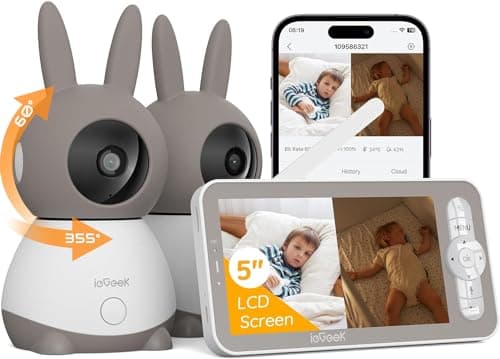
- Remote 355H/60V camera pan/tilt/auto-track
- Cameras require constant power connection
- Memory cards for storage are not included
- App connection uses only 2.4 GHz Wi-Fi
Frequently Asked Questions
Common questions about this comparison
What's the main difference in video resolution between these monitors?
The ieGeek 2K offers superior 1440p video resolution, providing sharper images than the bonoch MegaView's 720p display for clearer monitoring.
Can I view my baby remotely with either of these monitors?
Only the ieGeek 2K offers remote viewing via a smartphone app due to its hybrid Wi-Fi connection. The bonoch uses a local RF connection only.
How long can the bonoch MegaView monitor operate on battery?
The bonoch MegaView monitor has a 6000mAh battery providing up to 23 hours of life in VOX mode, offering extended portability.
Do both monitors support split-screen viewing for two cameras?
Yes, both the bonoch MegaView and ieGeek 2K monitors come with two cameras and support split-screen viewing for simultaneous monitoring.
Is a Wi-Fi connection mandatory for using these baby monitors?
No. The bonoch MegaView requires no Wi-Fi, using a local RF connection. The ieGeek 2K has local monitoring but offers optional Wi-Fi for remote app access.
Which monitor provides more comprehensive environmental sensors?
The ieGeek 2K includes motion, sound, temperature, cry, and humidity sensors, giving it a slight edge over bonoch's motion, sound, temperature, and cry suite.
Related Comparisons
Similar products people compare
Dr.Care vs ieGeek
$130 vs $130
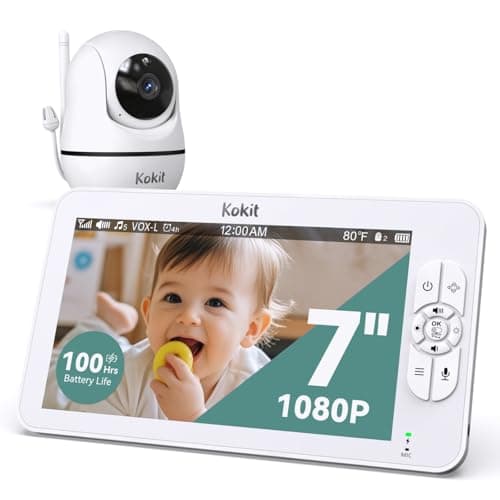
ieGeek vs kokit
$130 vs $150
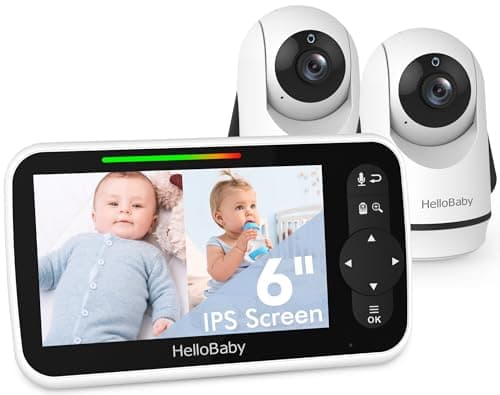
HelloBaby vs ieGeek
$120 vs $130
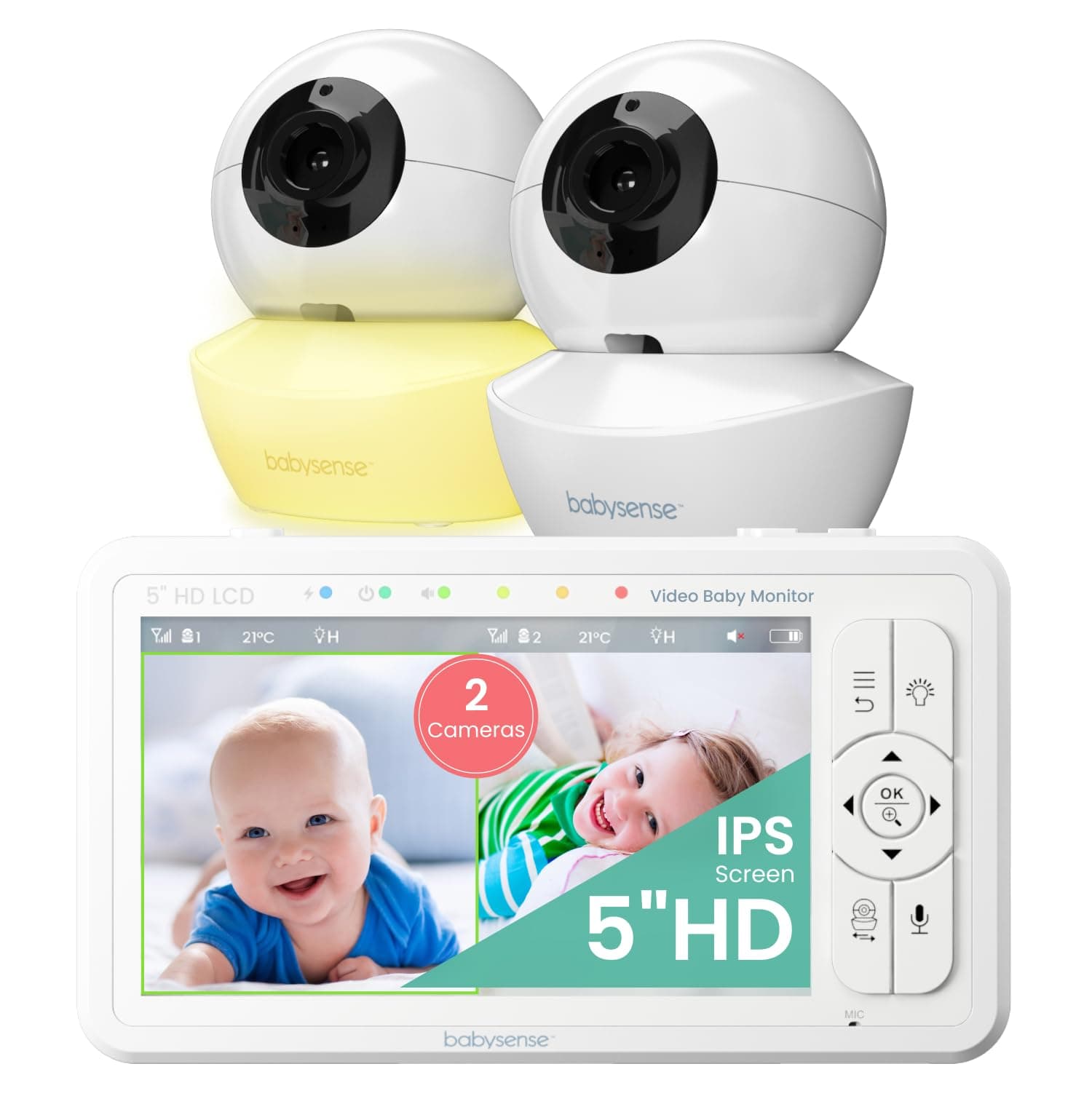
Babysense vs bonoch
$150 vs $170
iFamily vs ieGeek
$120 vs $130
ARENTI vs ieGeek
$130 vs $130
VTech vs ieGeek
$130 vs $130
Babysense vs ieGeek
$160 vs $130
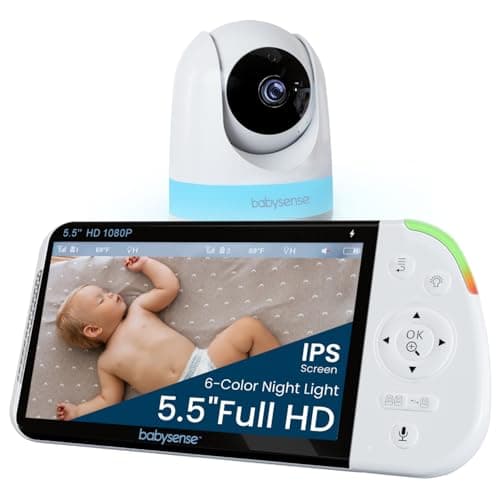
Babysense vs ieGeek
$128 vs $130
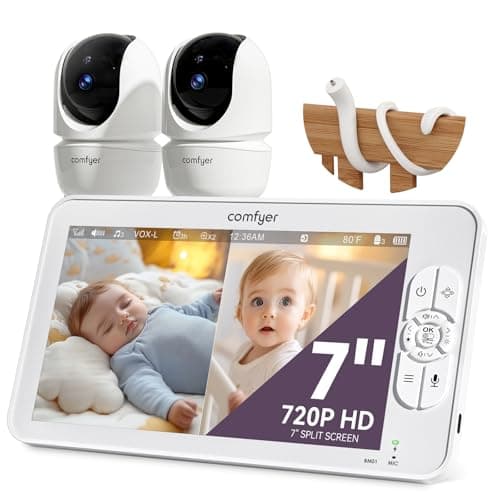
Comfyer vs ieGeek
$117 vs $130
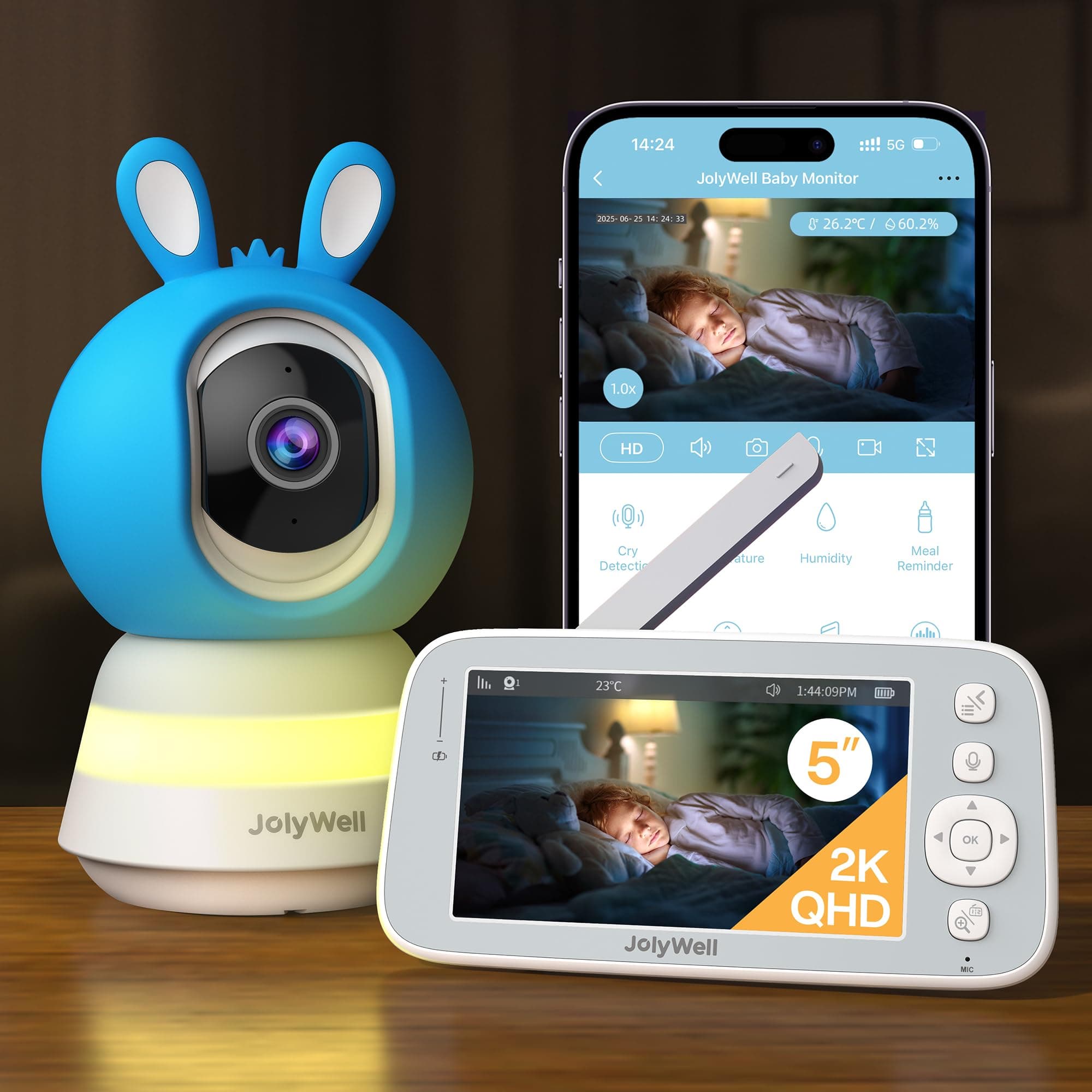
JolyWell vs ieGeek
$150 vs $130
HelloBaby vs bonoch
$120 vs $170
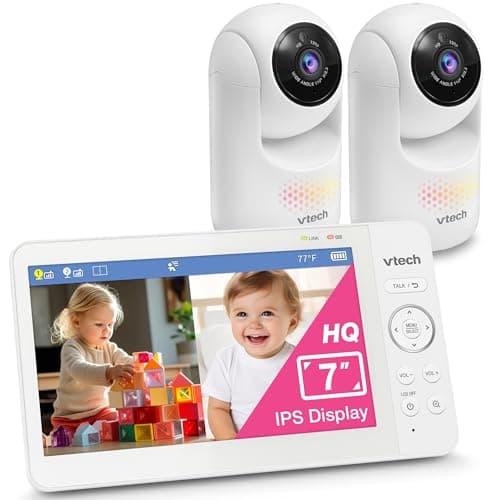
VTech vs bonoch
$170 vs $170
Babysense vs bonoch
$160 vs $170
bonoch vs kokit
$170 vs $150
Explore Other Categories
Popular comparisons across the site
Ask AI
Get instant answers about specs
Get the Deets
Ask our AI assistant
Ask Deets anything!