Our Verdict
Comgrow Creality K1 Max Wins

It offers a massive 300x300x300mm build volume, significantly larger than the Elegoo's 212x118x220mm, and an industry-leading FDM print speed of 600mm/s, making it ideal for rapid prototyping and larger functional parts. While more expensive at $719, its speed and volume justify the investment for many users. The Elegoo Saturn 4 Ultra 16K is the better pick for users prioritizing extreme detail and smooth finishes for smaller models, especially given its lower $519.99 price point and 16K resolution.
Bottom Line: Comgrow Creality K1 Max is the better choice. It offers a massive 300x300x300mm build volume, significantly larger than the Elegoo's 212x118x220mm, and an industry-leading FDM print speed of 600mm/s, making it ideal for rapid prototyping and larger functional parts.
In-Depth Analysis
How they compare in practice
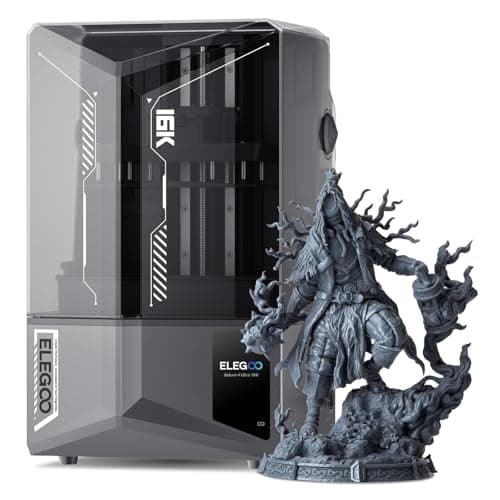
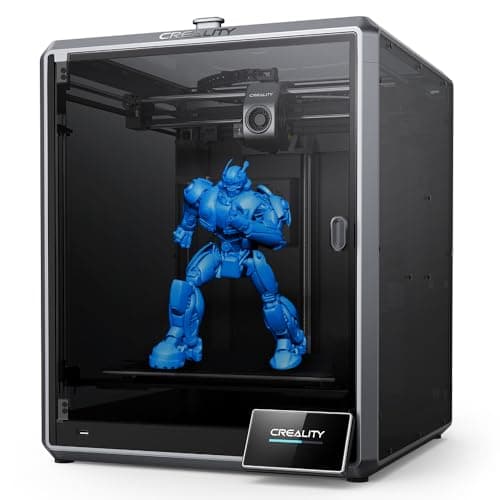
The Comgrow Creality K1 Max and Elegoo Saturn 4 Ultra 16K represent two distinct paradigms in 3D printing: Fused Deposition Modeling (FDM) and Stereolithography (SLA/MSLA) resin printing, respectively. This fundamental difference dictates their real-world applications and user experience. The K1 Max, an FDM printer, excels in speed and volume. Its 300x300x300mm build volume allows for significantly larger prints than the Saturn 4 Ultra's 212x118x220mm, making it suitable for functional prototypes, larger props, or batch printing moderately sized parts. Its impressive 600mm/s print speed dramatically reduces lead times for projects, a critical advantage for users needing quick iterations. Conversely, the Saturn 4 Ultra 16K, a resin printer, prioritizes extreme detail and surface finish over sheer size and speed for functional parts. Its 16K mono LCD delivers unparalleled resolution, making it the go-to choice for miniatures, jewelry, dental models, or highly intricate artistic pieces where fine features and smooth surfaces are paramount. While its 150mm/h print speed is fast for a resin printer, it’s not comparable to FDM speeds for bulk material extrusion. The heated resin tank on the Elegoo is a significant feature, ensuring consistent resin viscosity and print reliability, especially in cooler environments, which can be a common challenge in resin printing. Both printers offer advanced auto-leveling and AI-driven features. The K1 Max's AI Lidar scans the first layer to prevent print failures, a valuable tool for ensuring successful large FDM prints. The Saturn 4 Ultra includes an AI camera for monitoring and smart mechanical sensors, aiming to simplify the resin printing process, which typically involves more post-processing. The trade-off for these advanced features in both models is increased system complexity, potentially leading to more specialized troubleshooting. The K1 Max's larger FDM prints might be cheaper per cubic centimeter of material, while resin, though more expensive per liter, offers superior aesthetic quality. Ultimately, the choice hinges on whether your primary need is large, fast, functional parts (K1 Max) or highly detailed, smooth, artistic models (Saturn 4 Ultra 16K).
Key Differences
The most significant spec differences at a glance
Max Print Speed Mm S
1439900% moreAdvantages
Where each product wins

Comgrow
- Max Print Speed Mm S: 1439900% higher (600 vs 0.041666666666666664)
Which to Pick for Your Situation
Concrete scenarios with a clear recommendation
For rapid prototyping of functional parts
ComgrowThe Comgrow Creality K1 Max offers an exceptional 600mm/s print speed and a substantial 300x300x300mm build volume, allowing for quick creation of large, practical components.
For highly detailed miniatures and figures
ELEGOOThe ELEGOO Saturn 4 Ultra 16K's 16K resolution provides superior fine detail and smooth surface finishes crucial for intricate models that FDM printers struggle to achieve.
For a home user on a tighter budget
ELEGOOPriced at $519.99, the Elegoo is significantly more affordable than the $719 Comgrow, making advanced printing more accessible without sacrificing print quality for smaller items.
For a workshop producing large custom tools or props
ComgrowWith its 300x300x300mm build volume, the Creality K1 Max can handle larger, single-piece projects or multiple smaller parts efficiently, which is ideal for bigger fabrication needs.
Who Should Buy Which?
Find the right product for your needs

Buy Comgrow if...
Creality K1 Max 3D
The ideal buyer for the Comgrow Creality K1 Max is a user who prioritizes speed, large build volume, and the creation of functional or large-scale FDM parts. This could be a small business owner needing to rapidly prototype product designs, a hobbyist creating cosplay props or large models, or an engineer requiring quick iterations of functional components. They value efficiency and robust output over extreme aesthetic detail. The K1 Max’s blistering 600mm/s print speed means projects that once took days can now be completed in hours, significantly boosting productivity. Its generous 300x300x300mm build volume opens up possibilities for larger single-piece prints or batch production, which is crucial for reducing assembly time. While the $719 price point is higher, they see it as an investment that pays off in reduced print times and expanded creative scope. They're willing to accept the slightly lower surface fidelity of FDM printing and the larger footprint in their workspace, as their primary goal is practical, sizeable creations. They appreciate the auto-leveling and AI Lidar for streamlining the FDM process, enabling reliable large prints without constant manual adjustments.

Buy ELEGOO if...
ELEGOO Saturn 4 Ultra
The ELEGOO Saturn 4 Ultra 16K is perfect for the detail-oriented creator who demands exceptionally high precision and smooth surface finishes for smaller, intricate models. This includes miniature painters, jewelry designers, dental professionals, or artists crafting highly detailed statues and figurines. Their priority is capturing every minute detail, and they understand that resin printing delivers an unparalleled level of fidelity that FDM cannot match. With its 16K mono LCD, the Saturn 4 Ultra provides the sharpness needed for breathtakingly fine features. The inclusion of a heated resin tank is a major benefit for them, ensuring optimal print conditions and consistent results, especially when working with sensitive resins or in variable ambient temperatures. At $519.99, it offers a more accessible entry point into high-resolution resin printing, making it attractive for enthusiasts or professionals on a more constrained budget. They are prepared for the post-processing steps (washing and curing) inherent to resin printing and are comfortable with the smaller build volume of 211.582x118.364x219.964mm, as their projects typically fit within these dimensions. They prioritize artistic quality and precision over the ability to print very large or purely functional parts at extreme speeds.
Spec Comparison
8 specs compared
| Specification |  |  |
|---|---|---|
| Price | $719 | $520 |
| Rating | 4.2(10.1k) | 4.1(199) |
| Build Volume mm | 299.974x299.974x299.974 | 211.582x118.364x219.964 |
| Max Print Speed mm S | 600 | 0.04 |
| Leveling Type | Auto | Auto |
| Printer Type | FDM | Resin (SLA/MSLA) |
| Model Number | — | Saturn 4 Ultra 16K |
| Resume Print | — | Yes |
| WiFi | — | Yes |
| Filament Sensor | — | Yes |
Swipe horizontally to see all columns
Pros & Cons
Quick overview of strengths and weaknesses
Comgrow Creality K1
- 600mm/s print speed significantly cuts job time.
- AI Lidar scans first layer, prevents print failures.
- Large 300x300x300mm build volume fits big models.
- Hands-free auto-leveling simplifies bed setup.
- AI functions add complexity to troubleshooting.
- Large footprint requires significant workspace.
- Reliance on AI may limit manual control options.
ELEGOO Saturn 4
- 16K resolution enables intricate model production.
- Heated resin tank ensures stable print conditions.
- Prints at 150mm/h, speeding up job completion.
- AI camera monitors status, alerts to print errors.
- Added components like heater increase power draw.
- AI camera adds system complexity and failure points.
- Large build volume can increase resin material cost.
Frequently Asked Questions
Common questions about this comparison
What is the primary difference in print quality between the K1 Max and Saturn 4 Ultra 16K?
The K1 Max (FDM) produces robust functional prints, while the Saturn 4 Ultra 16K (Resin) delivers exceptionally high detail and smooth surfaces due to its 16K resolution, ideal for miniatures.
Which printer is faster for large objects?
The Comgrow Creality K1 Max is significantly faster for large FDM objects, boasting a print speed of 600mm/s, whereas resin printing is inherently slower in comparison.
How does build volume compare between these two printers?
The K1 Max offers a large 300x300x300mm build volume. The Elegoo Saturn 4 Ultra 16K has a smaller 211.582x118.364x219.964mm volume, typical for high-resolution resin prints.
Does either printer feature auto-leveling?
Yes, both the Comgrow Creality K1 Max and the ELEGOO Saturn 4 Ultra 16K feature auto-leveling, simplifying setup and improving print reliability for users.
Is post-processing required for prints from these machines?
FDM prints from the K1 Max generally require minimal post-processing. Resin prints from the Saturn 4 Ultra 16K necessitate washing in isopropyl alcohol and UV curing.
What are the AI functions on each printer?
The K1 Max uses AI Lidar to scan the first layer, preventing failures. The Saturn 4 Ultra features an AI camera for monitoring print status and alerting to errors.
Related Comparisons
Similar products people compare
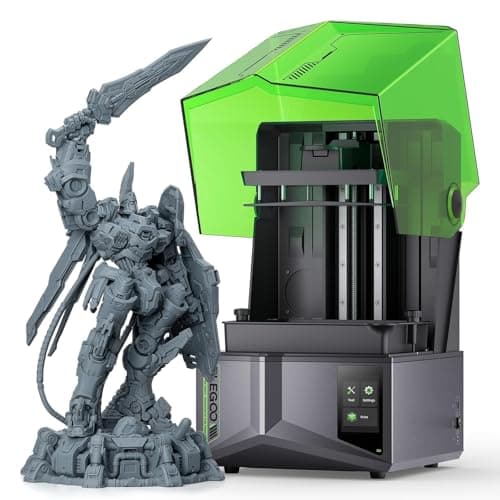
ELEGOO vs ELEGOO
$380 vs $520
Comgrow vs Creality
$719 vs $1299
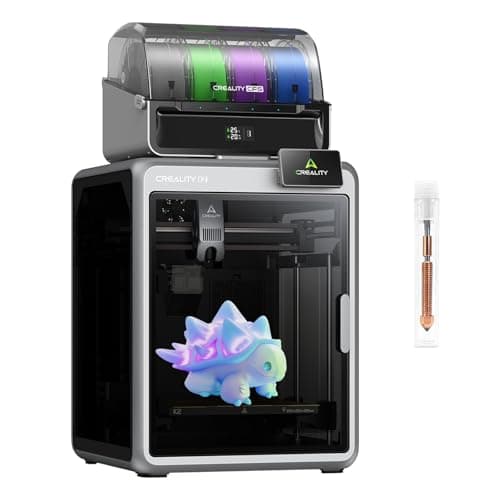
Comgrow vs Creality
$719 vs $649
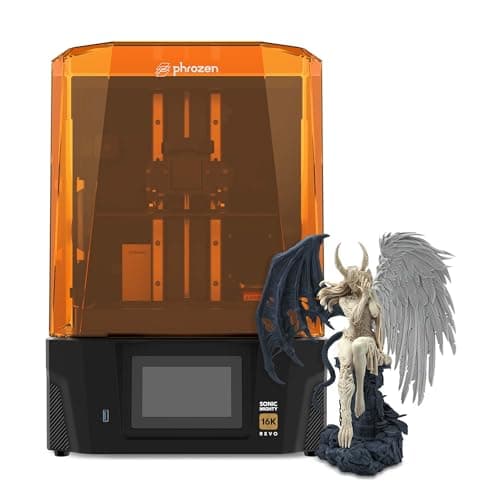
ELEGOO vs phrozen
$520 vs $750
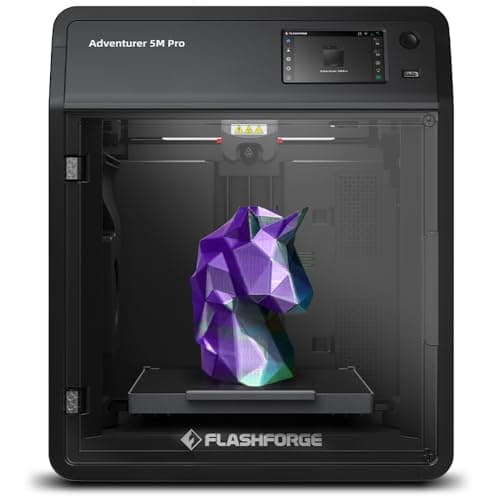
Comgrow vs FLASHFORGE
$719 vs $379

ELEGOO vs ELEGOO
$340 vs $520
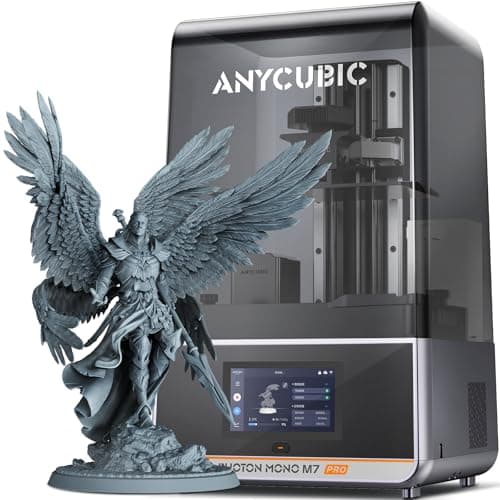
ANYCUBIC vs Comgrow
$670 vs $719
ANYCUBIC vs ELEGOO
$670 vs $520
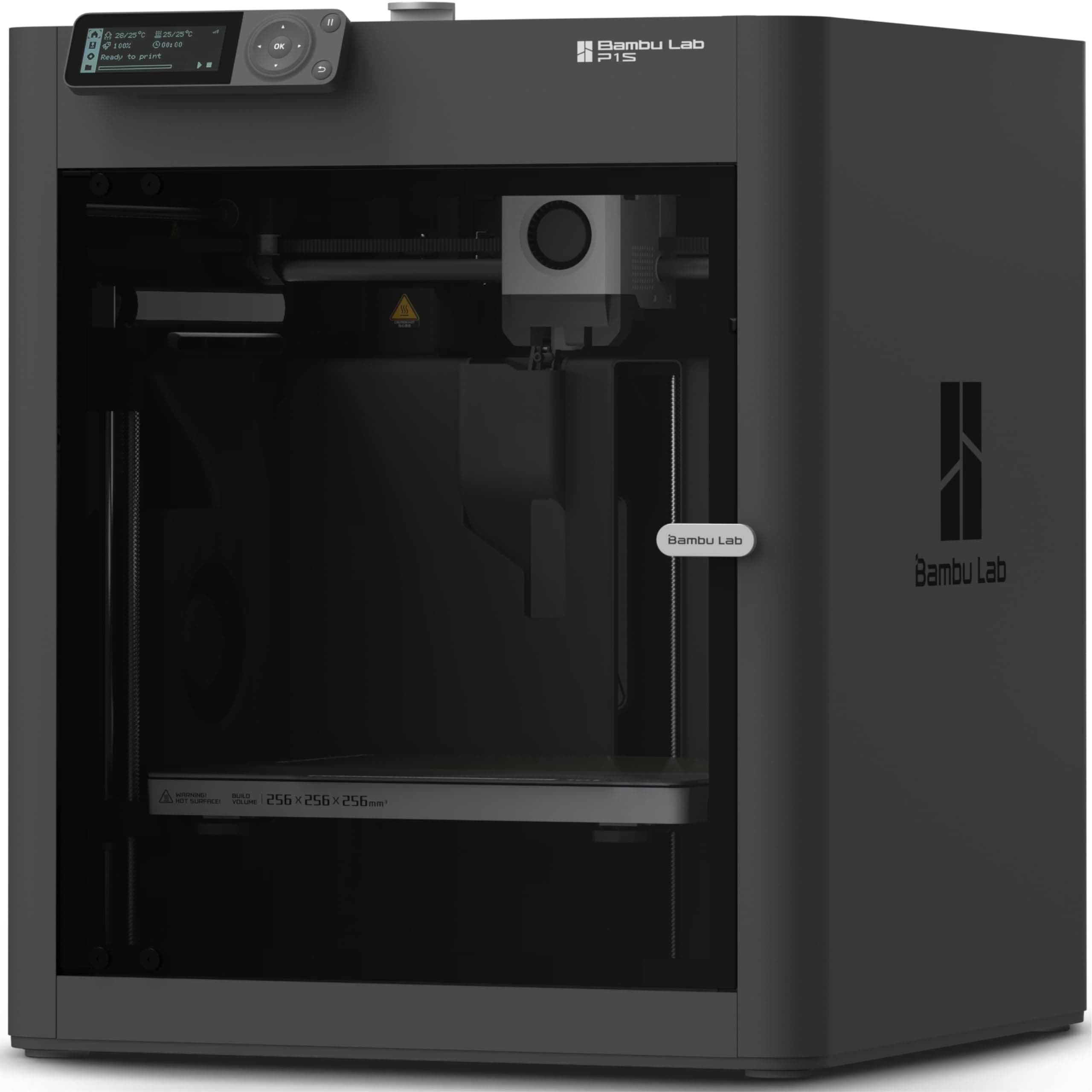
BAMBULAB vs ELEGOO
$419 vs $520
Creality vs ELEGOO
$649 vs $520
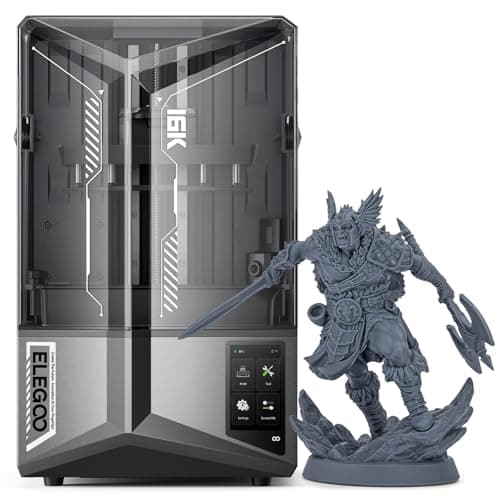
Comgrow vs ELEGOO
$719 vs $520
ELEGOO vs FLASHFORGE
$520 vs $379

Comgrow vs Comgrow
$719 vs $399
Comgrow vs ELEGOO
$399 vs $520
ELEGOO vs ELEGOO
$520 vs $520
Explore Other Categories
Popular comparisons across the site







Ask AI
Get instant answers about specs
Get the Deets
Ask our AI assistant
Ask Deets anything!