Standing Desk Height Calculator
Enter your height and get the exact desk top and monitor heights for neutral wrist posture and eye-level screens — sitting and standing.
The standard 29-inch fixed desk was designed around the average height of a 1960s American office worker — about 5'9". If you're much taller or shorter than that, you've been compensating with wrist extension, hunched shoulders, or a chair that's too high (which causes its own knee and lower-back problems). A 30-minute desk-setup correction is the highest-leverage ergonomic change most knowledge workers can make.
This calculator gives you four numbers: the ideal desk-top height for typing while sitting, for typing while standing, the monitor top height for each, and a range (±1") that accounts for real-world variation like shoe thickness and personal preference. It uses anthropometric ratios — your standing elbow height is roughly 62% of your body height; your sitting elbow height is ~40% of body height plus the seat — calibrated for keyboards and mice (not for tasks like writing by hand, where the desk would be slightly higher).
We then match you with ergonomic chairs whose seat-height range overlaps your sitting target. This matters because a chair, desk, monitor, and footrest function as a system — a perfect chair at the wrong height causes the same problems as a bad chair. If the calculator returns a sitting target that no chair on the market can reach without a keyboard tray or a footrest, that's a signal worth knowing before you spend $1,000+ on an office setup.
Your height
Measured barefoot. If you wear thick-soled shoes most of the time, add that to the standing-desk target.
Your ideal desk heights
Based on 70.0" body height
Standing desk top
42.4in
Range 41.4–43.4"
Sitting desk top
37in
Range 36–38"
Monitor top edge
Sitting
52"
Standing
65.1"
From the floor. Monitor top should sit at or just below your eye line.
Shop adjustable standing desks on Amazon
Filter for the height range above to make sure it fits you.
Chairs that fit your desk height
Adjustable ergonomic chairs from our catalog that sit comfortably at the recommended desk height.
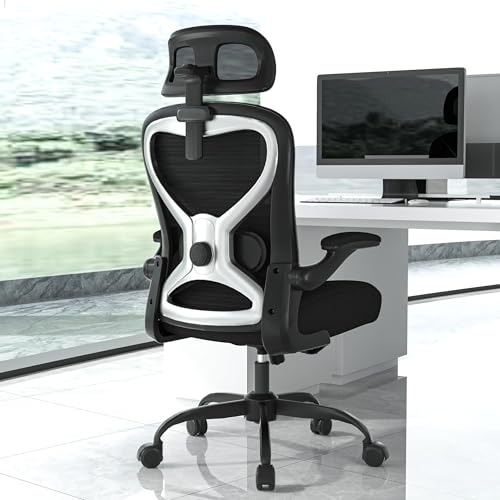
CASASIO
Home Office Desk Chairs, Ergonomic Office Chair with Lumbar Support & 3D Headrest, Computer Desk Chair with Flip-up Armrests, Perfect for Office or Study, Black/Silver

Mimoglad
Mimoglad Ergonomic High Back Mesh Office Chair, Adjustable Lumbar Support, Thickened Seat Cushion (Modern, Green Pear) Green Pear Modern

Youhauchair
Youhauchair Mesh Office Chair, Ergonomic Home Office Desk Chairs with Flip-up Arms and Lumbar Support, Height Adjustable, Black Black Without Headrest
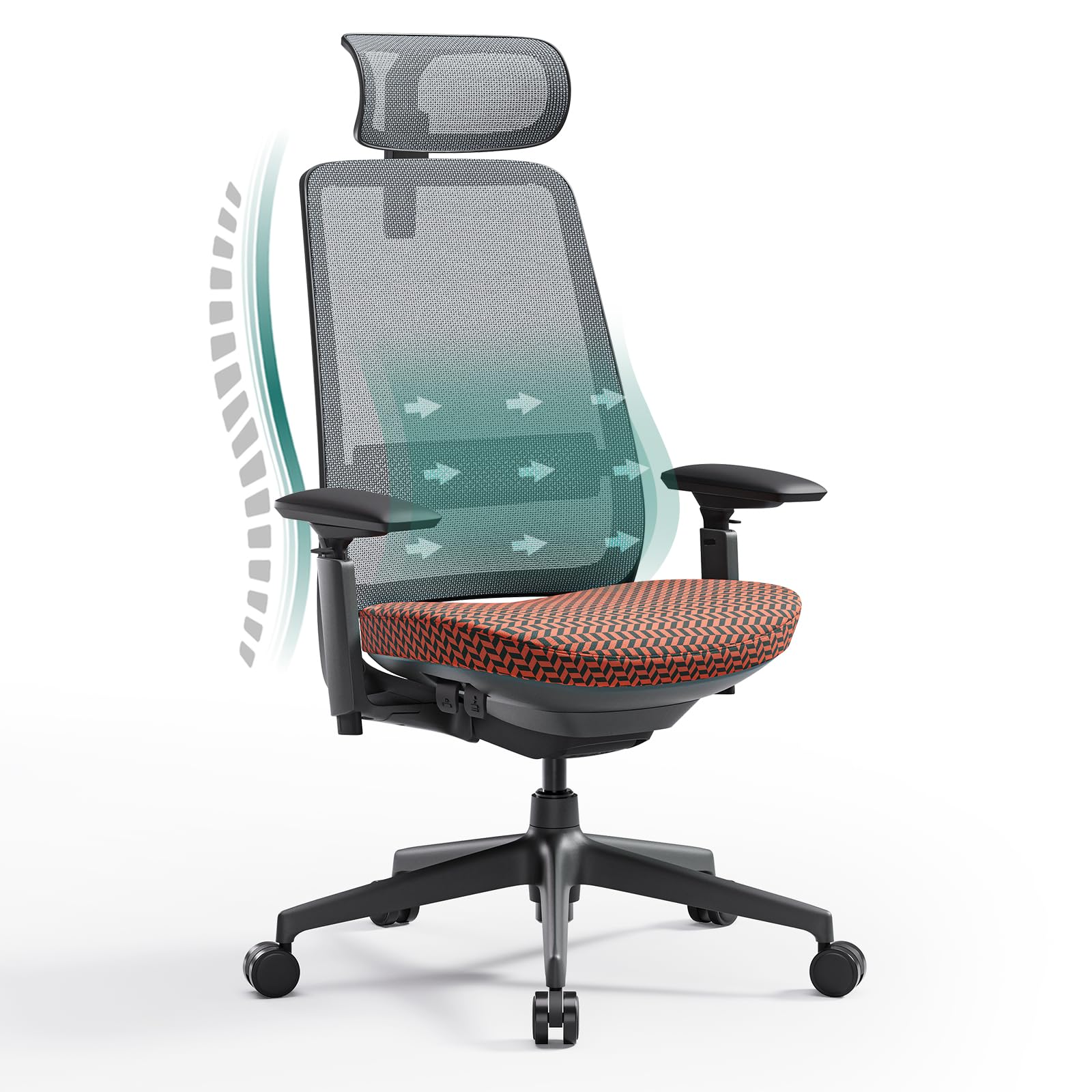
COLAMY
COLAMY Ergonomic Mesh Office Chair with Lumbar Support, High Back Office Chair for Home and Office (Coral)
How this calculator works
How is the ideal standing desk height calculated?
Standing elbow height is roughly 62% of your body height. A neutral typing position sits the desk top about an inch below that, so when your elbows bend at 90° your wrists rest flat. We round to the nearest tenth of an inch. The wrists-flat target matters because wrist extension while typing is the single biggest predictor of repetitive strain over time.
What sitting desk height is correct for me?
Assuming a chair seat near 17", a comfortable sitting desk top falls roughly 28–30" for most adults. Your sitting elbow height (about 40% of body height plus the seat) drives the precise target. The standard 29" fixed desk works for people 5'7" to 5'11"; outside that range, you'll want an adjustable desk or a keyboard tray.
Where should my monitor sit?
The top of your monitor should be at or just below eye level — about 50% of your body height above the seat when sitting, and ~93% of body height from the floor when standing. Looking slightly down at the screen reduces neck strain. Distance also matters: keep the screen ~20–28" from your eyes for typical 24–27" monitors.
Why is the recommended desk a range, not a single number?
Body proportions vary (some people have proportionally longer arms or torsos), footwear adds 0.5–1.5", and personal preference matters. The ±1" range covers comfortable typing for most people at the calculated height. If you wear thick-soled shoes when standing, plan for the upper end of the range.
How long should I stand vs. sit?
Aim for 30–60 minutes of standing per hour of work, not 8 hours straight. The benefit is in the transitions and posture variety, not in standing exclusively — prolonged standing has its own problems (varicose veins, foot fatigue, lower back strain). Most experts recommend a 1:1 or 2:1 sit-to-stand ratio.
Do I need an anti-fatigue mat?
If you stand more than 2 hours total per day, yes. A 3/4" to 1" foam mat shifts your weight subtly, engaging postural muscles and dramatically reducing foot and lower-back fatigue. Without one, most people quietly stop using their standing desk within a few weeks.
What's the right monitor arm height?
A monitor arm should put the top of the screen at eye level, with the screen tilted slightly back (10–15°). This means the arm should clamp to a sturdy desk edge and have enough range to drop several inches when sitting and rise a few inches when standing. Check your monitor's VESA pattern (75×75 or 100×100mm) before buying.
Why does my desk height matter for chair selection?
If your desk is fixed at 29" and you're short, you need a chair that adjusts high enough to bring your elbows to desk level — which then makes your feet dangle, so you need a footrest. The chair, desk, and footrest are a system. The calculator surfaces chairs whose seat-height range overlaps your sitting target.
Is a treadmill desk worth it?
For sustained focus work, no — typing accuracy drops 10–20% at 2+ mph walking speeds. For calls, video meetings, or reading, yes — slow walking (1–2 mph) is great for cognition. The typical setup is a slow-speed under-desk treadmill paired with a standing desk; budget ~$400–700 for the treadmill plus the desk.