Our Verdict
ieGeek 1080P Baby Monitor Wins
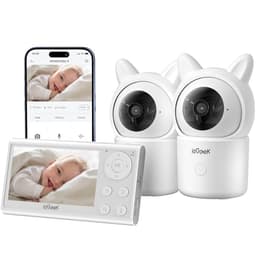
The ieGeek offers a more comprehensive feature set including remote pan/tilt/zoom, cry detection, and a temperature sensor at a significantly lower price of $109.99, compared to the Momcozy's $152.99. Its hybrid connection also provides greater flexibility. The Momcozy monitor is a better pick for users who prioritize a strictly local RF connection for maximum security and a slightly larger 5-inch screen, along with an impressive 11.5-hour parent unit battery life, and do not require advanced monitoring features like remote camera control or environmental sensors.
Bottom Line: ieGeek 1080P Baby Monitor is the better choice. The ieGeek offers a more comprehensive feature set including remote pan/tilt/zoom, cry detection, and a temperature sensor at a significantly lower price of $109.
In-Depth Analysis
How they compare in practice
The Momcozy BM01 and ieGeek 1080P Baby Monitor both provide essential 1080p video monitoring with two cameras and split-screen viewing, but their approaches to advanced features and connectivity create distinct user experiences. The most striking difference lies in the ieGeek's robust sensor suite and remote camera control. With pan, tilt, 4x zoom, and auto-tracking, the ieGeek gives parents unparalleled flexibility to adjust camera angles remotely, ensuring their baby is always in view without physically entering the nursery. This is a significant advantage over the Momcozy, which lacks any remote camera movement. Furthermore, the ieGeek integrates cry detection, motion, sound, and temperature alerts, offering a more comprehensive awareness of the nursery environment. The Momcozy, conversely, provides no such alerts or environmental monitoring.
Connectivity is another key differentiator based on priority specs. The Momcozy relies solely on a local RF connection, ensuring complete privacy and independence from home Wi-Fi networks. This is ideal for users wary of network vulnerabilities. The ieGeek, while offering local monitoring, also includes an optional mobile app connection, categorized as 'Hybrid.' This allows for remote viewing and control via a smartphone, though it requires a 2.4GHz Wi-Fi connection. This hybrid model offers more versatility for parents who wish to check in from outside the home or simply prefer using their smartphone. However, the Momcozy compensates with a superior stated battery life of 11.5 hours for its parent unit, likely outlasting the ieGeek's parent unit, especially if the mobile app is frequently used.
From a value perspective, the ieGeek emerges as the stronger contender. At $109.99, it bundles advanced features like remote PTZ, extensive alerts, and hybrid connectivity that are absent in the more expensive Momcozy ($152.99). While the Momcozy boasts a slightly larger 5-inch screen compared to ieGeek's 4.3-inch display and a stronger focus on local-only operation, the ieGeek's feature-rich design and lower price point make it a highly compelling option for most modern parents seeking comprehensive monitoring. The trade-off for the ieGeek might be the slightly smaller screen and the need for a 2.4GHz WiFi connection to utilize its mobile app functionality.
Key Differences
The most significant spec differences at a glance
Range
4% lessAdvantages
Where each product wins

ieGeek
- Range: 4% higher (960 vs 1000)
Which to Pick for Your Situation
Concrete scenarios with a clear recommendation
For multi-room monitoring with dynamic viewing needs
ieGeekThe ieGeek offers remote pan, tilt, and 4x zoom control, allowing parents to adjust camera angles from the parent unit or mobile app, unlike the static Momcozy cameras.
For maximum privacy and no internet reliance
MomcozyThe Momcozy features a strictly Local (RF) connection, ensuring all video feeds are private and do not transmit over Wi-Fi, enhancing security for wary parents.
For monitoring environmental conditions and baby's activity
ieGeekThe ieGeek includes cry detection, motion, sound, and a temperature sensor, providing comprehensive alerts that the Momcozy lacks.
For all-night monitoring without frequent recharging
MomcozyThe Momcozy boasts an impressive 11.5-hour battery life, ensuring uninterrupted monitoring throughout the night without needing to plug in the parent unit.
Who Should Buy Which?
Find the right product for your needs

Buy Momcozy if...
Momcozy Baby Monitor with
The Momcozy Momcozy Baby Monitor with 2 Cameras is ideal for parents who prioritize a secure, private, and strictly local monitoring experience. This buyer values peace of mind knowing their baby's feed is not transmitted over Wi-Fi, making its 'Local (RF)' connection type a key selling point. They might live in an area with unreliable internet or simply prefer to keep their home network completely separate from their baby monitoring. This user also appreciates a large, clear display for direct viewing, benefitting from the Momcozy's 5-inch 1080P screen. Furthermore, a parent who needs consistent, uninterrupted monitoring, especially overnight, will appreciate the exceptional 11.5-hour battery life of the parent unit, minimizing the need for frequent recharges. They are willing to forego advanced features like remote pan/tilt, motion/sound alerts, or temperature sensors in favor of core reliability and robust battery performance, seeing these as non-essential frills for their specific needs.

Buy ieGeek if...
ieGeek 1080P Baby Monitor
The ieGeek 1080P Baby Monitor with 2 Cameras is perfectly suited for modern parents seeking a feature-rich, versatile, and budget-friendly monitoring solution. This buyer desires comprehensive awareness of their baby's environment and values the flexibility to adjust cameras remotely, making the 'pan_tilt_zoom' functionality a top priority. They appreciate the ability to receive 'cry_detection' and 'temperature_sensor' alerts directly, offering a more proactive approach to baby care. The 'Hybrid' connection type is also a significant draw, allowing them to monitor from the dedicated parent unit at home or conveniently check in via a smartphone app when away. This user is comfortable with utilizing a 2.4GHz WiFi connection for the app's extended capabilities. They are looking for maximum utility and advanced features without a premium price tag, as the ieGeek offers these benefits at $109.99, understanding that a slightly smaller 4.3-inch screen or not including an SD card are minor trade-offs for the extensive control and monitoring capabilities provided.
Spec Comparison
11 specs compared
| Specification |  |  |
|---|---|---|
| Price | $153 | $110 |
| Rating | 4.5(940) | 4.3(625) |
| Connection | Local (RF) | Hybrid |
| Battery Life | 11.5 hrs | — |
| Range Ft | 960 | 1000 |
| Weight | 3.14 lbs | — |
| Night Vision | Yes | Yes |
| Two Way Audio | Yes | Yes |
| Video Resolution P | 1080 | 1080 |
| Subscription Required | No | No |
| Cry Detection | — | Yes |
| Pan Tilt Zoom | — | Yes |
| Temperature Sensor | — | Yes |
Swipe horizontally to see all columns
Pros & Cons
Quick overview of strengths and weaknesses
Momcozy Baby Monitor
- Split screen monitors two separate areas.
- 1080p HD resolution delivers clear video feed.
- 11.5-hour battery life enables all-night monitoring.
- No WiFi connection ensures private, secure feed.
- No remote pan/tilt camera control.
- Lacks room temperature monitoring feature.
- No motion or sound detection alerts provided.
ieGeek 1080P Baby
- Two 1080p cameras with split-screen viewing.
- Pan, tilt, 4x zoom, and auto-tracking included.
- Local monitor & mobile app, no monthly fees.
- Motion, sound, temp, humidity alerts.
- SD card not included for local recording.
- Mobile app requires 2.4GHz WiFi connection.
- Parent unit screen size is 4.3 inches.
Frequently Asked Questions
Common questions about this comparison
Does either monitor offer remote pan and tilt functionality?
Yes, the ieGeek monitor provides remote pan, tilt, and 4x zoom, allowing you to adjust the camera's view from the parent unit or mobile app. The Momcozy monitor does not offer this feature.
What is the battery life of the parent unit for each monitor?
The Momcozy parent unit offers an impressive 11.5 hours of battery life, ideal for extended use. The ieGeek's specific battery life is not provided, but may vary depending on usage with its hybrid connection.
Do these monitors include a temperature sensor for the nursery?
Only the ieGeek 1080P Baby Monitor includes a temperature sensor, allowing you to monitor the room's climate. The Momcozy BM01 does not feature room temperature monitoring.
What type of connection do these baby monitors use?
The Momcozy uses a strictly local (RF) connection for maximum privacy. The ieGeek uses a hybrid connection, offering local monitoring via the parent unit and an optional mobile app connection requiring 2.4GHz WiFi.
Are there any subscription fees required for either monitor?
Neither the Momcozy BM01 nor the ieGeek 1080P Baby Monitor requires any subscription fees for their functionality, ensuring a one-time purchase for monitoring needs.
Related Comparisons
Similar products people compare
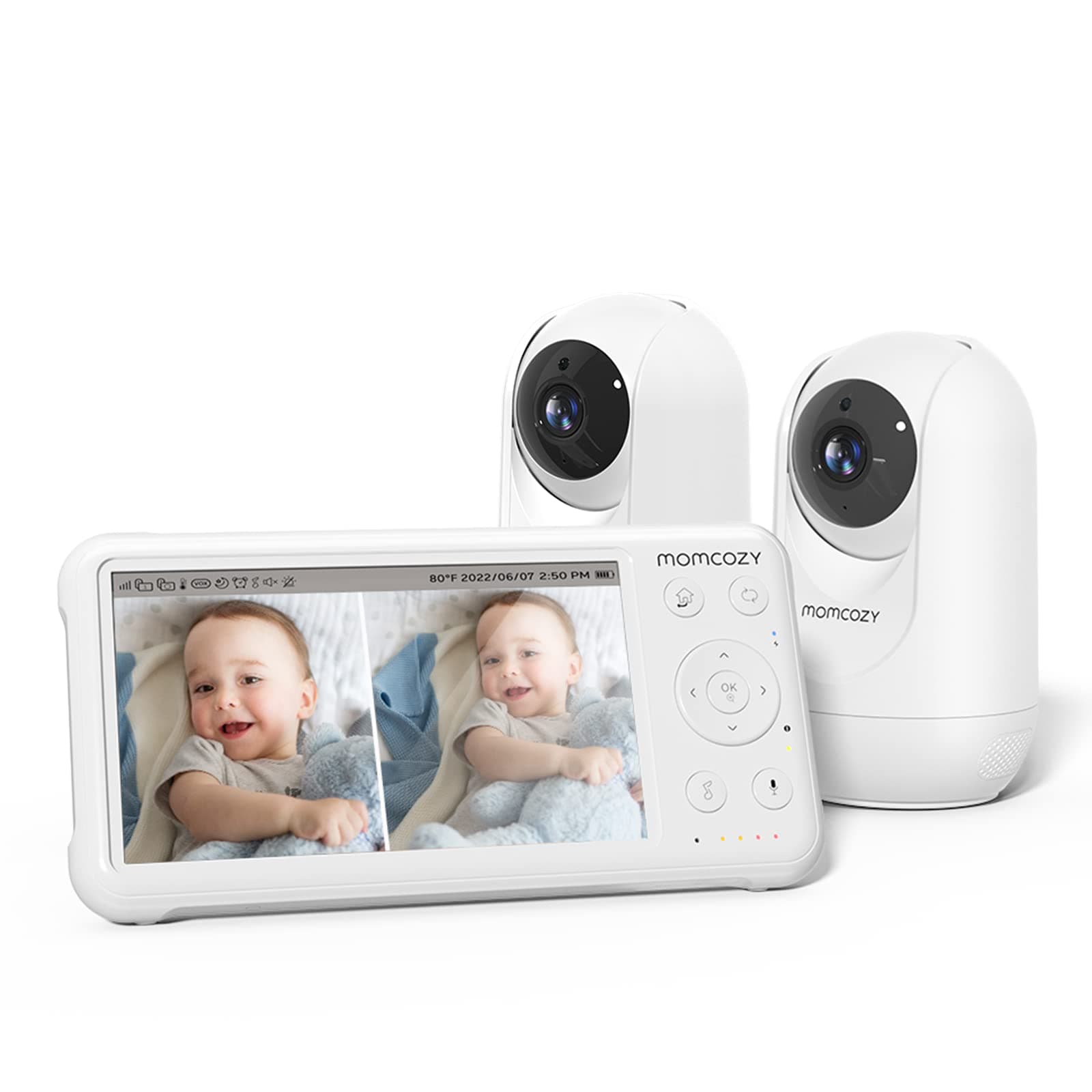
JolyWell vs Momcozy
$150 vs $153
Comfyer vs ieGeek
$117 vs $110
Dr.Care vs ieGeek
$130 vs $110
Babysense vs ieGeek
$128 vs $110
Comfyer vs Momcozy
$117 vs $153
Babysense vs Momcozy
$160 vs $153
Babysense vs Momcozy
$180 vs $153
ieGeek vs kokit
$110 vs $150
VTech vs ieGeek
$93 vs $110
Momcozy vs Momcozy
$153 vs $170
Dr.Care vs Momcozy
$130 vs $153
iFamily vs ieGeek
$120 vs $110
JolyWell vs ieGeek
$150 vs $110
ARENTI vs ieGeek
$130 vs $110
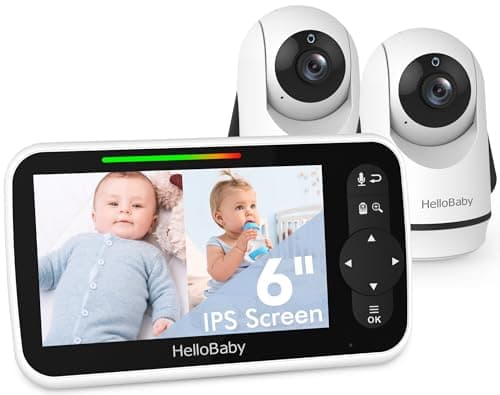
HelloBaby vs ieGeek
$120 vs $110
Explore Other Categories
Popular comparisons across the site
Ask AI
Get instant answers about specs
Get the Deets
Ask our AI assistant
Ask Deets anything!